Questions as text
Q1 · An examination board uses mail merge to create letters to send to candidates by email 9626/32 May/June 2017
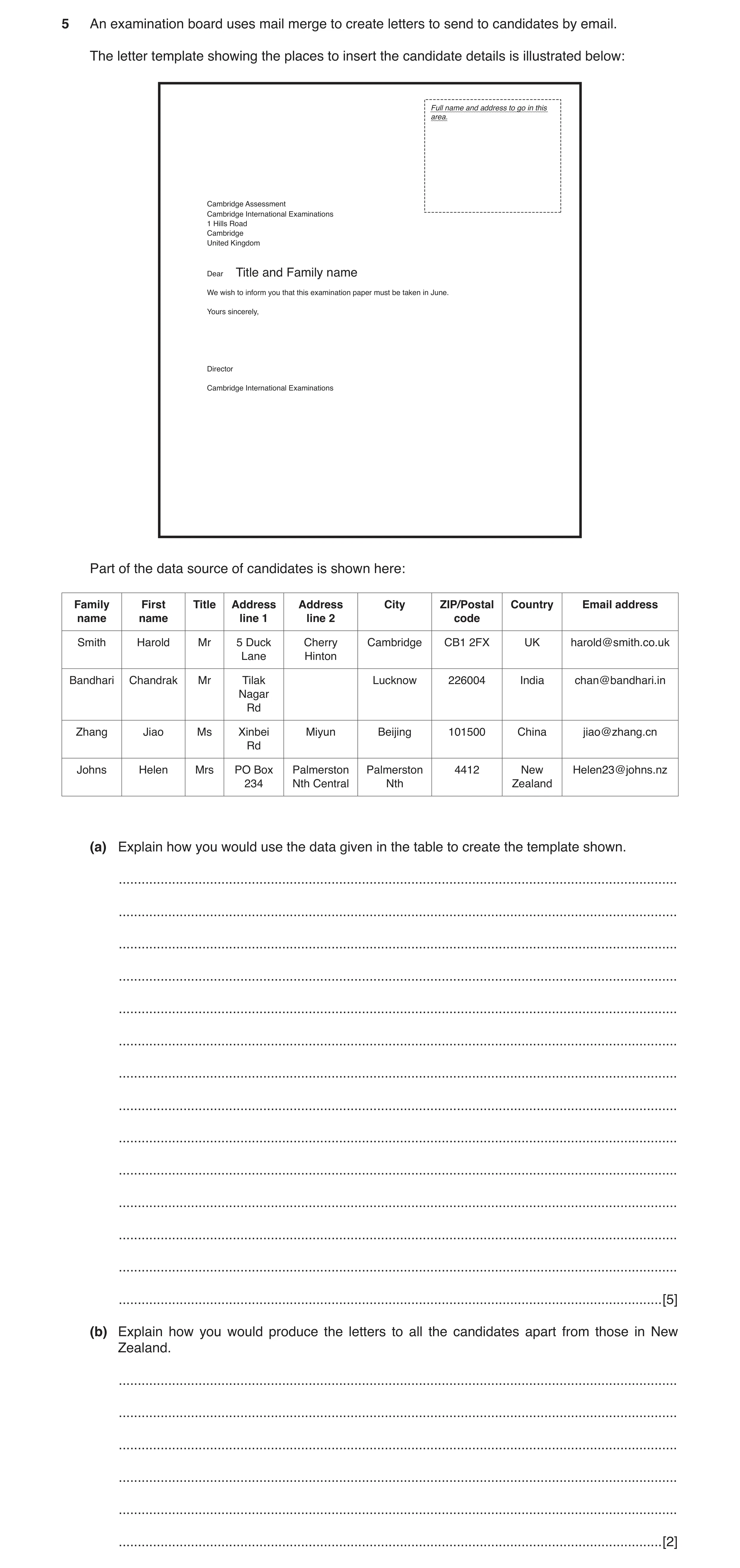
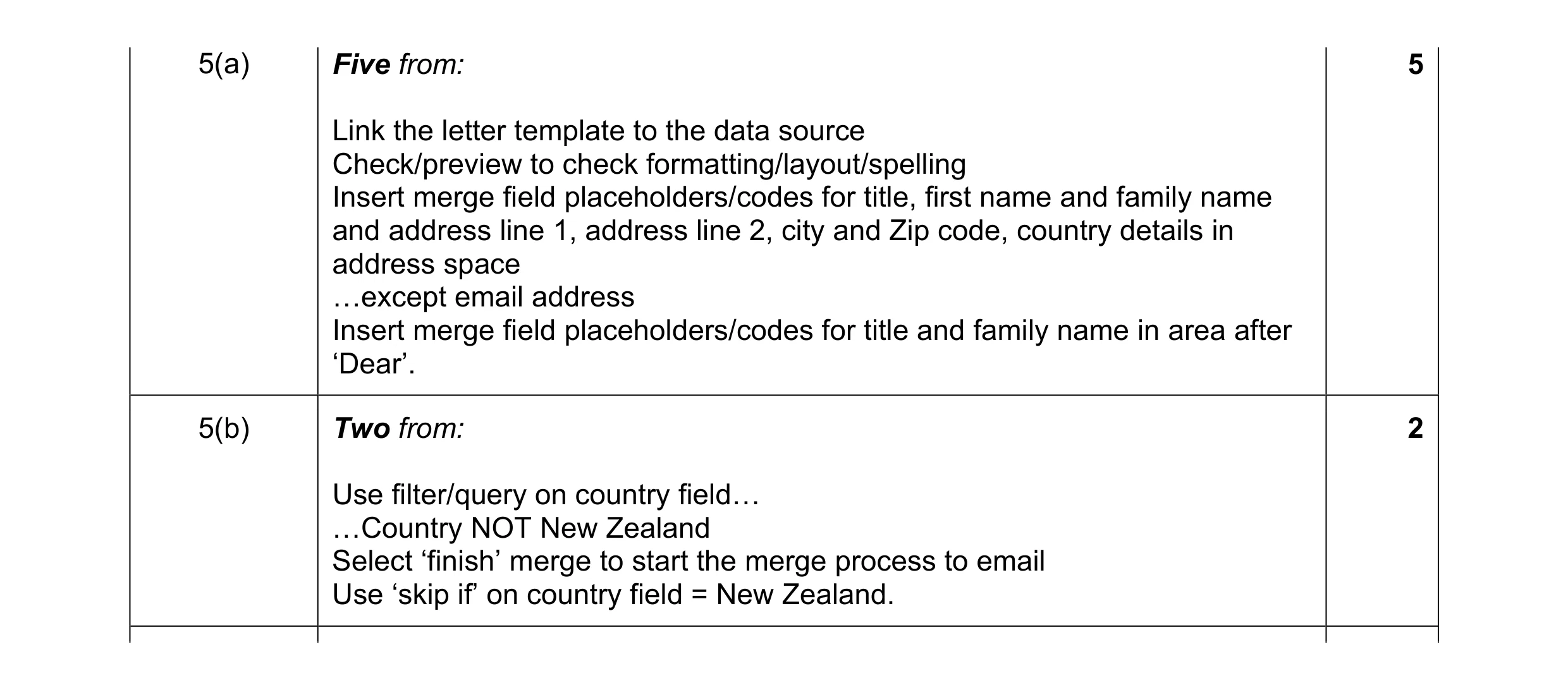
5 An examination board uses mail merge to create letters to send to candidates by email. The letter template showing the places to insert the candidate details is illustrated below: Full name and address to go in this area. Cambridge Assessment Cambridge International Examinations 1 Hills Road Cambridge United Kingdom Dear Title and Family name We wish to inform you that this examination paper must be taken in June. Yours sincerely, Director Cambridge International Examinations Part of the data source of candidates is shown here: Family First Title Address Address City ZIP/Postal Country Email address name name line 1 line 2 code Smith Harold Mr 5 Duck Cherry Cambridge CB1 2FX UK harold@smith.co.uk Lane Hinton Bandhari Chandrak Mr Tilak Lucknow 226004 India chan@bandhari.in Nagar Rd Zhang Jiao Ms Xinbei Miyun Beijing 101500 China jiao@zhang.cn Rd Johns Helen Mrs PO Box Palmerston Palmerston 4412 New Helen23@johns.nz 234 Nth Central Nth Zealand (a) Explain how you would use the data given in the table to create the template shown. … … … … … … … … … … … … … … [5] (b) Explain how you would produce the letters to all the candidates apart from those in New Zealand. … … … … … … [2]
7 marks
Mark scheme: 5(a) Five from: 5 Link the letter template to the data source Check/preview to check formatting/layout/spelling Insert merge field placeholders/codes for title, first name and family name and address line 1, address line 2, city and Zip code, country details in address space «except email address Insert merge field placeholders/codes for title and family name in area after ‘Dear’. 5(b) Two from: 2 Use filter/query on country field« «Country NOT New Zealand Select ‘finish’ merge to start the merge process to email Use ‘skip if’ on country field = New Zealand.
This question in 9626/32 May/June 2017
Q2 · A global company has many managers in cities around the world 9626/32 Feb/March 2018
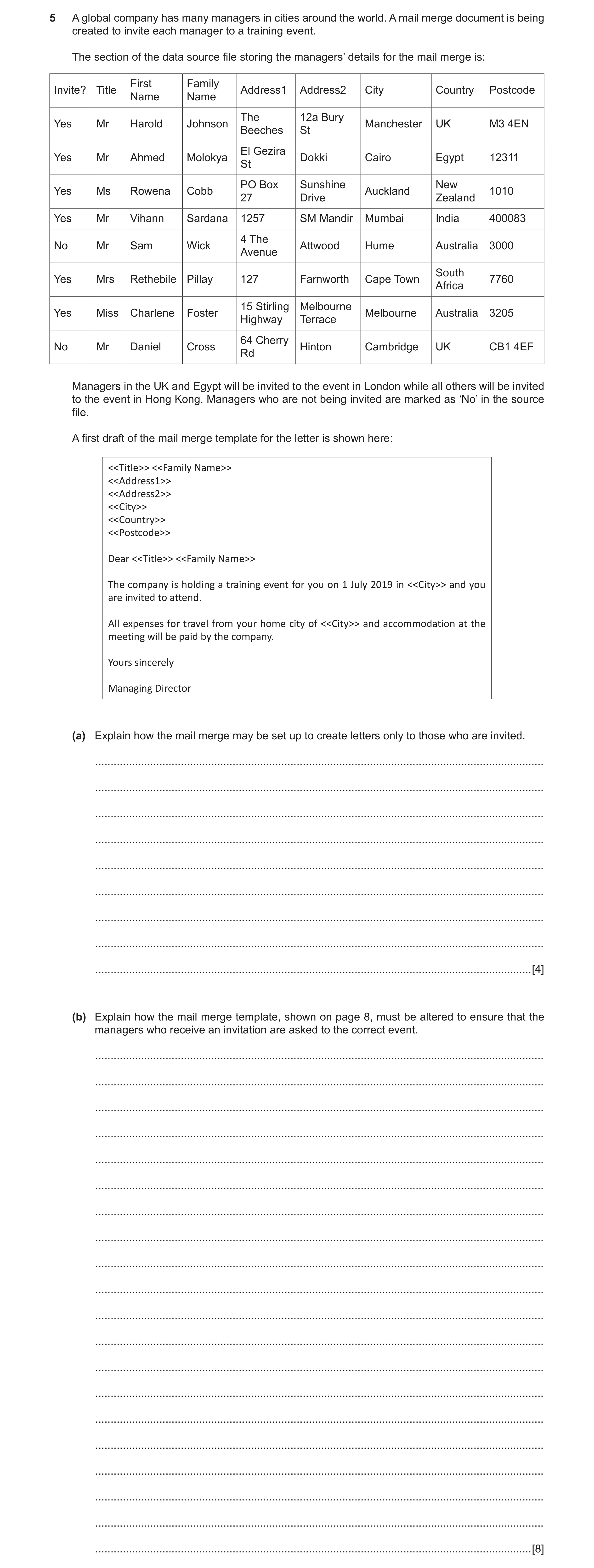
5 A global company has many managers in cities around the world. A mail merge document is being created to invite each manager to a training event. The section of the data source file storing the managers’ details for the mail merge is: First Family Invite? Title Address1 Address2 City Country Postcode Name Name The 12a Bury Yes Mr Harold Johnson Manchester UK M3 4EN Beeches St El Gezira Yes Mr Ahmed Molokya Dokki Cairo Egypt 12311 St PO Box Sunshine New Yes Ms Rowena Cobb Auckland 1010 27 Drive Zealand Yes Mr Vihann Sardana 1257 SM Mandir Mumbai India 400083 4 The No Mr Sam Wick Attwood Hume Australia 3000 Avenue South Yes Mrs Rethebile Pillay 127 Farnworth Cape Town 7760 Africa 15 Stirling Melbourne Yes Miss Charlene Foster Melbourne Australia 3205 Highway Terrace 64 Cherry No Mr Daniel Cross Hinton Cambridge UK CB1 4EF Rd Managers in the UK and Egypt will be invited to the event in London while all others will be invited to the event in Hong Kong. Managers who are not being invited are marked as ‘No’ in the source file. A first draft of the mail merge template for the letter is shown here: <<Title>> <<Family Name>> <<Address1>> <<Address2>> <<City>> <<Country>> <<Postcode>> Dear <<Title>> <<Family Name>> The company is holding a training event for you on 1 July 2019 in <<City>> and you are invited to attend. All expenses for travel from your home city of <<City>> and accommodation at the meeting will be paid by the company. Yours sincerely Managing Director (a) Explain how the mail merge may be set up to create letters only to those who are invited. … … … … … … … … … [4] (b) Explain how the mail merge template, shown on page 8, must be altered to ensure that the managers who receive an invitation are asked to the correct event. … … … … … … … … … … … … … … … … … … … … [8]
12 marks
Mark scheme: 5(a) Four from: 4 Filter/select the records in the data source on Invite? field To remove the “No” /”Yes” are selected Create new data source of “Yes” invites Use new source file for the mail merge. OR Use SKIPIF function in a merge field To skip “No” in Invite? field so that these are not used in the merge Example code: { SKIPIF "{ MERGEFIELD Invite? }" = "No" } Place the SKIPIF field at beginning of the template So the record is ignored early in process. 5(b) Eight from: 8 Replace the second <<City>> field/<<City>> field in body of letter As this does not show correct city for meeting but repeats the address city Insert variable field in place of this field to select meeting city based on Country field Use a nested IF Comparing Country with UK and with Egypt to select “London” as meeting city If neither match then Hong Kong is selected as meeting city Example code: { IF { MERGEFIELD Country} = “UK” “London” {IF { MERGEFIELD Country } = “Egypt” “London” “Hong Kong”} } Allow 1 mark for { IF { MERGEFIELD Country} = “UK” “London” Allow 1 mark for {IF { MERGEFIELD Country } = “Egypt” “London” “Hong Kong”} }
This question in 9626/32 Feb/March 2018
Q3 · A company stores details of its customers in a database which is to be used as the source… 9626/31 May/June 2018
1 A company stores details of its customers in a database which is to be used as the source file for a mail merge. A letter, created as the master document, is to be sent to all the customers by post or by email. The company prefers to send the letter by email. However, letters will be sent by post if the company does not have a current email address for the customer in its database. Describe how a mail merge field in the master document can be set up to exclude those customers whose email address is not stored in the database. … … … … … … … … … [4]
4 marks
Mark scheme: Question Answer Marks 1 Four from: 4 Open master document/letter Insert (new) merge field at appropriate position Either: Insert SKIPIF merge command/skip record if Select merge field ‘email’ Set comparison to ‘is blank’/not present. Or, if attempt at writing a merge field, max 2: The mergefield formula is: {SKIPIF {MERGEFIELD email field} = “” } Marks awarded : {SKIPIF = “” } {MERGEFIELD email field}
This question in 9626/31 May/June 2018
Q4 · When creating company documents for use in mail merge, staff must try to ensure that the… 9626/31 May/June 2020
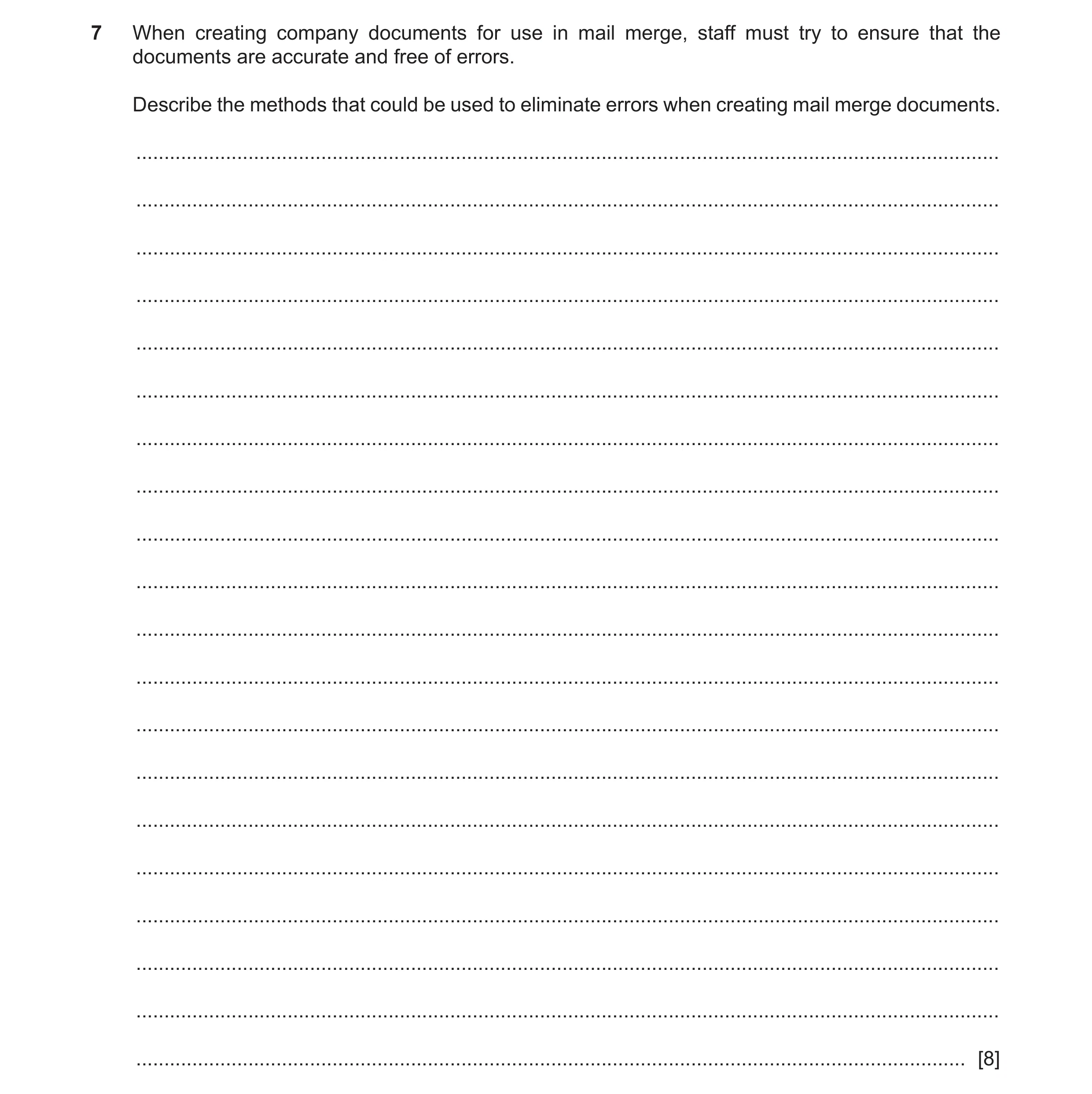
7 When creating company documents for use in mail merge, staff must try to ensure that the documents are accurate and free of errors. Describe the methods that could be used to eliminate errors when creating mail merge documents. … … … … … … … … … … … … … … … … … … … … [8]
8 marks
Mark scheme: 7 Eight from: 8 Use of tools in WP/DTP/applications to check for spelling errors. Use of tools in WP/DTP/applications to check for grammatical/punctuation errors. Description of use of tool e.g. select area/text and check then correct errors. (Proof)read the documents to check for comprehensiveness/all the required information is present. Use of verification techniques to check for accuracy of data entry. Use of validation techniques to ensure data is sensible/acceptable. Check that the source document/file is correct/accurate/complete. Check that the correct merge fields are in the correct/intended place. Check the merge fields rules/code for accuracy/correctness/is working properly. Check for correct/appropriate spacing when document is merged. Check merge fields for correct/appropriate formatting that fits in with final document.
This question in 9626/31 May/June 2020
Q5 · When creating company documents for use in mail merge, staff must try to ensure that the… 9626/33 May/June 2020
7 When creating company documents for use in mail merge, staff must try to ensure that the documents are accurate and free of errors. Describe the methods that could be used to eliminate errors when creating mail merge documents. … … … … … … … … … … … … … … … … … … … … [8]
8 marks
Mark scheme: 7 Eight from: 8 Use of tools in WP/DTP/applications to check for spelling errors. Use of tools in WP/DTP/applications to check for grammatical/punctuation errors. Description of use of tool e.g. select area/text and check then correct errors. (Proof)read the documents to check for comprehensiveness/all the required information is present. Use of verification techniques to check for accuracy of data entry. Use of validation techniques to ensure data is sensible/acceptable. Check that the source document/file is correct/accurate/complete. Check that the correct merge fields are in the correct/intended place. Check the merge fields rules/code for accuracy/correctness/is working properly. Check for correct/appropriate spacing when document is merged. Check merge fields for correct/appropriate formatting that fits in with final document.
This question in 9626/33 May/June 2020
Q6 · When creating letters by mail merge, mail merge rules can be used to automatically select… 9626/33 Oct/Nov 2020
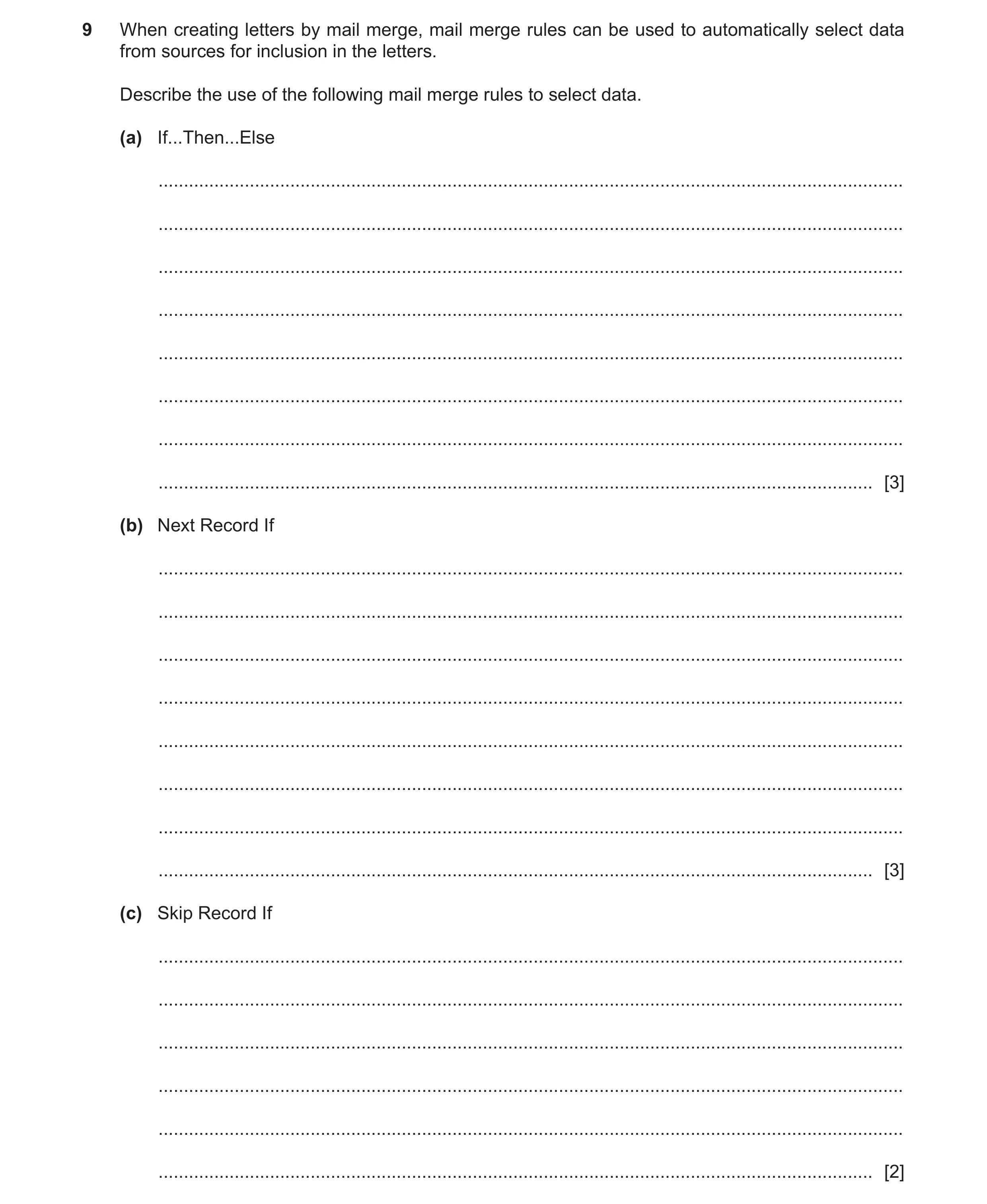
9 When creating letters by mail merge, mail merge rules can be used to automatically select data from sources for inclusion in the letters. Describe the use of the following mail merge rules to select data. (a) If...Then...Else … … … … … … … … [3] (b) Next Record If … … … … … … … … [3] (c) Skip Record If … … … … … … [2]
8 marks
Mark scheme: 9(a) A condition that needs to be met is defined 3 If the defined condition is met, then specific information is selected If the defined condition is not met, then different information is selected 9(b) Three from: 3 Used to compare two values Compares the contents of the data field and a value Can use different comparison operators, e.g. equal to Result of comparison determines whether or not the next record should be merged into the document. 9(c) Used to compare the contents of a data field to a value 2 If the comparison is true, the current data record is not included in the letter/is omitted/skip to next record.
This question in 9626/33 Oct/Nov 2020
Q7 · A director of a company has many managers to supervise 9626/31 May/June 2023
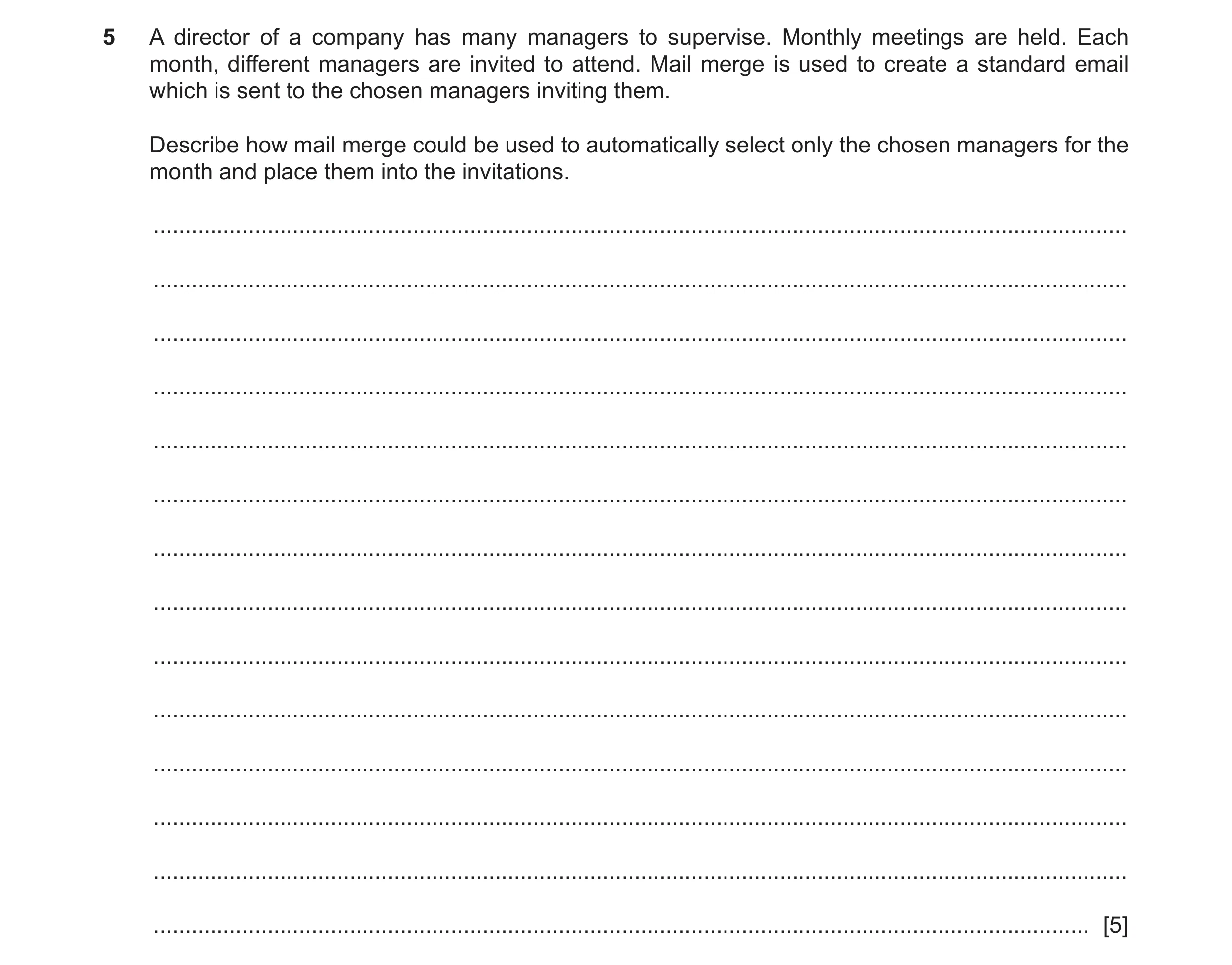
5 A director of a company has many managers to supervise. Monthly meetings are held. Each month, different managers are invited to attend. Mail merge is used to create a standard email which is sent to the chosen managers inviting them. Describe how mail merge could be used to automatically select only the chosen managers for the month and place them into the invitations. … … … … … … … … … … … … … … [5]
5 marks
Mark scheme: 5 Five from: 5 Use of source file/database/spreadsheet of names/mailing list/managers linked to master document Master document with body of invitation has fields placed in appropriate locations Use of IF field/nested IF to match names/managers with (condition)/ valid example e.g. { IF {MERGEFIELD Manager_Type } = "Month" } Use SKIPIF/SKIP RECORD IF field to skip/move over records that are not managers/valid example e.g. {SKIPIF «Manager_Type»}<> {=«Month»}} Use NEXT RECORD IF field to compare manager type and move if not Month/valid example Can be selected with SQL SELECT from source file/database/spreadsheet of names.
This question in 9626/31 May/June 2023
Q8 · A director of a company has many managers to supervise 9626/33 May/June 2023
5 A director of a company has many managers to supervise. Monthly meetings are held. Each month, different managers are invited to attend. Mail merge is used to create a standard email which is sent to the chosen managers inviting them. Describe how mail merge could be used to automatically select only the chosen managers for the month and place them into the invitations. … … … … … … … … … … … … … … [5]
5 marks
Mark scheme: 5 Five from: 5 Use of source file/database/spreadsheet of names/mailing list/managers linked to master document Master document with body of invitation has fields placed in appropriate locations Use of IF field/nested IF to match names/managers with (condition)/ valid example e.g. { IF {MERGEFIELD Manager_Type } = "Month" } Use SKIPIF/SKIP RECORD IF field to skip/move over records that are not managers/valid example e.g. {SKIPIF «Manager_Type»}<> {=«Month»}} Use NEXT RECORD IF field to compare manager type and move if not Month/valid example Can be selected with SQL SELECT from source file/database/spreadsheet of names.
This question in 9626/33 May/June 2023
Q9 · A company holds special events for selected customers on various dates throughout the year 9626/31 Oct/Nov 2023
2 A company holds special events for selected customers on various dates throughout the year. Source documents of customer lists are used to create customised invitations by mail merge. (a) Explain why source documents are proof read manually to try to ensure that the final versions are accurate and error-free. … … … … … … … … [3] (b) Explain how a merge field can be used to prompt for and insert the date of the special event in the invitations when they are produced. … … … … … … … … … … [4]
7 marks
Mark scheme: 2(a) Three from: 3 • Software tools do not check for artistic/author styles (Manual proof-reading) checks for: • for content issues/check that all necessary content is present • no unnecessary content is included • confusion between homophones • correct use of indefinite/definite articles/prepositions • misplaced punctuations/commas/hyphens/apostrophes • consistency in styles/conventions/number notation/date format • correct formatting of quotations and citations • inconsistent paragraph indentation and spacing • missing or misplaced page numbers, headers and footers • no unnecessary duplication of content • correct regional spelling/grammar/syntax is being used • correct context. 2(b) Four from: 4 • Use of fill-in field in the location of required date data • Can be set up to prompt for input of date • Set up to only request date once • Syntax is { FILLIN ["Prompt "] [Optional switches ] } • Prompt shows text to appear to user as merge proceeds • Optional switches determine how the typed in text is used • \d "" provides a default text within the quotes if no user input is provided • \o ensures that the text entered at prompt is only requested once and then appears in all subsequent merged invitations.
This question in 9626/31 Oct/Nov 2023
Q10 · A company holds special events for selected customers on various dates throughout the year 9626/33 Oct/Nov 2023
2 A company holds special events for selected customers on various dates throughout the year. Source documents of customer lists are used to create customised invitations by mail merge. (a) Explain why source documents are proof read manually to try to ensure that the final versions are accurate and error-free. … … … … … … … … [3] (b) Explain how a merge field can be used to prompt for and insert the date of the special event in the invitations when they are produced. … … … … … … … … … … [4]
7 marks
Mark scheme: 2(a) Three from: 3 • Software tools do not check for artistic/author styles (Manual proof-reading) checks for: • for content issues/check that all necessary content is present • no unnecessary content is included • confusion between homophones • correct use of indefinite/definite articles/prepositions • misplaced punctuations/commas/hyphens/apostrophes • consistency in styles/conventions/number notation/date format • correct formatting of quotations and citations • inconsistent paragraph indentation and spacing • missing or misplaced page numbers, headers and footers • no unnecessary duplication of content • correct regional spelling/grammar/syntax is being used • correct context. 2(b) Four from: 4 • Use of fill-in field in the location of required date data • Can be set up to prompt for input of date • Set up to only request date once • Syntax is { FILLIN ["Prompt "] [Optional switches ] } • Prompt shows text to appear to user as merge proceeds • Optional switches determine how the typed in text is used • \d "" provides a default text within the quotes if no user input is provided • \o ensures that the text entered at prompt is only requested once and then appears in all subsequent merged invitations.
This question in 9626/33 Oct/Nov 2023
Q11 · A mobile (cell) phone service provider is sending emails to all of its customers 9626/33 May/June 2025
4 A mobile (cell) phone service provider is sending emails to all of its customers. The email informs each customer of changes to their individual contract. Justify the use of mail merge to create the emails. … … … … … … … … … … … … … … [6]
6 marks
Mark scheme: 4 Command word: Justify - support a case with evidence / argument. 6 SIX from, e.g.: • Saves time when creating large numbers of multiple personised documents • Only need to create one master document • Only need to create / keep / maintain one data source • Letters / emails and addresses automatically compiled and sent • Only need to edit / update the master / source documents • Less documents to (error) check / proofread • Documents are personised (to individual customers) • Reduces risk of errors / typos / incorrect information / missing information • Reduces possibility of personal details going to other / wrong customers • Ensures use of company style on all documents sent out • Consistent layout / format of document
This question in 9626/33 May/June 2025
 4 / 12
 5 / 12
 6 / 12
 7 / 12
 8 / 12
 9 / 12
 10 / 12
 11 / 12
 12 / 12
 7
7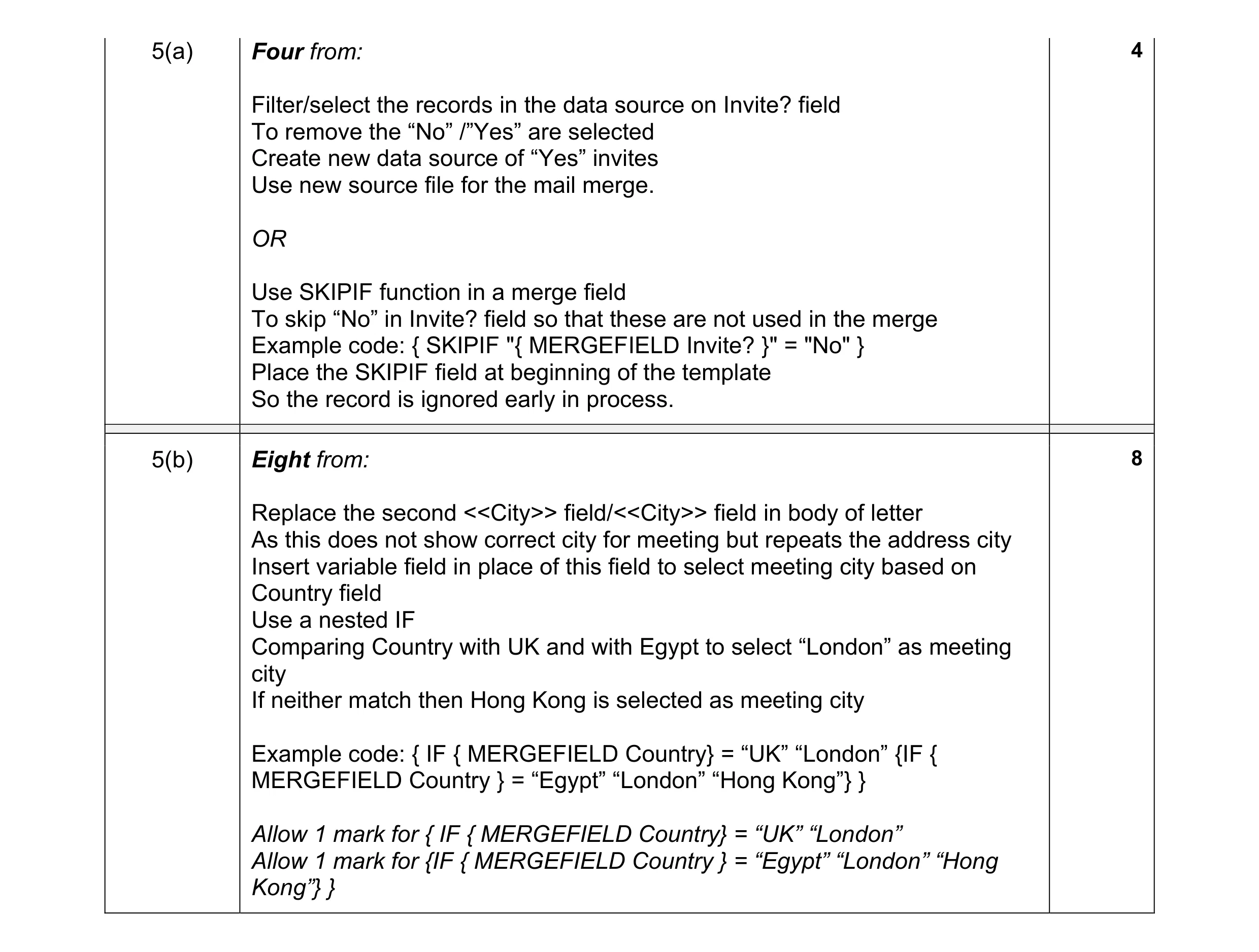 12
12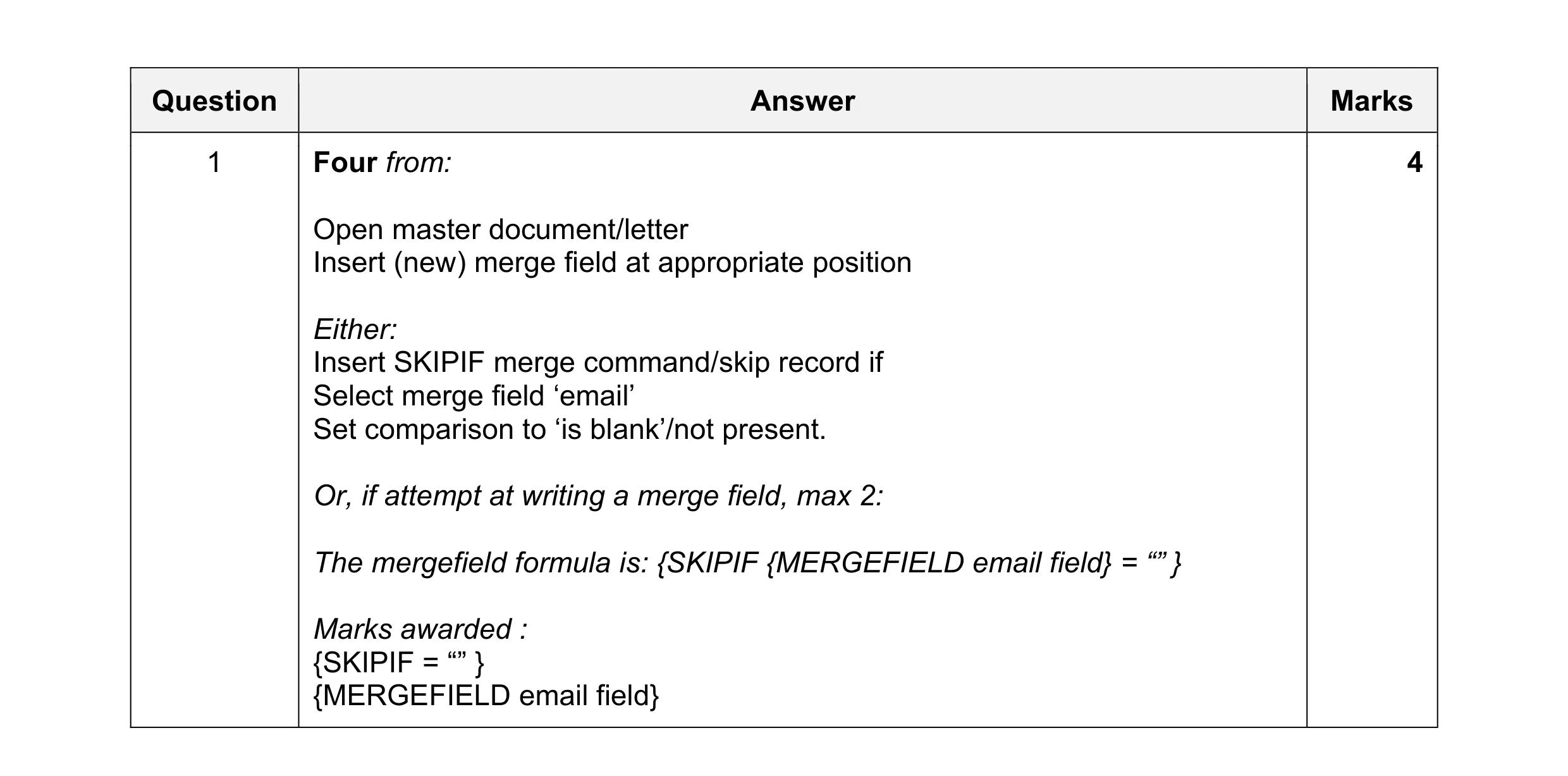 4
4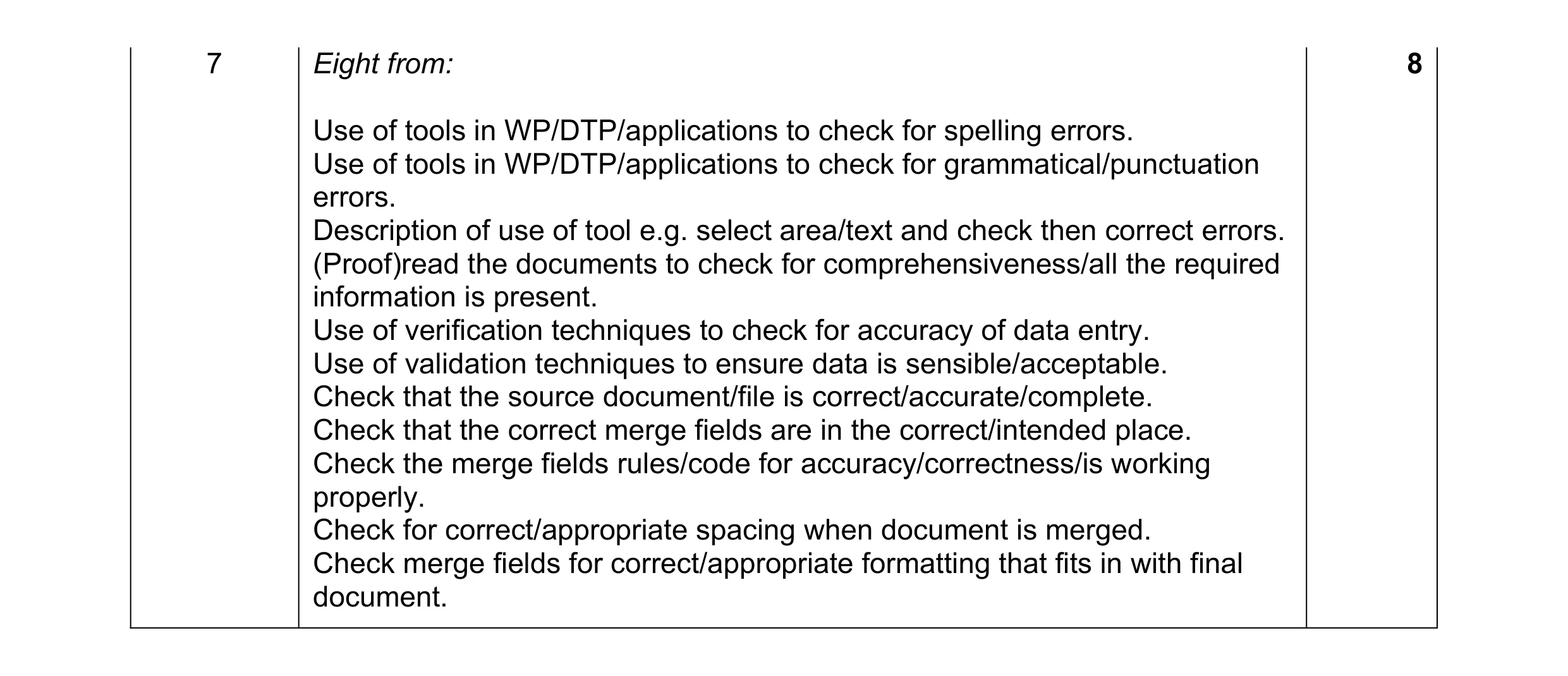 8
8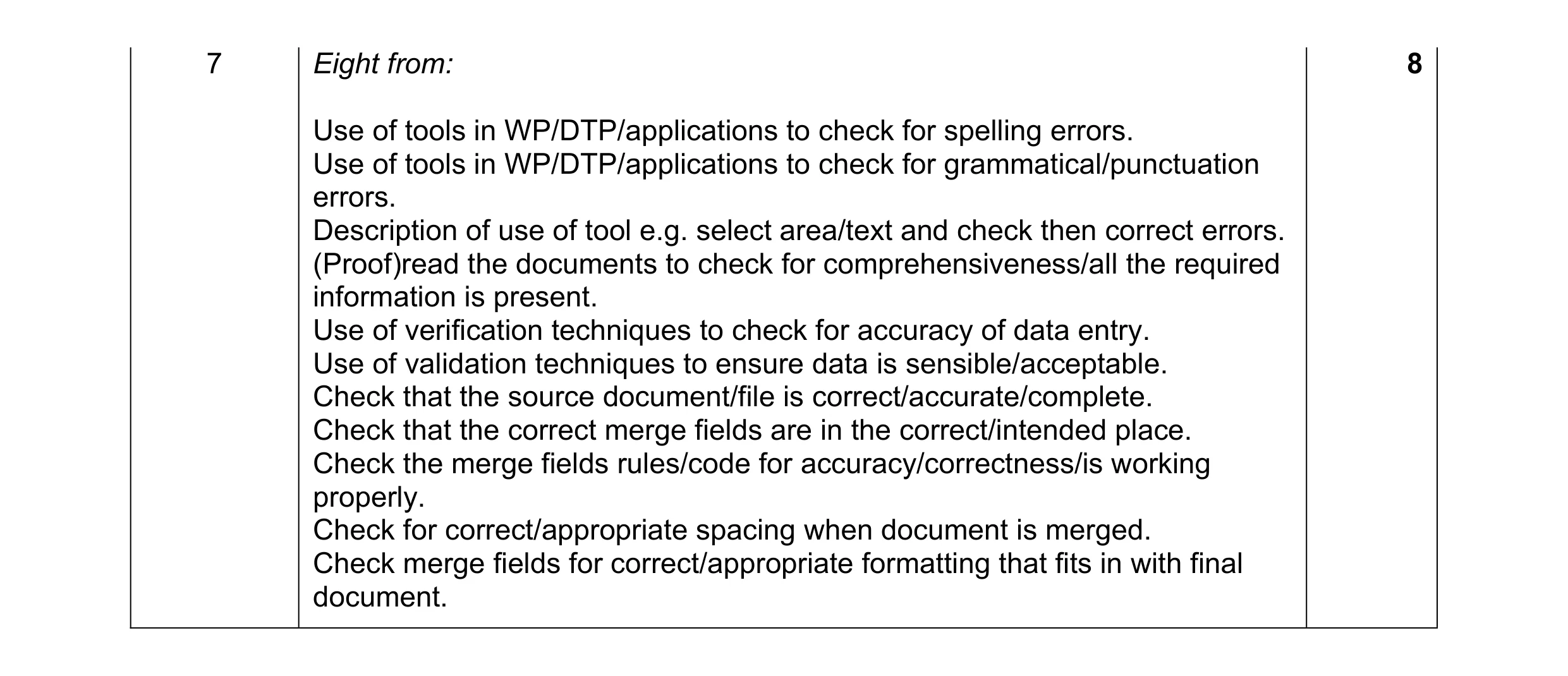 8
8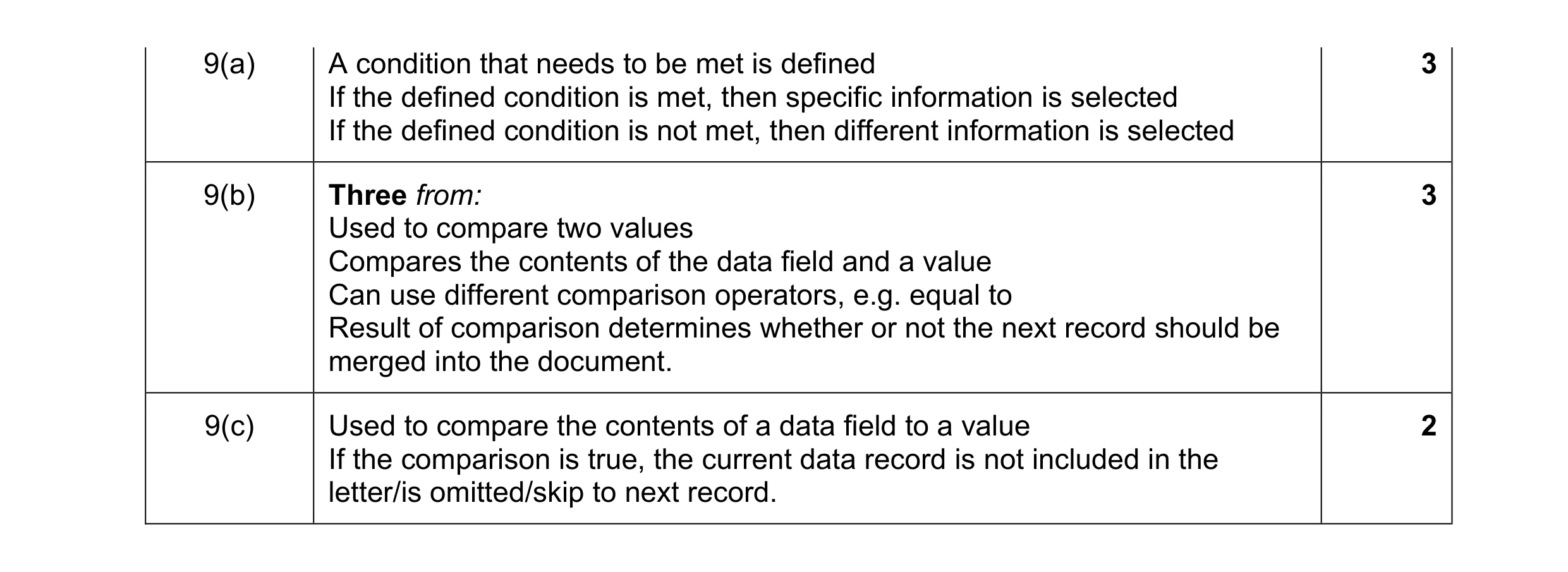 8
8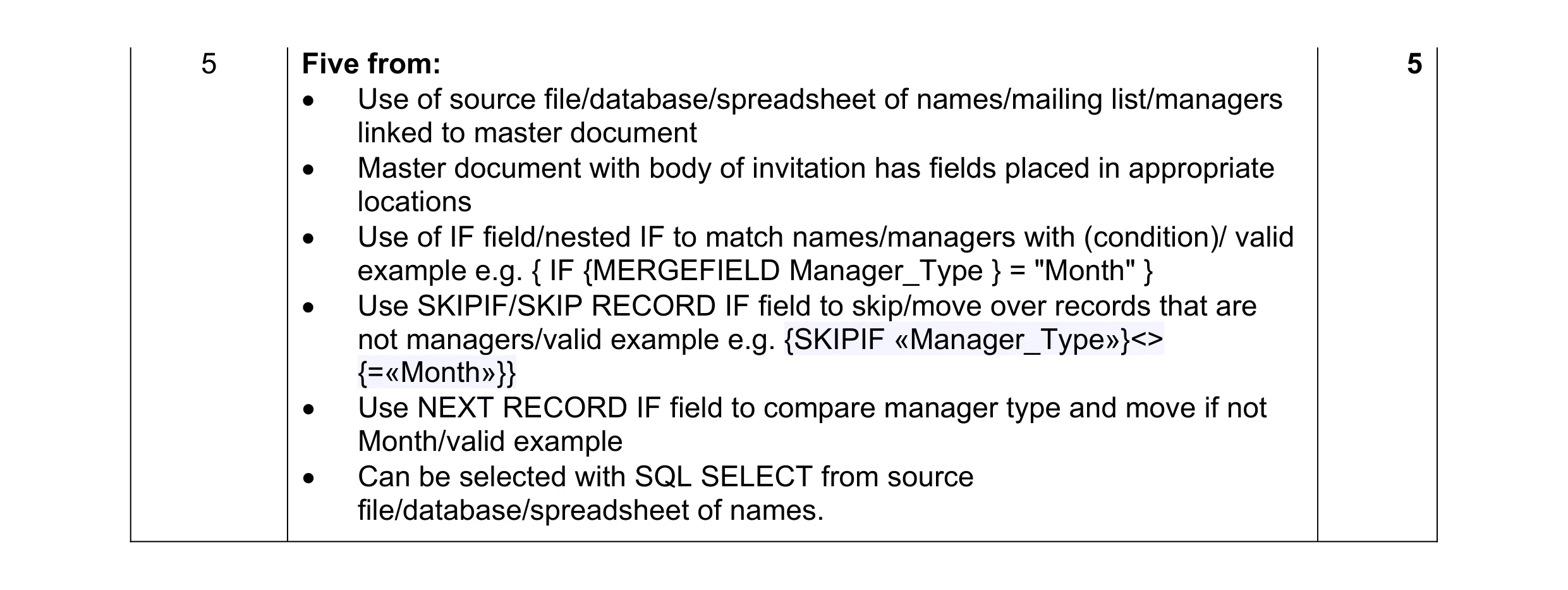 5
5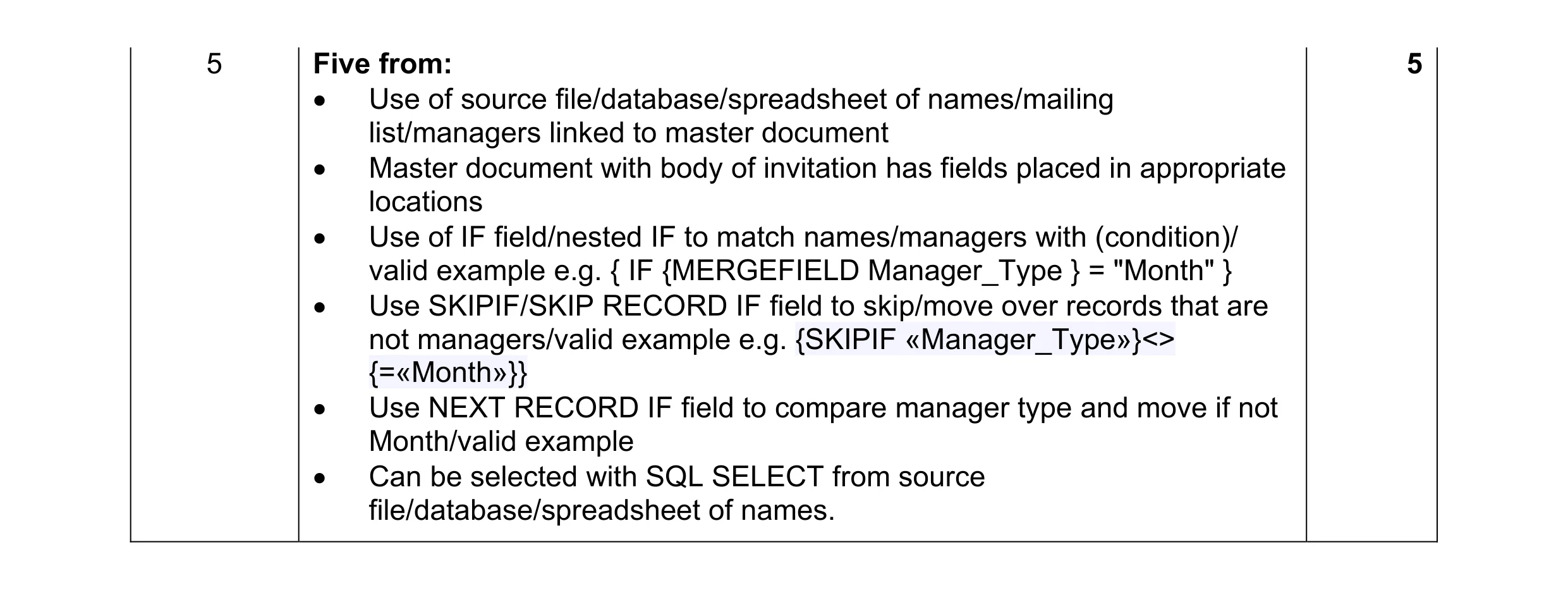 5
5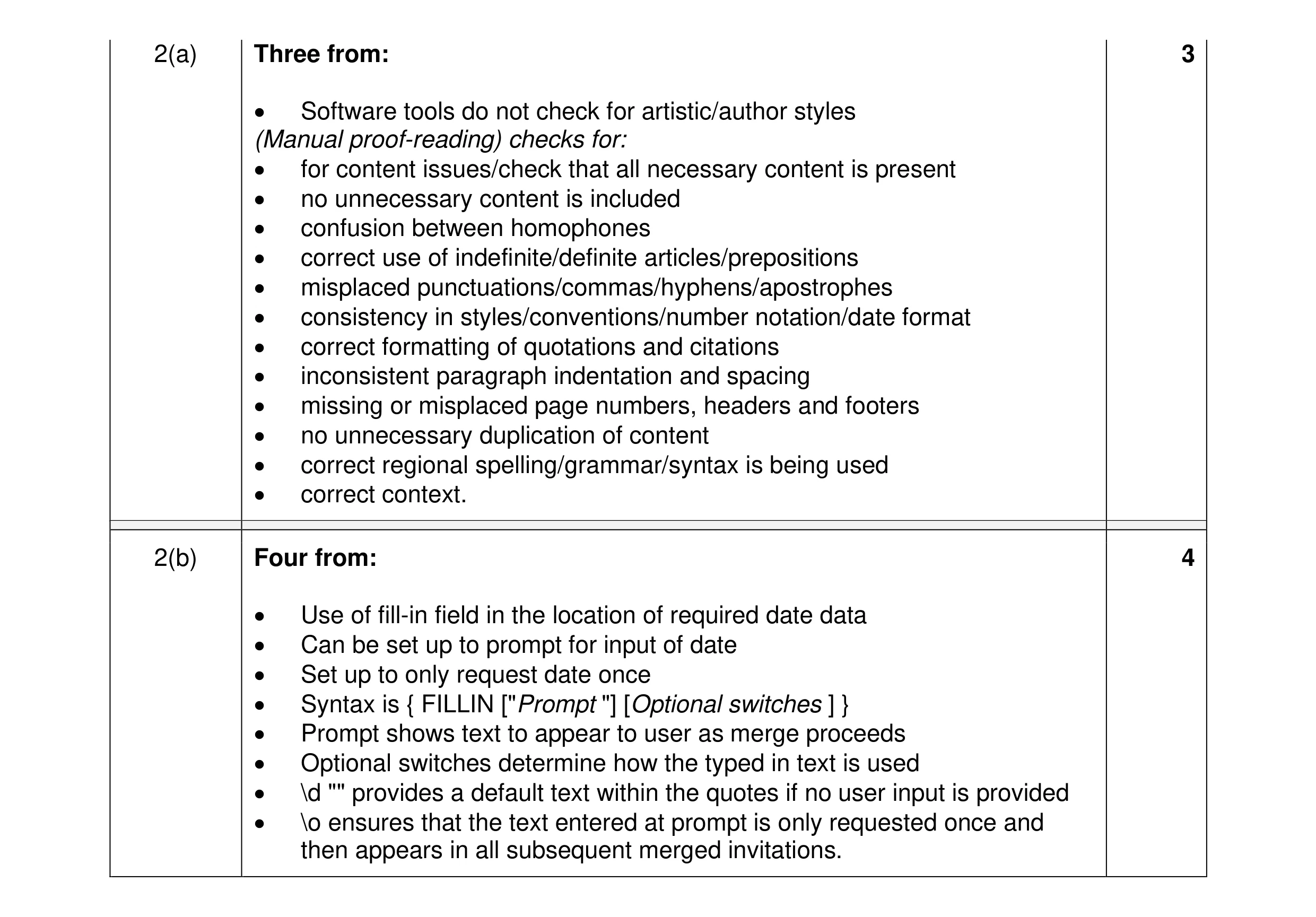 7
7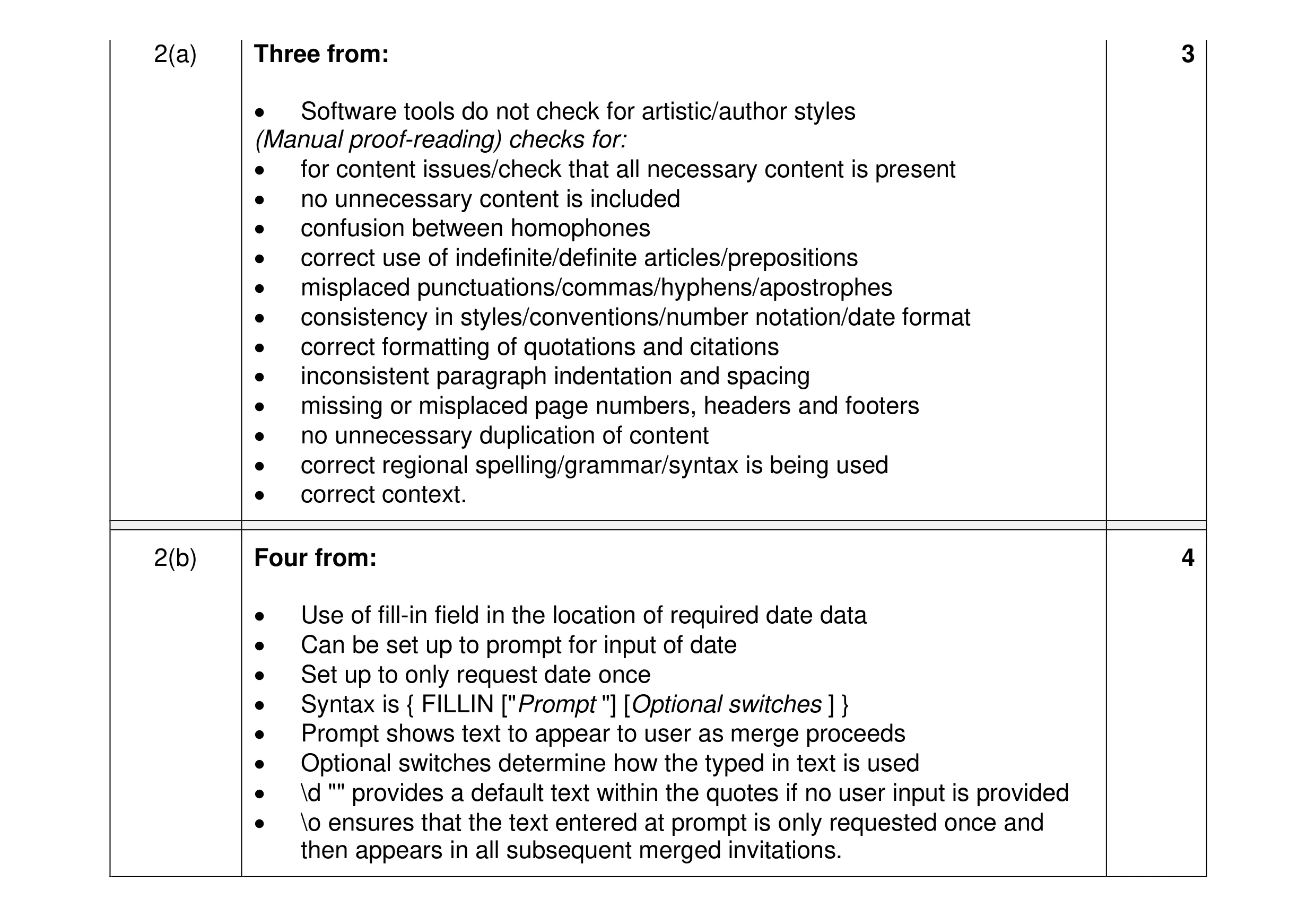 7
7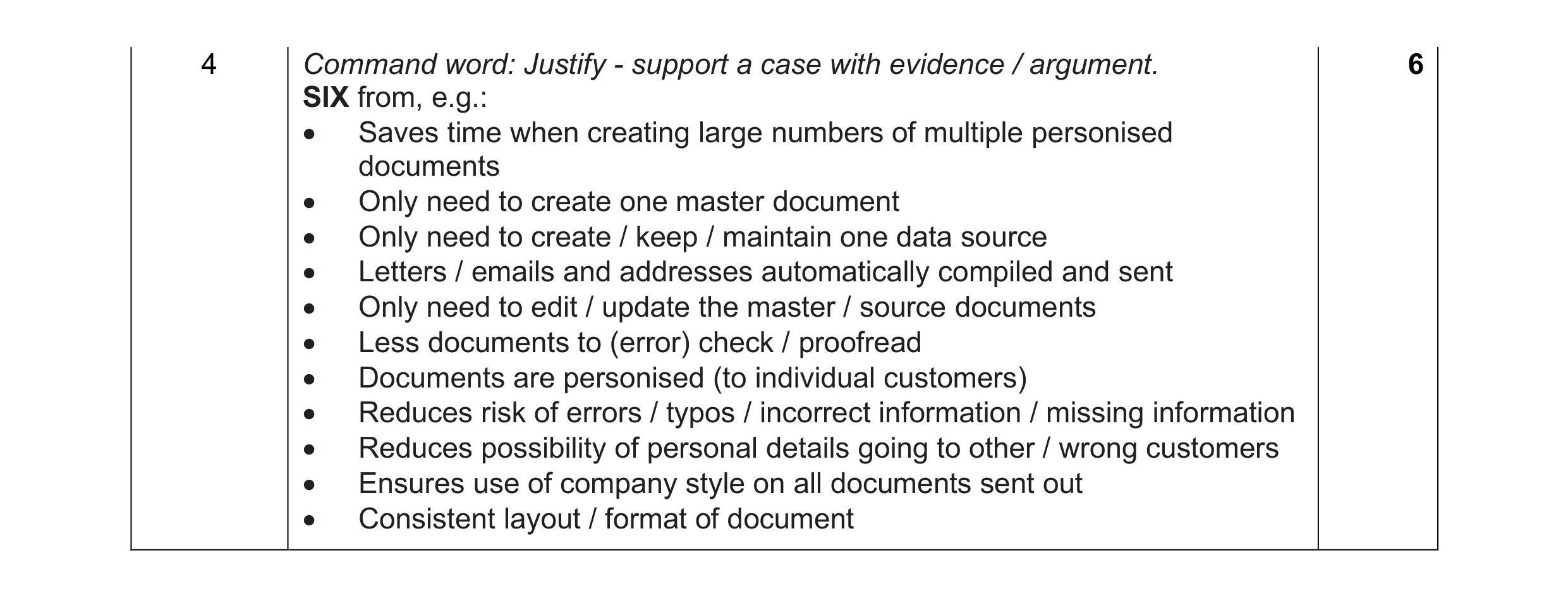 6
6