Cambridge A Level Information Technology (from 2017) 9626 — 2022 May/June Paper 2 · Variant 0
9626/20/M/J/22 · 90 marks · ≈101 min
The question paper and its mark scheme, free to read here and free to download. This is Cambridge’s own paper, exactly as it was sat.
Question paper4 pages
Mark scheme
No mark scheme is in the library for this paper.
Paper as text
Question paper, page 1
This document has 4 pages. [Turn over Cambridge International AS & A Level DC (PQ/SG) 301934/3 © UCLES 2022 * 2 6 2 4 2 4 2 1 3 2 * INFORMATION TECHNOLOGY 9626/02 Paper 2 Practical May/June 2022 2 hours 30 minutes You will need: Candidate source files (listed on page 2) INSTRUCTIONS ● Carry out every instruction in each task. ● Save your work using the file names given in the task as and when instructed. ● You must not have access to either the internet or any email system during this examination. ● You must save your work in the correct file format as stated in the tasks. If work is saved in an incorrect file format, you will not receive marks for that task. INFORMATION ● The total mark for this paper is 90. ● The number of marks for each question or part question is shown in brackets [ ].
Question paper, page 2
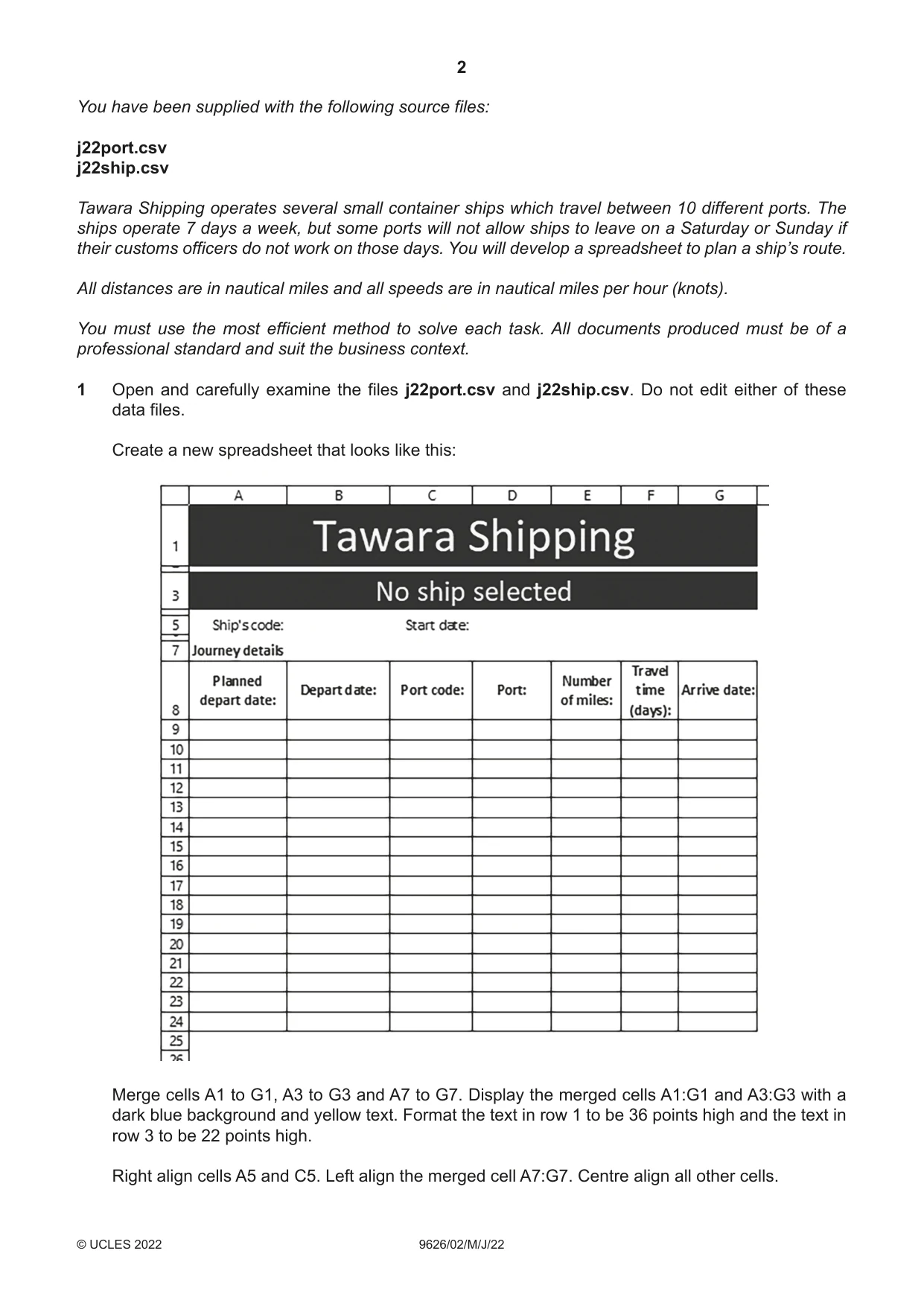
2 9626/02/M/J/22 © UCLES 2022 You have been supplied with the following source files: j22port.csv j22ship.csv Tawara Shipping operates several small container ships which travel between 10 different ports. The ships operate 7 days a week, but some ports will not allow ships to leave on a Saturday or Sunday if their customs officers do not work on those days. You will develop a spreadsheet to plan a ship’s route. All distances are in nautical miles and all speeds are in nautical miles per hour (knots). You must use the most efficient method to solve each task. All documents produced must be of a professional standard and suit the business context. 1 Open and carefully examine the files j22port.csv and j22ship.csv. Do not edit either of these data files. Create a new spreadsheet that looks like this: Merge cells A1 to G1, A3 to G3 and A7 to G7. Display the merged cells A1:G1 and A3:G3 with a dark blue background and yellow text. Format the text in row 1 to be 36 points high and the text in row 3 to be 22 points high. Right align cells A5 and C5. Left align the merged cell A7:G7. Centre align all other cells.
Question paper, page 3
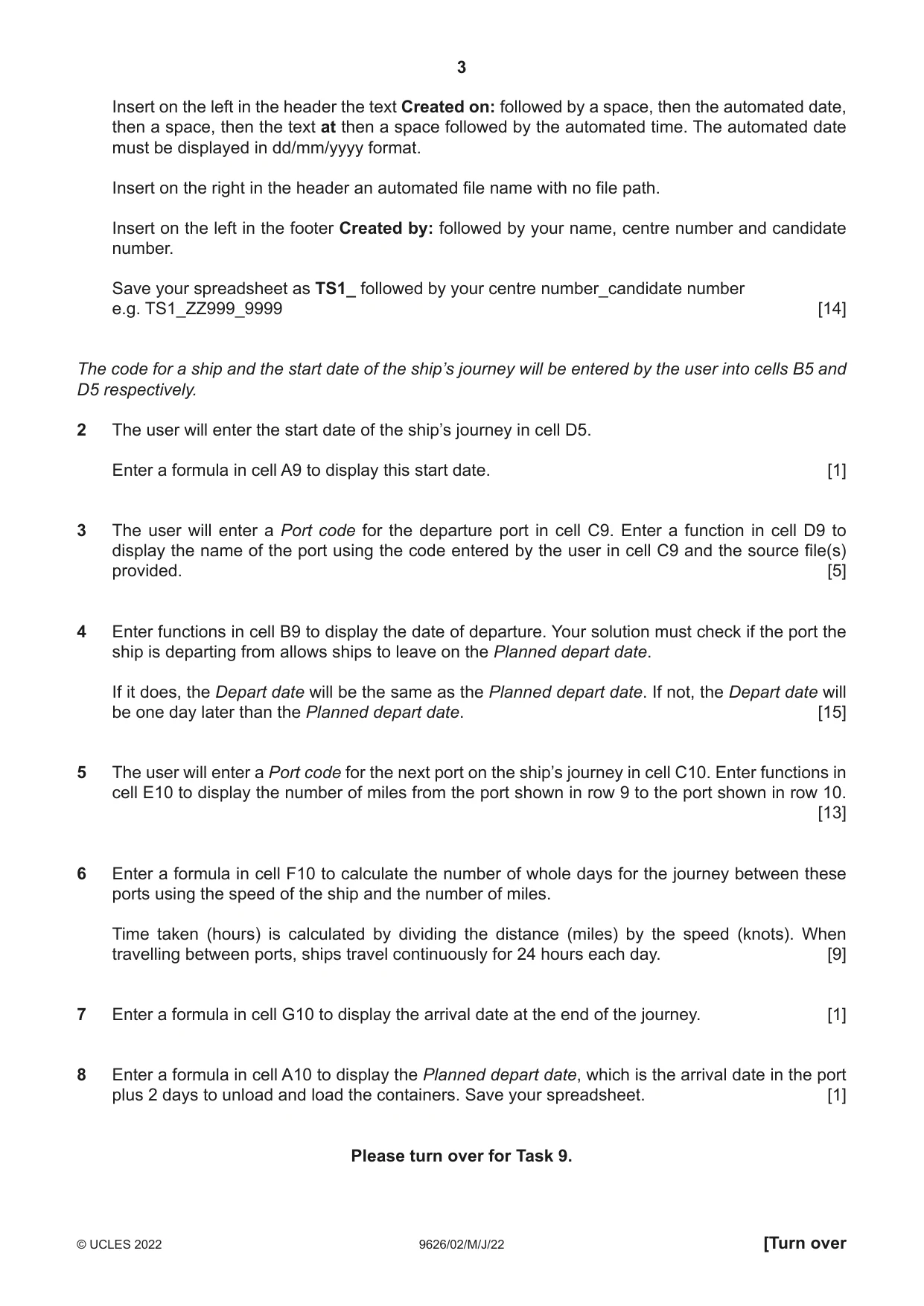
3 9626/02/M/J/22 © UCLES 2022 [Turn over Insert on the left in the header the text Created on: followed by a space, then the automated date, then a space, then the text at then a space followed by the automated time. The automated date must be displayed in dd/mm/yyyy format. Insert on the right in the header an automated file name with no file path. Insert on the left in the footer Created by: followed by your name, centre number and candidate number. Save your spreadsheet as TS1_ followed by your centre number_candidate number e.g. TS1_ZZ999_9999 [14] The code for a ship and the start date of the ship’s journey will be entered by the user into cells B5 and D5 respectively. 2 The user will enter the start date of the ship’s journey in cell D5. Enter a formula in cell A9 to display this start date. [1] 3 The user will enter a Port code for the departure port in cell C9. Enter a function in cell D9 to display the name of the port using the code entered by the user in cell C9 and the source file(s) provided. [5] 4 Enter functions in cell B9 to display the date of departure. Your solution must check if the port the ship is departing from allows ships to leave on the Planned depart date. If it does, the Depart date will be the same as the Planned depart date. If not, the Depart date will be one day later than the Planned depart date. [15] 5 The user will enter a Port code for the next port on the ship’s journey in cell C10. Enter functions in cell E10 to display the number of miles from the port shown in row 9 to the port shown in row 10. [13] 6 Enter a formula in cell F10 to calculate the number of whole days for the journey between these ports using the speed of the ship and the number of miles. Time taken (hours) is calculated by dividing the distance (miles) by the speed (knots). When travelling between ports, ships travel continuously for 24 hours each day. [9] 7 Enter a formula in cell G10 to display the arrival date at the end of the journey. [1] 8 Enter a formula in cell A10 to display the Planned depart date, which is the arrival date in the port plus 2 days to unload and load the containers. Save your spreadsheet. [1] Please turn over for Task 9.
Question paper, page 4
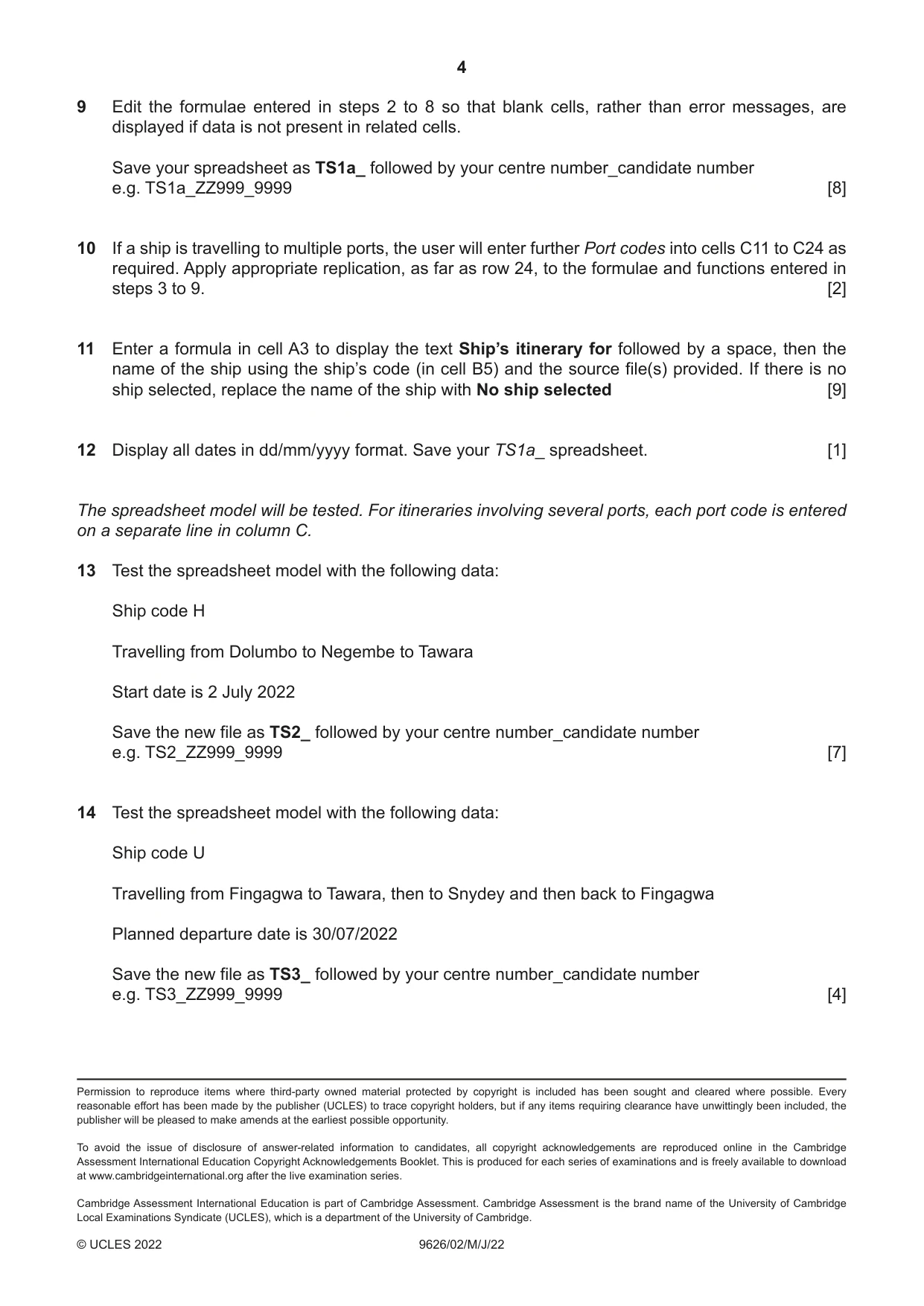
4 9626/02/M/J/22 © UCLES 2022 Permission to reproduce items where third-party owned material protected by copyright is included has been sought and cleared where possible. Every reasonable effort has been made by the publisher (UCLES) to trace copyright holders, but if any items requiring clearance have unwittingly been included, the publisher will be pleased to make amends at the earliest possible opportunity. To avoid the issue of disclosure of answer-related information to candidates, all copyright acknowledgements are reproduced online in the Cambridge Assessment International Education Copyright Acknowledgements Booklet. This is produced for each series of examinations and is freely available to download at www.cambridgeinternational.org after the live examination series. Cambridge Assessment International Education is part of Cambridge Assessment. Cambridge Assessment is the brand name of the University of Cambridge Local Examinations Syndicate (UCLES), which is a department of the University of Cambridge. 9 Edit the formulae entered in steps 2 to 8 so that blank cells, rather than error messages, are displayed if data is not present in related cells. Save your spreadsheet as TS1a_ followed by your centre number_candidate number e.g. TS1a_ZZ999_9999 [8] 10 If a ship is travelling to multiple ports, the user will enter further Port codes into cells C11 to C24 as required. Apply appropriate replication, as far as row 24, to the formulae and functions entered in steps 3 to 9. [2] 11 Enter a formula in cell A3 to display the text Ship’s itinerary for followed by a space, then the name of the ship using the ship’s code (in cell B5) and the source file(s) provided. If there is no ship selected, replace the name of the ship with No ship selected [9] 12 Display all dates in dd/mm/yyyy format. Save your TS1a_ spreadsheet. [1] The spreadsheet model will be tested. For itineraries involving several ports, each port code is entered on a separate line in column C. 13 Test the spreadsheet model with the following data: Ship code H Travelling from Dolumbo to Negembe to Tawara Start date is 2 July 2022 Save the new file as TS2_ followed by your centre number_candidate number e.g. TS2_ZZ999_9999 [7] 14 Test the spreadsheet model with the following data: Ship code U Travelling from Fingagwa to Tawara, then to Snydey and then back to Fingagwa Planned departure date is 30/07/2022 Save the new file as TS3_ followed by your centre number_candidate number e.g. TS3_ZZ999_9999 [4]
What you needed in this session
Cambridge’s own grade thresholds for 2022 May/June, Paper 2 · Variant 0. A higher threshold means an easier paper — the bar moves with how the cohort did.