Cambridge A Level Information Technology (from 2017) 9626 — 2024 May/June Paper 2 · Variant 0
9626/20/M/J/24 · 90 marks · ≈101 min
The question paper and its mark scheme, free to read here and free to download. This is Cambridge’s own paper, exactly as it was sat.
Question paper4 pages

Mark scheme
No mark scheme is in the library for this paper.
Paper as text
Question paper, page 1
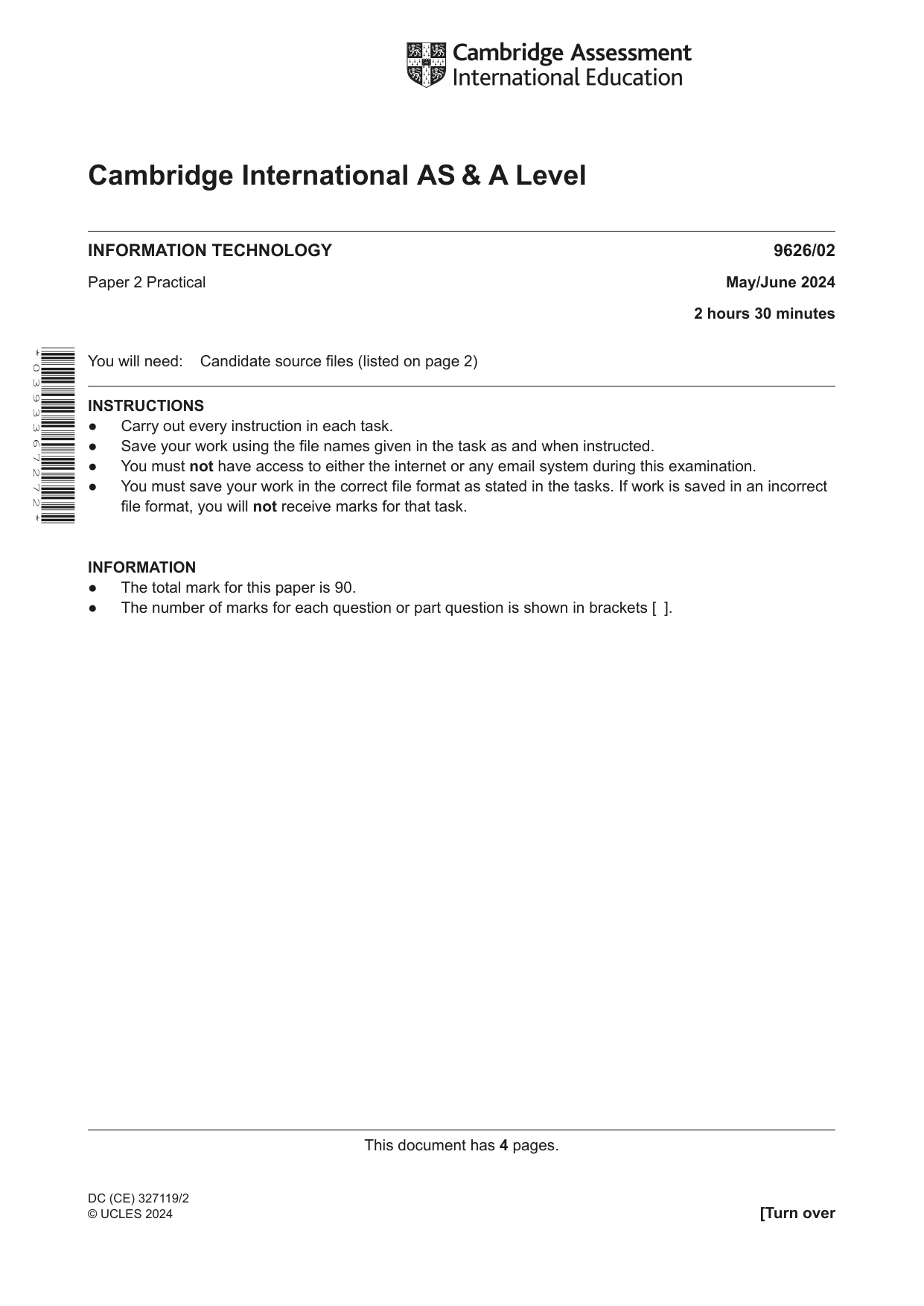
This document has 4 pages. [Turn over Cambridge International AS & A Level DC (CE) 327119/2 © UCLES 2024 * 0 3 9 3 3 6 7 2 7 2 * INFORMATION TECHNOLOGY 9626/02 Paper 2 Practical May/June 2024 2 hours 30 minutes You will need: Candidate source files (listed on page 2) INSTRUCTIONS ● Carry out every instruction in each task. ● Save your work using the file names given in the task as and when instructed. ● You must not have access to either the internet or any email system during this examination. ● You must save your work in the correct file format as stated in the tasks. If work is saved in an incorrect file format, you will not receive marks for that task. INFORMATION ● The total mark for this paper is 90. ● The number of marks for each question or part question is shown in brackets [ ].
Question paper, page 2
2 9626/02/M/J/24 © UCLES 2024 You have been supplied with the following source files: j24audio.mp3 j24customer.csv j24order.csv j24stock.csv j24voice.mp3 You must use the most efficient method to solve each task. All documents produced must be of a professional standard and suit the business context.
Question paper, page 3
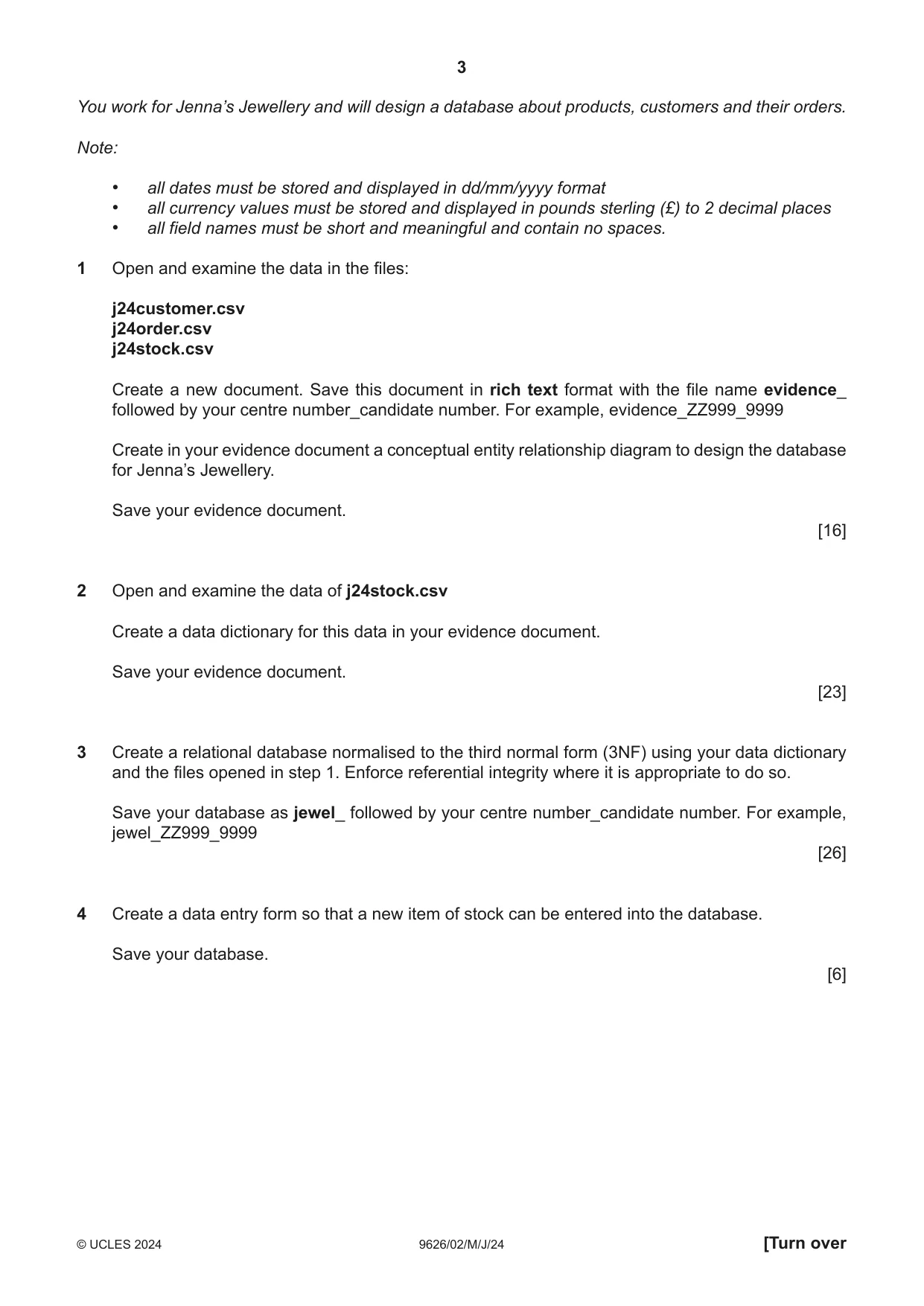
3 9626/02/M/J/24 © UCLES 2024 [Turn over You work for Jenna’s Jewellery and will design a database about products, customers and their orders. Note: • all dates must be stored and displayed in dd/mm/yyyy format • all currency values must be stored and displayed in pounds sterling (£) to 2 decimal places • all field names must be short and meaningful and contain no spaces. 1 Open and examine the data in the files: j24customer.csv j24order.csv j24stock.csv Create a new document. Save this document in rich text format with the file name evidence_ followed by your centre number_candidate number. For example, evidence_ZZ999_9999 Create in your evidence document a conceptual entity relationship diagram to design the database for Jenna’s Jewellery. Save your evidence document. [16] 2 Open and examine the data of j24stock.csv Create a data dictionary for this data in your evidence document. Save your evidence document. [23] 3 Create a relational database normalised to the third normal form (3NF) using your data dictionary and the files opened in step 1. Enforce referential integrity where it is appropriate to do so. Save your database as jewel_ followed by your centre number_candidate number. For example, jewel_ZZ999_9999 [26] 4 Create a data entry form so that a new item of stock can be entered into the database. Save your database. [6]
Question paper, page 4
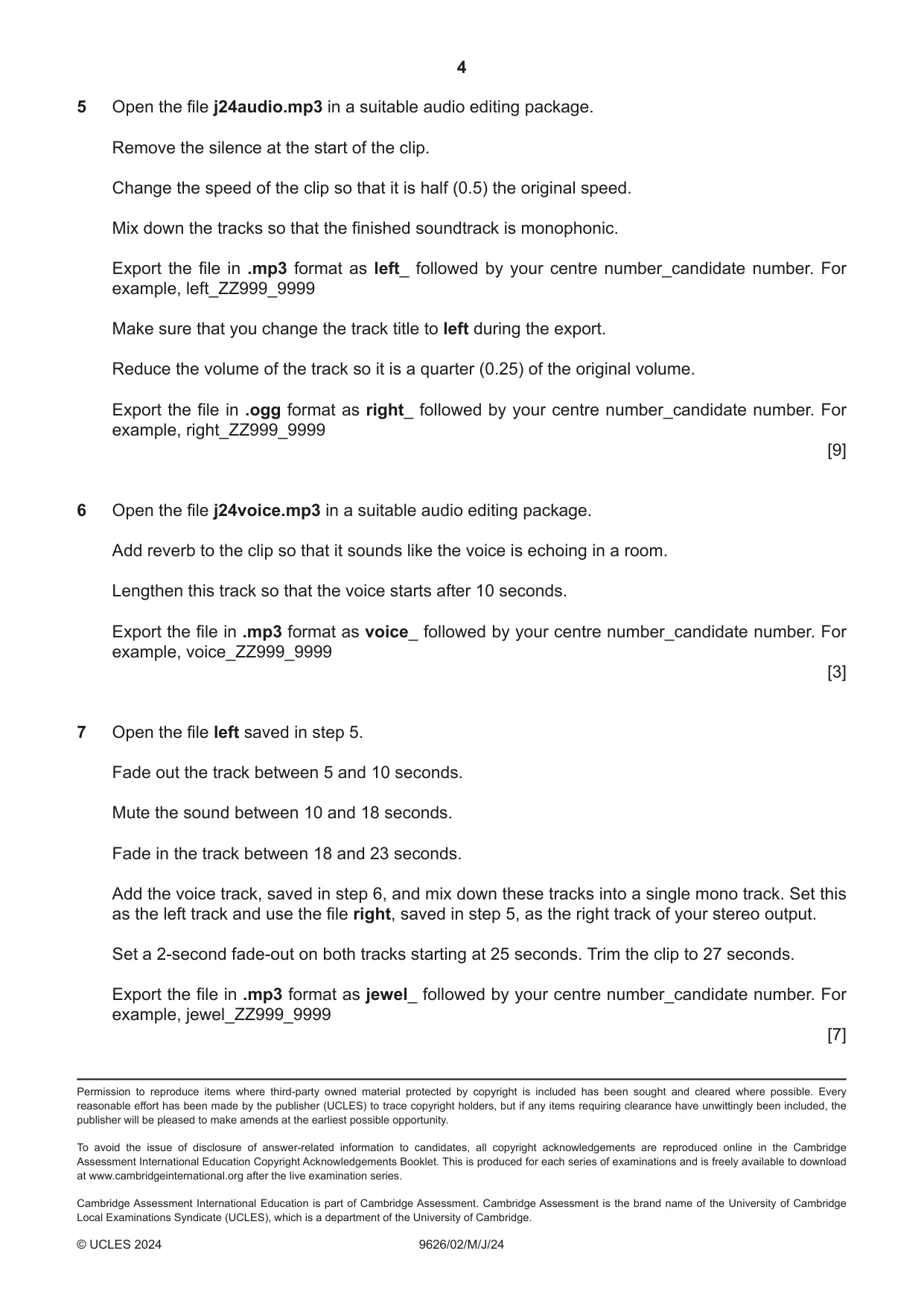
4 9626/02/M/J/24 © UCLES 2024 Permission to reproduce items where third-party owned material protected by copyright is included has been sought and cleared where possible. Every reasonable effort has been made by the publisher (UCLES) to trace copyright holders, but if any items requiring clearance have unwittingly been included, the publisher will be pleased to make amends at the earliest possible opportunity. To avoid the issue of disclosure of answer-related information to candidates, all copyright acknowledgements are reproduced online in the Cambridge Assessment International Education Copyright Acknowledgements Booklet. This is produced for each series of examinations and is freely available to download at www.cambridgeinternational.org after the live examination series. Cambridge Assessment International Education is part of Cambridge Assessment. Cambridge Assessment is the brand name of the University of Cambridge Local Examinations Syndicate (UCLES), which is a department of the University of Cambridge. 5 Open the file j24audio.mp3 in a suitable audio editing package. Remove the silence at the start of the clip. Change the speed of the clip so that it is half (0.5) the original speed. Mix down the tracks so that the finished soundtrack is monophonic. Export the file in .mp3 format as left_ followed by your centre number_candidate number. For example, left_ZZ999_9999 Make sure that you change the track title to left during the export. Reduce the volume of the track so it is a quarter (0.25) of the original volume. Export the file in .ogg format as right_ followed by your centre number_candidate number. For example, right_ZZ999_9999 [9] 6 Open the file j24voice.mp3 in a suitable audio editing package. Add reverb to the clip so that it sounds like the voice is echoing in a room. Lengthen this track so that the voice starts after 10 seconds. Export the file in .mp3 format as voice_ followed by your centre number_candidate number. For example, voice_ZZ999_9999 [3] 7 Open the file left saved in step 5. Fade out the track between 5 and 10 seconds. Mute the sound between 10 and 18 seconds. Fade in the track between 18 and 23 seconds. Add the voice track, saved in step 6, and mix down these tracks into a single mono track. Set this as the left track and use the file right, saved in step 5, as the right track of your stereo output. Set a 2-second fade-out on both tracks starting at 25 seconds. Trim the clip to 27 seconds. Export the file in .mp3 format as jewel_ followed by your centre number_candidate number. For example, jewel_ZZ999_9999 [7]
What you needed in this session
Cambridge’s own grade thresholds for 2024 May/June, Paper 2 · Variant 0. A higher threshold means an easier paper — the bar moves with how the cohort did.