Cambridge A Level Information Technology (from 2017) 9626 — 2024 Feb/March Paper 2 · Variant 0
9626/20/F/M/24 · 90 marks · ≈101 min
The question paper and its mark scheme, free to read here and free to download. This is Cambridge’s own paper, exactly as it was sat.
Question paper8 pages

Mark scheme
No mark scheme is in the library for this paper.
Paper as text
Question paper, page 1
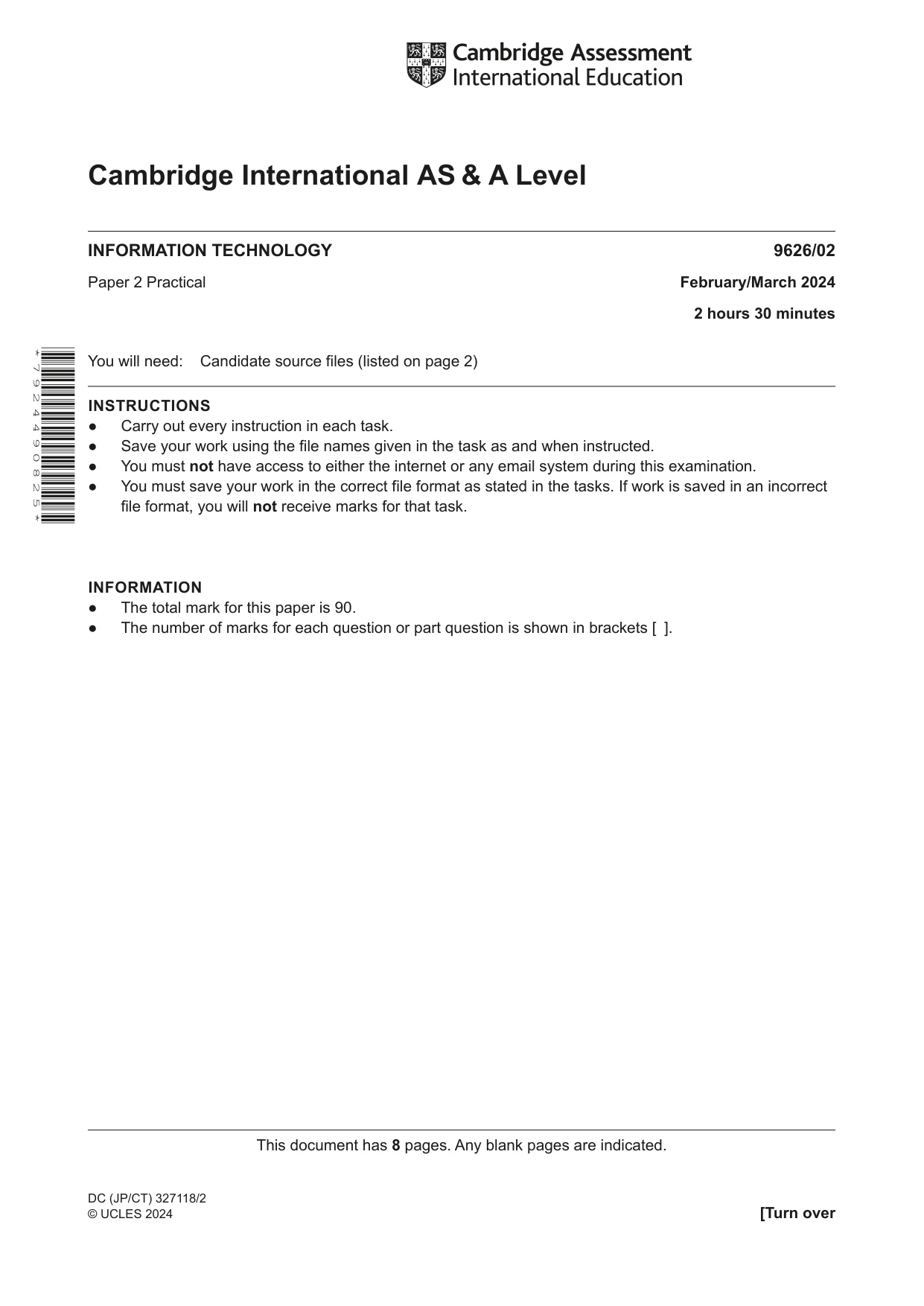
This document has 8 pages. Any blank pages are indicated. [Turn over DC (JP/CT) 327118/2 © UCLES 2024 * 7 9 2 4 4 9 0 8 2 5 * Cambridge International AS & A Level INFORMATION TECHNOLOGY 9626/02 Paper 2 Practical February/March 2024 2 hours 30 minutes You will need: Candidate source files (listed on page 2) INSTRUCTIONS ● Carry out every instruction in each task. ● Save your work using the file names given in the task as and when instructed. ● You must not have access to either the internet or any email system during this examination. ● You must save your work in the correct file format as stated in the tasks. If work is saved in an incorrect file format, you will not receive marks for that task. INFORMATION ● The total mark for this paper is 90. ● The number of marks for each question or part question is shown in brackets [ ].
Question paper, page 2
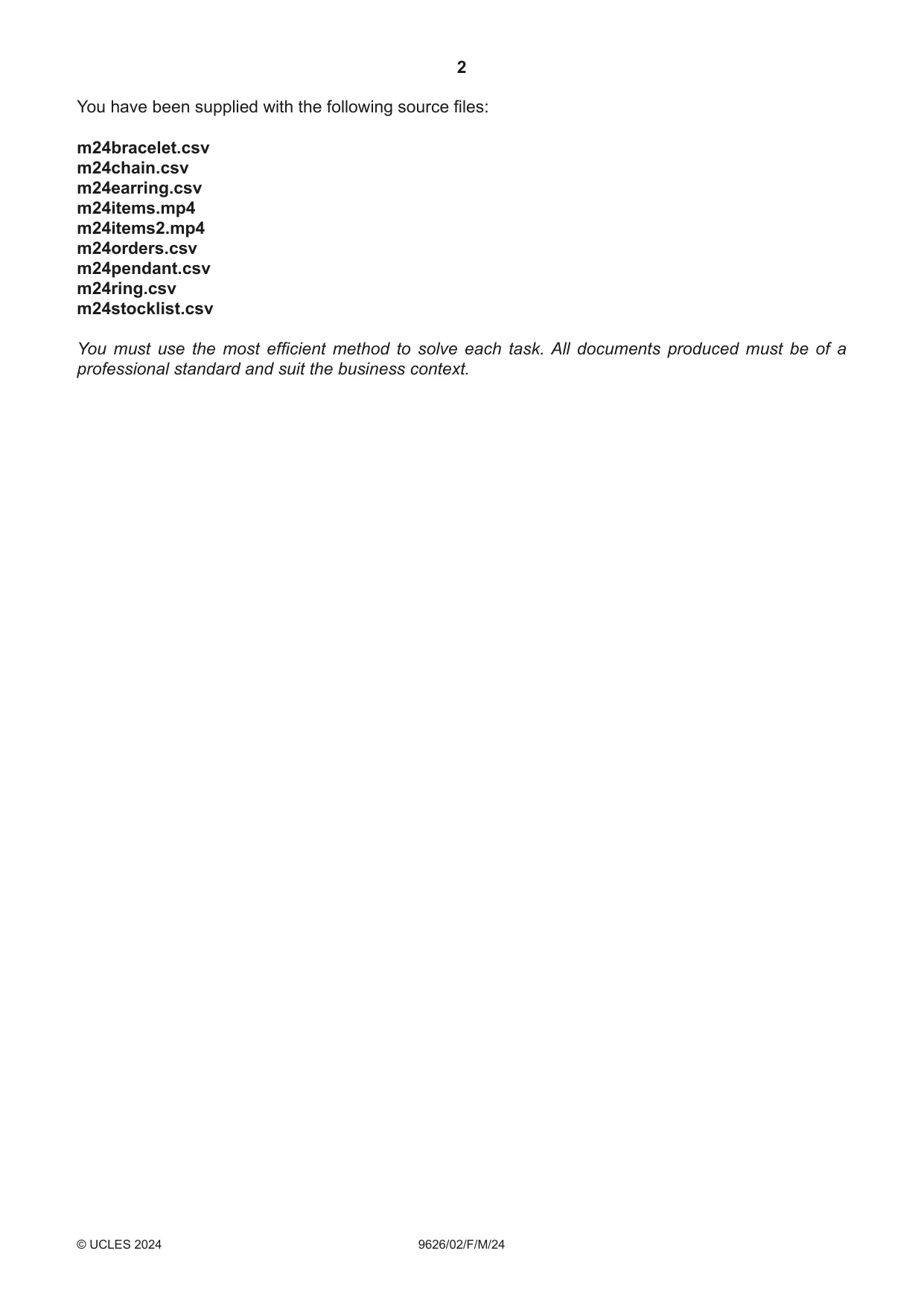
2 9626/02/F/M/24 © UCLES 2024 You have been supplied with the following source files: m24bracelet.csv m24chain.csv m24earring.csv m24items.mp4 m24items2.mp4 m24orders.csv m24pendant.csv m24ring.csv m24stocklist.csv You must use the most efficient method to solve each task. All documents produced must be of a professional standard and suit the business context.
Question paper, page 3
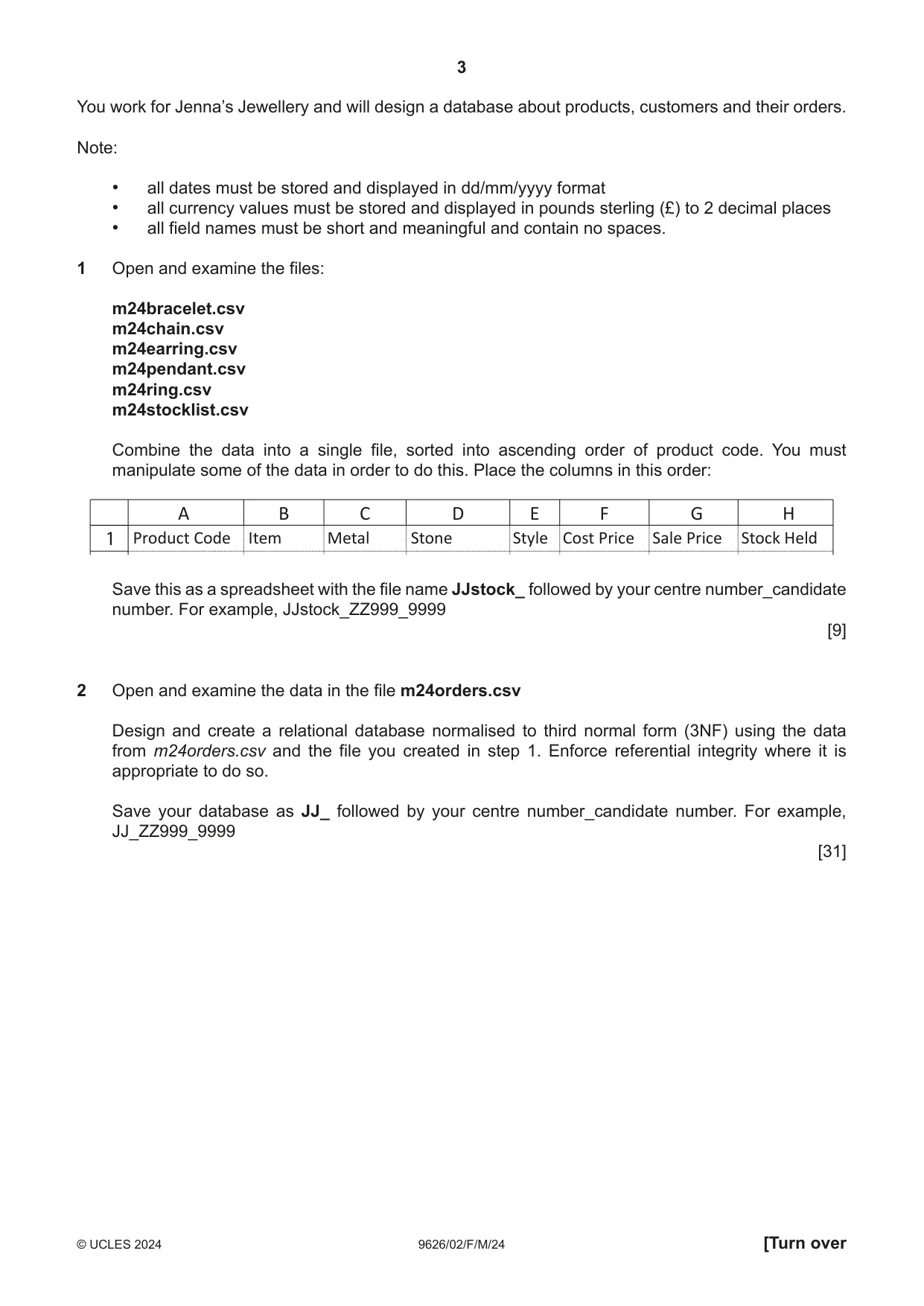
3 9626/02/F/M/24 © UCLES 2024 [Turn over You work for Jenna’s Jewellery and will design a database about products, customers and their orders. Note: • all dates must be stored and displayed in dd/mm/yyyy format • all currency values must be stored and displayed in pounds sterling (£) to 2 decimal places • all field names must be short and meaningful and contain no spaces. 1 Open and examine the files: m24bracelet.csv m24chain.csv m24earring.csv m24pendant.csv m24ring.csv m24stocklist.csv Combine the data into a single file, sorted into ascending order of product code. You must manipulate some of the data in order to do this. Place the columns in this order: A Product Code Item Metal Stone Style Cost Price Sale Price Stock Held 1 B C D E F G H Save this as a spreadsheet with the file name JJstock_ followed by your centre number_candidate number. For example, JJstock_ZZ999_9999 [9] 2 Open and examine the data in the file m24orders.csv Design and create a relational database normalised to third normal form (3NF) using the data from m24orders.csv and the file you created in step 1. Enforce referential integrity where it is appropriate to do so. Save your database as JJ_ followed by your centre number_candidate number. For example, JJ_ZZ999_9999 [31]
Question paper, page 4
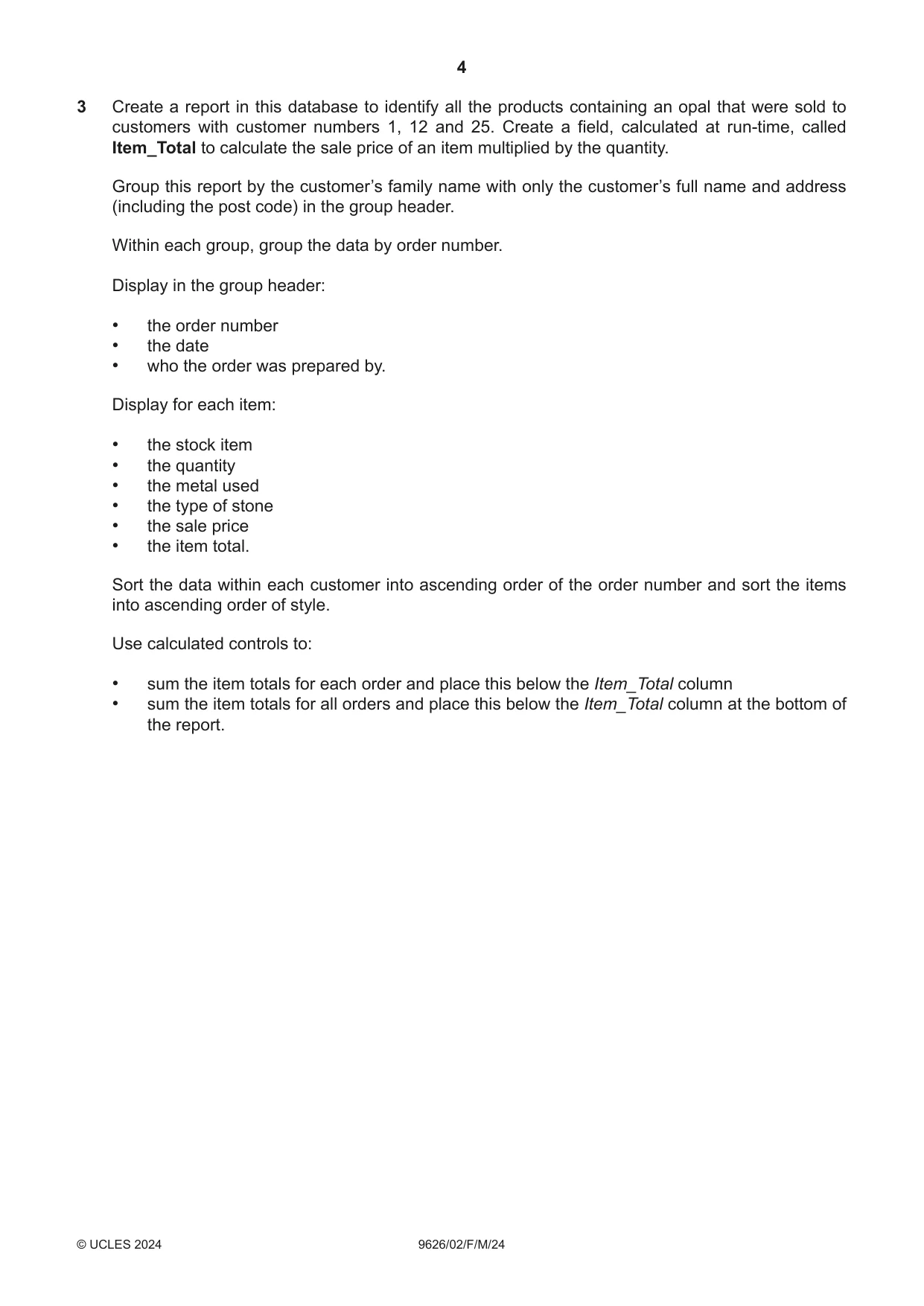
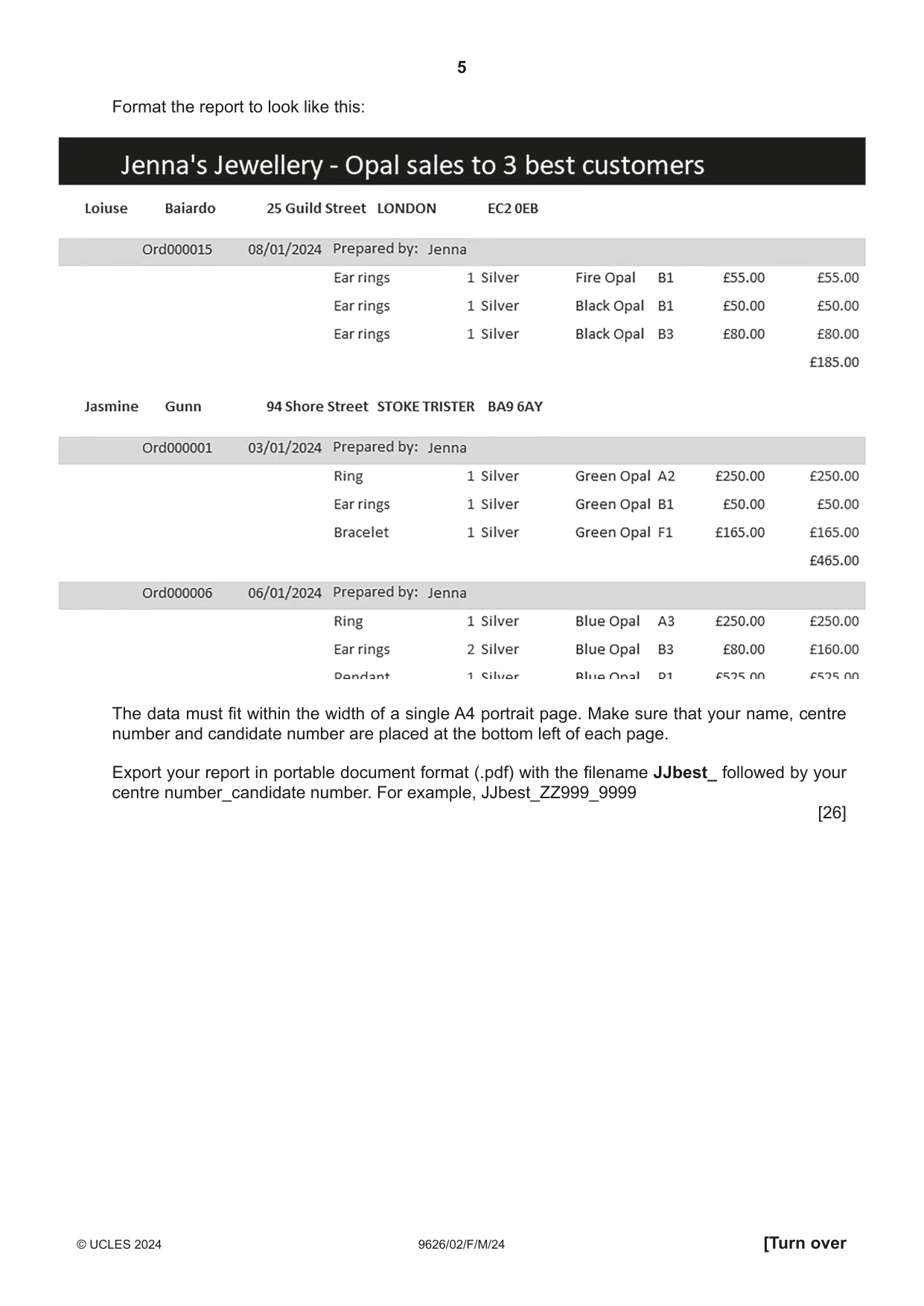
4 9626/02/F/M/24 © UCLES 2024 3 Create a report in this database to identify all the products containing an opal that were sold to customers with customer numbers 1, 12 and 25. Create a field, calculated at run-time, called Item_Total to calculate the sale price of an item multiplied by the quantity. Group this report by the customer’s family name with only the customer’s full name and address (including the post code) in the group header. Within each group, group the data by order number. Display in the group header: • the order number • the date • who the order was prepared by. Display for each item: • the stock item • the quantity • the metal used • the type of stone • the sale price • the item total. Sort the data within each customer into ascending order of the order number and sort the items into ascending order of style. Use calculated controls to: • sum the item totals for each order and place this below the Item_Total column • sum the item totals for all orders and place this below the Item_Total column at the bottom of the report.
Question paper, page 5
5 9626/02/F/M/24 © UCLES 2024 [Turn over Format the report to look like this: The data must fit within the width of a single A4 portrait page. Make sure that your name, centre number and candidate number are placed at the bottom left of each page. Export your report in portable document format (.pdf) with the filename JJbest_ followed by your centre number_candidate number. For example, JJbest_ZZ999_9999 [26]
Question paper, page 6
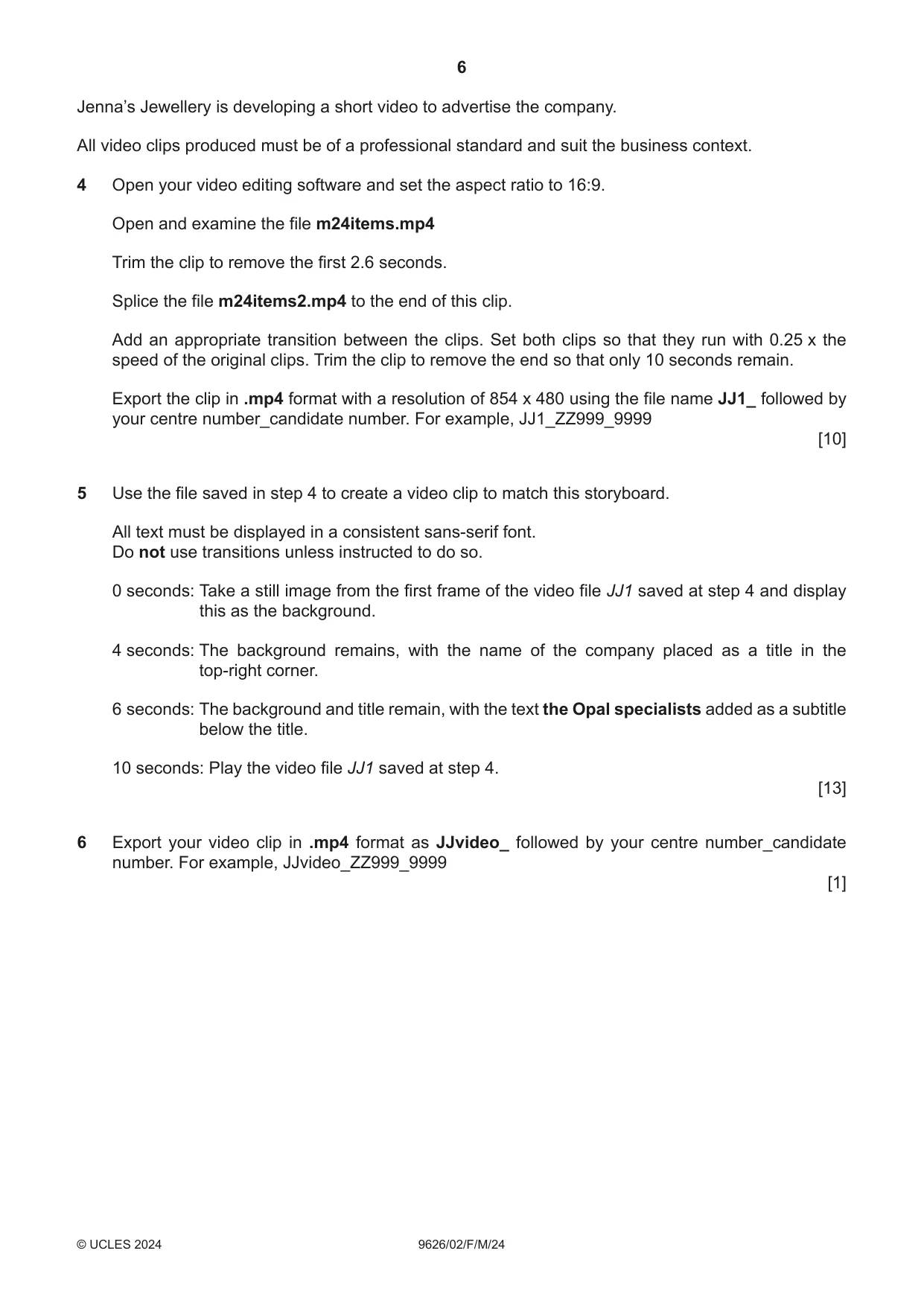
6 9626/02/F/M/24 © UCLES 2024 Jenna’s Jewellery is developing a short video to advertise the company. All video clips produced must be of a professional standard and suit the business context. 4 Open your video editing software and set the aspect ratio to 16:9. Open and examine the file m24items.mp4 Trim the clip to remove the first 2.6 seconds. Splice the file m24items2.mp4 to the end of this clip. Add an appropriate transition between the clips. Set both clips so that they run with 0.25 x the speed of the original clips. Trim the clip to remove the end so that only 10 seconds remain. Export the clip in .mp4 format with a resolution of 854 x 480 using the file name JJ1_ followed by your centre number_candidate number. For example, JJ1_ZZ999_9999 [10] 5 Use the file saved in step 4 to create a video clip to match this storyboard. All text must be displayed in a consistent sans-serif font. Do not use transitions unless instructed to do so. 0 seconds: Take a still image from the first frame of the video file JJ1 saved at step 4 and display this as the background. 4 seconds: The background remains, with the name of the company placed as a title in the top-right corner. 6 seconds: The background and title remain, with the text the Opal specialists added as a subtitle below the title. 10 seconds: Play the video file JJ1 saved at step 4. [13] 6 Export your video clip in .mp4 format as JJvideo_ followed by your centre number_candidate number. For example, JJvideo_ZZ999_9999 [1]
Question paper, page 7
7 9626/02/F/M/24 © UCLES 2024 BLANK PAGE
Question paper, page 8
8 9626/02/F/M/24 © UCLES 2024 Permission to reproduce items where third-party owned material protected by copyright is included has been sought and cleared where possible. Every reasonable effort has been made by the publisher (UCLES) to trace copyright holders, but if any items requiring clearance have unwittingly been included, the publisher will be pleased to make amends at the earliest possible opportunity. To avoid the issue of disclosure of answer-related information to candidates, all copyright acknowledgements are reproduced online in the Cambridge Assessment International Education Copyright Acknowledgements Booklet. This is produced for each series of examinations and is freely available to download at www.cambridgeinternational.org after the live examination series. Cambridge Assessment International Education is part of Cambridge Assessment. Cambridge Assessment is the brand name of the University of Cambridge Local Examinations Syndicate (UCLES), which is a department of the University of Cambridge. BLANK PAGE
What you needed in this session
Cambridge’s own grade thresholds for 2024 Feb/March, Paper 2 · Variant 0. A higher threshold means an easier paper — the bar moves with how the cohort did.