Cambridge A Level Information Technology (from 2017) 9626 — 2018 Oct/Nov Paper 2 · Variant 0
9626/20/O/N/18
The question paper and its mark scheme, free to read here and free to download. This is Cambridge’s own paper, exactly as it was sat.
Question paper8 pages


Mark scheme
No mark scheme is in the library for this paper.
Paper as text
Question paper, page 1
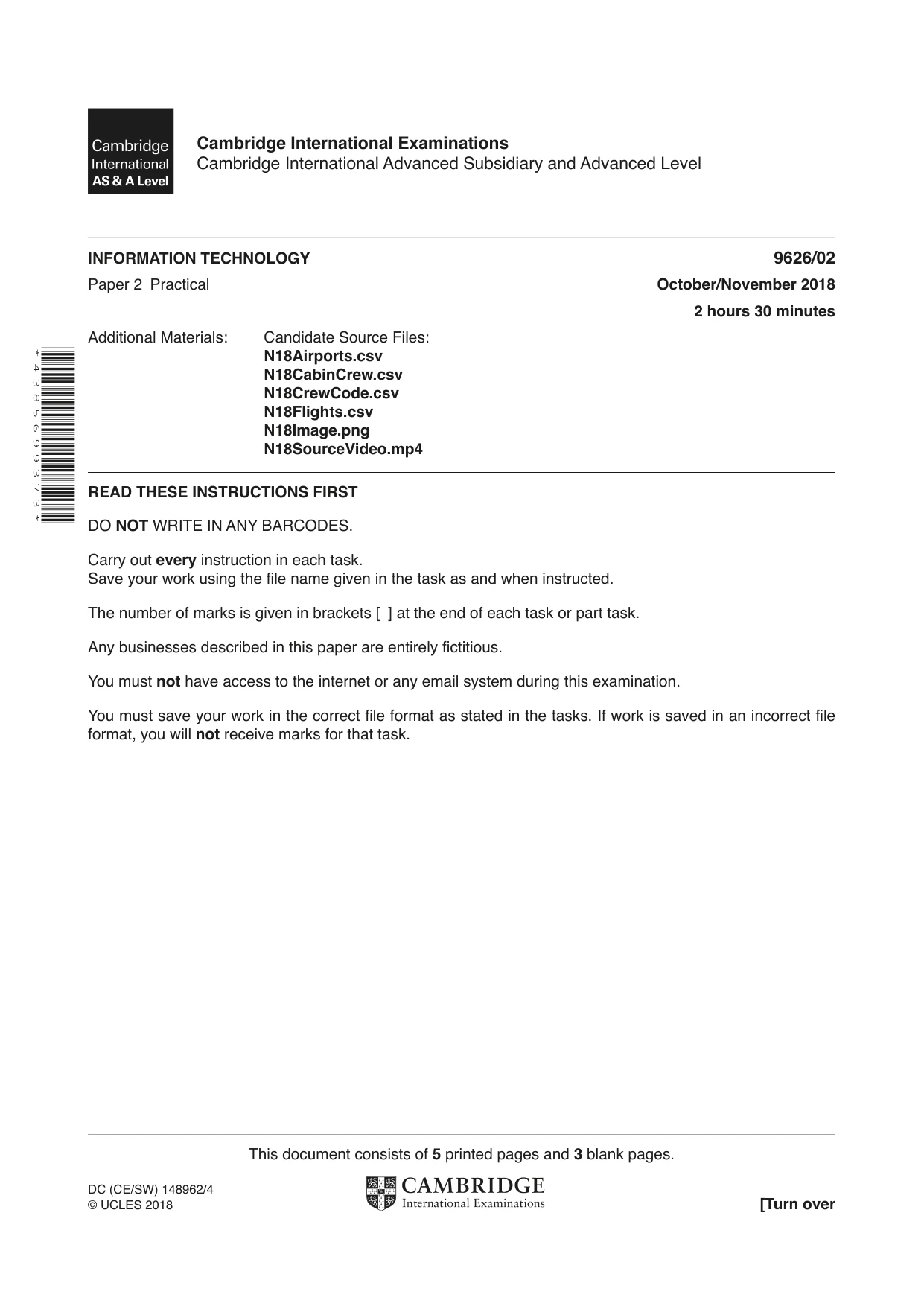
* 4 3 8 5 6 9 9 3 7 3 * INFORMATION TECHNOLOGY 9626/02 Paper 2 Practical October/November 2018 2 hours 30 minutes Additional Materials: Candidate Source Files: N18Airports.csv N18CabinCrew.csv N18CrewCode.csv N18Flights.csv N18Image.png N18SourceVideo.mp4 READ THESE INSTRUCTIONS FIRST DO NOT WRITE IN ANY BARCODES. Carry out every instruction in each task. Save your work using the file name given in the task as and when instructed. The number of marks is given in brackets [ ] at the end of each task or part task. Any businesses described in this paper are entirely fictitious. You must not have access to the internet or any email system during this examination. You must save your work in the correct file format as stated in the tasks. If work is saved in an incorrect file format, you will not receive marks for that task. This document consists of 5 printed pages and 3 blank pages. DC (CE/SW) 148962/4 © UCLES 2018 [Turn over Cambridge International Examinations Cambridge International Advanced Subsidiary and Advanced Level
Question paper, page 2
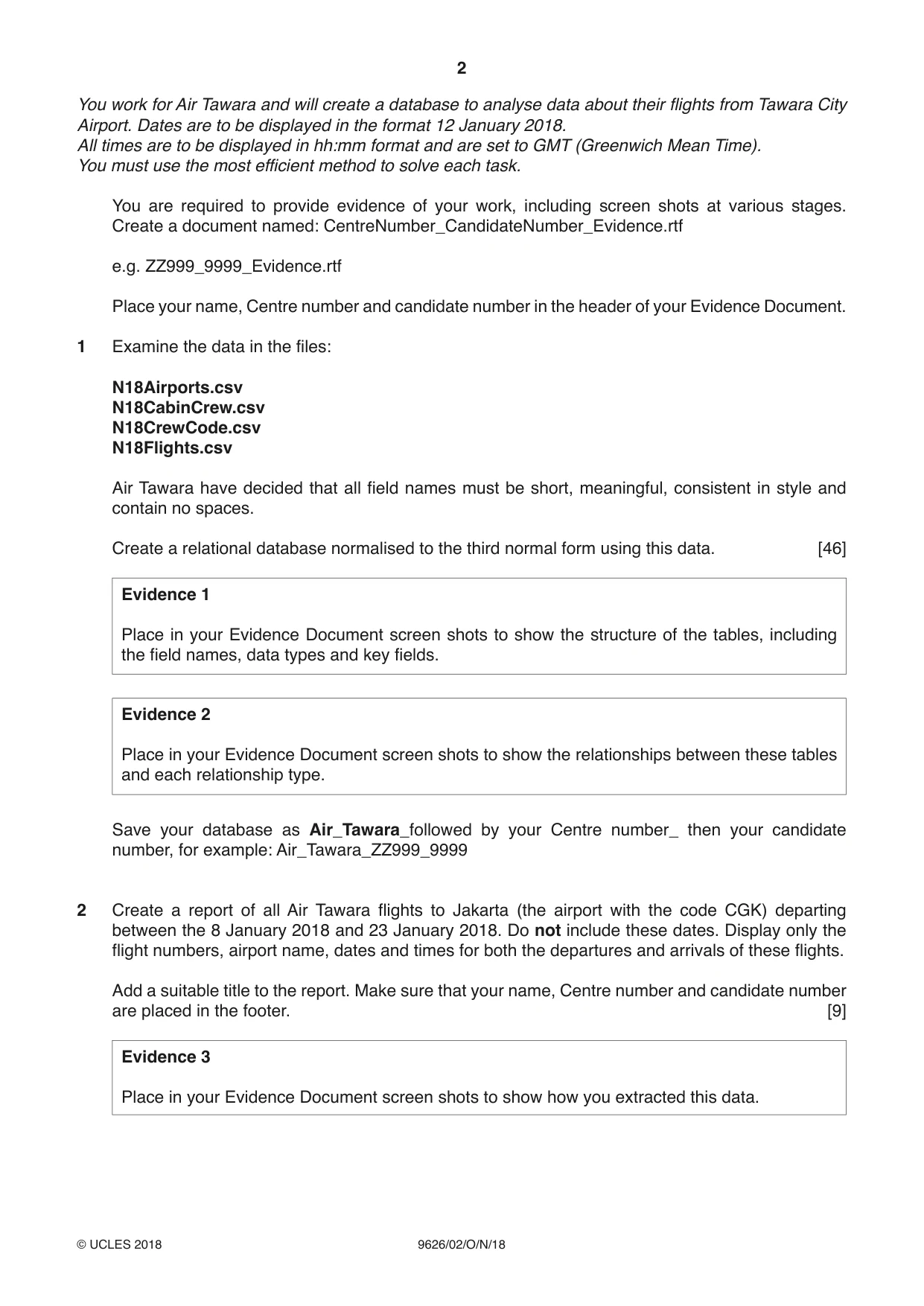
2 9626/02/O/N/18 © UCLES 2018 You work for Air Tawara and will create a database to analyse data about their flights from Tawara City Airport. Dates are to be displayed in the format 12 January 2018. All times are to be displayed in hh:mm format and are set to GMT (Greenwich Mean Time). You must use the most efficient method to solve each task. You are required to provide evidence of your work, including screen shots at various stages. Create a document named: CentreNumber_CandidateNumber_Evidence.rtf e.g. ZZ999_9999_Evidence.rtf Place your name, Centre number and candidate number in the header of your Evidence Document. 1 Examine the data in the files: N18Airports.csv N18CabinCrew.csv N18CrewCode.csv N18Flights.csv Air Tawara have decided that all field names must be short, meaningful, consistent in style and contain no spaces. Create a relational database normalised to the third normal form using this data. [46] Evidence 1 Place in your Evidence Document screen shots to show the structure of the tables, including the field names, data types and key fields. Evidence 2 Place in your Evidence Document screen shots to show the relationships between these tables and each relationship type. Save your database as Air_Tawara_followed by your Centre number_ then your candidate number, for example: Air_Tawara_ZZ999_9999 2 Create a report of all Air Tawara flights to Jakarta (the airport with the code CGK) departing between the 8 January 2018 and 23 January 2018. Do not include these dates. Display only the flight numbers, airport name, dates and times for both the departures and arrivals of these flights. Add a suitable title to the report. Make sure that your name, Centre number and candidate number are placed in the footer. [9] Evidence 3 Place in your Evidence Document screen shots to show how you extracted this data.
Question paper, page 3
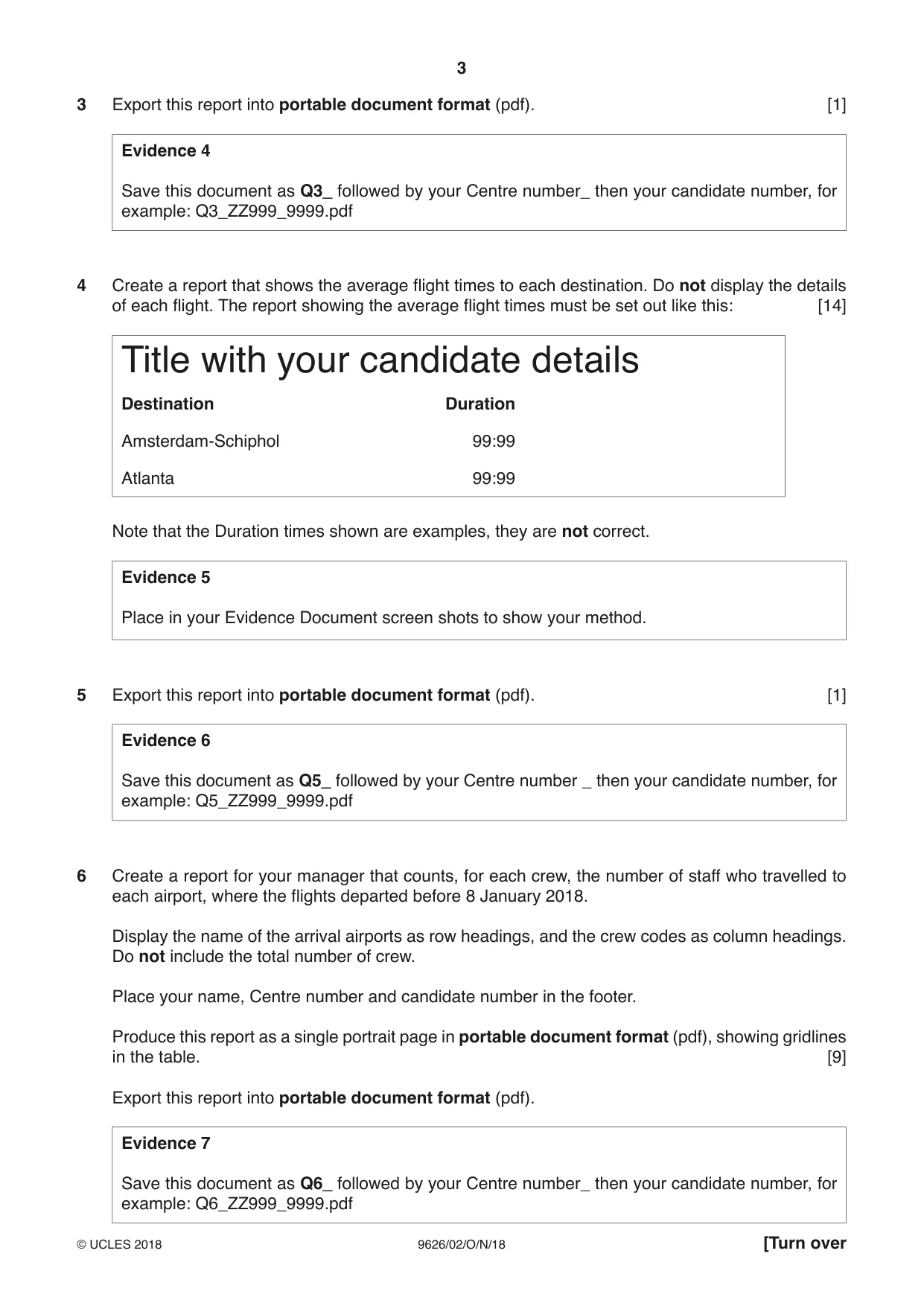
3 9626/02/O/N/18 © UCLES 2018 [Turn over 3 Export this report into portable document format (pdf). [1] Evidence 4 Save this document as Q3_ followed by your Centre number_ then your candidate number, for example: Q3_ZZ999_9999.pdf 4 Create a report that shows the average flight times to each destination. Do not display the details of each flight. The report showing the average flight times must be set out like this: [14] Title with your candidate details Destination Duration Amsterdam-Schiphol 99:99 Atlanta 99:99 Note that the Duration times shown are examples, they are not correct. Evidence 5 Place in your Evidence Document screen shots to show your method. 5 Export this report into portable document format (pdf). [1] Evidence 6 Save this document as Q5_ followed by your Centre number _ then your candidate number, for example: Q5_ZZ999_9999.pdf 6 Create a report for your manager that counts, for each crew, the number of staff who travelled to each airport, where the flights departed before 8 January 2018. Display the name of the arrival airports as row headings, and the crew codes as column headings. Do not include the total number of crew. Place your name, Centre number and candidate number in the footer. Produce this report as a single portrait page in portable document format (pdf), showing gridlines in the table. [9] Export this report into portable document format (pdf). Evidence 7 Save this document as Q6_ followed by your Centre number_ then your candidate number, for example: Q6_ZZ999_9999.pdf
Question paper, page 4
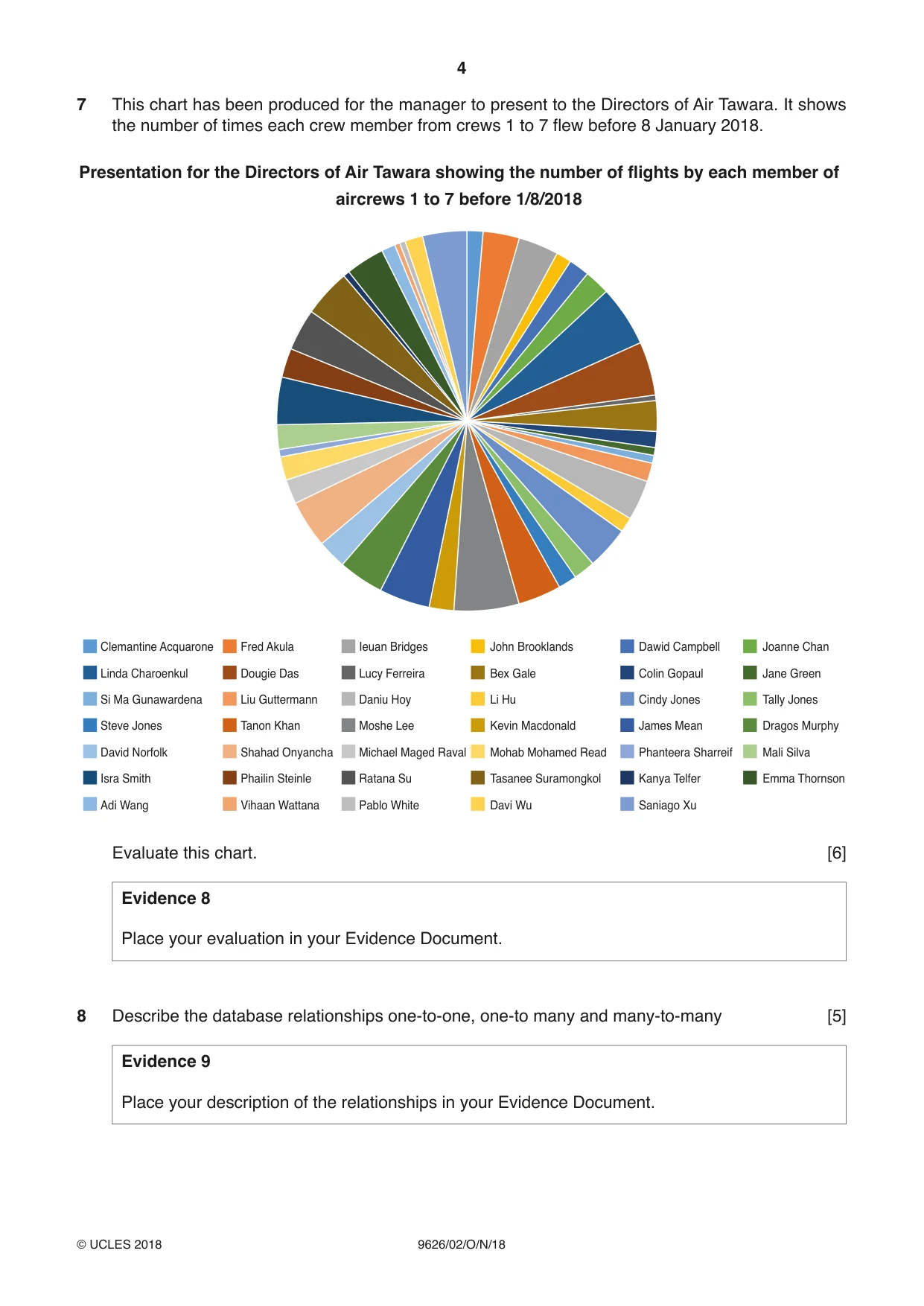
4 9626/02/O/N/18 © UCLES 2018 7 This chart has been produced for the manager to present to the Directors of Air Tawara. It shows the number of times each crew member from crews 1 to 7 flew before 8 January 2018. Clemantine Acquarone Linda Charoenkul Si Ma Gunawardena Steve Jones David Norfolk Isra Smith Adi Wang Fred Akula Dougie Das Liu Guttermann Tanon Khan Shahad Onyancha Phailin Steinle Vihaan Wattana Ieuan Bridges Lucy Ferreira Daniu Hoy Moshe Lee Michael Maged Raval Ratana Su Pablo White John Brooklands Bex Gale Li Hu Kevin Macdonald Mohab Mohamed Read Tasanee Suramongkol Davi Wu Dawid Campbell Colin Gopaul Cindy Jones James Mean Phanteera Sharreif Kanya Telfer Saniago Xu Joanne Chan Jane Green Tally Jones Dragos Murphy Mali Silva Emma Thornson Presentation for the Directors of Air Tawara showing the number of flights by each member of aircrews 1 to 7 before 1/8/2018 Evaluate this chart. [6] Evidence 8 Place your evaluation in your Evidence Document. 8 Describe the database relationships one-to-one, one-to many and many-to-many [5] Evidence 9 Place your description of the relationships in your Evidence Document.
Question paper, page 5
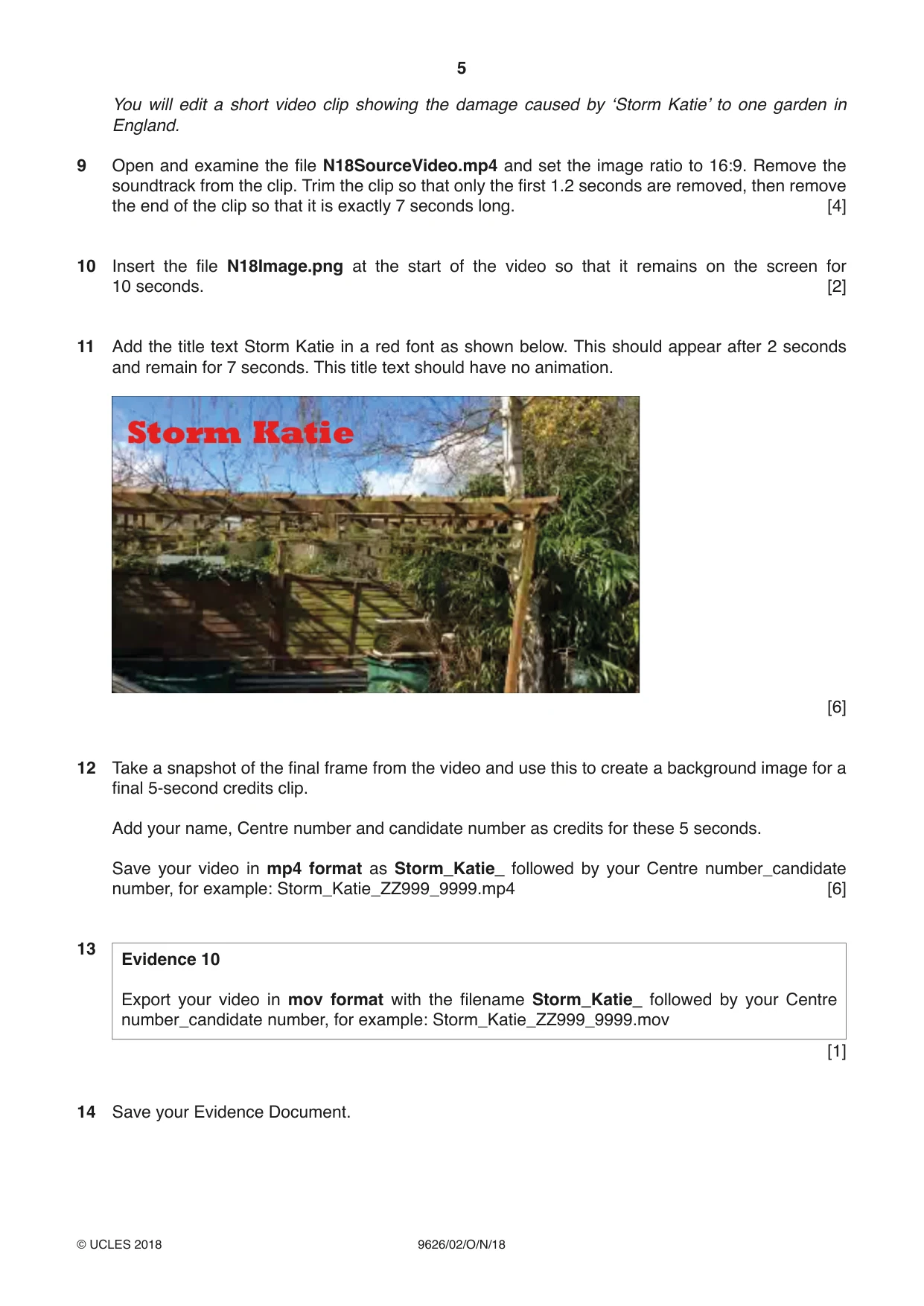
5 9626/02/O/N/18 © UCLES 2018 You will edit a short video clip showing the damage caused by ‘Storm Katie’ to one garden in England. 9 Open and examine the file N18SourceVideo.mp4 and set the image ratio to 16:9. Remove the soundtrack from the clip. Trim the clip so that only the first 1.2 seconds are removed, then remove the end of the clip so that it is exactly 7 seconds long. [4] 10 Insert the file N18Image.png at the start of the video so that it remains on the screen for 10 seconds. [2] 11 Add the title text Storm Katie in a red font as shown below. This should appear after 2 seconds and remain for 7 seconds. This title text should have no animation. [6] 12 Take a snapshot of the final frame from the video and use this to create a background image for a final 5-second credits clip. Add your name, Centre number and candidate number as credits for these 5 seconds. Save your video in mp4 format as Storm_Katie_ followed by your Centre number_candidate number, for example: Storm_Katie_ZZ999_9999.mp4 [6] 13 Evidence 10 Export your video in mov format with the filename Storm_Katie_ followed by your Centre number_candidate number, for example: Storm_Katie_ZZ999_9999.mov [1] 14 Save your Evidence Document.
Question paper, page 6
6 9626/02/O/N/18 © UCLES 2018 BLANK PAGE
Question paper, page 7
7 9626/02/O/N/18 © UCLES 2018 BLANK PAGE
Question paper, page 8
8 9626/02/O/N/18 © UCLES 2018 Permission to reproduce items where third-party owned material protected by copyright is included has been sought and cleared where possible. Every reasonable effort has been made by the publisher (UCLES) to trace copyright holders, but if any items requiring clearance have unwittingly been included, the publisher will be pleased to make amends at the earliest possible opportunity. To avoid the issue of disclosure of answer-related information to candidates, all copyright acknowledgements are reproduced online in the Cambridge International Examinations Copyright Acknowledgements Booklet. This is produced for each series of examinations and is freely available to download at www.cie.org.uk after the live examination series. Cambridge International Examinations is part of the Cambridge Assessment Group. Cambridge Assessment is the brand name of University of Cambridge Local Examinations Syndicate (UCLES), which is itself a department of the University of Cambridge. BLANK PAGE