Cambridge A Level Applied Information and Communication Technology 9713 — 2009 May/June Paper 4 · Variant 1
9713/41/M/J/09 · 90 marks · ≈101 min
The question paper and its mark scheme, free to read here and free to download. This is Cambridge’s own paper, exactly as it was sat.
Question paper4 pages
Mark scheme3 pages
Answers below. Sit the paper first if you are practising.
Paper as text
Question paper, page 1
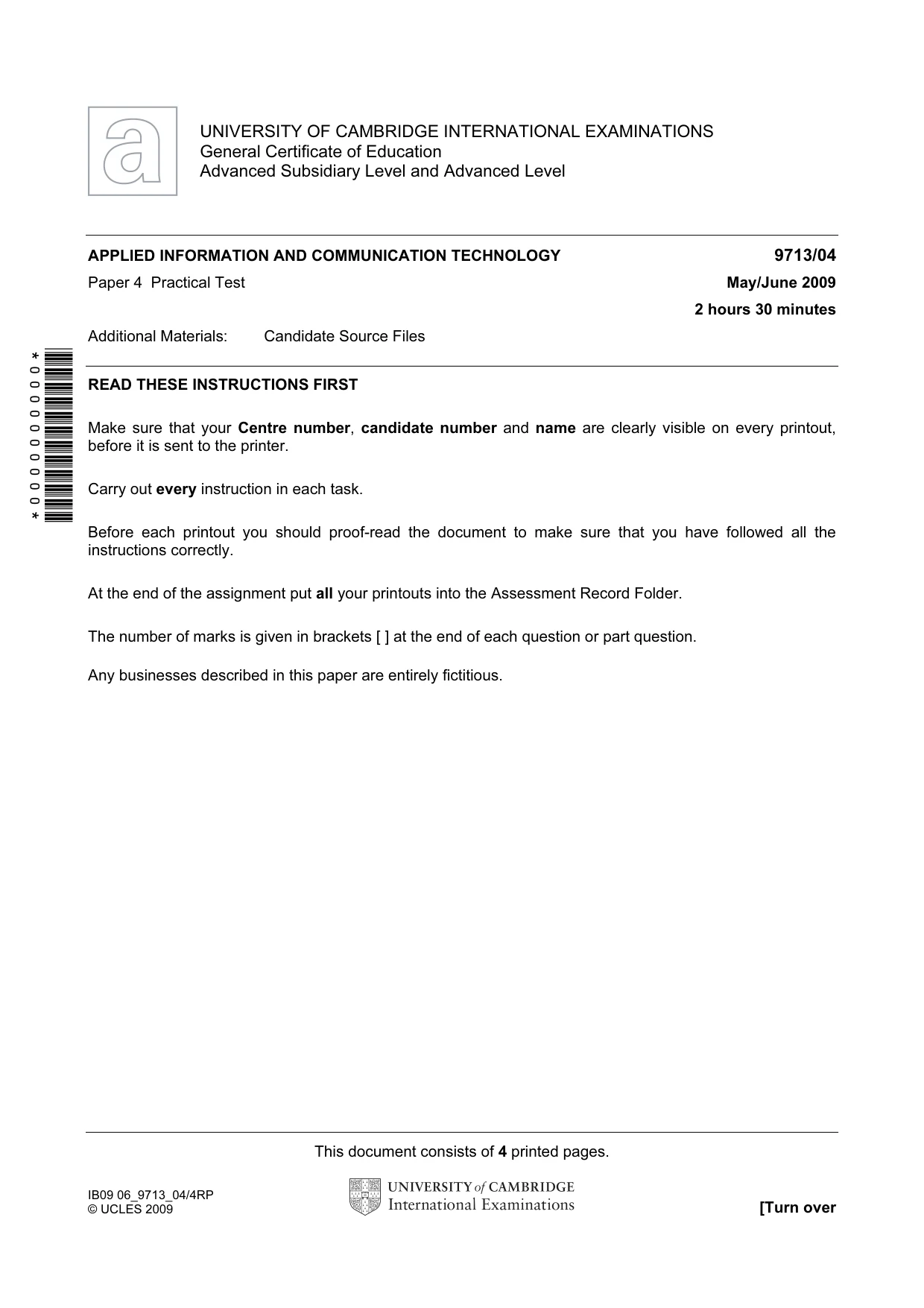
This document consists of 4 printed pages. IB09 06_9713_04/4RP © UCLES 2009 [Turn over *0000000000* UNIVERSITY OF CAMBRIDGE INTERNATIONAL EXAMINATIONS General Certificate of Education Advanced Subsidiary Level and Advanced Level APPLIED INFORMATION AND COMMUNICATION TECHNOLOGY 9713/04 Paper 4 Practical Test May/June 2009 2 hours 30 minutes Additional Materials: Candidate Source Files READ THESE INSTRUCTIONS FIRST Make sure that your Centre number, candidate number and name are clearly visible on every printout, before it is sent to the printer. Carry out every instruction in each task. Before each printout you should proof-read the document to make sure that you have followed all the instructions correctly. At the end of the assignment put all your printouts into the Assessment Record Folder. The number of marks is given in brackets [ ] at the end of each question or part question. Any businesses described in this paper are entirely fictitious.
Question paper, page 2
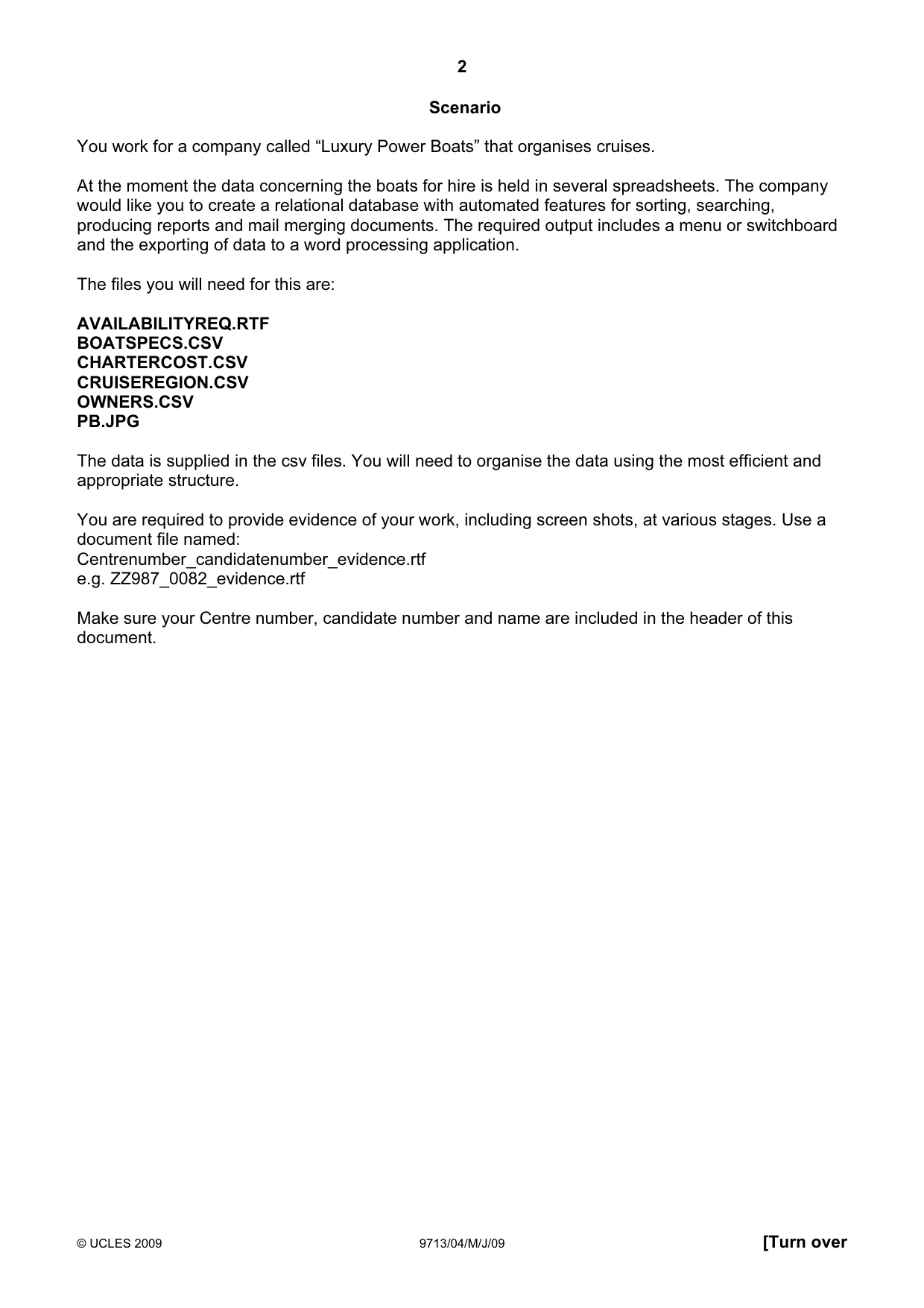
2 © UCLES 2009 9713/04/M/J/09 [Turn over Scenario You work for a company called “Luxury Power Boats” that organises cruises. At the moment the data concerning the boats for hire is held in several spreadsheets. The company would like you to create a relational database with automated features for sorting, searching, producing reports and mail merging documents. The required output includes a menu or switchboard and the exporting of data to a word processing application. The files you will need for this are: AVAILABILITYREQ.RTF BOATSPECS.CSV CHARTERCOST.CSV CRUISEREGION.CSV OWNERS.CSV PB.JPG The data is supplied in the csv files. You will need to organise the data using the most efficient and appropriate structure. You are required to provide evidence of your work, including screen shots, at various stages. Use a document file named: Centrenumber_candidatenumber_evidence.rtf e.g. ZZ987_0082_evidence.rtf Make sure your Centre number, candidate number and name are included in the header of this document.
Question paper, page 3
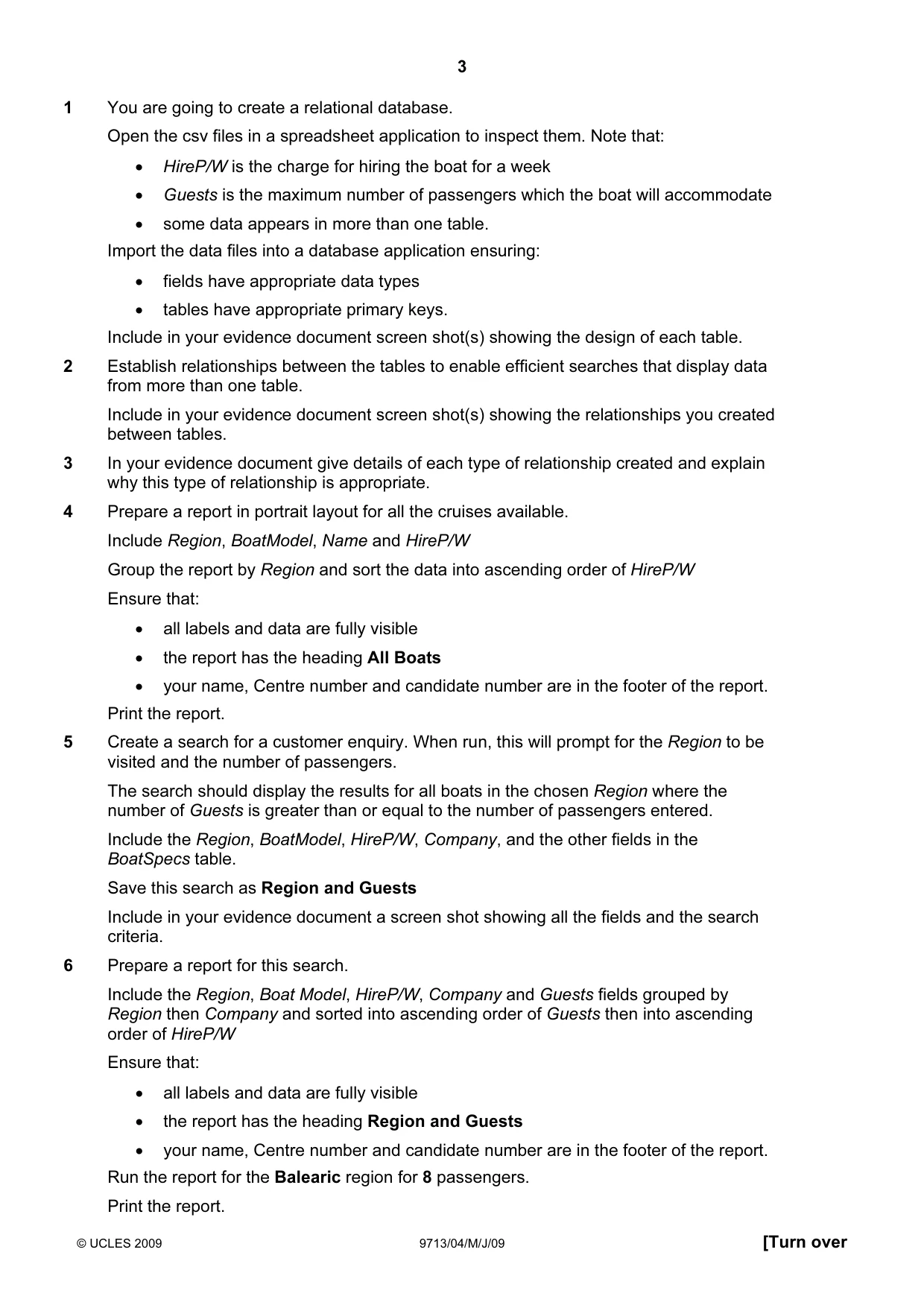
3 © UCLES 2009 9713/04/M/J/09 [Turn over 1 You are going to create a relational database. Open the csv files in a spreadsheet application to inspect them. Note that: • HireP/W is the charge for hiring the boat for a week • Guests is the maximum number of passengers which the boat will accommodate • some data appears in more than one table. Import the data files into a database application ensuring: • fields have appropriate data types • tables have appropriate primary keys. Include in your evidence document screen shot(s) showing the design of each table. 2 Establish relationships between the tables to enable efficient searches that display data from more than one table. Include in your evidence document screen shot(s) showing the relationships you created between tables. 3 In your evidence document give details of each type of relationship created and explain why this type of relationship is appropriate. 4 Prepare a report in portrait layout for all the cruises available. Include Region, BoatModel, Name and HireP/W Group the report by Region and sort the data into ascending order of HireP/W Ensure that: • all labels and data are fully visible • the report has the heading All Boats • your name, Centre number and candidate number are in the footer of the report. Print the report. 5 Create a search for a customer enquiry. When run, this will prompt for the Region to be visited and the number of passengers. The search should display the results for all boats in the chosen Region where the number of Guests is greater than or equal to the number of passengers entered. Include the Region, BoatModel, HireP/W, Company, and the other fields in the BoatSpecs table. Save this search as Region and Guests Include in your evidence document a screen shot showing all the fields and the search criteria. 6 Prepare a report for this search. Include the Region, Boat Model, HireP/W, Company and Guests fields grouped by Region then Company and sorted into ascending order of Guests then into ascending order of HireP/W Ensure that: • all labels and data are fully visible • the report has the heading Region and Guests • your name, Centre number and candidate number are in the footer of the report. Run the report for the Balearic region for 8 passengers. Print the report.
Question paper, page 4
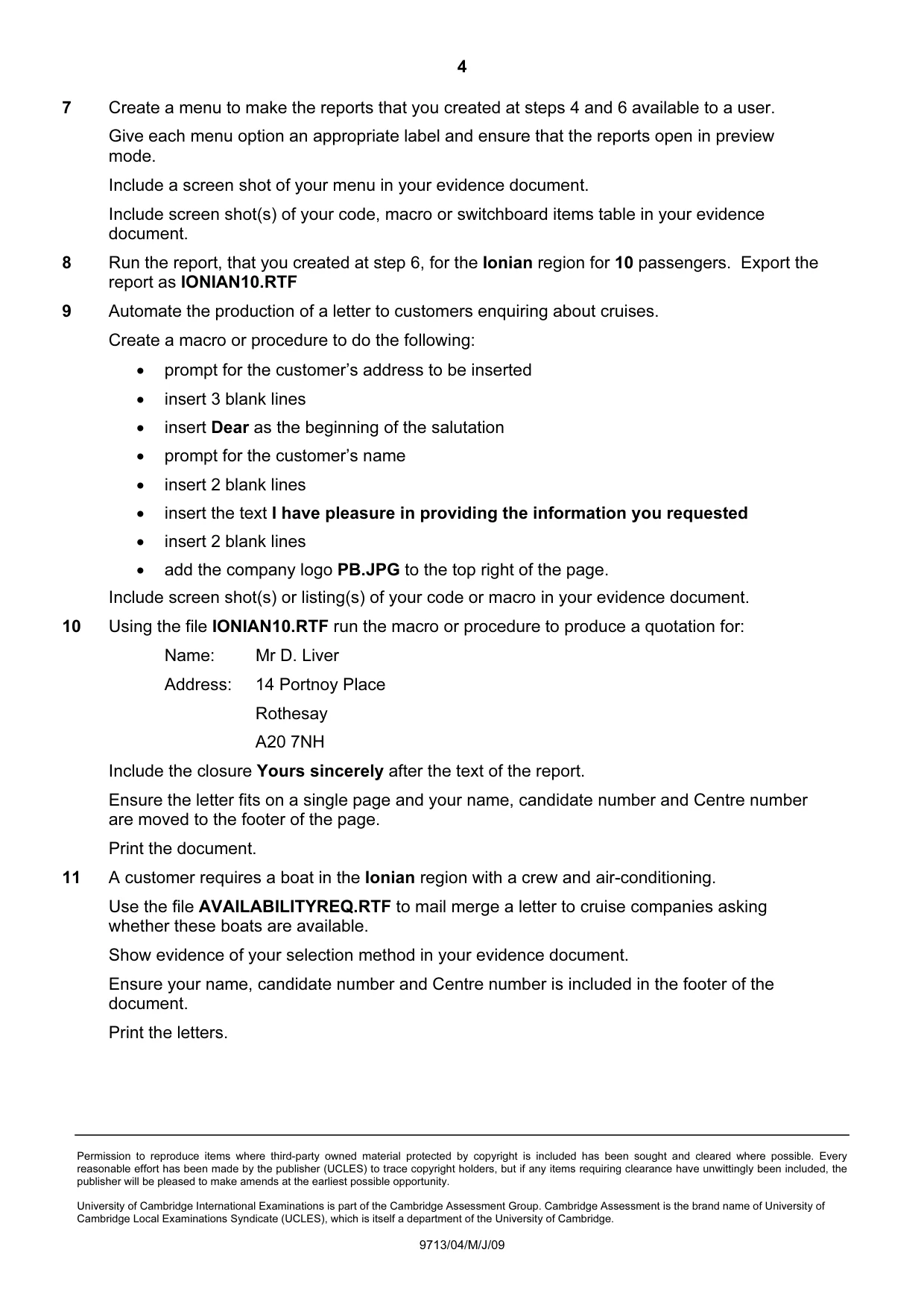
4 Permission to reproduce items where third-party owned material protected by copyright is included has been sought and cleared where possible. Every reasonable effort has been made by the publisher (UCLES) to trace copyright holders, but if any items requiring clearance have unwittingly been included, the publisher will be pleased to make amends at the earliest possible opportunity. University of Cambridge International Examinations is part of the Cambridge Assessment Group. Cambridge Assessment is the brand name of University of Cambridge Local Examinations Syndicate (UCLES), which is itself a department of the University of Cambridge. 9713/04/M/J/09 7 Create a menu to make the reports that you created at steps 4 and 6 available to a user. Give each menu option an appropriate label and ensure that the reports open in preview mode. Include a screen shot of your menu in your evidence document. Include screen shot(s) of your code, macro or switchboard items table in your evidence document. 8 Run the report, that you created at step 6, for the Ionian region for 10 passengers. Export the report as IONIAN10.RTF 9 Automate the production of a letter to customers enquiring about cruises. Create a macro or procedure to do the following: • prompt for the customer’s address to be inserted • insert 3 blank lines • insert Dear as the beginning of the salutation • prompt for the customer’s name • insert 2 blank lines • insert the text I have pleasure in providing the information you requested • insert 2 blank lines • add the company logo PB.JPG to the top right of the page. Include screen shot(s) or listing(s) of your code or macro in your evidence document. 10 Using the file IONIAN10.RTF run the macro or procedure to produce a quotation for: Name: Mr D. Liver Address: 14 Portnoy Place Rothesay A20 7NH Include the closure Yours sincerely after the text of the report. Ensure the letter fits on a single page and your name, candidate number and Centre number are moved to the footer of the page. Print the document. 11 A customer requires a boat in the Ionian region with a crew and air-conditioning. Use the file AVAILABILITYREQ.RTF to mail merge a letter to cruise companies asking whether these boats are available. Show evidence of your selection method in your evidence document. Ensure your name, candidate number and Centre number is included in the footer of the document. Print the letters.
Mark scheme, page 1
UNIVERSITY OF CAMBRIDGE INTERNATIONAL EXAMINATIONS GCE Advanced Subsidiary Level and GCE Advanced Level MARK SCHEME for the May/June 2009 question paper for the guidance of teachers 9713 APPLIED INFORMATION AND COMMUNICATION TECHNOLOGY 9713/04 Paper 4 (Practical Test B), maximum raw mark 90 This mark scheme is published as an aid to teachers and candidates, to indicate the requirements of the examination. It shows the basis on which Examiners were instructed to award marks. It does not indicate the details of the discussions that took place at an Examiners’ meeting before marking began, which would have considered the acceptability of alternative answers. Mark schemes must be read in conjunction with the question papers and the report on the examination. • CIE will not enter into discussions or correspondence in connection with these mark schemes. CIE is publishing the mark schemes for the May/June 2009 question papers for most IGCSE, GCE Advanced Level and Advanced Subsidiary Level syllabuses and some Ordinary Level syllabuses.
Mark scheme, page 2
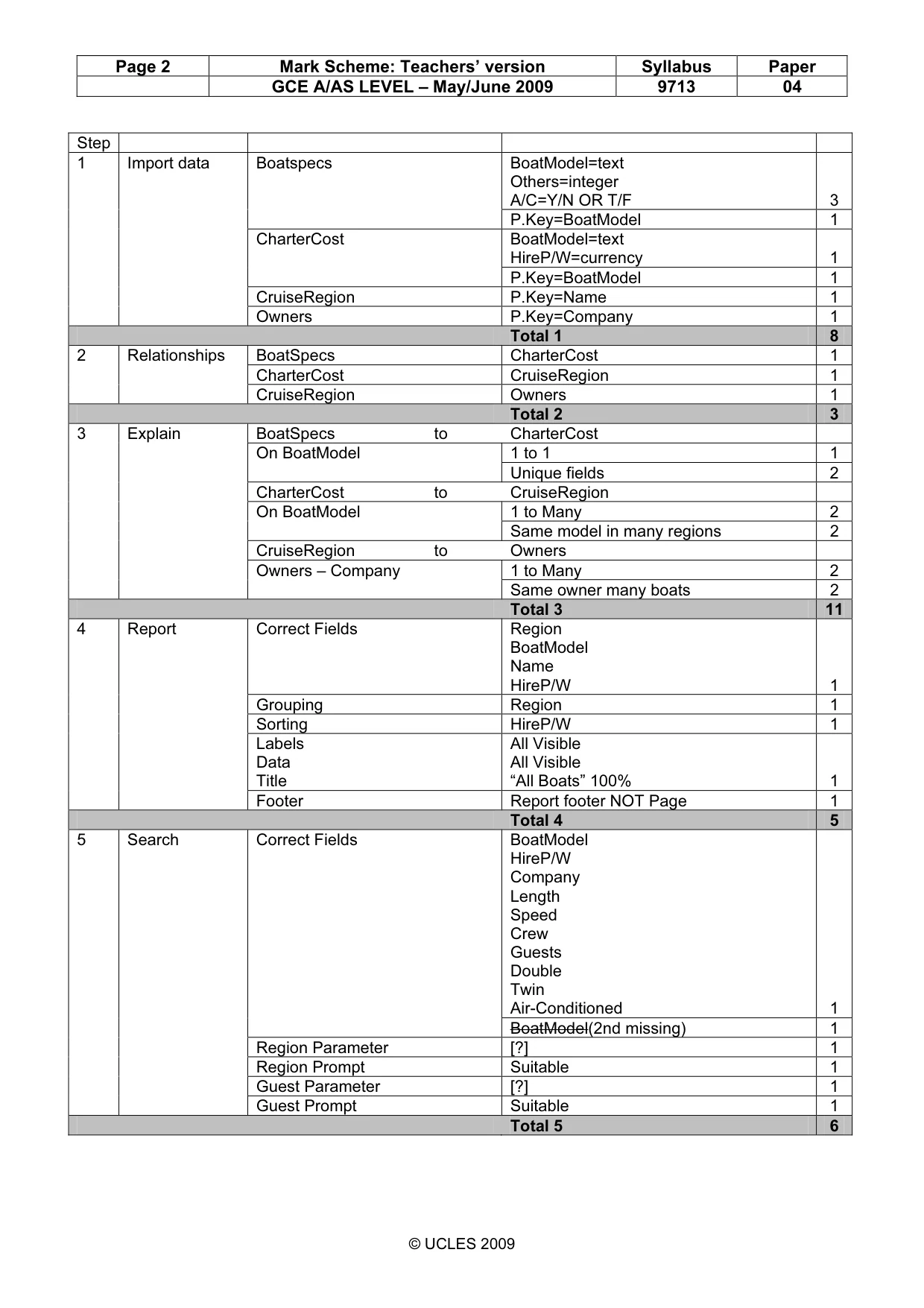
Page 2 Mark Scheme: Teachers’ version Syllabus Paper GCE A/AS LEVEL – May/June 2009 9713 04 © UCLES 2009 Step BoatModel=text Others=integer A/C=Y/N OR T/F 3 Boatspecs P.Key=BoatModel 1 BoatModel=text HireP/W=currency 1 CharterCost P.Key=BoatModel 1 CruiseRegion P.Key=Name 1 1 Import data Owners P.Key=Company 1 Total 1 8 BoatSpecs CharterCost 1 CharterCost CruiseRegion 1 2 Relationships CruiseRegion Owners 1 Total 2 3 BoatSpecs to CharterCost 1 to 1 1 On BoatModel Unique fields 2 CharterCost to CruiseRegion 1 to Many 2 On BoatModel Same model in many regions 2 CruiseRegion to Owners 1 to Many 2 3 Explain Owners – Company Same owner many boats 2 Total 3 11 Correct Fields Region BoatModel Name HireP/W 1 Grouping Region 1 Sorting HireP/W 1 Labels Data Title All Visible All Visible “All Boats” 100% 1 4 Report Footer Report footer NOT Page 1 Total 4 5 BoatModel HireP/W Company Length Speed Crew Guests Double Twin Air-Conditioned 1 Correct Fields BoatModel(2nd missing) 1 Region Parameter [?] 1 Region Prompt Suitable 1 Guest Parameter [?] 1 5 Search Guest Prompt Suitable 1 Total 5 6
Mark scheme, page 3
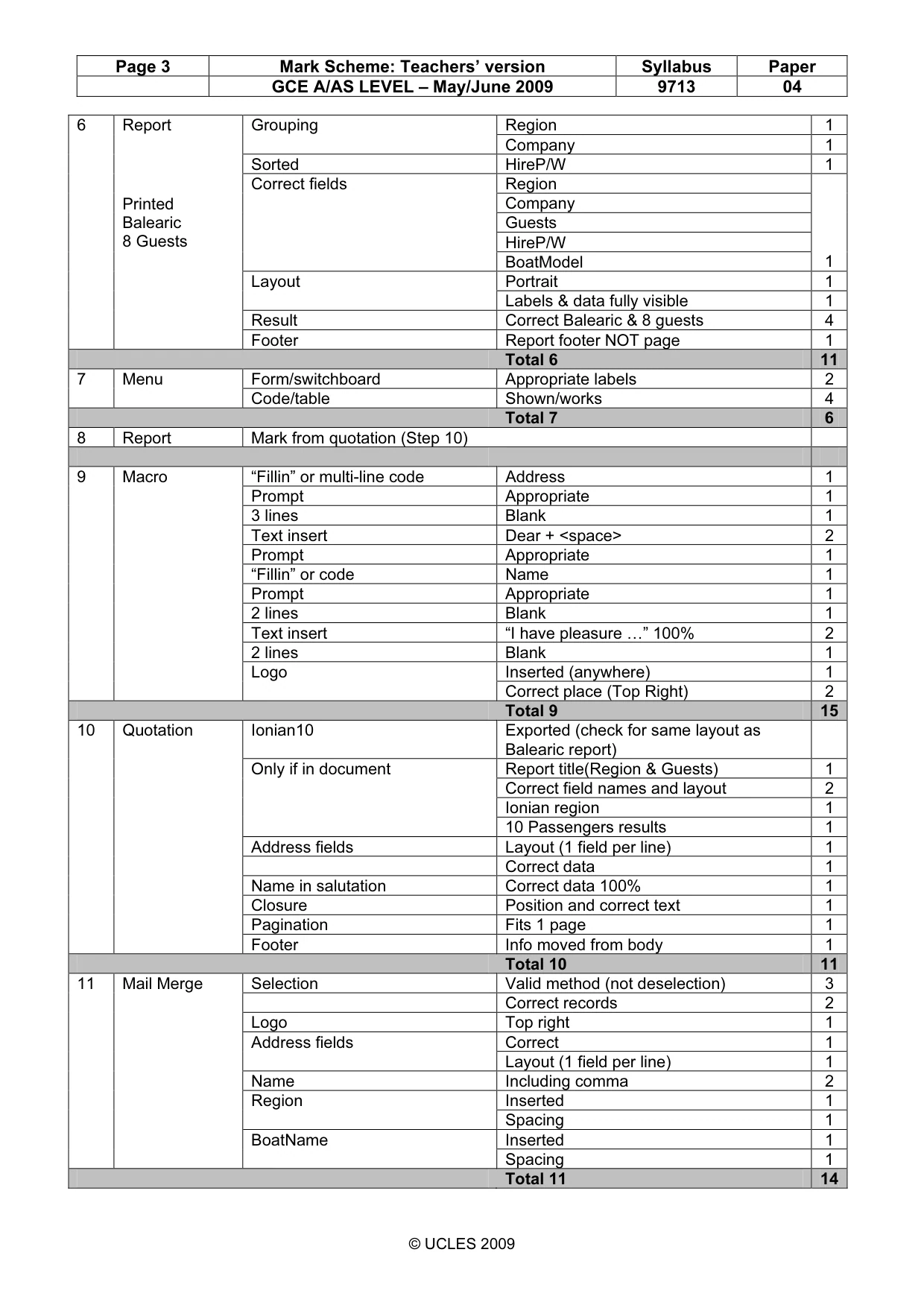
Page 3 Mark Scheme: Teachers’ version Syllabus Paper GCE A/AS LEVEL – May/June 2009 9713 04 © UCLES 2009 Region 1 Grouping Company 1 Report Sorted HireP/W 1 Region Company Guests HireP/W Printed Balearic 8 Guests Correct fields BoatModel 1 Portrait 1 Layout Labels & data fully visible 1 Result Correct Balearic & 8 guests 4 6 Footer Report footer NOT page 1 Total 6 11 Form/switchboard Appropriate labels 2 7 Menu Code/table Shown/works 4 Total 7 6 8 Report Mark from quotation (Step 10) “Fillin” or multi-line code Address 1 Prompt Appropriate 1 3 lines Blank 1 Text insert Dear + <space> 2 Prompt Appropriate 1 “Fillin” or code Name 1 Prompt Appropriate 1 2 lines Blank 1 Text insert “I have pleasure …” 100% 2 2 lines Blank 1 Inserted (anywhere) 1 9 Macro Logo Correct place (Top Right) 2 Total 9 15 Ionian10 Exported (check for same layout as Balearic report) Report title(Region & Guests) 1 Correct field names and layout 2 Ionian region 1 Only if in document 10 Passengers results 1 Address fields Layout (1 field per line) 1 Correct data 1 Name in salutation Correct data 100% 1 Closure Position and correct text 1 Pagination Fits 1 page 1 10 Quotation Footer Info moved from body 1 Total 10 11 Selection Valid method (not deselection) 3 Correct records 2 Logo Top right 1 Correct 1 Address fields Layout (1 field per line) 1 Name Including comma 2 Inserted 1 Region Spacing 1 Inserted 1 11 Mail Merge BoatName Spacing 1 Total 11 14
What you needed in this session
Cambridge’s own grade thresholds for 2009 May/June, Paper 4 · Variant 1. A higher threshold means an easier paper — the bar moves with how the cohort did.