Cambridge A Level Applied Information and Communication Technology 9713 — 2012 Oct/Nov Paper 3 · Variant 2
9713/32/O/N/12 · 80 marks · ≈90 min
The question paper and its mark scheme, free to read here and free to download. This is Cambridge’s own paper, exactly as it was sat.
Question paper20 pages

Mark scheme
No mark scheme is in the library for this paper.
Paper as text
Question paper, page 1
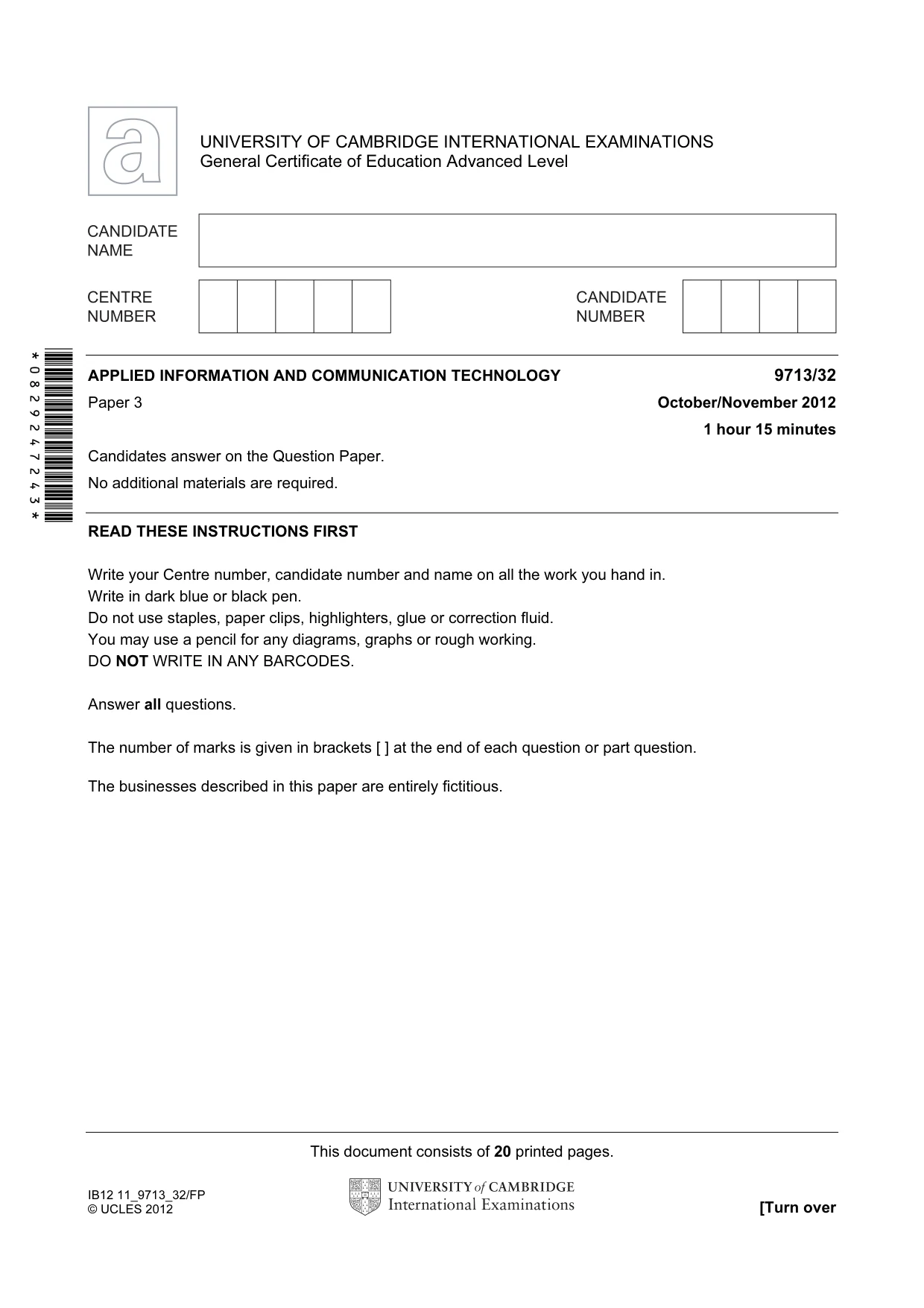
This document consists of 20 printed pages. IB12 11_9713_32/FP © UCLES 2012 [Turn over *0829247243* UNIVERSITY OF CAMBRIDGE INTERNATIONAL EXAMINATIONS General Certificate of Education Advanced Level APPLIED INFORMATION AND COMMUNICATION TECHNOLOGY 9713/32 Paper 3 October/November 2012 1 hour 15 minutes Candidates answer on the Question Paper. No additional materials are required. READ THESE INSTRUCTIONS FIRST Write your Centre number, candidate number and name on all the work you hand in. Write in dark blue or black pen. Do not use staples, paper clips, highlighters, glue or correction fluid. You may use a pencil for any diagrams, graphs or rough working. DO NOT WRITE IN ANY BARCODES. Answer all questions. The number of marks is given in brackets [ ] at the end of each question or part question. The businesses described in this paper are entirely fictitious.
Question paper, page 2
2 © UCLES 2012 9713/32/O/N/12 For Examiner's Use Scenario 1 Questions 1 and 2 José runs a car rental business. Cars can be picked up from one garage and returned to another. Each car is fitted with a Satellite Navigation system (Sat Nav).
Question paper, page 3
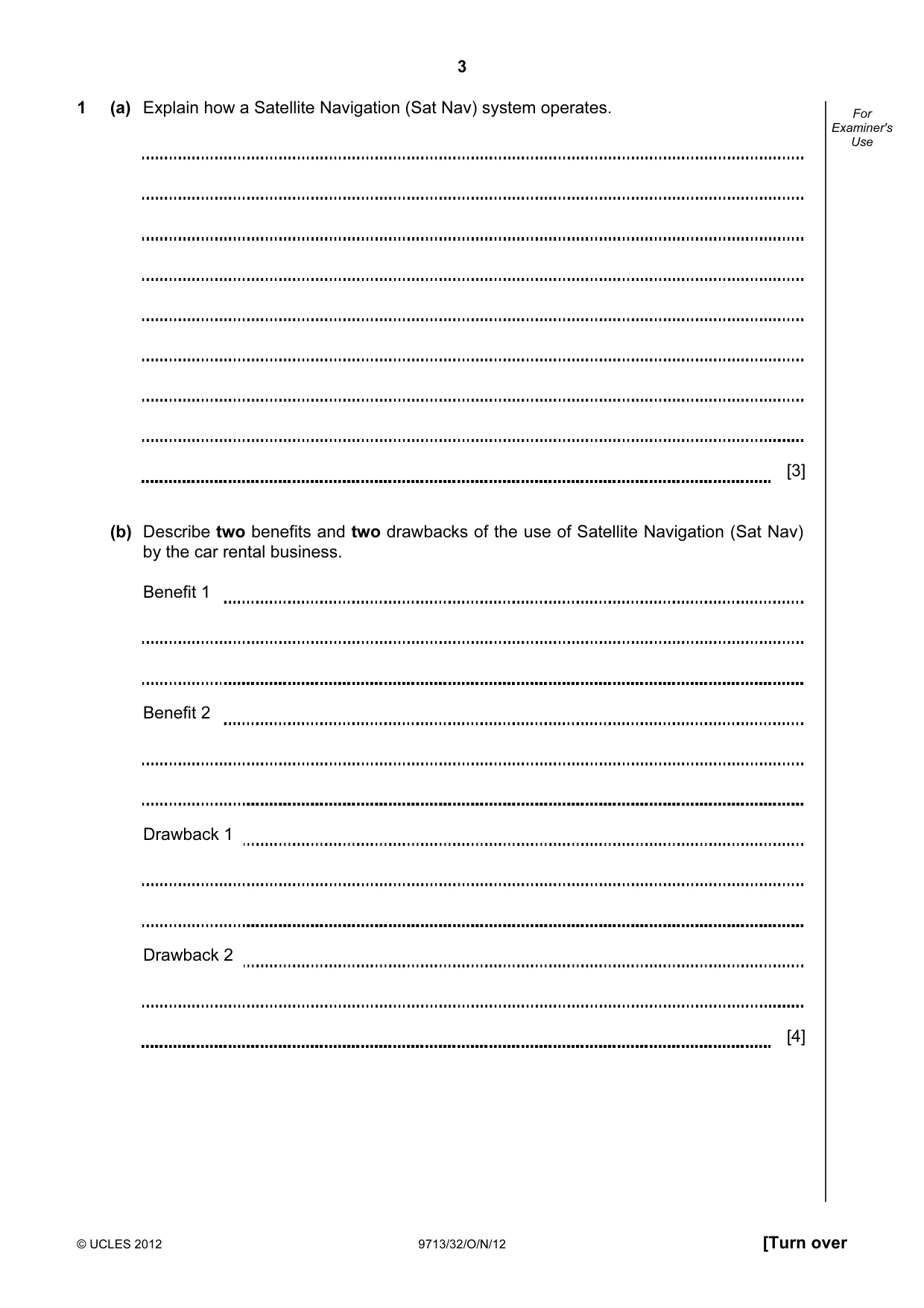
3 © UCLES 2012 9713/32/O/N/12 [Turn over For Examiner's Use 1 (a) Explain how a Satellite Navigation (Sat Nav) system operates. [3] (b) Describe two benefits and two drawbacks of the use of Satellite Navigation (Sat Nav) by the car rental business. Benefit 1 Benefit 2 Drawback 1 Drawback 2 [4]
Question paper, page 4
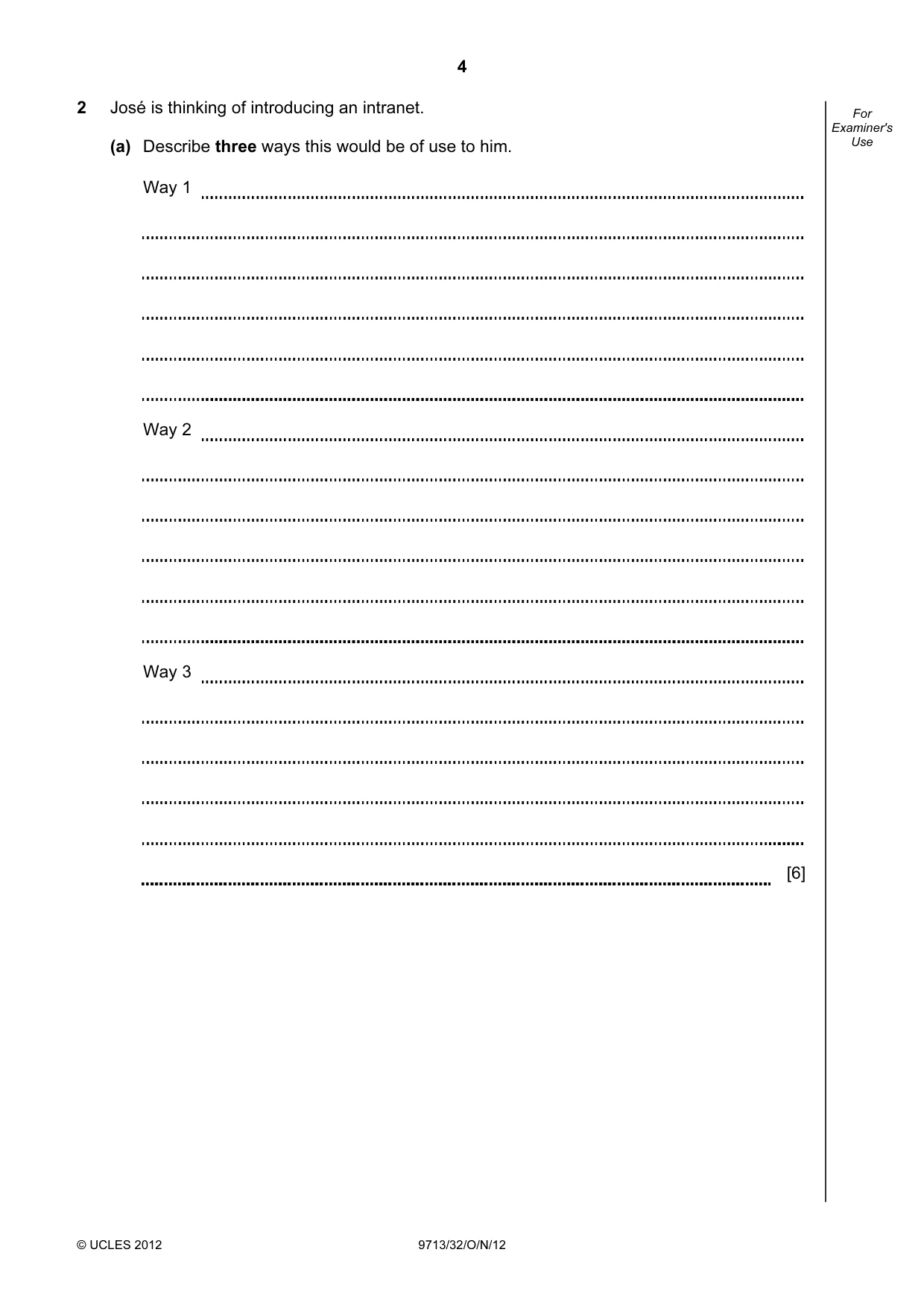
4 © UCLES 2012 9713/32/O/N/12 For Examiner's Use 2 José is thinking of introducing an intranet. (a) Describe three ways this would be of use to him. Way 1 Way 2 Way 3 [6]
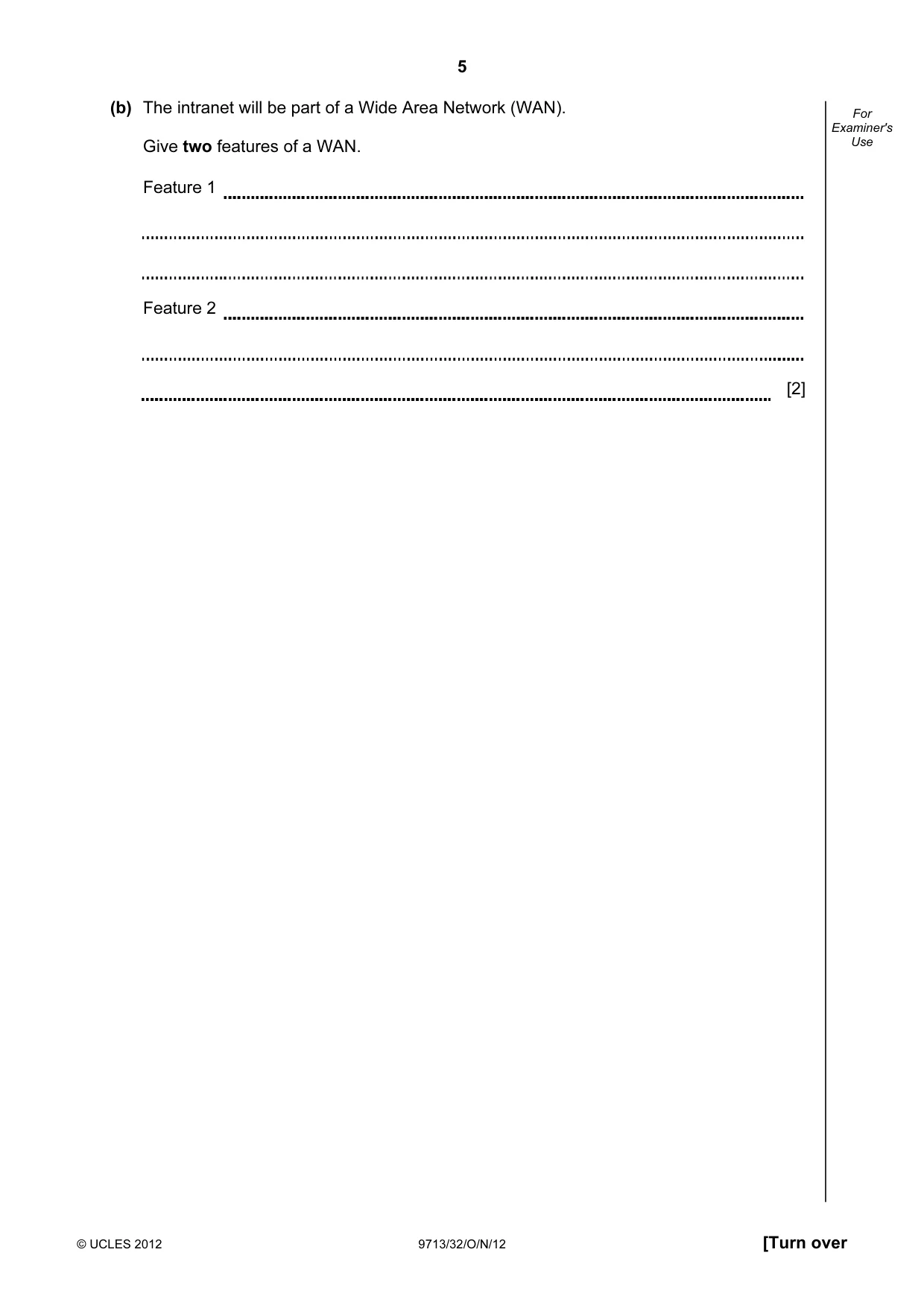
Question paper, page 5
5 © UCLES 2012 9713/32/O/N/12 [Turn over For Examiner's Use (b) The intranet will be part of a Wide Area Network (WAN). Give two features of a WAN. Feature 1 Feature 2 [2]
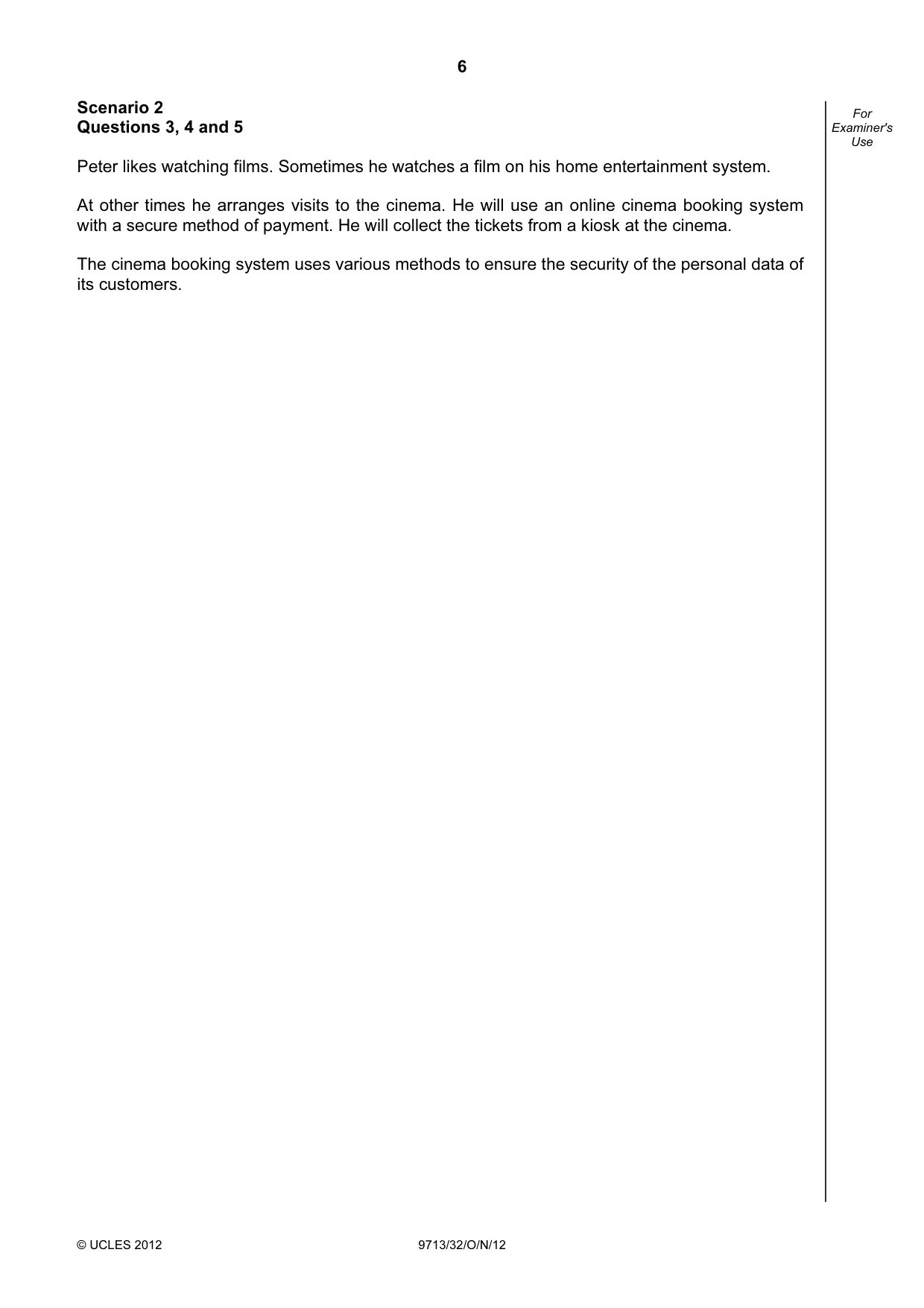
Question paper, page 6
6 © UCLES 2012 9713/32/O/N/12 For Examiner's Use Scenario 2 Questions 3, 4 and 5 Peter likes watching films. Sometimes he watches a film on his home entertainment system. At other times he arranges visits to the cinema. He will use an online cinema booking system with a secure method of payment. He will collect the tickets from a kiosk at the cinema. The cinema booking system uses various methods to ensure the security of the personal data of its customers.
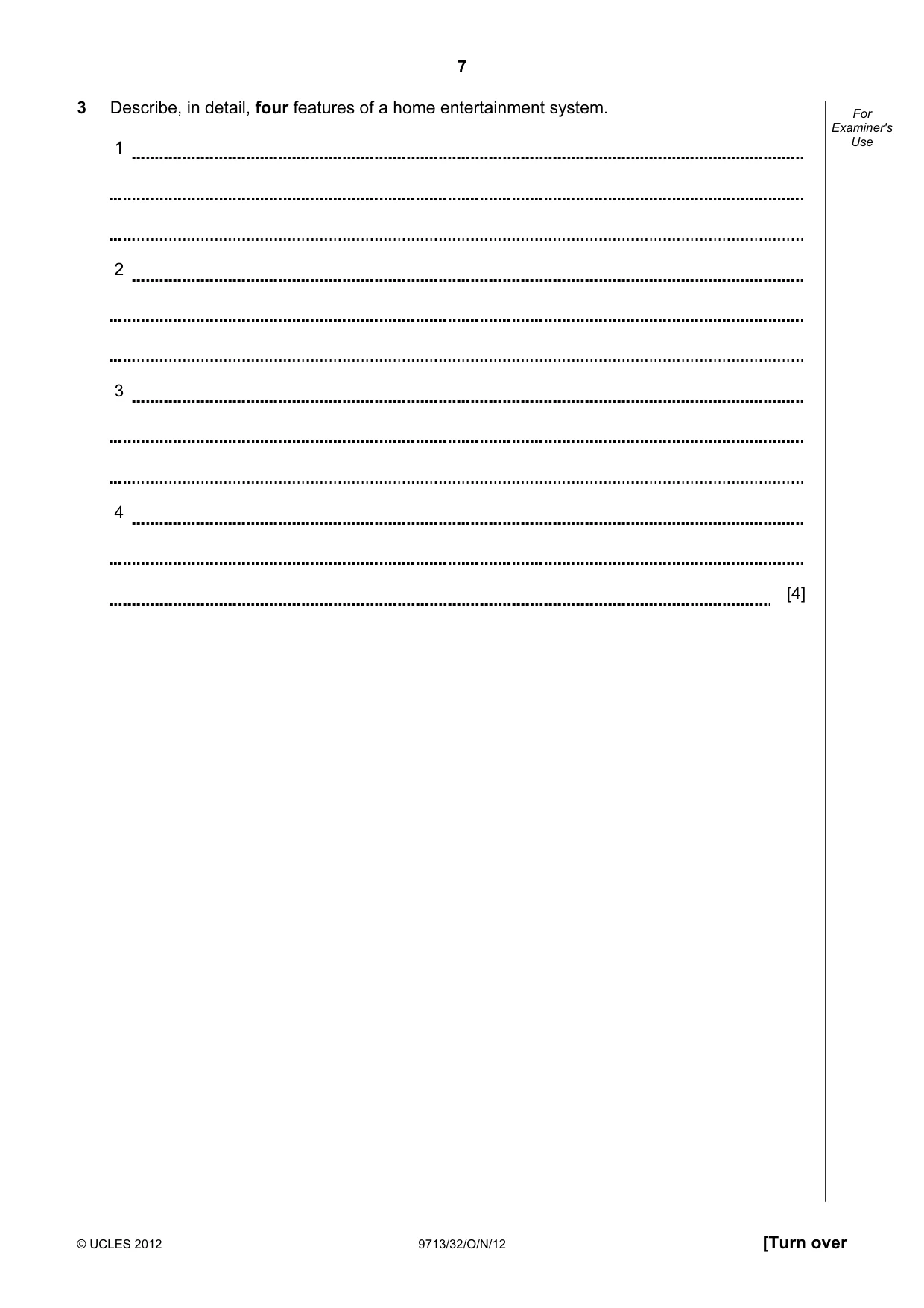
Question paper, page 7
7 © UCLES 2012 9713/32/O/N/12 [Turn over For Examiner's Use 3 Describe, in detail, four features of a home entertainment system. 1 2 3 4 [4]
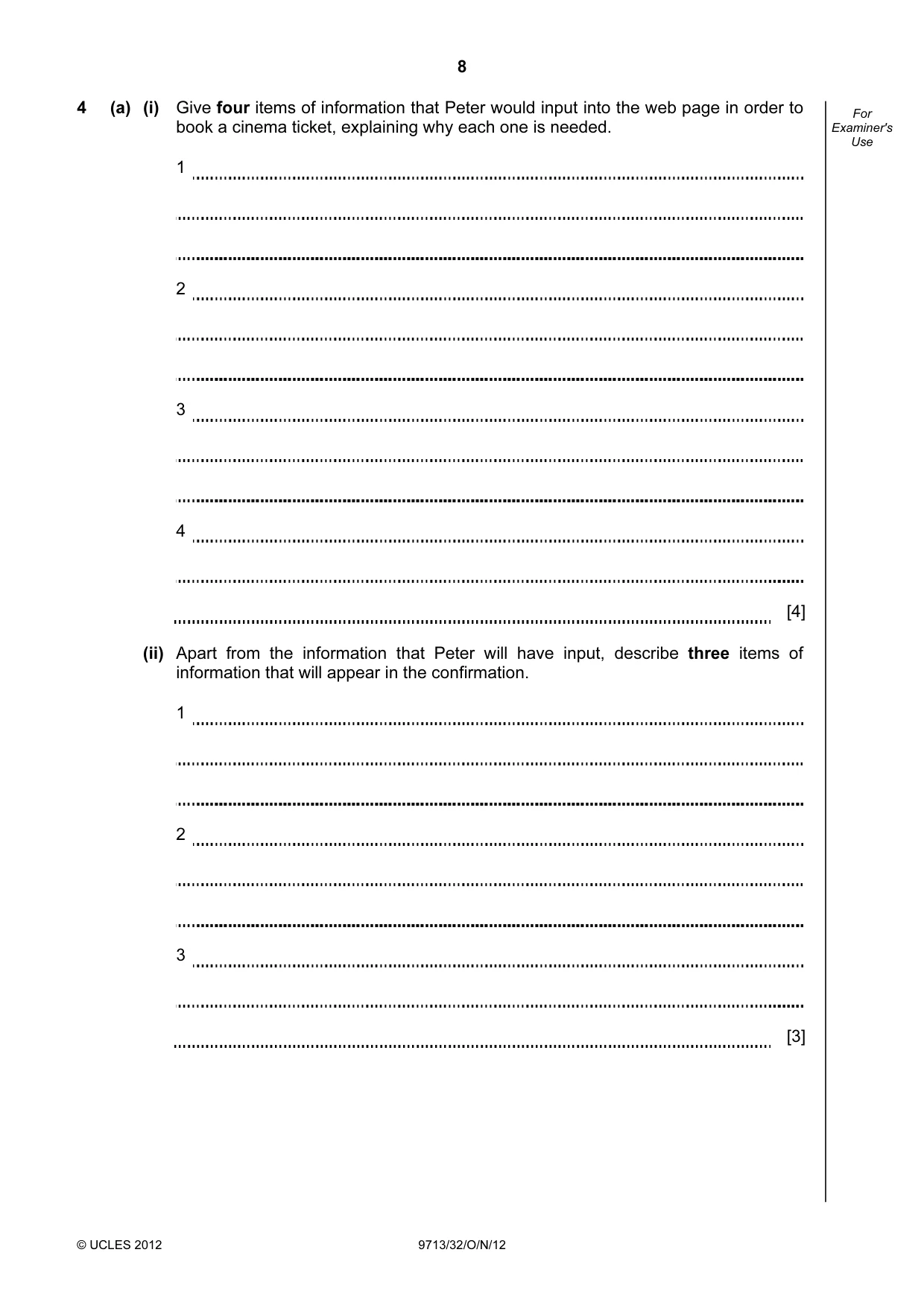
Question paper, page 8
8 © UCLES 2012 9713/32/O/N/12 For Examiner's Use 4 (a) (i) Give four items of information that Peter would input into the web page in order to book a cinema ticket, explaining why each one is needed. 1 2 3 4 [4] (ii) Apart from the information that Peter will have input, describe three items of information that will appear in the confirmation. 1 2 3 [3]
Question paper, page 9
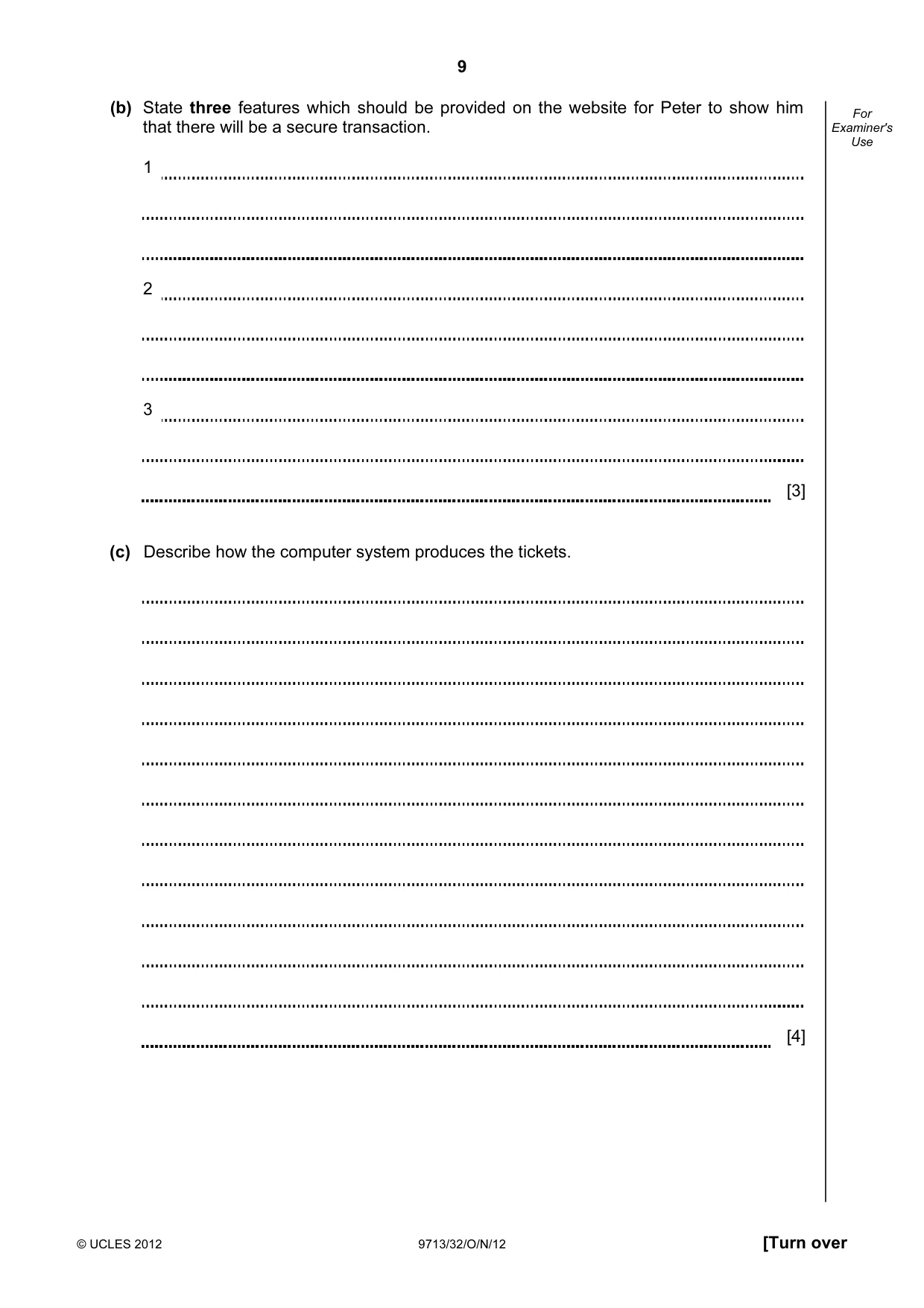
9 © UCLES 2012 9713/32/O/N/12 [Turn over For Examiner's Use (b) State three features which should be provided on the website for Peter to show him that there will be a secure transaction. 1 2 3 [3] (c) Describe how the computer system produces the tickets. [4]
Question paper, page 10
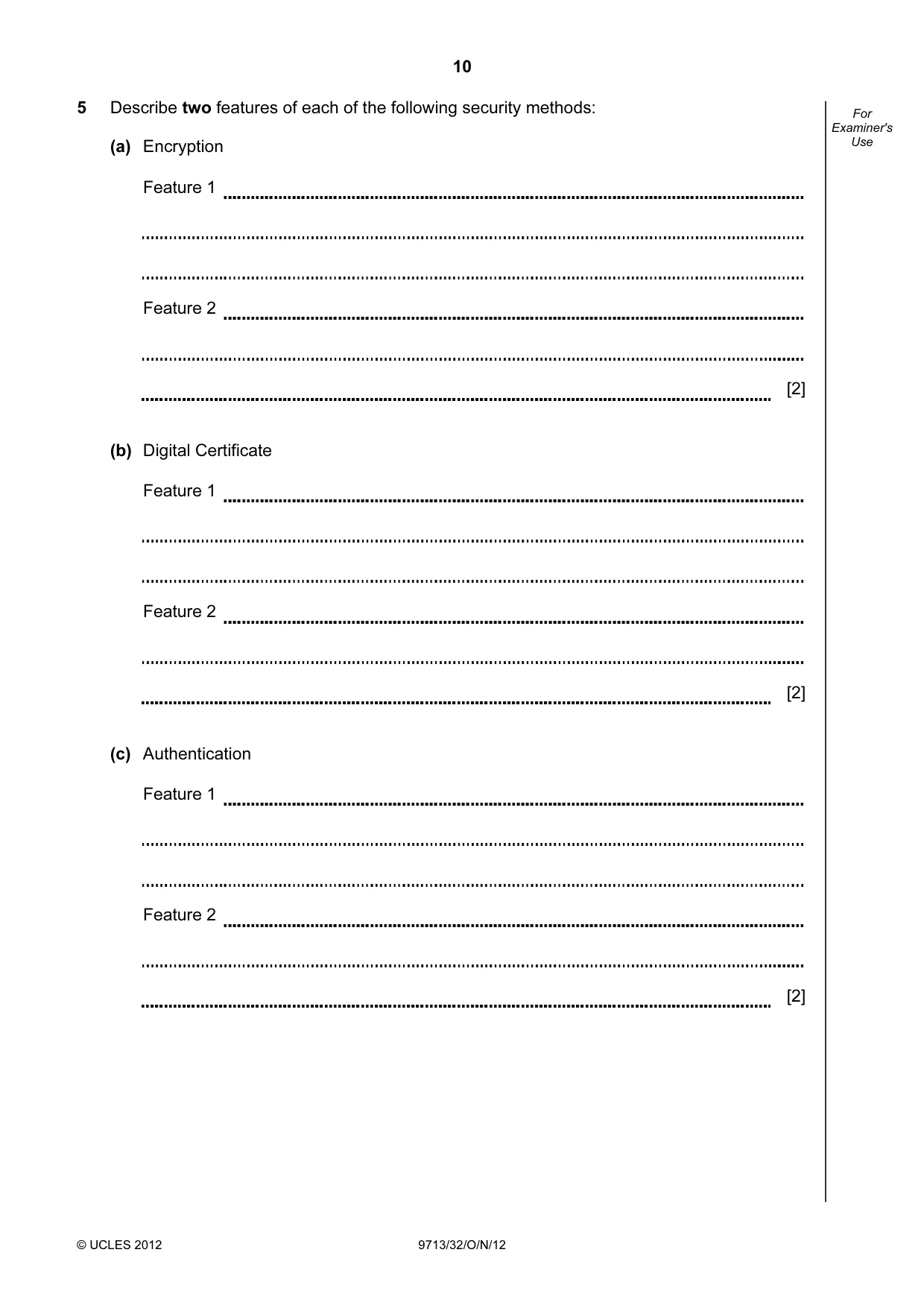
10 © UCLES 2012 9713/32/O/N/12 For Examiner's Use 5 Describe two features of each of the following security methods: (a) Encryption Feature 1 Feature 2 [2] (b) Digital Certificate Feature 1 Feature 2 [2] (c) Authentication Feature 1 Feature 2 [2]
Question paper, page 11
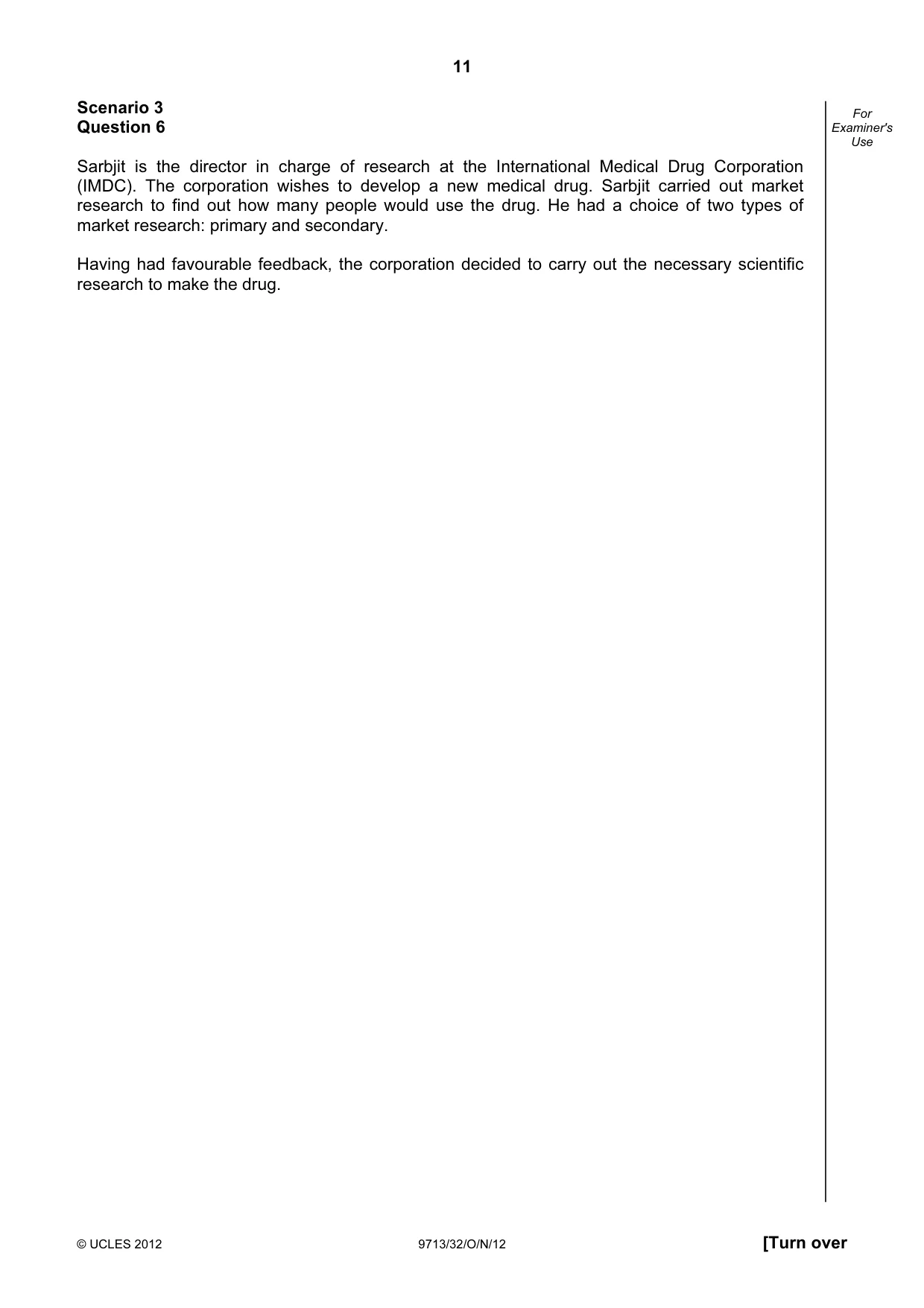
11 © UCLES 2012 9713/32/O/N/12 [Turn over For Examiner's Use Scenario 3 Question 6 Sarbjit is the director in charge of research at the International Medical Drug Corporation (IMDC). The corporation wishes to develop a new medical drug. Sarbjit carried out market research to find out how many people would use the drug. He had a choice of two types of market research: primary and secondary. Having had favourable feedback, the corporation decided to carry out the necessary scientific research to make the drug.
Question paper, page 12
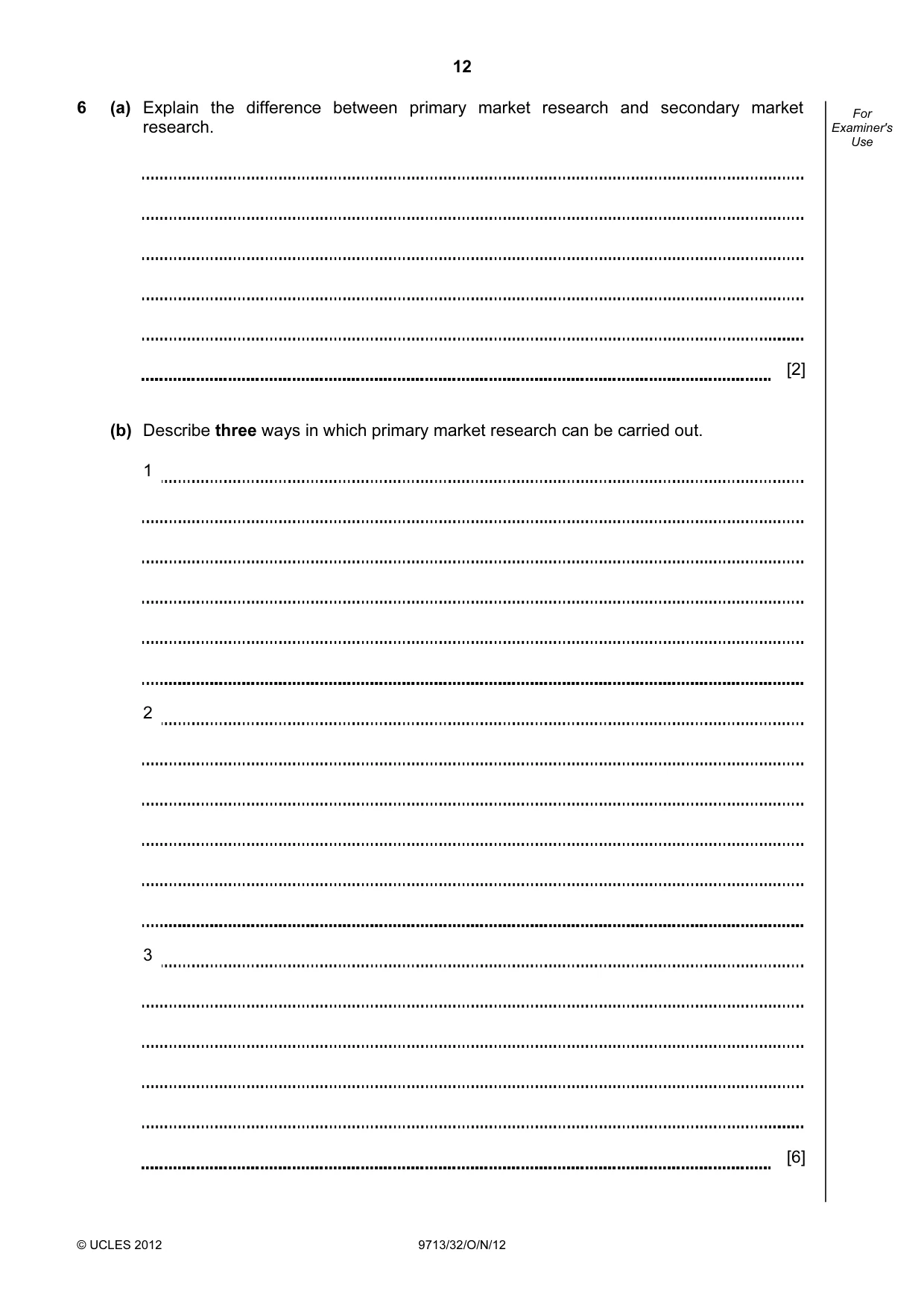
12 © UCLES 2012 9713/32/O/N/12 For Examiner's Use 6 (a) Explain the difference between primary market research and secondary market research. [2] (b) Describe three ways in which primary market research can be carried out. 1 2 3 [6]
Question paper, page 13
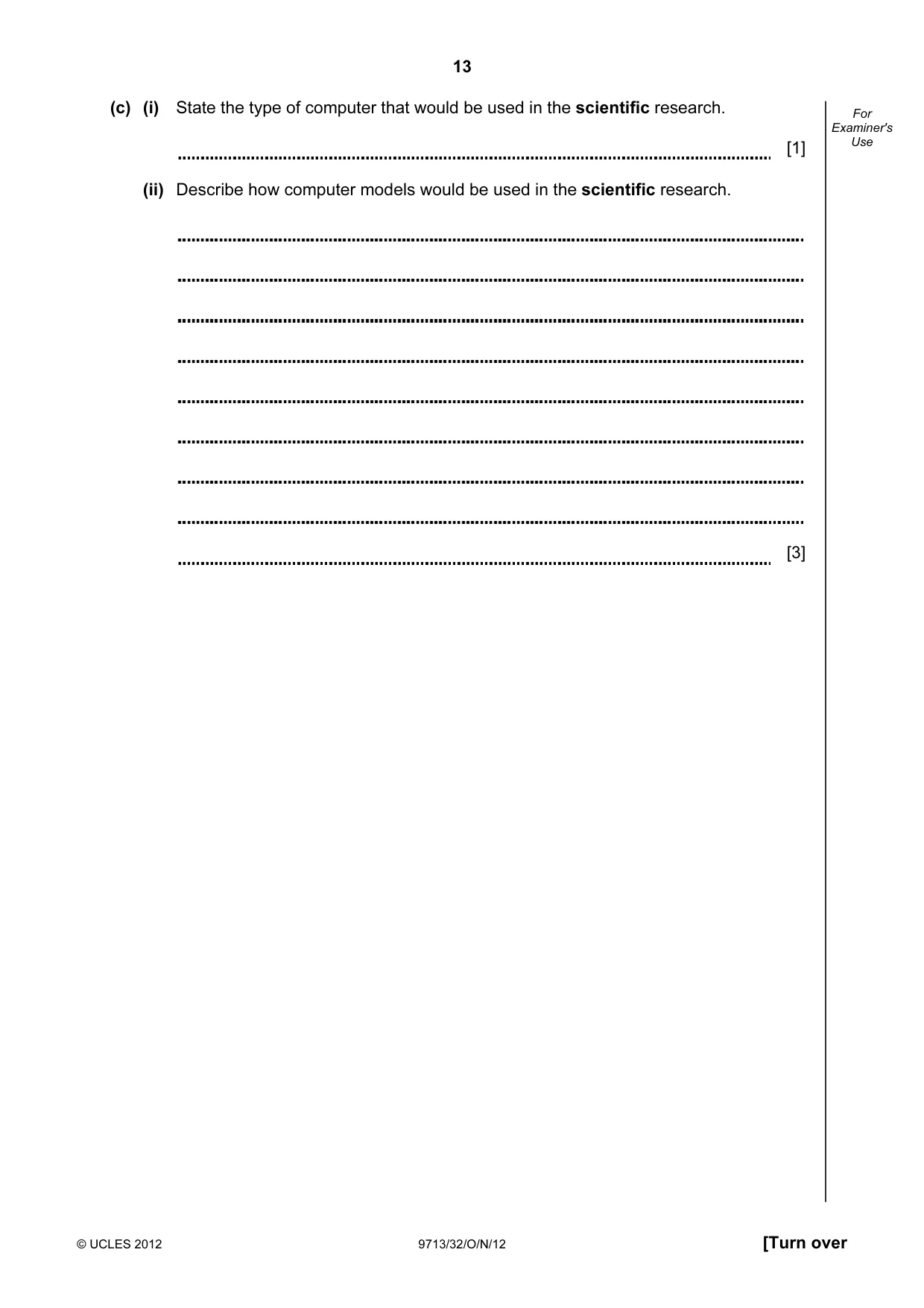
13 © UCLES 2012 9713/32/O/N/12 [Turn over For Examiner's Use (c) (i) State the type of computer that would be used in the scientific research. [1] (ii) Describe how computer models would be used in the scientific research. [3]
Question paper, page 14
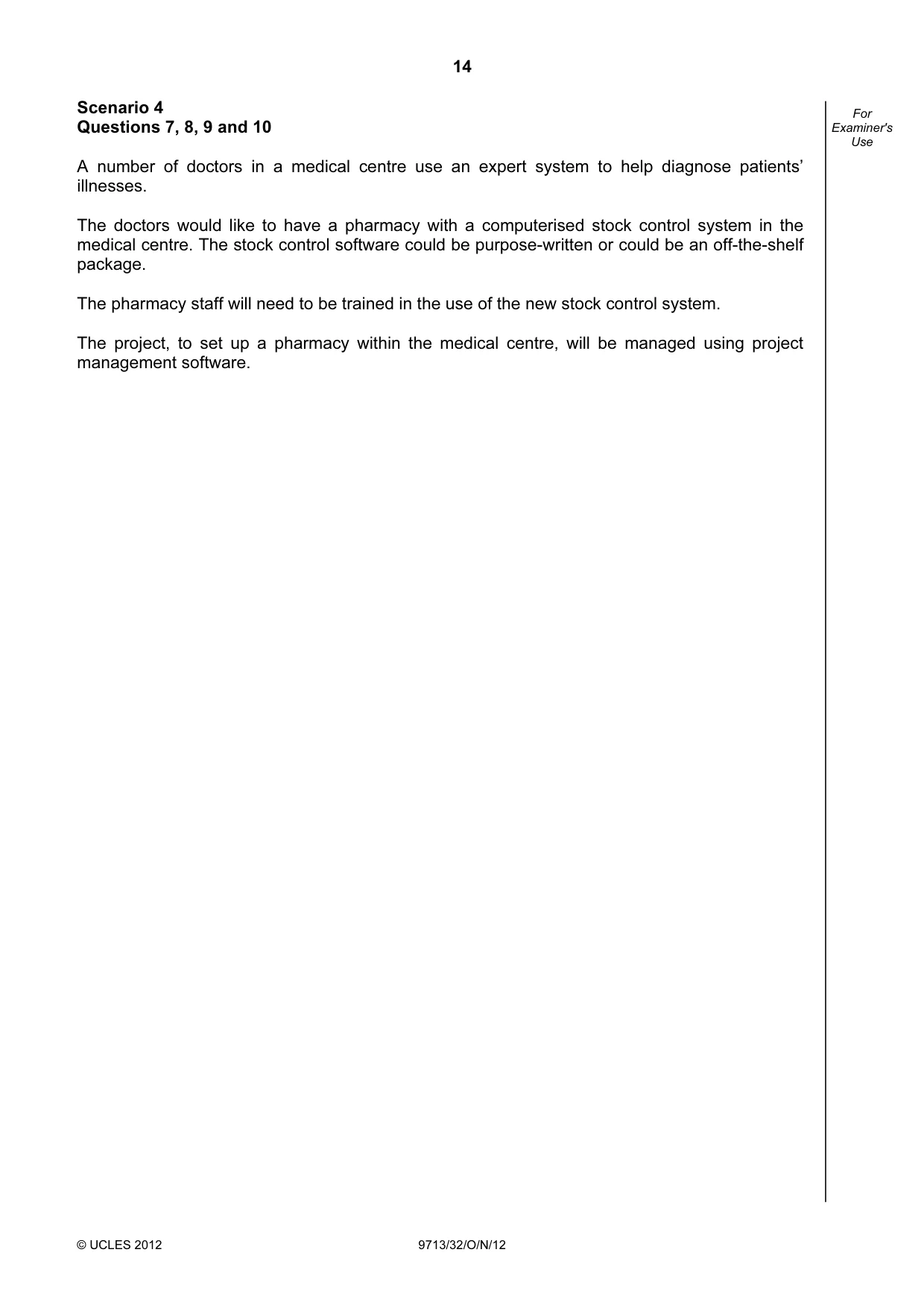
14 © UCLES 2012 9713/32/O/N/12 For Examiner's Use Scenario 4 Questions 7, 8, 9 and 10 A number of doctors in a medical centre use an expert system to help diagnose patients’ illnesses. The doctors would like to have a pharmacy with a computerised stock control system in the medical centre. The stock control software could be purpose-written or could be an off-the-shelf package. The pharmacy staff will need to be trained in the use of the new stock control system. The project, to set up a pharmacy within the medical centre, will be managed using project management software.
Question paper, page 15
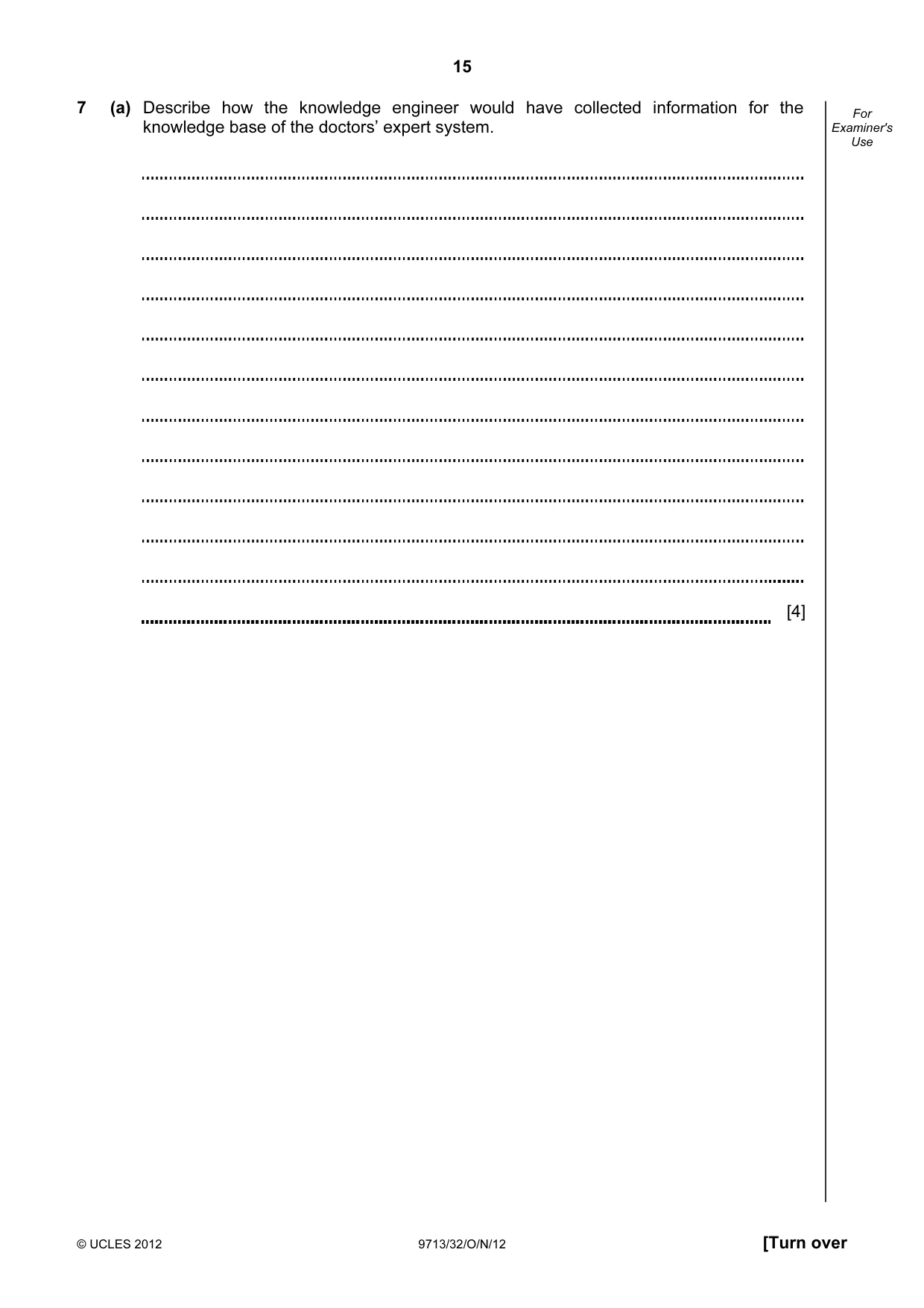
15 © UCLES 2012 9713/32/O/N/12 [Turn over For Examiner's Use 7 (a) Describe how the knowledge engineer would have collected information for the knowledge base of the doctors’ expert system. [4]
Question paper, page 16
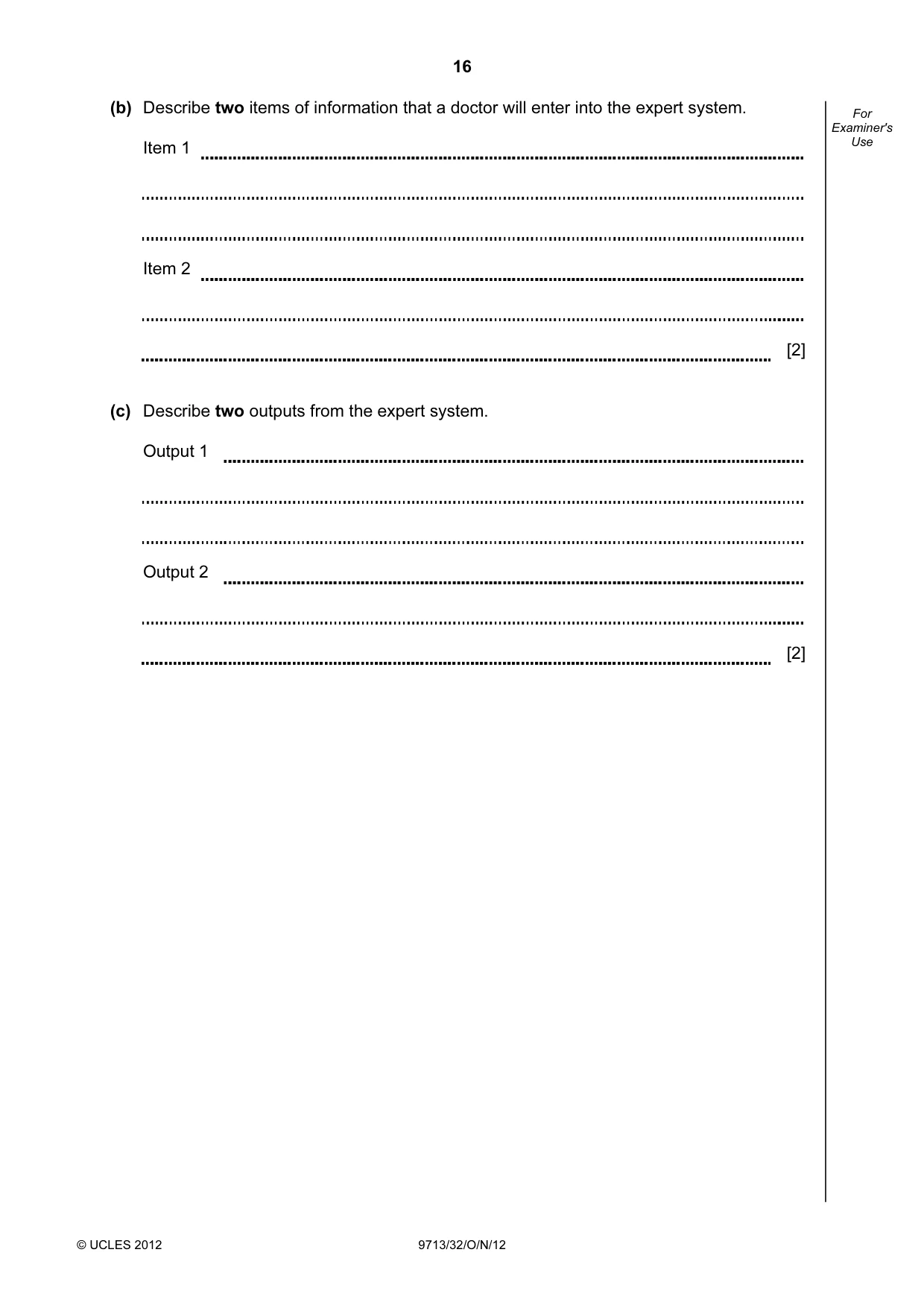
16 © UCLES 2012 9713/32/O/N/12 For Examiner's Use (b) Describe two items of information that a doctor will enter into the expert system. Item 1 Item 2 [2] (c) Describe two outputs from the expert system. Output 1 Output 2 [2]
Question paper, page 17
17 © UCLES 2012 9713/32/O/N/12 [Turn over For Examiner's Use 8 Discuss the advantages of choosing an off-the-shelf package compared with choosing purpose written software. [6]
Question paper, page 18
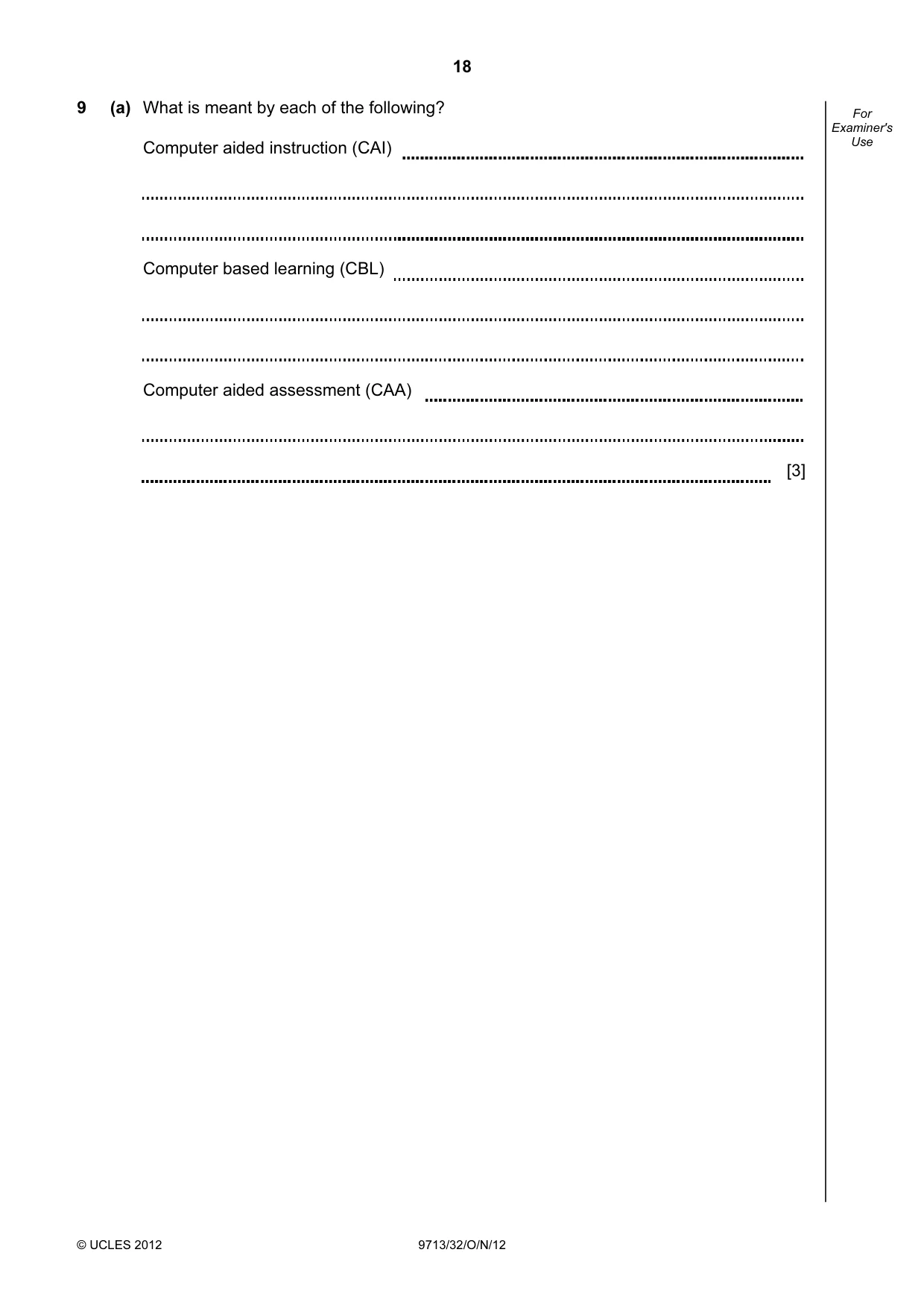
18 © UCLES 2012 9713/32/O/N/12 For Examiner's Use 9 (a) What is meant by each of the following? Computer aided instruction (CAI) Computer based learning (CBL) Computer aided assessment (CAA) [3]
Question paper, page 19
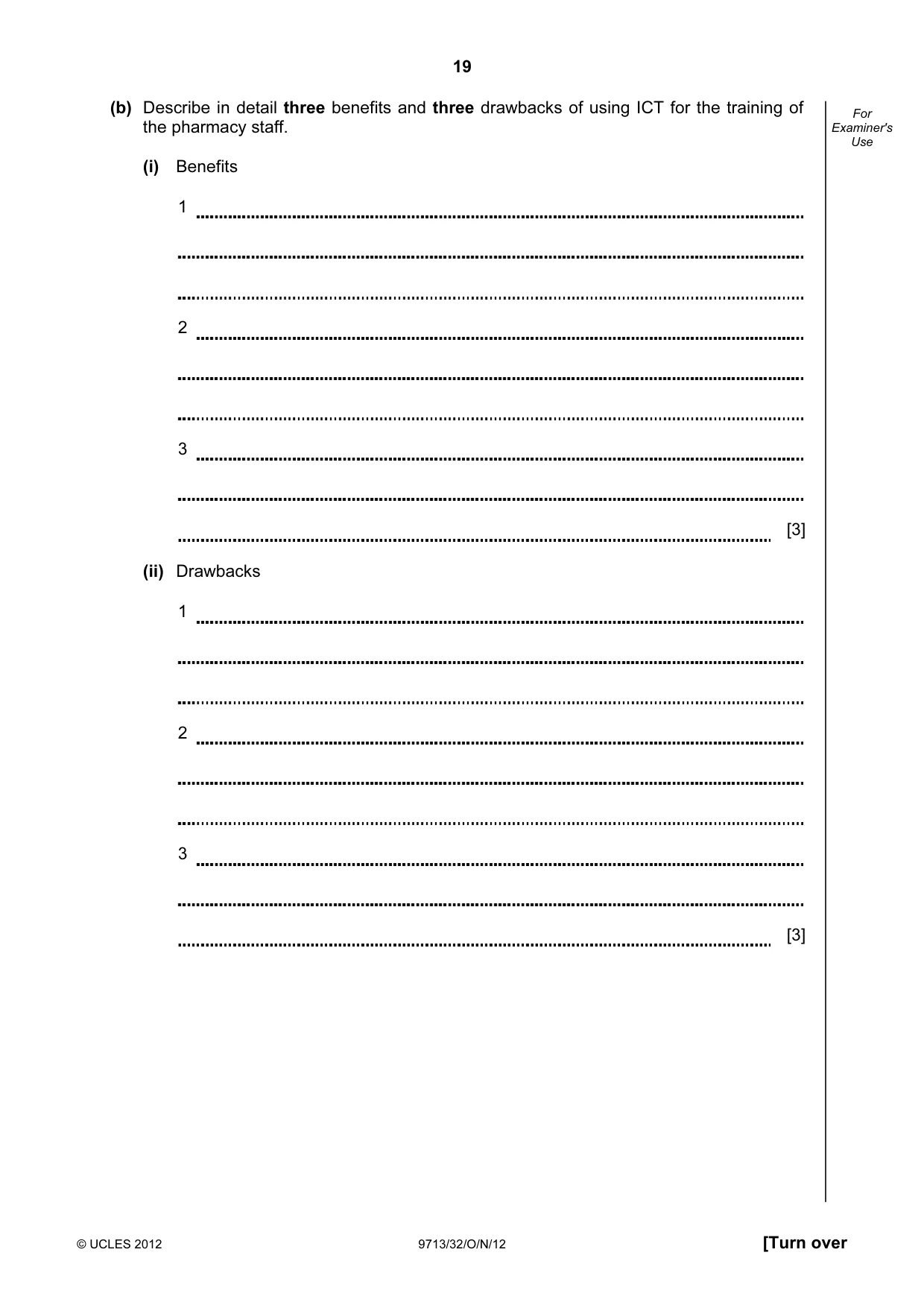
19 © UCLES 2012 9713/32/O/N/12 [Turn over For Examiner's Use (b) Describe in detail three benefits and three drawbacks of using ICT for the training of the pharmacy staff. (i) Benefits 1 2 3 [3] (ii) Drawbacks 1 2 3 [3]
Question paper, page 20
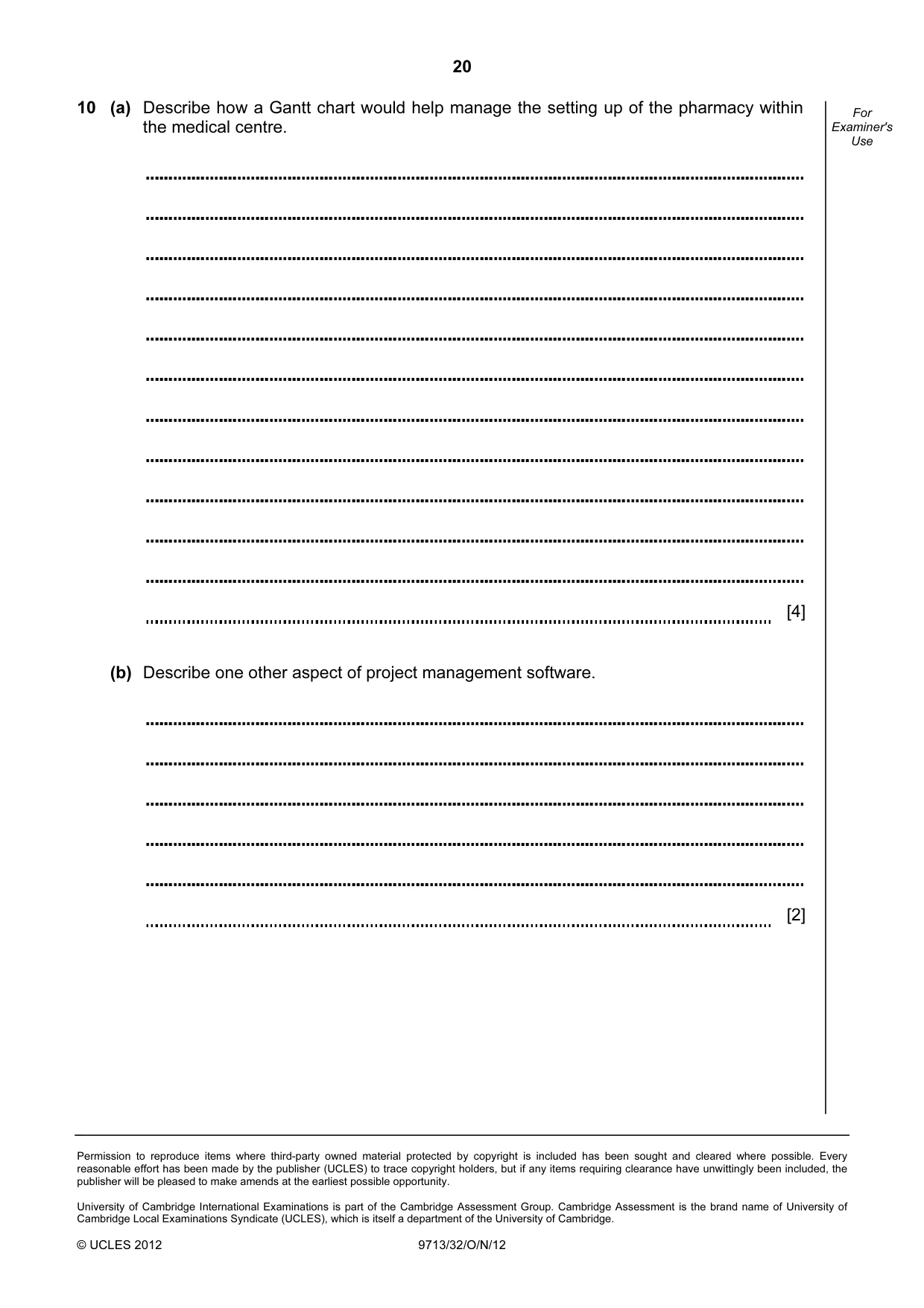
20 Permission to reproduce items where third-party owned material protected by copyright is included has been sought and cleared where possible. Every reasonable effort has been made by the publisher (UCLES) to trace copyright holders, but if any items requiring clearance have unwittingly been included, the publisher will be pleased to make amends at the earliest possible opportunity. University of Cambridge International Examinations is part of the Cambridge Assessment Group. Cambridge Assessment is the brand name of University of Cambridge Local Examinations Syndicate (UCLES), which is itself a department of the University of Cambridge. © UCLES 2012 9713/32/O/N/12 For Examiner's Use 10 (a) Describe how a Gantt chart would help manage the setting up of the pharmacy within the medical centre. [4] (b) Describe one other aspect of project management software. [2]
What you needed in this session
Cambridge’s own grade thresholds for 2012 Oct/Nov, Paper 3 · Variant 2. A higher threshold means an easier paper — the bar moves with how the cohort did.