Cambridge A Level Applied Information and Communication Technology 9713 — 2016 Oct/Nov Paper 3 · Variant 2
9713/32/O/N/16 · 80 marks · ≈90 min
The question paper and its mark scheme, free to read here and free to download. This is Cambridge’s own paper, exactly as it was sat.
Question paper20 pages





Mark scheme8 pages
Answers below. Sit the paper first if you are practising.
Paper as text
Question paper, page 1
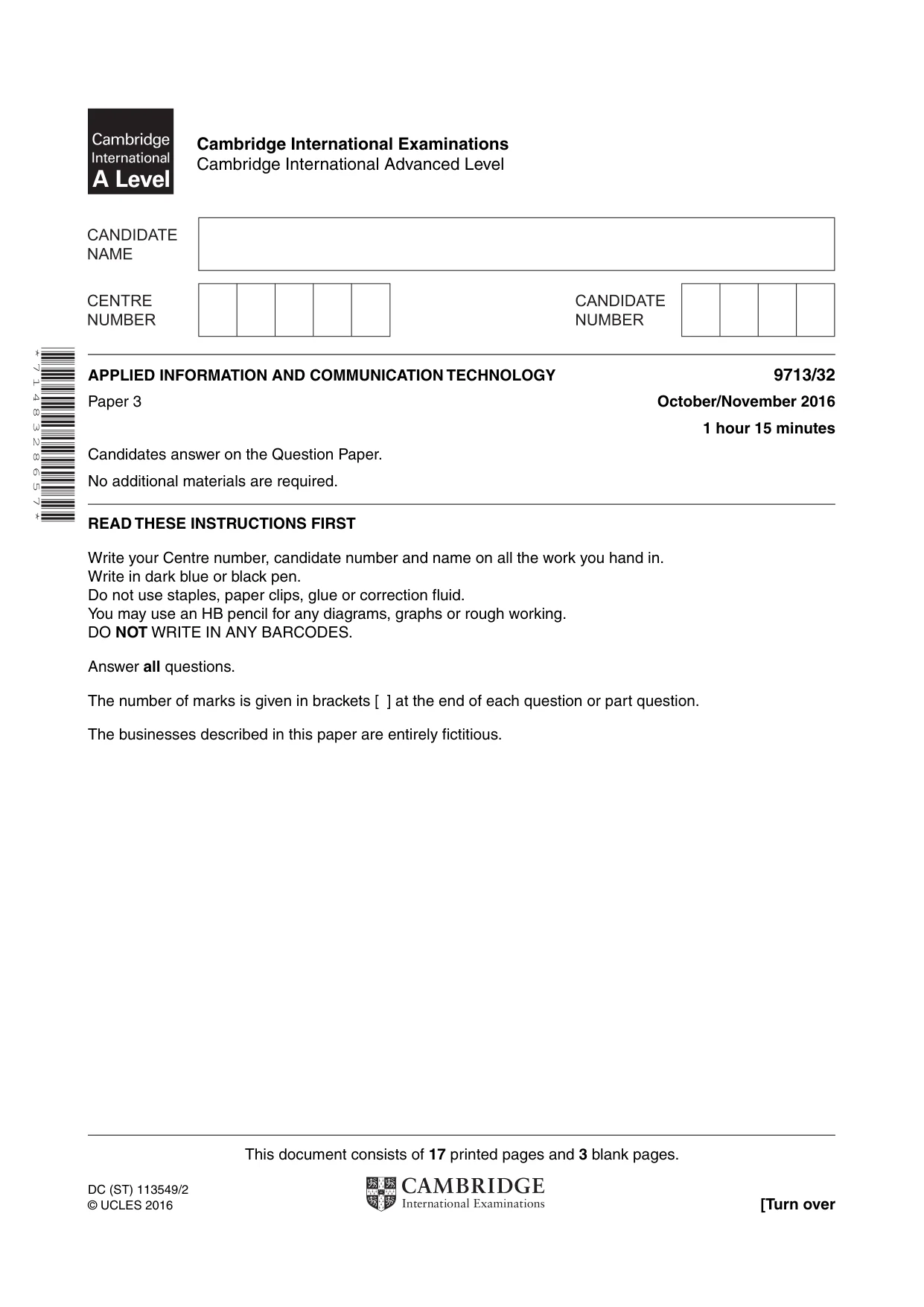
This document consists of 17 printed pages and 3 blank pages. DC (ST) 113549/2 © UCLES 2016 [Turn over Cambridge International Examinations Cambridge International Advanced Level * 7 1 4 8 3 2 8 6 5 7 * APPLIED INFORMATION AND COMMUNICATION TECHNOLOGY 9713/32 Paper 3 October/November 2016 1 hour 15 minutes Candidates answer on the Question Paper. No additional materials are required. READ THESE INSTRUCTIONS FIRST Write your Centre number, candidate number and name on all the work you hand in. Write in dark blue or black pen. Do not use staples, paper clips, glue or correction fluid. You may use an HB pencil for any diagrams, graphs or rough working. DO NOT WRITE IN ANY BARCODES. Answer all questions. The number of marks is given in brackets [ ] at the end of each question or part question. The businesses described in this paper are entirely fictitious.
Question paper, page 2
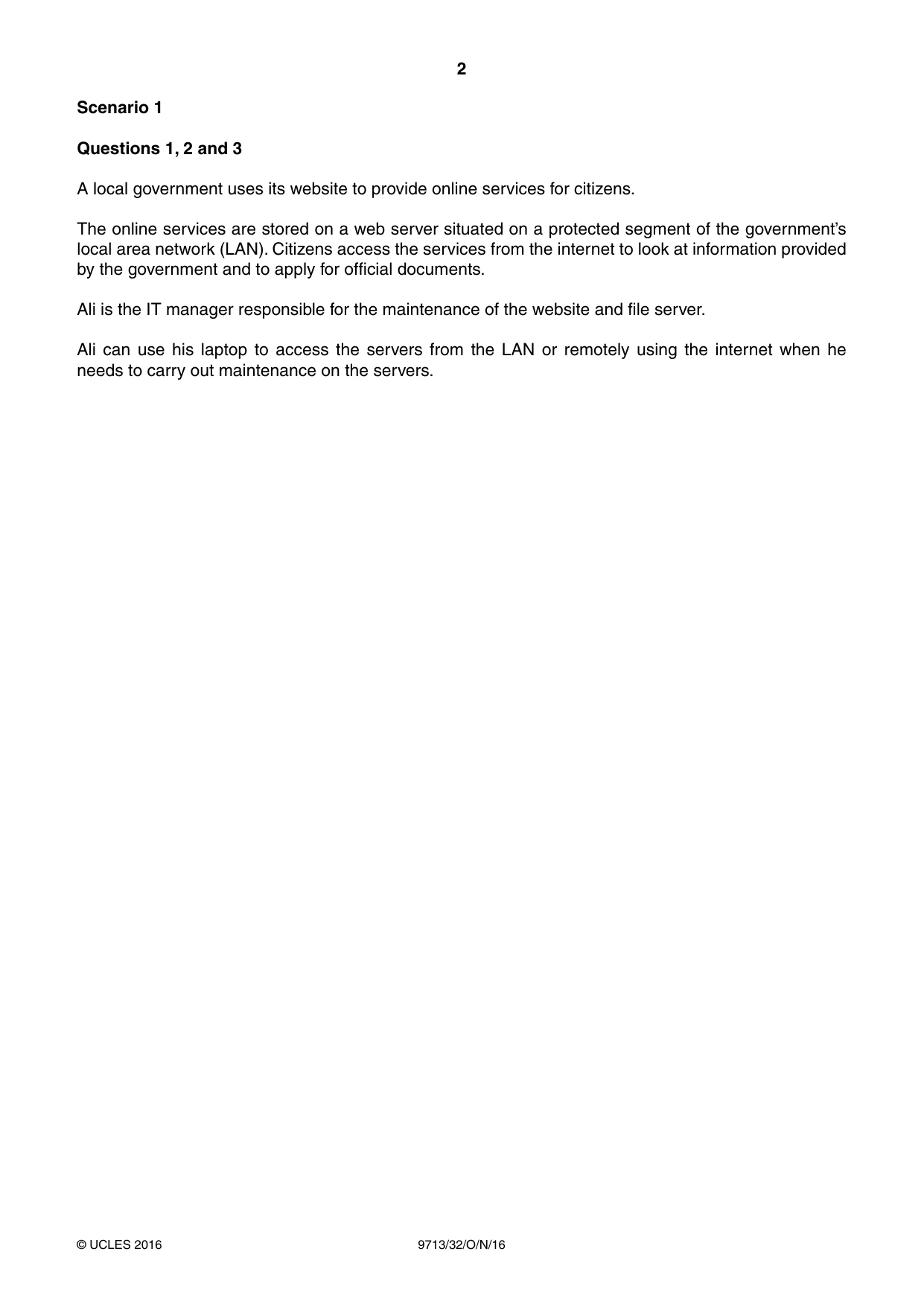
2 9713/32/O/N/16 © UCLES 2016 Scenario 1 Questions 1, 2 and 3 A local government uses its website to provide online services for citizens. The online services are stored on a web server situated on a protected segment of the government’s local area network (LAN). Citizens access the services from the internet to look at information provided by the government and to apply for official documents. Ali is the IT manager responsible for the maintenance of the website and file server. Ali can use his laptop to access the servers from the LAN or remotely using the internet when he needs to carry out maintenance on the servers.
Question paper, page 3
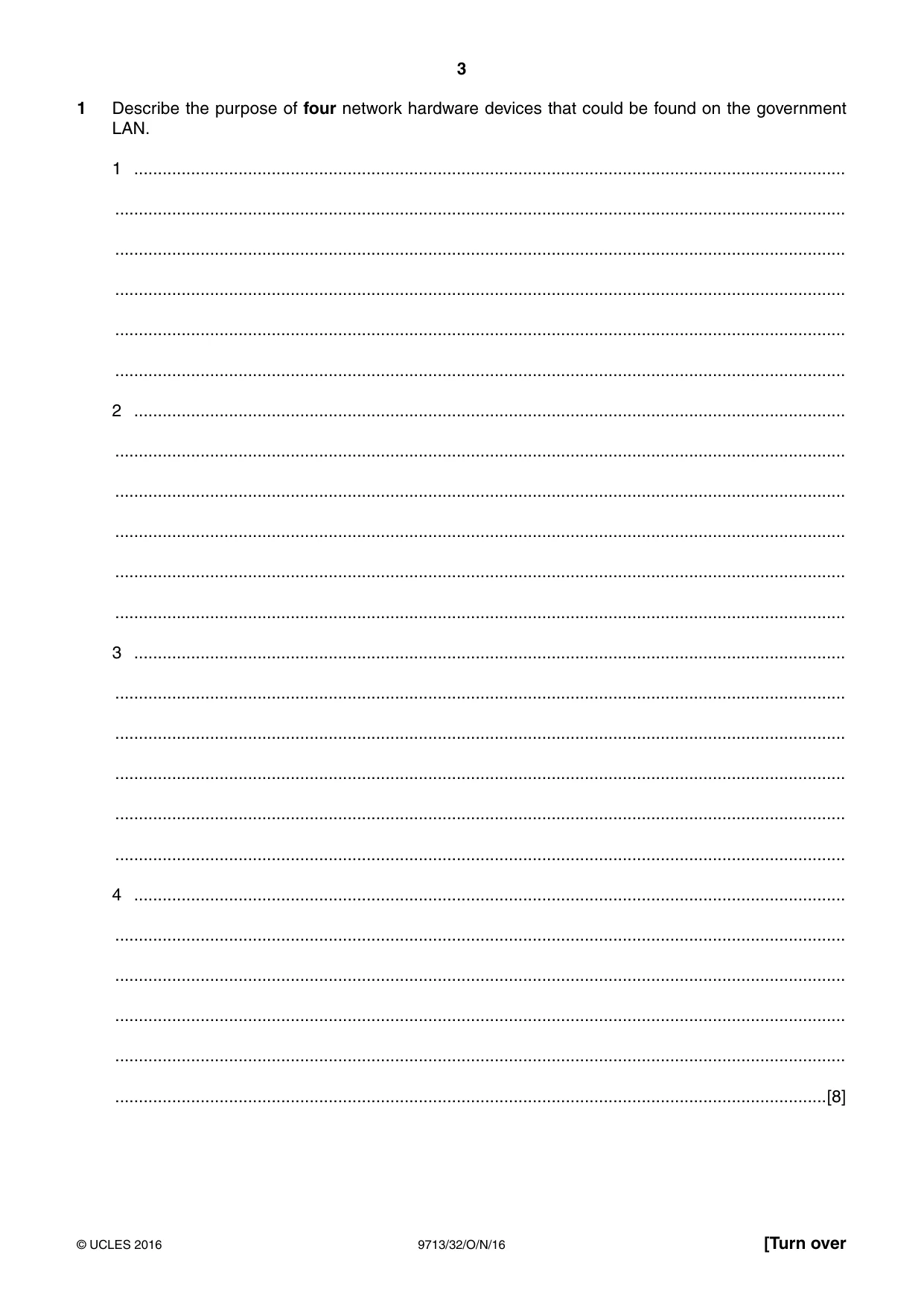
3 9713/32/O/N/16 © UCLES 2016 [Turn over 1 Describe the purpose of four network hardware devices that could be found on the government LAN. 1 … … … … … … 2 … … … … … … 3 … … … … … … 4 … … … … … …[8]
Question paper, page 4
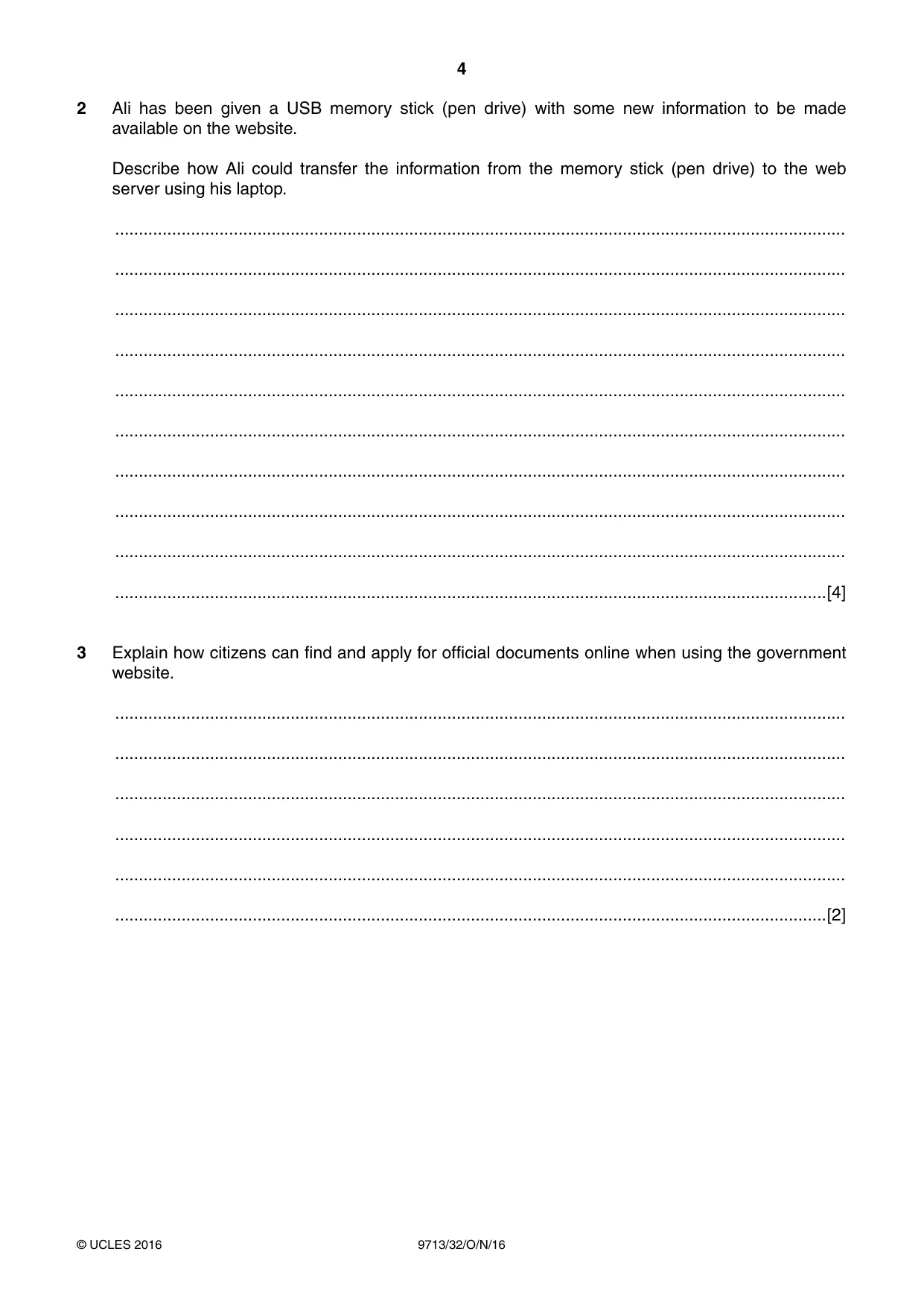
4 9713/32/O/N/16 © UCLES 2016 2 Ali has been given a USB memory stick (pen drive) with some new information to be made available on the website. Describe how Ali could transfer the information from the memory stick (pen drive) to the web server using his laptop. … … … … … … … … … …[4] 3 Explain how citizens can find and apply for official documents online when using the government website. … … … … … …[2]
Question paper, page 5
5 9713/32/O/N/16 © UCLES 2016 [Turn over BLANK PAGE
Question paper, page 6
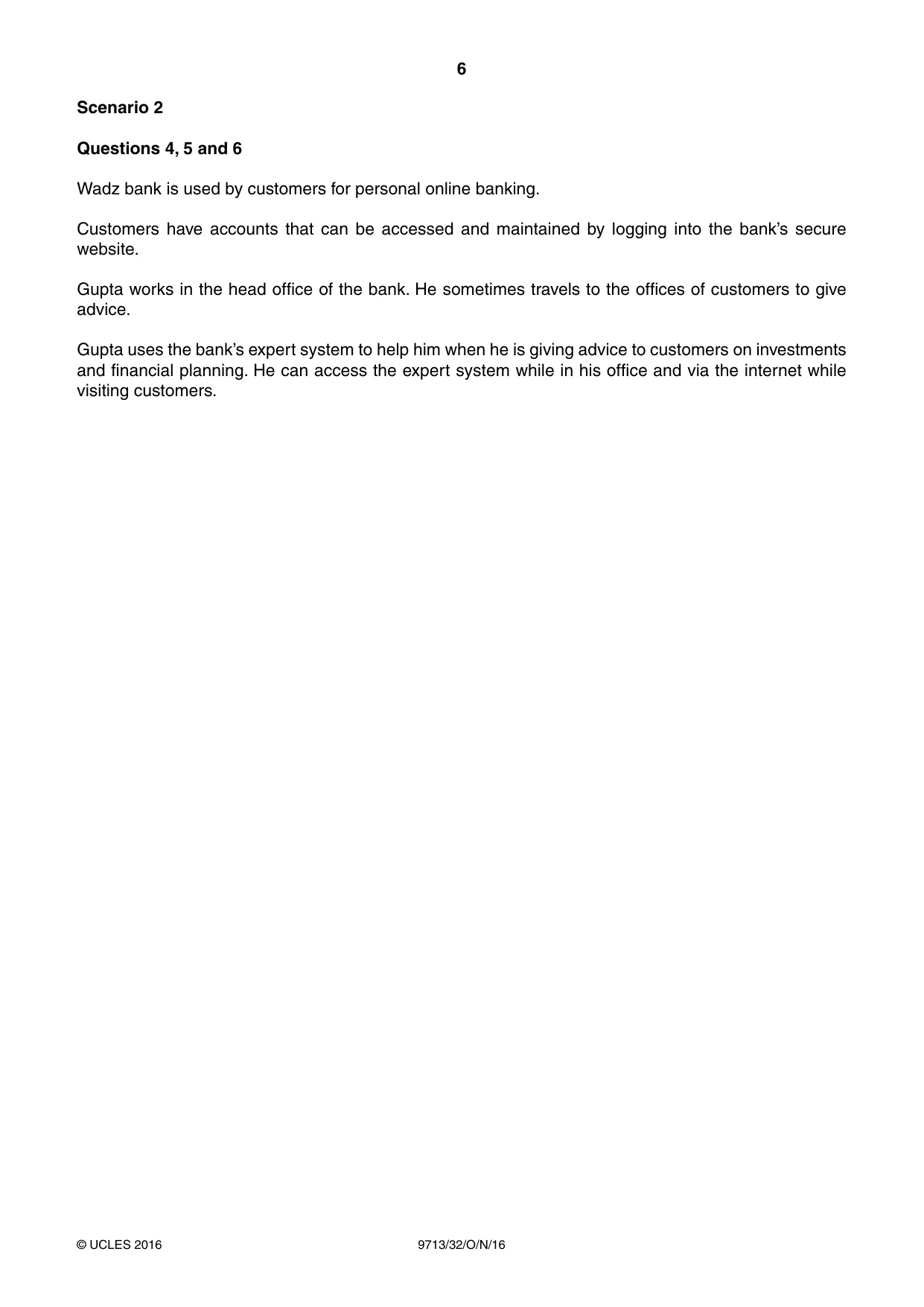
6 9713/32/O/N/16 © UCLES 2016 Scenario 2 Questions 4, 5 and 6 Wadz bank is used by customers for personal online banking. Customers have accounts that can be accessed and maintained by logging into the bank’s secure website. Gupta works in the head office of the bank. He sometimes travels to the offices of customers to give advice. Gupta uses the bank’s expert system to help him when he is giving advice to customers on investments and financial planning. He can access the expert system while in his office and via the internet while visiting customers.
Question paper, page 7
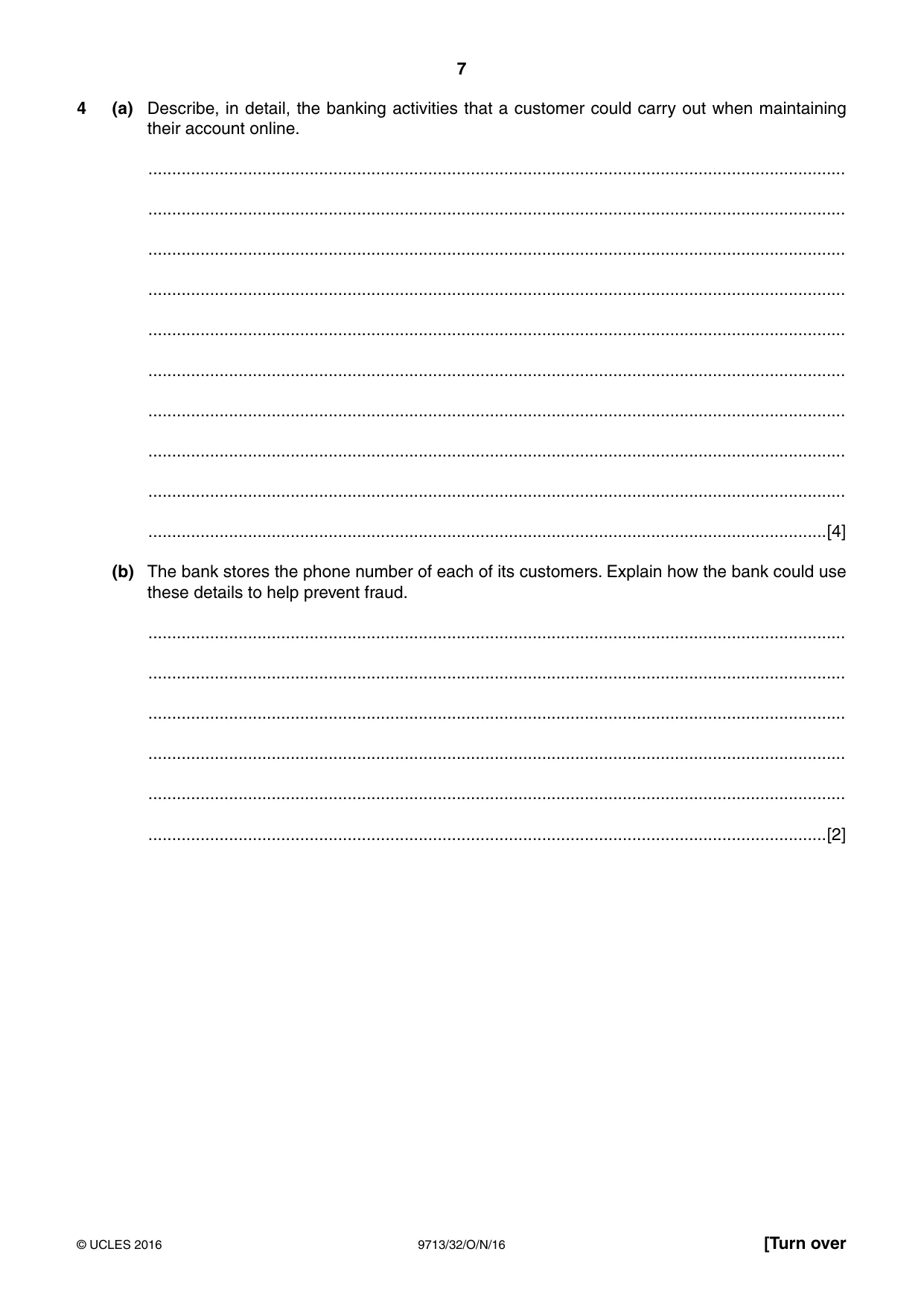
7 9713/32/O/N/16 © UCLES 2016 [Turn over 4 (a) Describe, in detail, the banking activities that a customer could carry out when maintaining their account online. … … … … … … … … … …[4] (b) The bank stores the phone number of each of its customers. Explain how the bank could use these details to help prevent fraud. … … … … … …[2]
Question paper, page 8
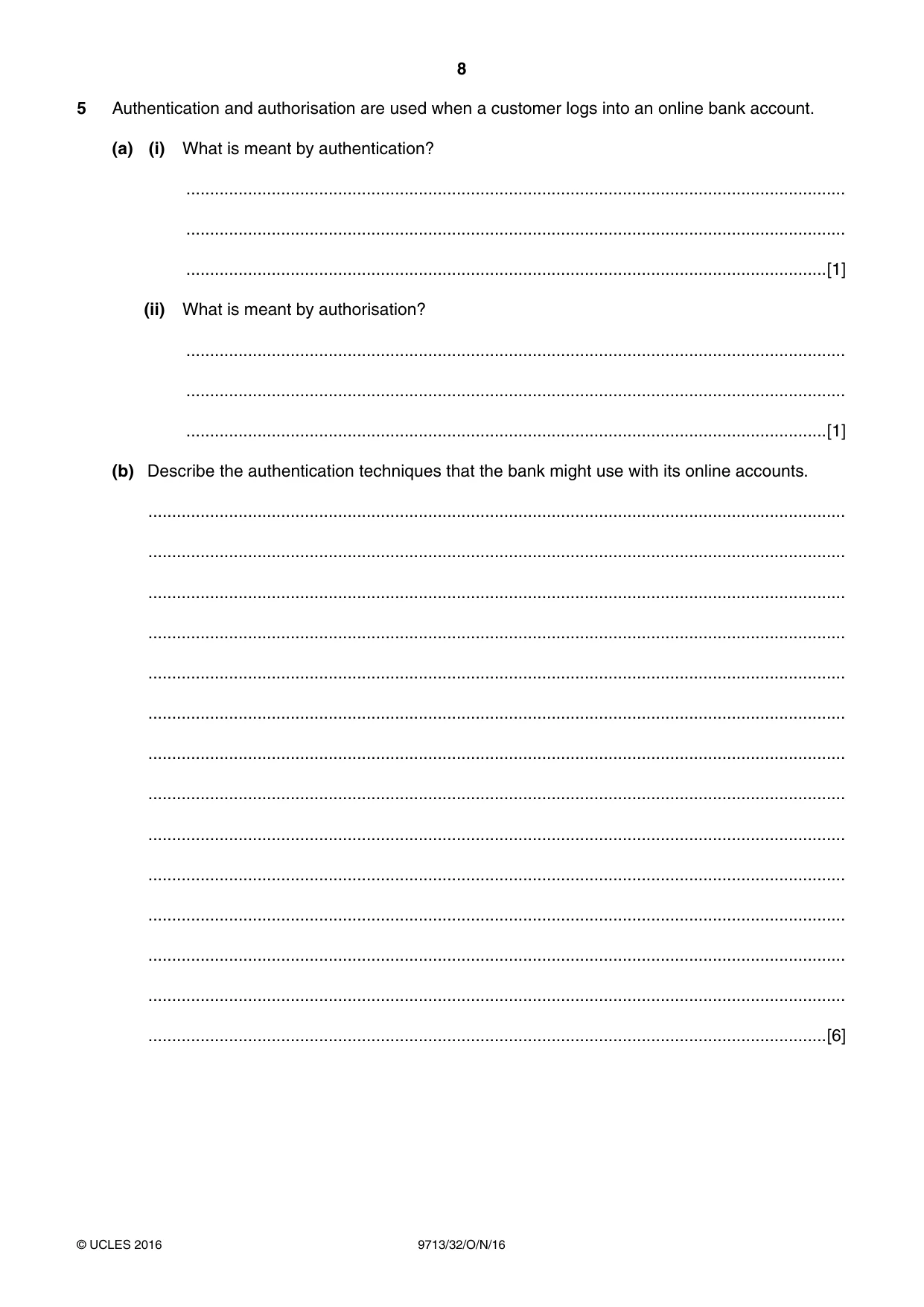
8 9713/32/O/N/16 © UCLES 2016 5 Authentication and authorisation are used when a customer logs into an online bank account. (a) (i) What is meant by authentication? … … …[1] (ii) What is meant by authorisation? … … …[1] (b) Describe the authentication techniques that the bank might use with its online accounts. … … … … … … … … … … … … … …[6]
Question paper, page 9
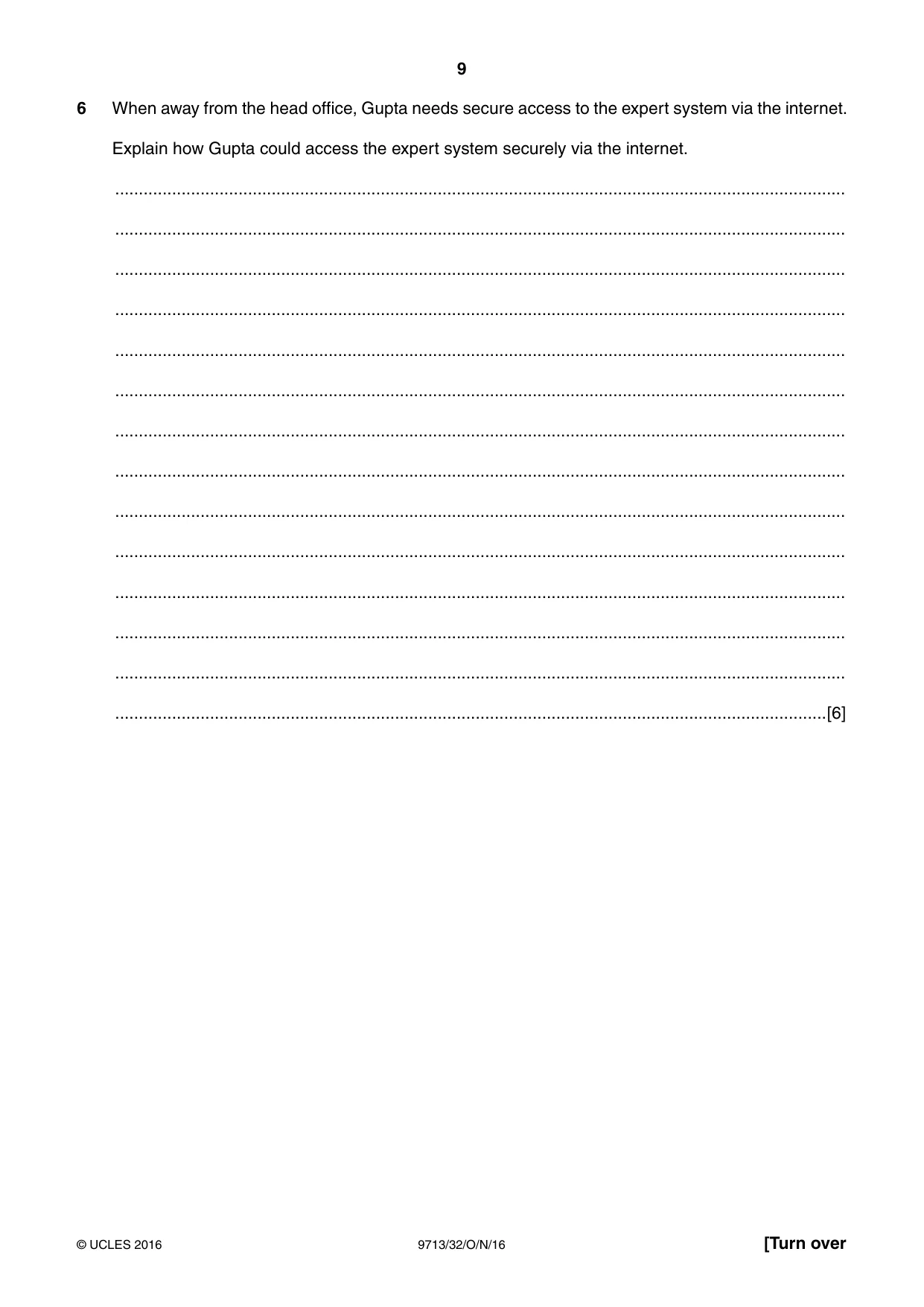
9 9713/32/O/N/16 © UCLES 2016 [Turn over 6 When away from the head office, Gupta needs secure access to the expert system via the internet. Explain how Gupta could access the expert system securely via the internet. … … … … … … … … … … … … … …[6]
Question paper, page 10
10 9713/32/O/N/16 © UCLES 2016 Scenario 3 Questions 7 and 8 Liene is physically disabled. She uses her computer for online banking and online shopping.
Question paper, page 11
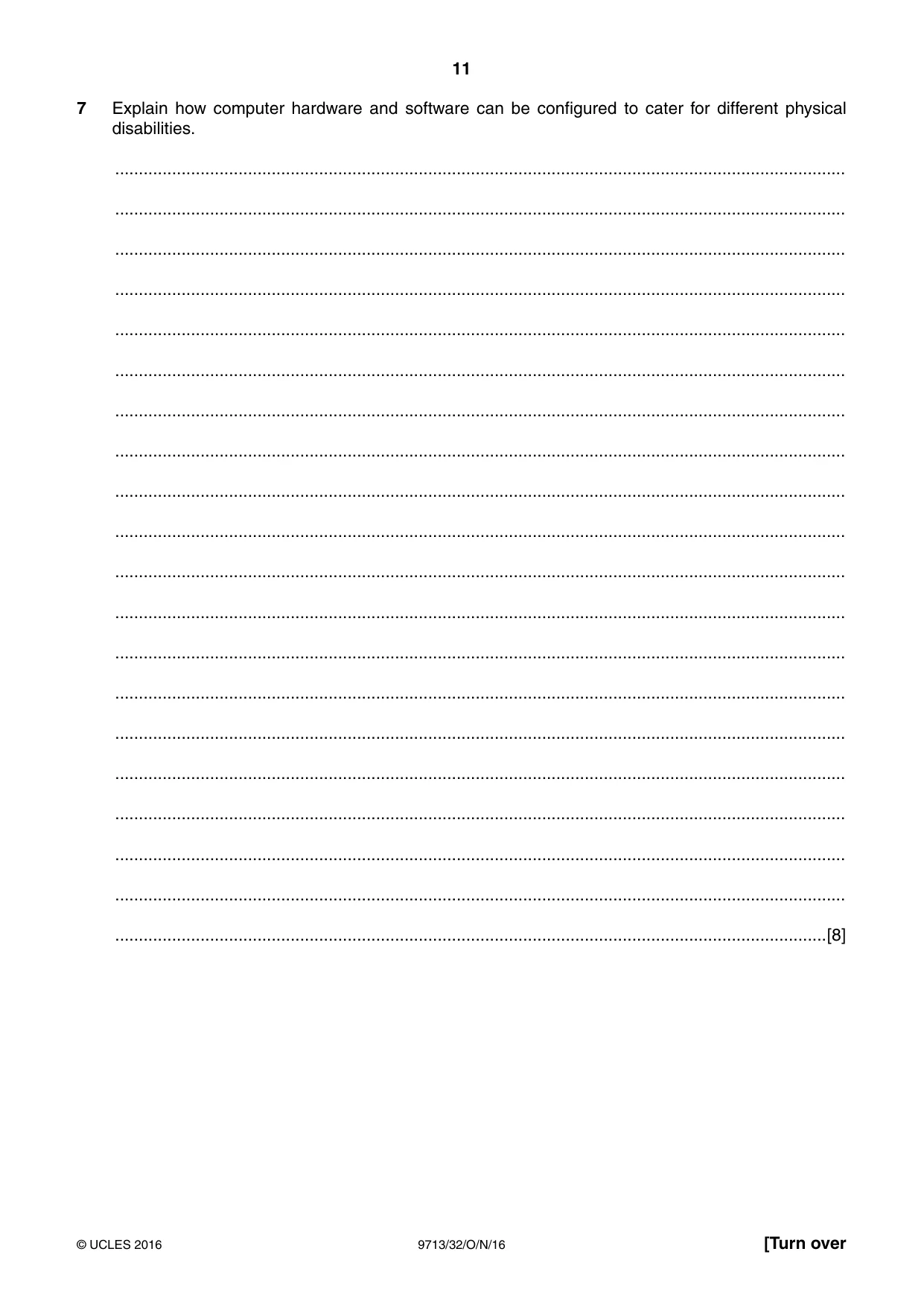
11 9713/32/O/N/16 © UCLES 2016 [Turn over 7 Explain how computer hardware and software can be configured to cater for different physical disabilities. … … … … … … … … … … … … … … … … … … … …[8]
Question paper, page 12
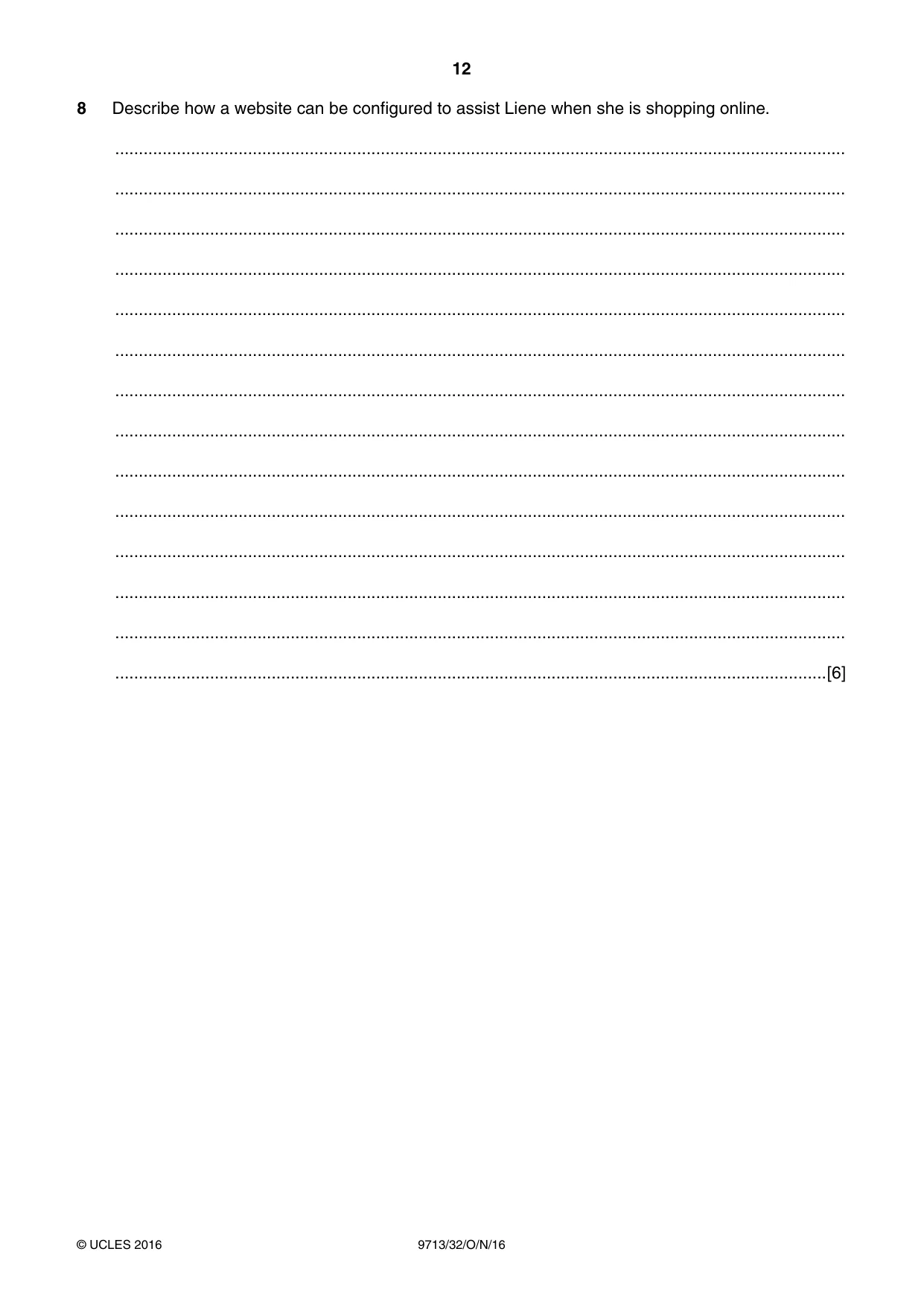
12 9713/32/O/N/16 © UCLES 2016 8 Describe how a website can be configured to assist Liene when she is shopping online. … … … … … … … … … … … … … …[6]
Question paper, page 13
13 9713/32/O/N/16 © UCLES 2016 [Turn over BLANK PAGE
Question paper, page 14
14 9713/32/O/N/16 © UCLES 2016 Scenario 4 Questions 9, 10, 11, 12 and 13 Kemoko is a company that produces ointments for supply to pharmacies to sell to the general public. The company has created a new ointment for treating insect bites. Anthea, a marketing manager, has created a leaflet to explain to the public the benefits of the new ointment. She has created the leaflet on her computer. Anthea has sent the draft leaflet to Mick, a marketing assistant, and asked him to thoroughly check it to ensure that it is error-free and conforms to the company house-style. Anthea is advertising the new ointment in the media to try and increase sales. Anthea would also like feedback from the public. She plans to use both paper-based and online questionnaires to gather the feedback.
Question paper, page 15
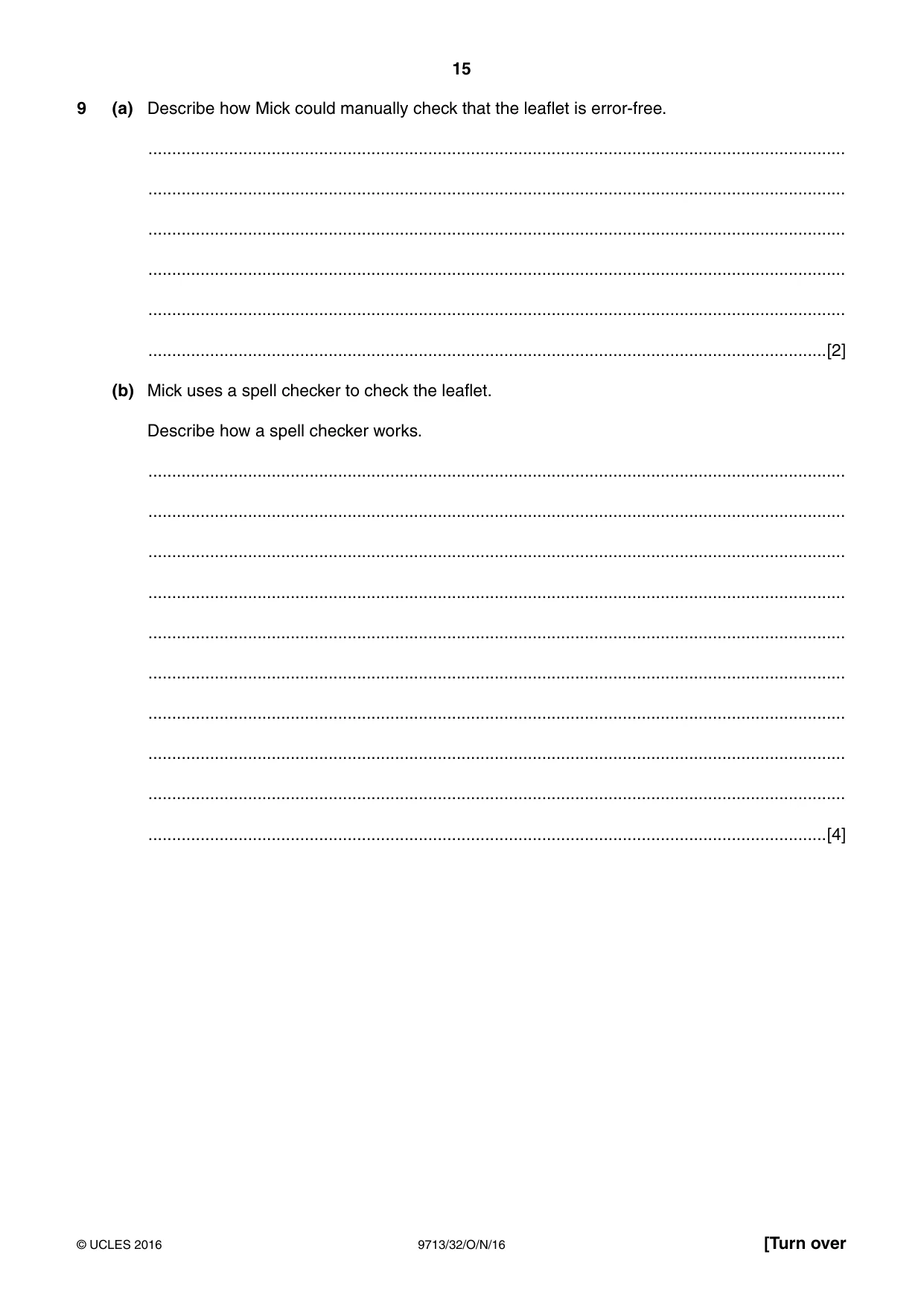
15 9713/32/O/N/16 © UCLES 2016 [Turn over 9 (a) Describe how Mick could manually check that the leaflet is error-free. … … … … … …[2] (b) Mick uses a spell checker to check the leaflet. Describe how a spell checker works. … … … … … … … … … …[4]
Question paper, page 16
16 9713/32/O/N/16 © UCLES 2016 10 Explain why the leaflet should conform to the company house-style. … … … … … … … … … …[4]
Question paper, page 17
17 9713/32/O/N/16 © UCLES 2016 [Turn over 11 Describe and compare the ways that Anthea could advertise the new ointment in the media. … … … … … … … … … … … … … … … … … … … …[8]
Question paper, page 18
18 9713/32/O/N/16 © UCLES 2016 12 Describe the features of an online questionnaire that make it suitable for gathering feedback from the general public. … … … … … … … … … … … … … …[6]
Question paper, page 19
19 9713/32/O/N/16 © UCLES 2016 13 Explain why Anthea uses an online questionnaire instead of using a paper-based questionnaire. … … … … … … … … … … … … … … … … … … … …[8]
Question paper, page 20
20 9713/32/O/N/16 © UCLES 2016 Permission to reproduce items where third-party owned material protected by copyright is included has been sought and cleared where possible. Every reasonable effort has been made by the publisher (UCLES) to trace copyright holders, but if any items requiring clearance have unwittingly been included, the publisher will be pleased to make amends at the earliest possible opportunity. To avoid the issue of disclosure of answer-related information to candidates, all copyright acknowledgements are reproduced online in the Cambridge International Examinations Copyright Acknowledgements Booklet. This is produced for each series of examinations and is freely available to download at www.cie.org.uk after the live examination series. Cambridge International Examinations is part of the Cambridge Assessment Group. Cambridge Assessment is the brand name of University of Cambridge Local Examinations Syndicate (UCLES), which is itself a department of the University of Cambridge. BLANK PAGE
Mark scheme, page 1
® IGCSE is the registered trademark of Cambridge International Examinations. This document consists of 8 printed pages. © UCLES 2016 [Turn over Cambridge International Examinations Cambridge International Advanced Subsidiary and Advanced Level APPLIED INFORMATION AND COMMUNICATION TECHNOLOGY 9713/32 Paper 3 Written B October/November 2016 MARK SCHEME Maximum Mark: 80 Published This mark scheme is published as an aid to teachers and candidates, to indicate the requirements of the examination. It shows the basis on which Examiners were instructed to award marks. It does not indicate the details of the discussions that took place at an Examiners’ meeting before marking began, which would have considered the acceptability of alternative answers. Mark schemes should be read in conjunction with the question paper and the Principal Examiner Report for Teachers. Cambridge will not enter into discussions about these mark schemes. Cambridge is publishing the mark schemes for the October/November 2016 series for most Cambridge IGCSE®, Cambridge International A and AS Level components and some Cambridge O Level components.
Mark scheme, page 2
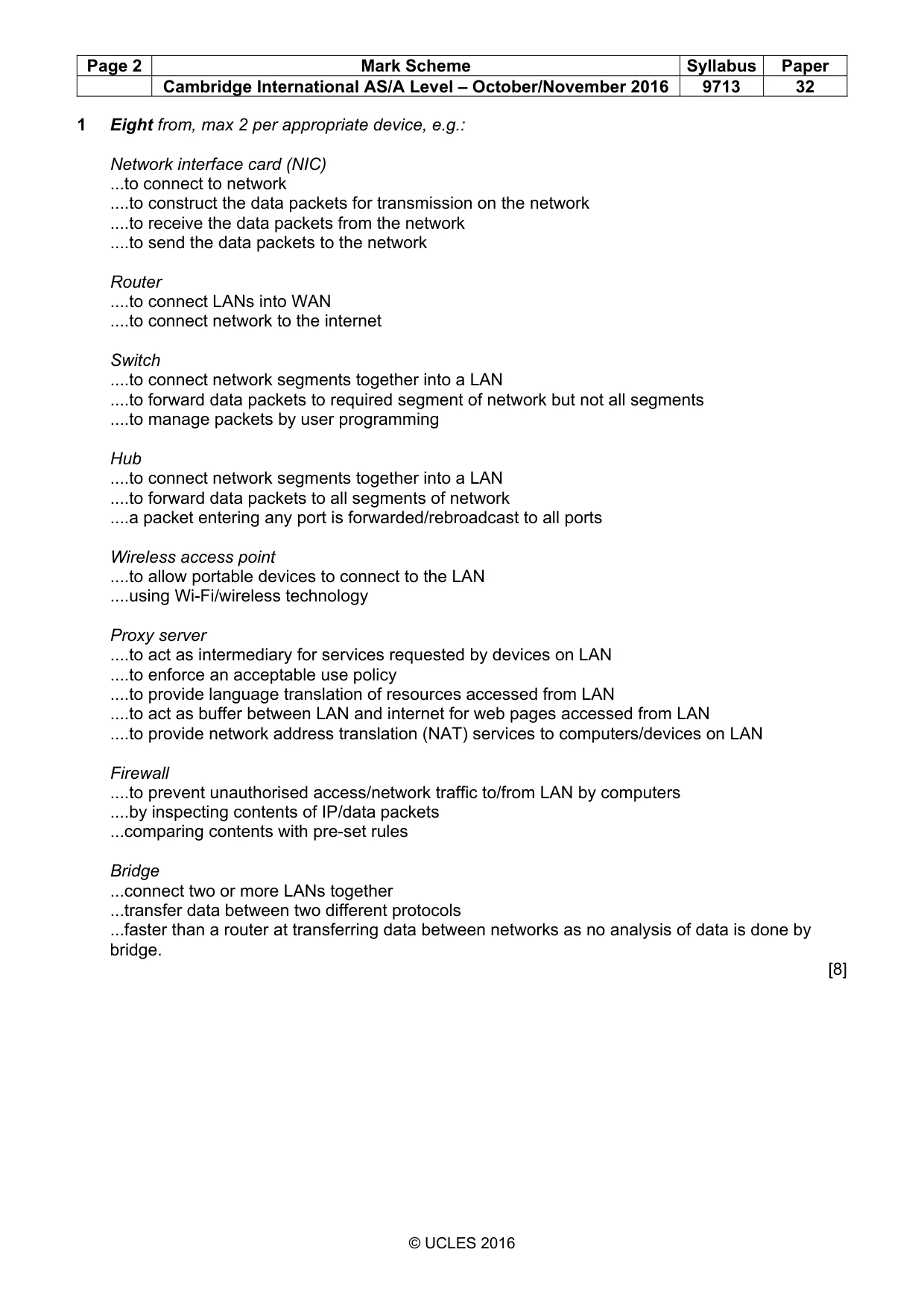
Page 2 Mark Scheme Syllabus Paper Cambridge International AS/A Level – October/November 2016 9713 32 © UCLES 2016 1 Eight from, max 2 per appropriate device, e.g.: Network interface card (NIC) ...to connect to network …to construct the data packets for transmission on the network …to receive the data packets from the network …to send the data packets to the network Router …to connect LANs into WAN …to connect network to the internet Switch …to connect network segments together into a LAN …to forward data packets to required segment of network but not all segments …to manage packets by user programming Hub …to connect network segments together into a LAN …to forward data packets to all segments of network …a packet entering any port is forwarded/rebroadcast to all ports Wireless access point …to allow portable devices to connect to the LAN …using Wi-Fi/wireless technology Proxy server …to act as intermediary for services requested by devices on LAN …to enforce an acceptable use policy …to provide language translation of resources accessed from LAN …to act as buffer between LAN and internet for web pages accessed from LAN …to provide network address translation (NAT) services to computers/devices on LAN Firewall …to prevent unauthorised access/network traffic to/from LAN by computers …by inspecting contents of IP/data packets ...comparing contents with pre-set rules Bridge ...connect two or more LANs together ...transfer data between two different protocols ...faster than a router at transferring data between networks as no analysis of data is done by bridge. [8]
Mark scheme, page 3
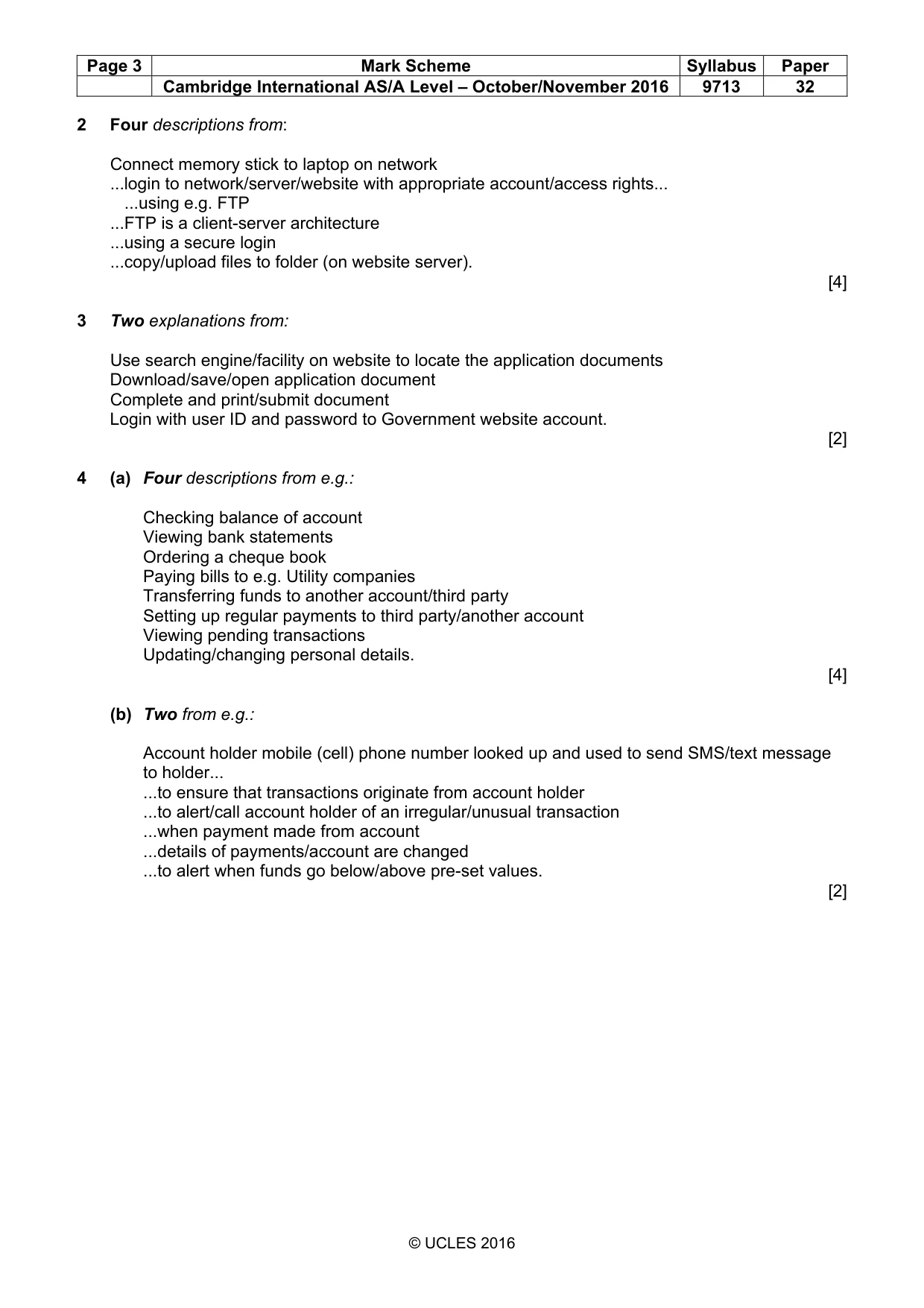
Page 3 Mark Scheme Syllabus Paper Cambridge International AS/A Level – October/November 2016 9713 32 © UCLES 2016 2 Four descriptions from: Connect memory stick to laptop on network ...login to network/server/website with appropriate account/access rights... ...using e.g. FTP ...FTP is a client-server architecture ...using a secure login ...copy/upload files to folder (on website server). [4] 3 Two explanations from: Use search engine/facility on website to locate the application documents Download/save/open application document Complete and print/submit document Login with user ID and password to Government website account. [2] 4 (a) Four descriptions from e.g.: Checking balance of account Viewing bank statements Ordering a cheque book Paying bills to e.g. Utility companies Transferring funds to another account/third party Setting up regular payments to third party/another account Viewing pending transactions Updating/changing personal details. [4] (b) Two from e.g.: Account holder mobile (cell) phone number looked up and used to send SMS/text message to holder... ...to ensure that transactions originate from account holder ...to alert/call account holder of an irregular/unusual transaction ...when payment made from account ...details of payments/account are changed ...to alert when funds go below/above pre-set values. [2]
Mark scheme, page 4
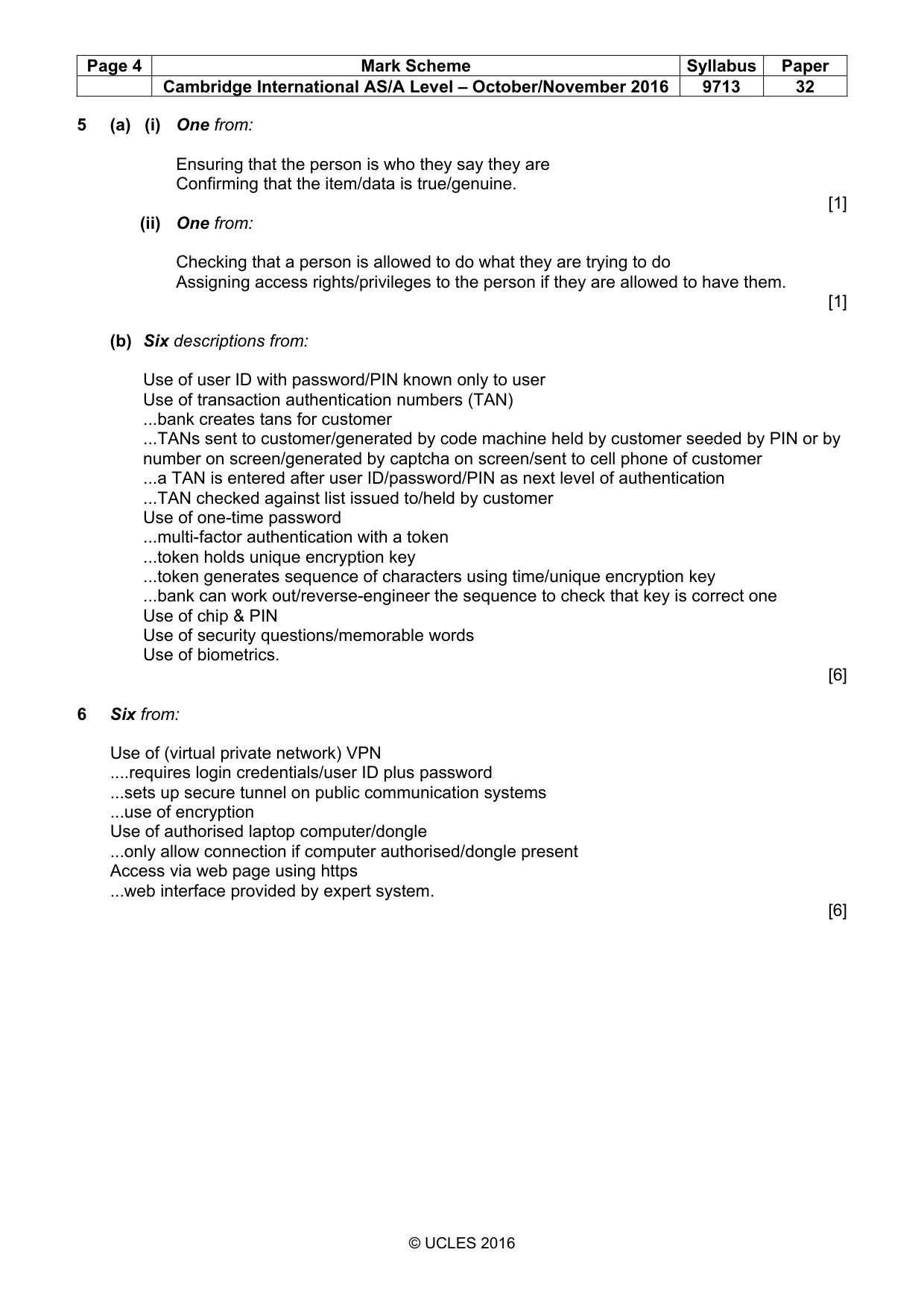
Page 4 Mark Scheme Syllabus Paper Cambridge International AS/A Level – October/November 2016 9713 32 © UCLES 2016 5 (a) (i) One from: Ensuring that the person is who they say they are Confirming that the item/data is true/genuine. [1] (ii) One from: Checking that a person is allowed to do what they are trying to do Assigning access rights/privileges to the person if they are allowed to have them. [1] (b) Six descriptions from: Use of user ID with password/PIN known only to user Use of transaction authentication numbers (TAN) ...bank creates tans for customer ...TANs sent to customer/generated by code machine held by customer seeded by PIN or by number on screen/generated by captcha on screen/sent to cell phone of customer ...a TAN is entered after user ID/password/PIN as next level of authentication ...TAN checked against list issued to/held by customer Use of one-time password ...multi-factor authentication with a token ...token holds unique encryption key ...token generates sequence of characters using time/unique encryption key ...bank can work out/reverse-engineer the sequence to check that key is correct one Use of chip & PIN Use of security questions/memorable words Use of biometrics. [6] 6 Six from: Use of (virtual private network) VPN …requires login credentials/user ID plus password ...sets up secure tunnel on public communication systems ...use of encryption Use of authorised laptop computer/dongle ...only allow connection if computer authorised/dongle present Access via web page using https ...web interface provided by expert system. [6]
Mark scheme, page 5
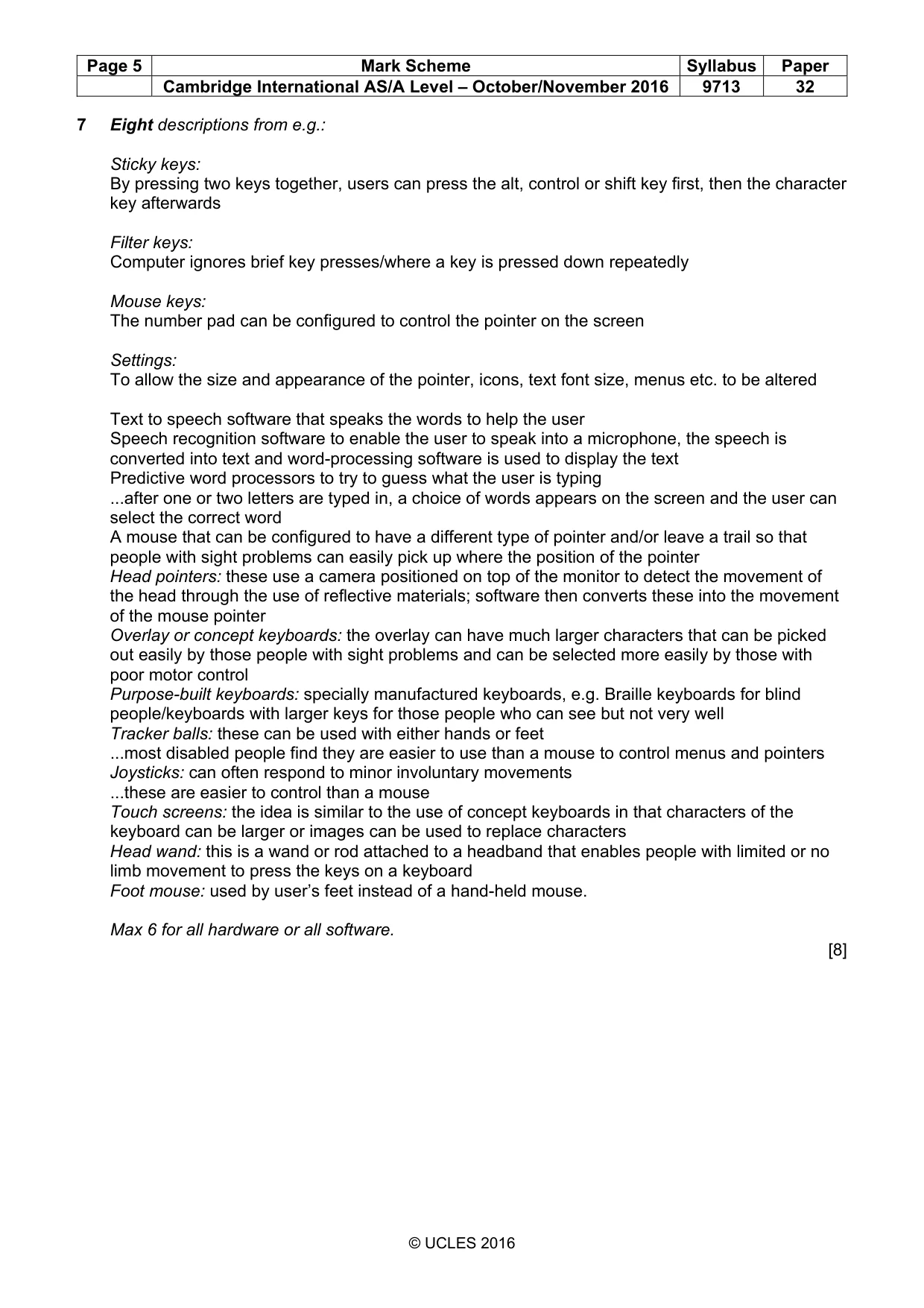
Page 5 Mark Scheme Syllabus Paper Cambridge International AS/A Level – October/November 2016 9713 32 © UCLES 2016 7 Eight descriptions from e.g.: Sticky keys: By pressing two keys together, users can press the alt, control or shift key first, then the character key afterwards Filter keys: Computer ignores brief key presses/where a key is pressed down repeatedly Mouse keys: The number pad can be configured to control the pointer on the screen Settings: To allow the size and appearance of the pointer, icons, text font size, menus etc. to be altered Text to speech software that speaks the words to help the user Speech recognition software to enable the user to speak into a microphone, the speech is converted into text and word-processing software is used to display the text Predictive word processors to try to guess what the user is typing ...after one or two letters are typed in, a choice of words appears on the screen and the user can select the correct word A mouse that can be configured to have a different type of pointer and/or leave a trail so that people with sight problems can easily pick up where the position of the pointer Head pointers: these use a camera positioned on top of the monitor to detect the movement of the head through the use of reflective materials; software then converts these into the movement of the mouse pointer Overlay or concept keyboards: the overlay can have much larger characters that can be picked out easily by those people with sight problems and can be selected more easily by those with poor motor control Purpose-built keyboards: specially manufactured keyboards, e.g. Braille keyboards for blind people/keyboards with larger keys for those people who can see but not very well Tracker balls: these can be used with either hands or feet ...most disabled people find they are easier to use than a mouse to control menus and pointers Joysticks: can often respond to minor involuntary movements ...these are easier to control than a mouse Touch screens: the idea is similar to the use of concept keyboards in that characters of the keyboard can be larger or images can be used to replace characters Head wand: this is a wand or rod attached to a headband that enables people with limited or no limb movement to press the keys on a keyboard Foot mouse: used by user’s feet instead of a hand-held mouse. Max 6 for all hardware or all software. [8]
Mark scheme, page 6
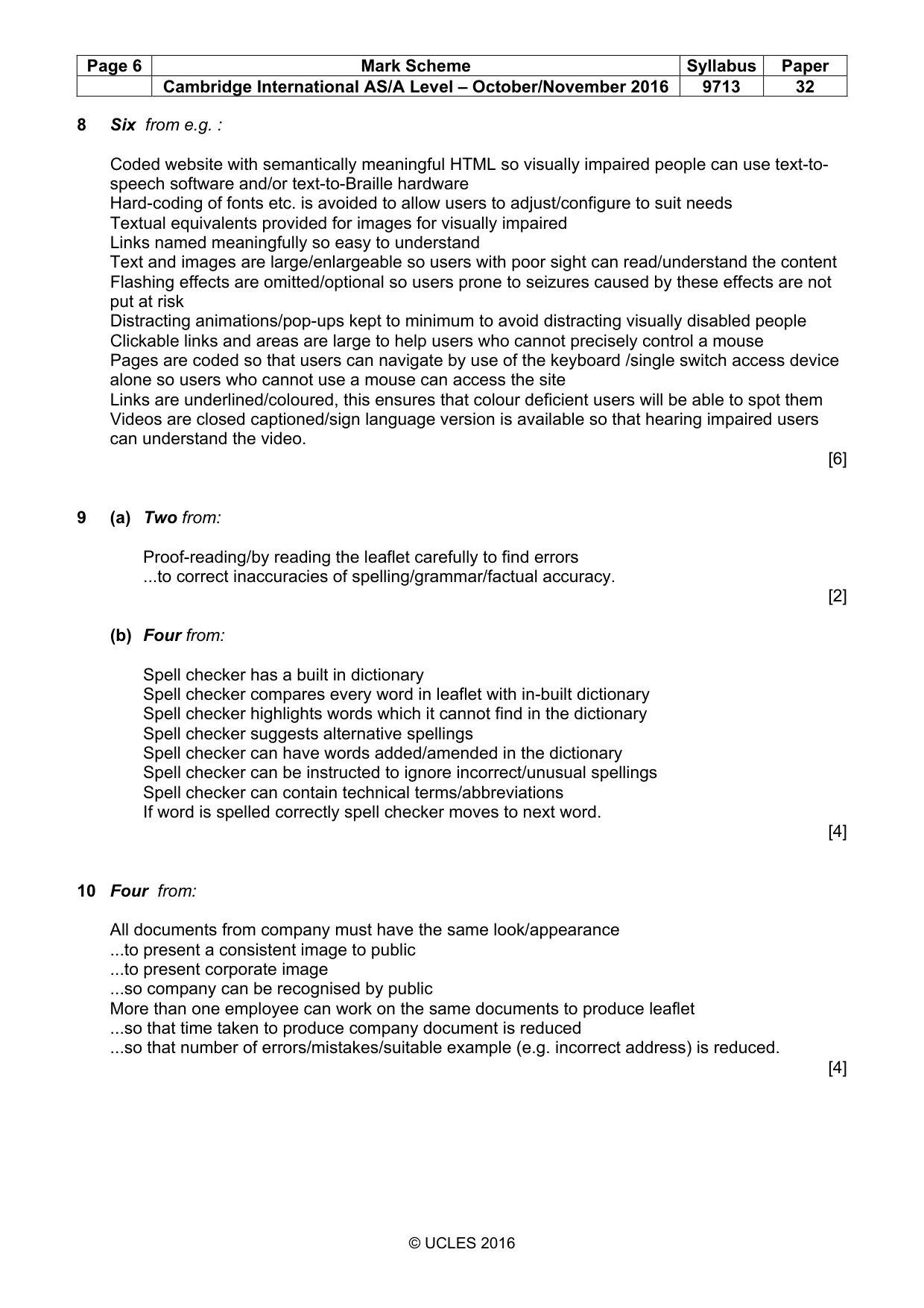
Page 6 Mark Scheme Syllabus Paper Cambridge International AS/A Level – October/November 2016 9713 32 © UCLES 2016 8 Six from e.g. : Coded website with semantically meaningful HTML so visually impaired people can use text-to- speech software and/or text-to-Braille hardware Hard-coding of fonts etc. is avoided to allow users to adjust/configure to suit needs Textual equivalents provided for images for visually impaired Links named meaningfully so easy to understand Text and images are large/enlargeable so users with poor sight can read/understand the content Flashing effects are omitted/optional so users prone to seizures caused by these effects are not put at risk Distracting animations/pop-ups kept to minimum to avoid distracting visually disabled people Clickable links and areas are large to help users who cannot precisely control a mouse Pages are coded so that users can navigate by use of the keyboard /single switch access device alone so users who cannot use a mouse can access the site Links are underlined/coloured, this ensures that colour deficient users will be able to spot them Videos are closed captioned/sign language version is available so that hearing impaired users can understand the video. [6] 9 (a) Two from: Proof-reading/by reading the leaflet carefully to find errors ...to correct inaccuracies of spelling/grammar/factual accuracy. [2] (b) Four from: Spell checker has a built in dictionary Spell checker compares every word in leaflet with in-built dictionary Spell checker highlights words which it cannot find in the dictionary Spell checker suggests alternative spellings Spell checker can have words added/amended in the dictionary Spell checker can be instructed to ignore incorrect/unusual spellings Spell checker can contain technical terms/abbreviations If word is spelled correctly spell checker moves to next word. [4] 10 Four from: All documents from company must have the same look/appearance ...to present a consistent image to public ...to present corporate image ...so company can be recognised by public More than one employee can work on the same documents to produce leaflet ...so that time taken to produce company document is reduced ...so that number of errors/mistakes/suitable example (e.g. incorrect address) is reduced. [4]
Mark scheme, page 7
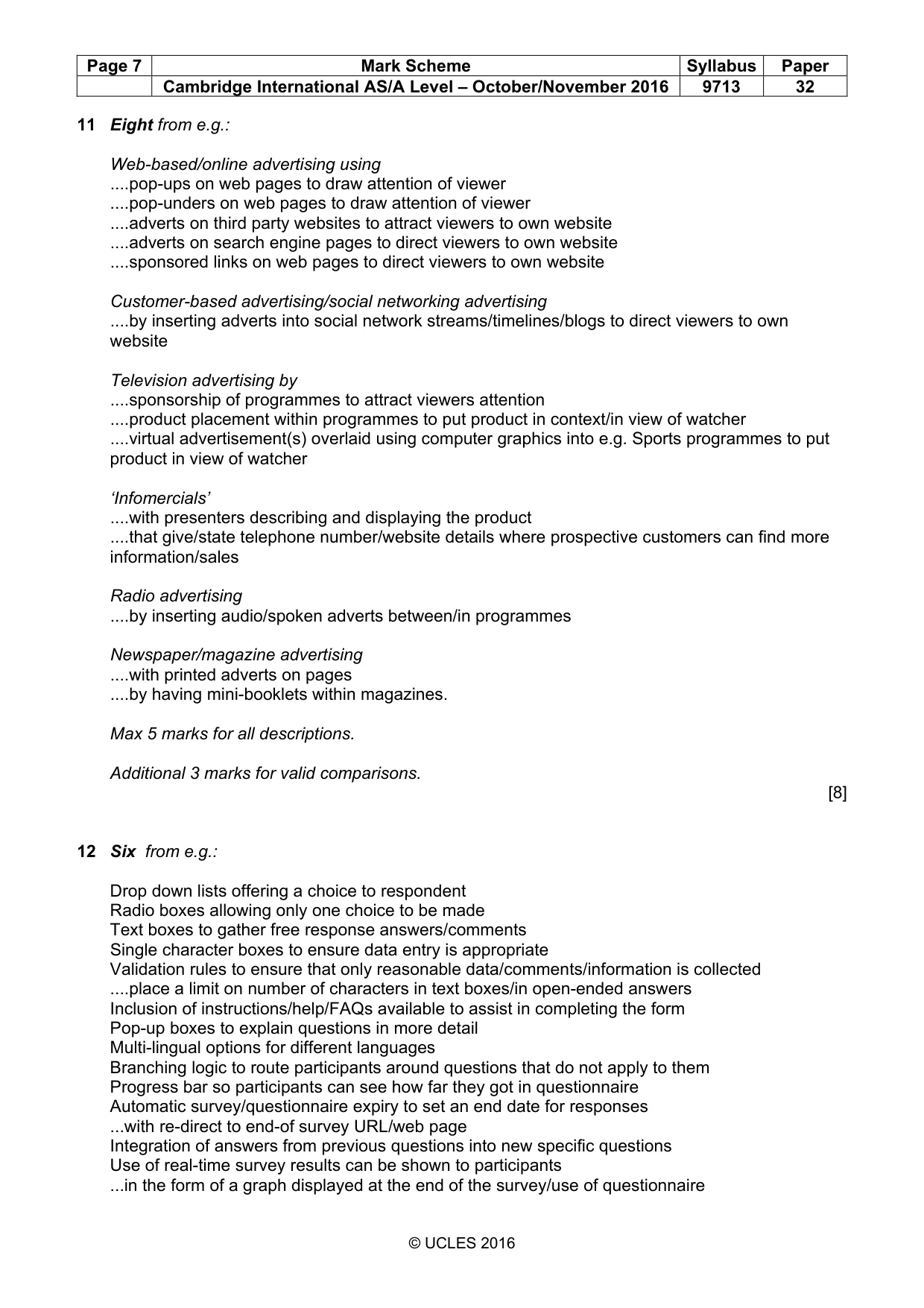
Page 7 Mark Scheme Syllabus Paper Cambridge International AS/A Level – October/November 2016 9713 32 © UCLES 2016 11 Eight from e.g.: Web-based/online advertising using …pop-ups on web pages to draw attention of viewer …pop-unders on web pages to draw attention of viewer …adverts on third party websites to attract viewers to own website …adverts on search engine pages to direct viewers to own website …sponsored links on web pages to direct viewers to own website Customer-based advertising/social networking advertising …by inserting adverts into social network streams/timelines/blogs to direct viewers to own website Television advertising by …sponsorship of programmes to attract viewers attention …product placement within programmes to put product in context/in view of watcher …virtual advertisement(s) overlaid using computer graphics into e.g. Sports programmes to put product in view of watcher ‘Infomercials’ …with presenters describing and displaying the product …that give/state telephone number/website details where prospective customers can find more information/sales Radio advertising …by inserting audio/spoken adverts between/in programmes Newspaper/magazine advertising …with printed adverts on pages …by having mini-booklets within magazines. Max 5 marks for all descriptions. Additional 3 marks for valid comparisons. [8] 12 Six from e.g.: Drop down lists offering a choice to respondent Radio boxes allowing only one choice to be made Text boxes to gather free response answers/comments Single character boxes to ensure data entry is appropriate Validation rules to ensure that only reasonable data/comments/information is collected …place a limit on number of characters in text boxes/in open-ended answers Inclusion of instructions/help/FAQs available to assist in completing the form Pop-up boxes to explain questions in more detail Multi-lingual options for different languages Branching logic to route participants around questions that do not apply to them Progress bar so participants can see how far they got in questionnaire Automatic survey/questionnaire expiry to set an end date for responses ...with re-direct to end-of survey URL/web page Integration of answers from previous questions into new specific questions Use of real-time survey results can be shown to participants ...in the form of a graph displayed at the end of the survey/use of questionnaire
Mark scheme, page 8
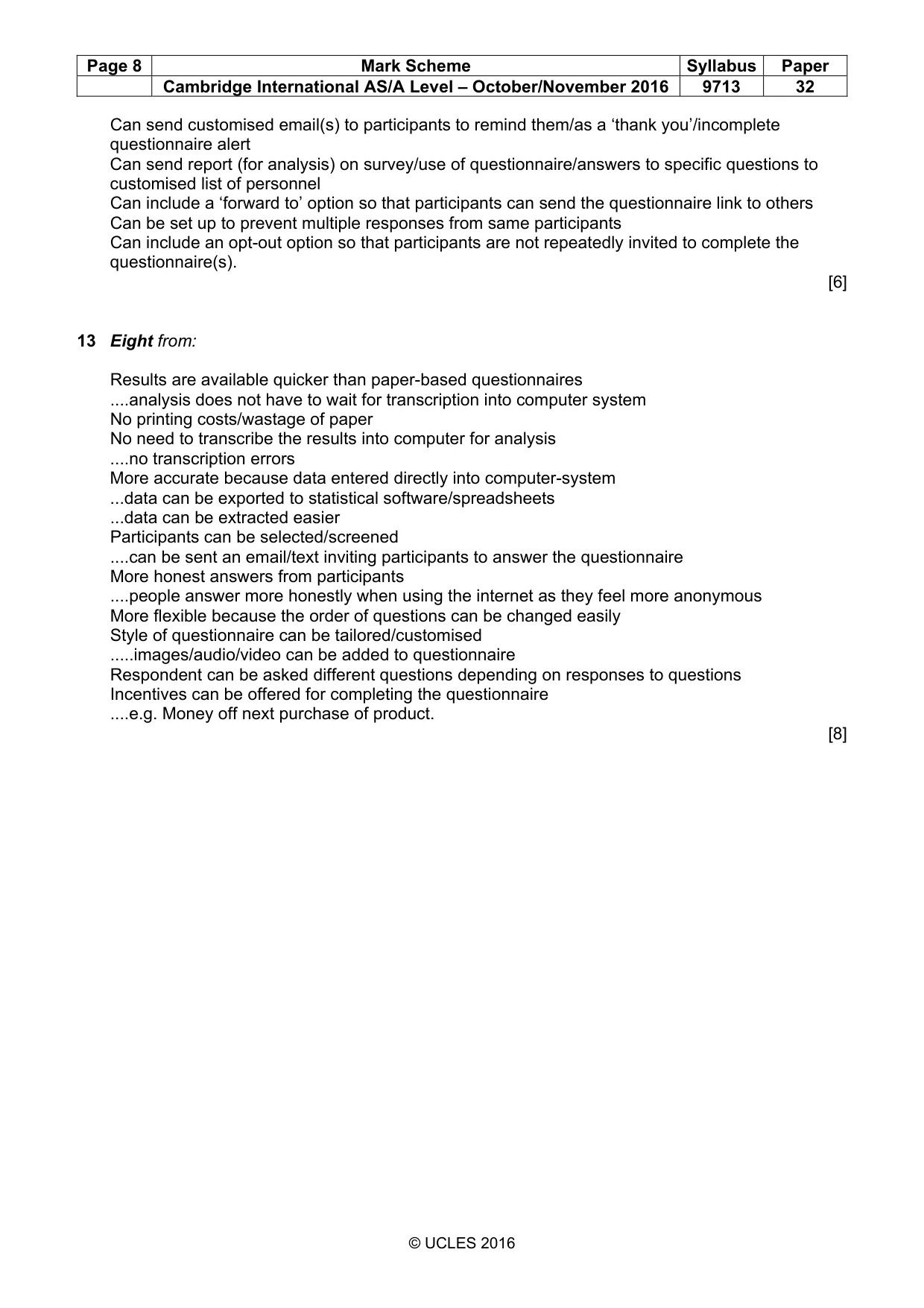
Page 8 Mark Scheme Syllabus Paper Cambridge International AS/A Level – October/November 2016 9713 32 © UCLES 2016 Can send customised email(s) to participants to remind them/as a ‘thank you’/incomplete questionnaire alert Can send report (for analysis) on survey/use of questionnaire/answers to specific questions to customised list of personnel Can include a ‘forward to’ option so that participants can send the questionnaire link to others Can be set up to prevent multiple responses from same participants Can include an opt-out option so that participants are not repeatedly invited to complete the questionnaire(s). [6] 13 Eight from: Results are available quicker than paper-based questionnaires …analysis does not have to wait for transcription into computer system No printing costs/wastage of paper No need to transcribe the results into computer for analysis …no transcription errors More accurate because data entered directly into computer-system ...data can be exported to statistical software/spreadsheets ...data can be extracted easier Participants can be selected/screened …can be sent an email/text inviting participants to answer the questionnaire More honest answers from participants …people answer more honestly when using the internet as they feel more anonymous More flexible because the order of questions can be changed easily Style of questionnaire can be tailored/customised …images/audio/video can be added to questionnaire Respondent can be asked different questions depending on responses to questions Incentives can be offered for completing the questionnaire …e.g. Money off next purchase of product. [8]
What you needed in this session
Cambridge’s own grade thresholds for 2016 Oct/Nov, Paper 3 · Variant 2. A higher threshold means an easier paper — the bar moves with how the cohort did.