Cambridge A Level Applied Information and Communication Technology 9713 — 2013 Oct/Nov Paper 1 · Variant 1
9713/11/O/N/13 · 80 marks · ≈90 min
The question paper and its mark scheme, free to read here and free to download. This is Cambridge’s own paper, exactly as it was sat.
Question paper20 pages


Mark scheme6 pages
Answers below. Sit the paper first if you are practising.
Paper as text
Question paper, page 1
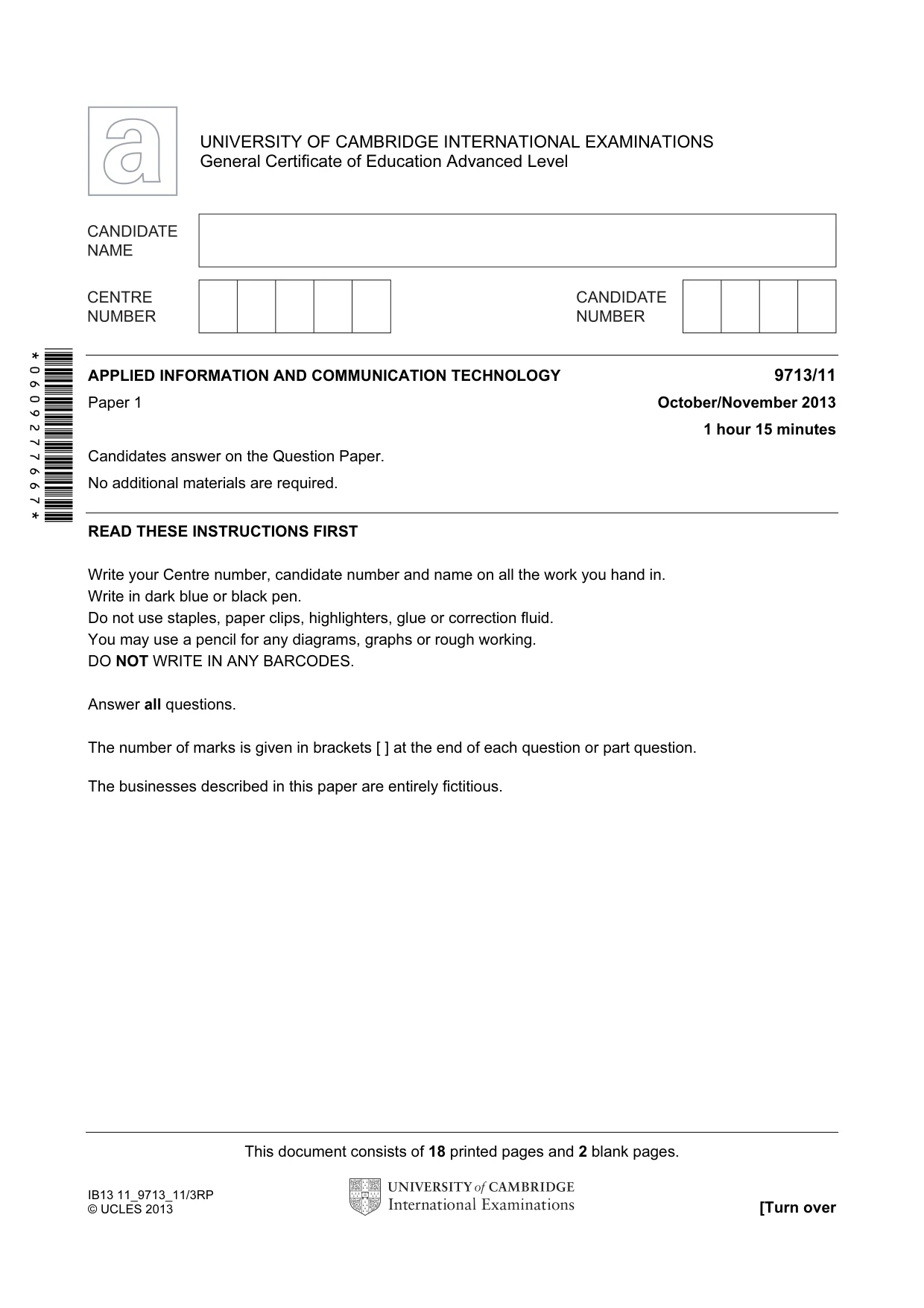
This document consists of 18 printed pages and 2 blank pages. IB13 11_9713_11/3RP © UCLES 2013 [Turn over *0609277667* UNIVERSITY OF CAMBRIDGE INTERNATIONAL EXAMINATIONS General Certificate of Education Advanced Level APPLIED INFORMATION AND COMMUNICATION TECHNOLOGY 9713/11 Paper 1 October/November 2013 1 hour 15 minutes Candidates answer on the Question Paper. No additional materials are required. READ THESE INSTRUCTIONS FIRST Write your Centre number, candidate number and name on all the work you hand in. Write in dark blue or black pen. Do not use staples, paper clips, highlighters, glue or correction fluid. You may use a pencil for any diagrams, graphs or rough working. DO NOT WRITE IN ANY BARCODES. Answer all questions. The number of marks is given in brackets [ ] at the end of each question or part question. The businesses described in this paper are entirely fictitious.
Question paper, page 2
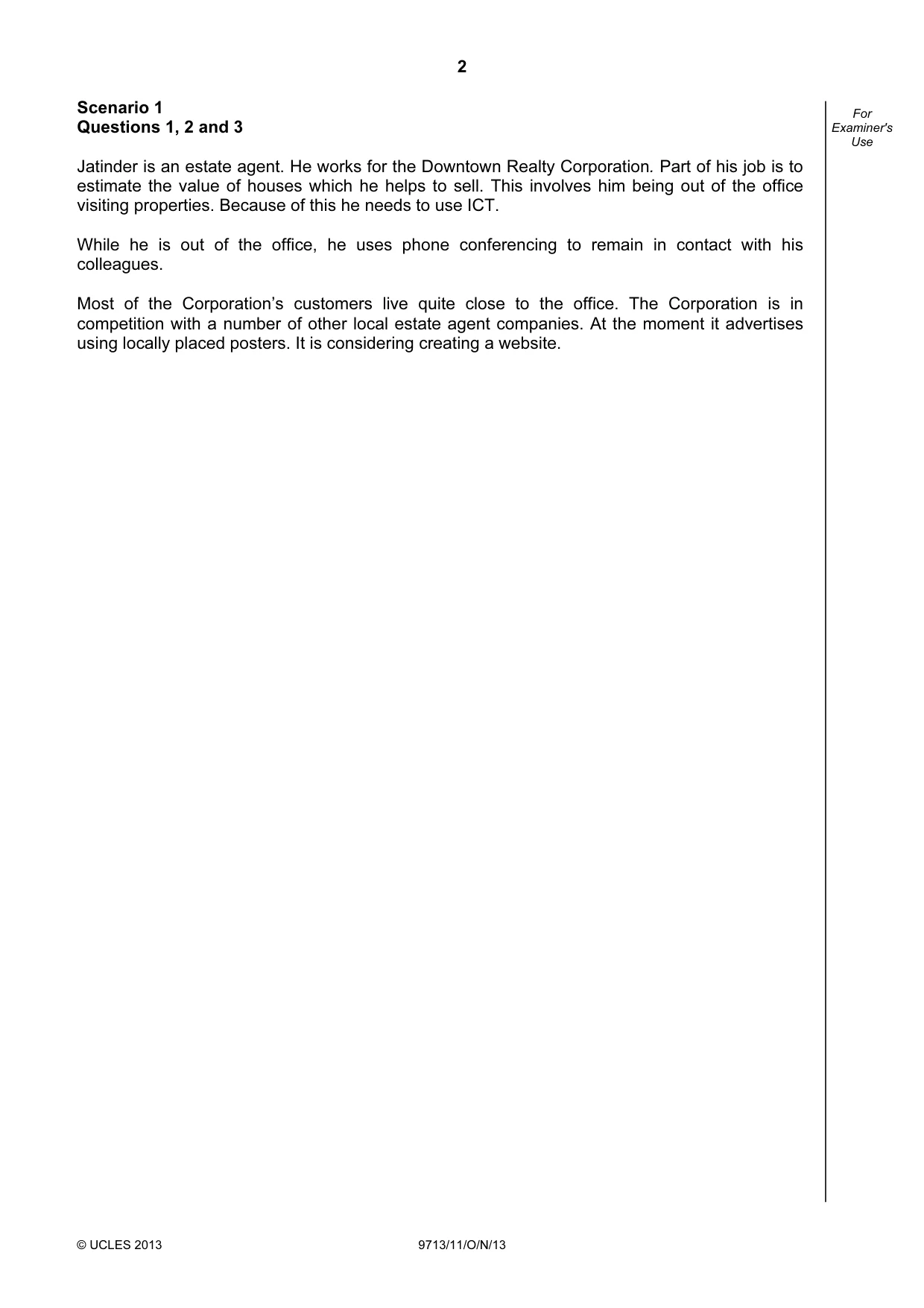
2 © UCLES 2013 9713/11/O/N/13 For Examiner's Use Scenario 1 Questions 1, 2 and 3 Jatinder is an estate agent. He works for the Downtown Realty Corporation. Part of his job is to estimate the value of houses which he helps to sell. This involves him being out of the office visiting properties. Because of this he needs to use ICT. While he is out of the office, he uses phone conferencing to remain in contact with his colleagues. Most of the Corporation’s customers live quite close to the office. The Corporation is in competition with a number of other local estate agent companies. At the moment it advertises using locally placed posters. It is considering creating a website.
Question paper, page 3
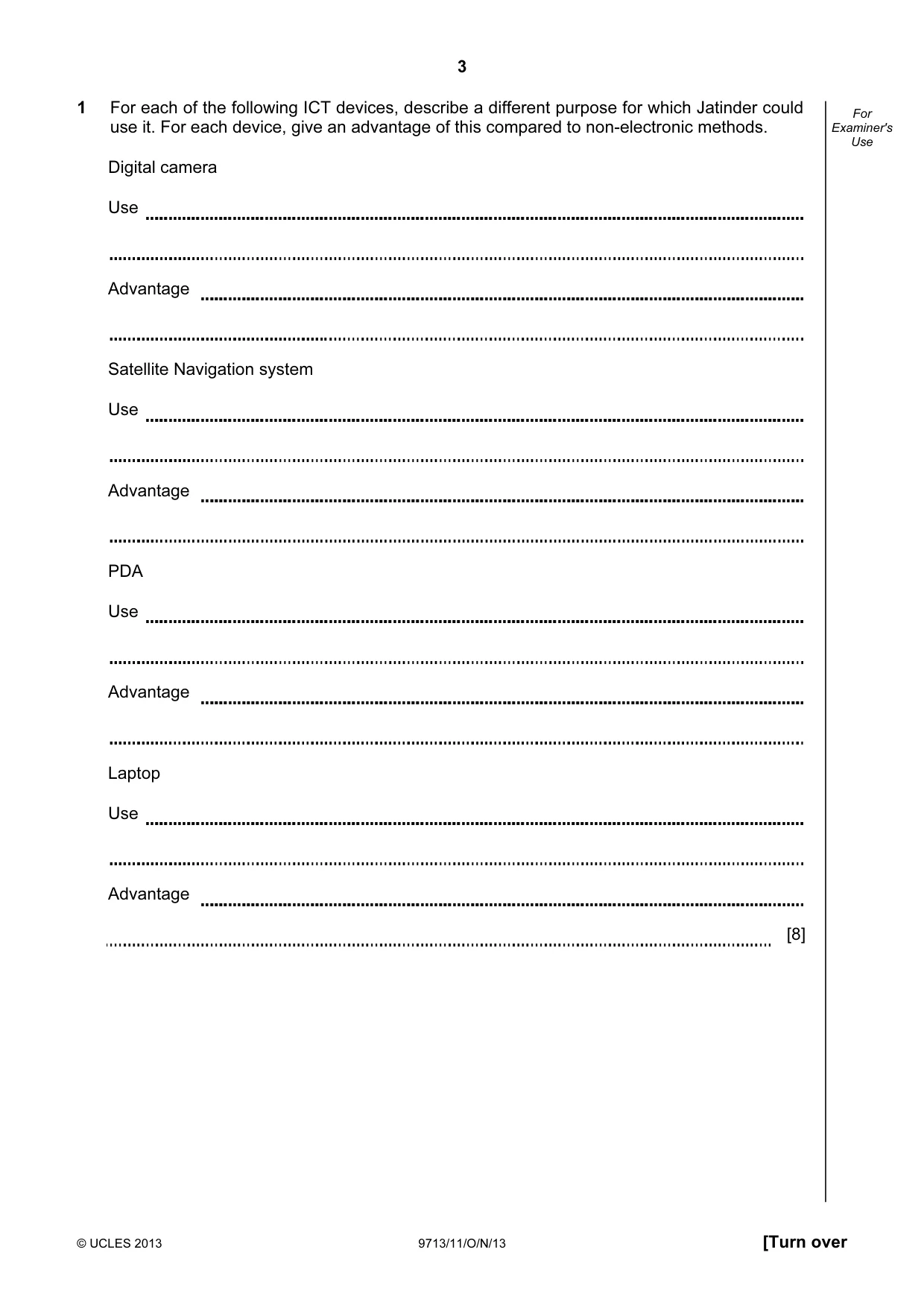
3 © UCLES 2013 9713/11/O/N/13 [Turn over For Examiner's Use 1 For each of the following ICT devices, describe a different purpose for which Jatinder could use it. For each device, give an advantage of this compared to non-electronic methods. Digital camera Use Advantage Satellite Navigation system Use Advantage PDA Use Advantage Laptop Use Advantage [8]
Question paper, page 4
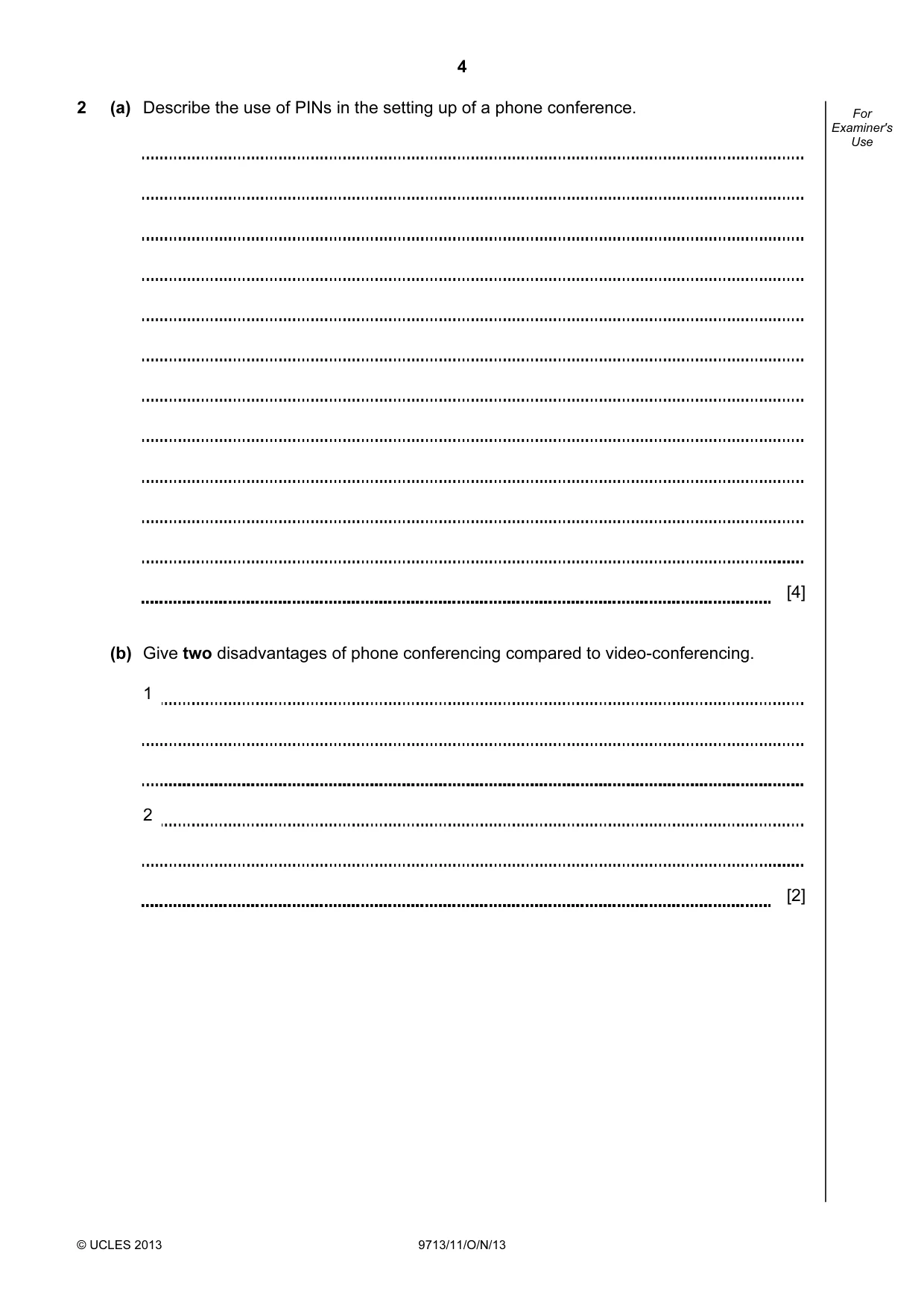
4 © UCLES 2013 9713/11/O/N/13 For Examiner's Use 2 (a) Describe the use of PINs in the setting up of a phone conference. [4] (b) Give two disadvantages of phone conferencing compared to video-conferencing. 1 2 [2]
Question paper, page 5
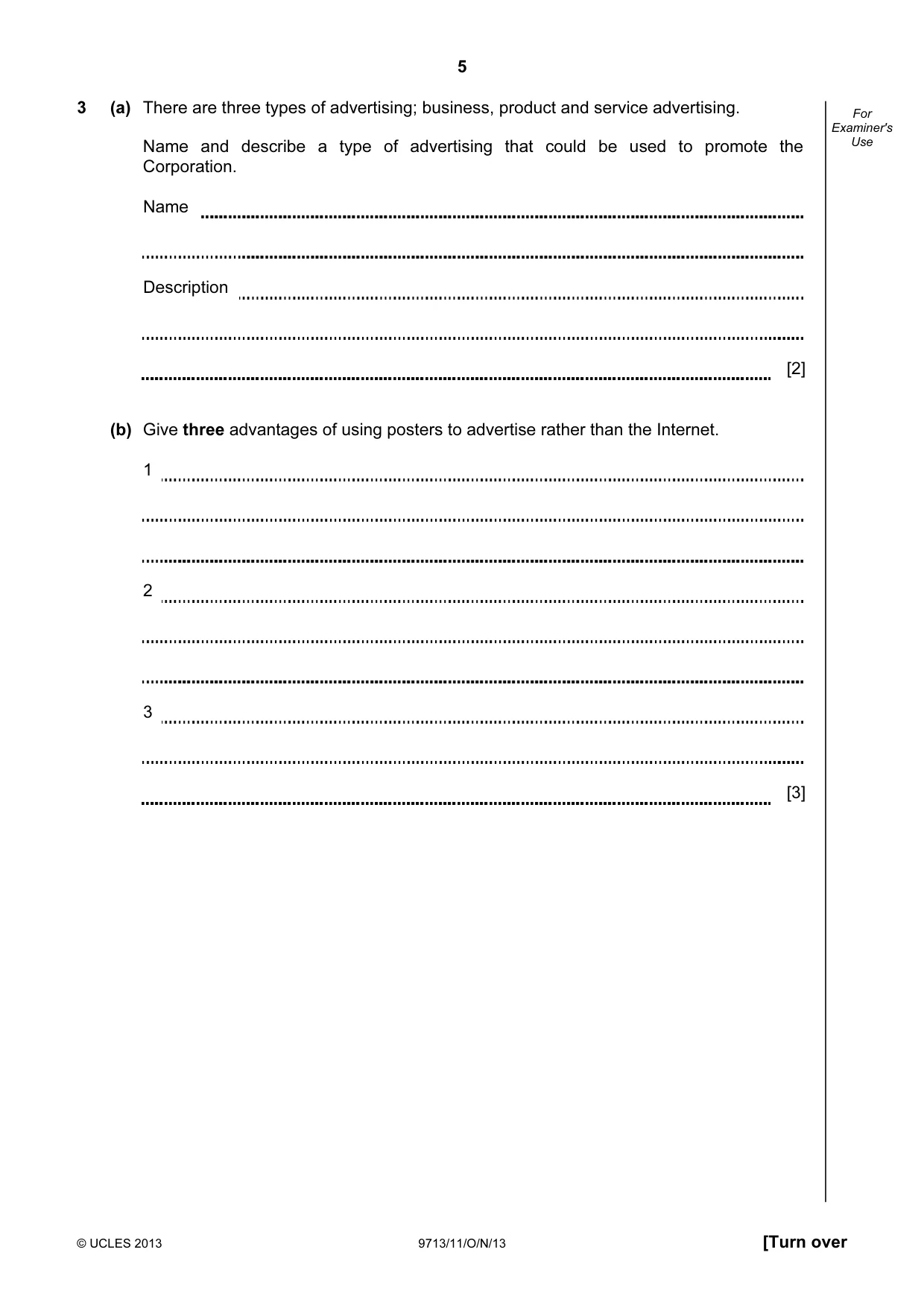
5 © UCLES 2013 9713/11/O/N/13 [Turn over For Examiner's Use 3 (a) There are three types of advertising; business, product and service advertising. Name and describe a type of advertising that could be used to promote the Corporation. Name Description [2] (b) Give three advantages of using posters to advertise rather than the Internet. 1 2 3 [3]
Question paper, page 6
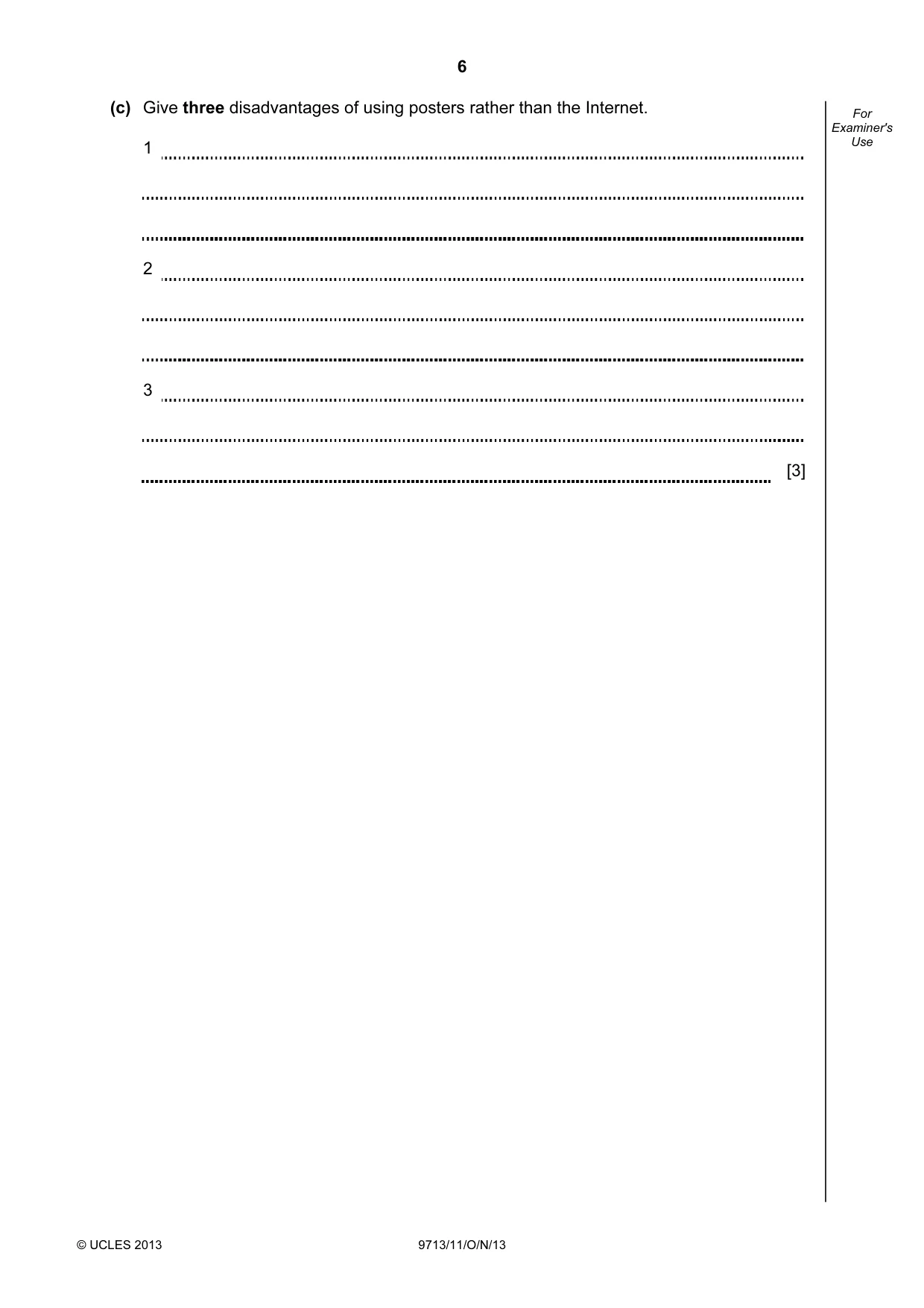
6 © UCLES 2013 9713/11/O/N/13 For Examiner's Use (c) Give three disadvantages of using posters rather than the Internet. 1 2 3 [3]
Question paper, page 7
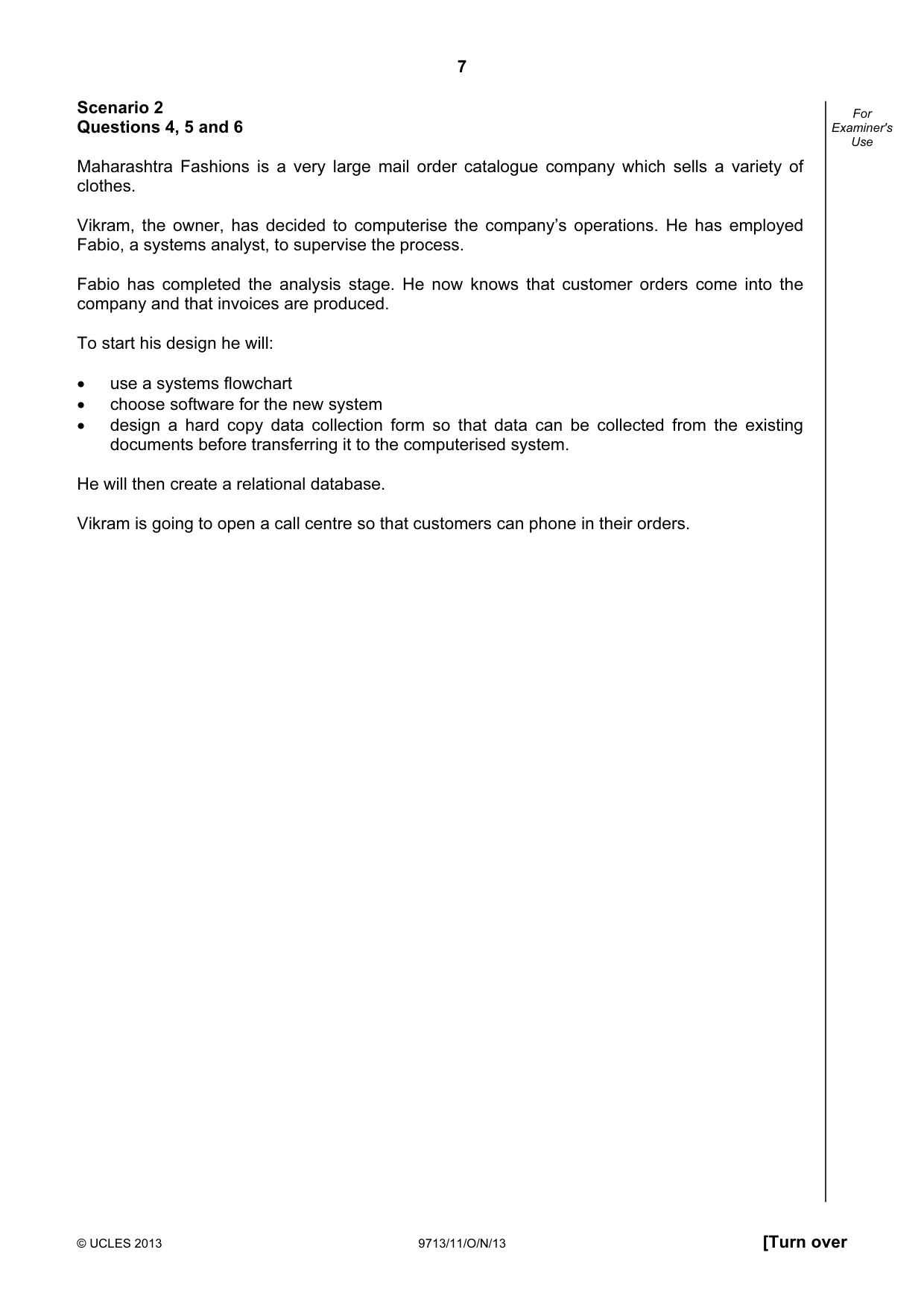
7 © UCLES 2013 9713/11/O/N/13 [Turn over For Examiner's Use Scenario 2 Questions 4, 5 and 6 Maharashtra Fashions is a very large mail order catalogue company which sells a variety of clothes. Vikram, the owner, has decided to computerise the company’s operations. He has employed Fabio, a systems analyst, to supervise the process. Fabio has completed the analysis stage. He now knows that customer orders come into the company and that invoices are produced. To start his design he will: • use a systems flowchart • choose software for the new system • design a hard copy data collection form so that data can be collected from the existing documents before transferring it to the computerised system. He will then create a relational database. Vikram is going to open a call centre so that customers can phone in their orders.
Question paper, page 8
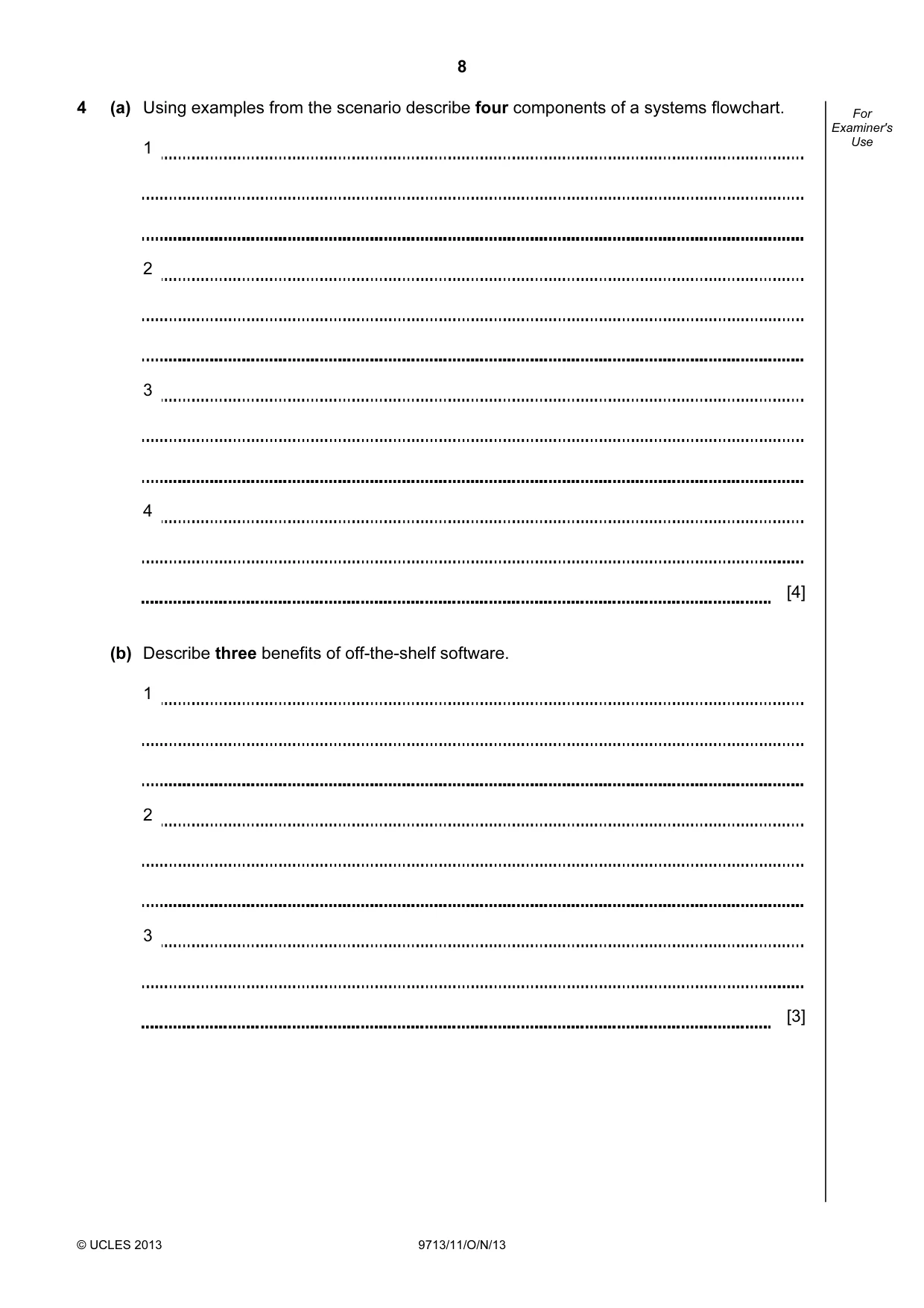
8 © UCLES 2013 9713/11/O/N/13 For Examiner's Use 4 (a) Using examples from the scenario describe four components of a systems flowchart. 1 2 3 4 [4] (b) Describe three benefits of off-the-shelf software. 1 2 3 [3]
Question paper, page 9
9 © UCLES 2013 9713/11/O/N/13 [Turn over For Examiner's Use (c) Describe two benefits of purpose-built software. 1 2 [2]
Question paper, page 10
10 © UCLES 2013 9713/11/O/N/13 For Examiner's Use 5 (a) Describe five features of a well designed paper-based data collection form. 1 2 3 4 5 [5] (b) Describe three features which could be found in a screen form but would not be found on a paper-based form. 1 2 3 [3]
Question paper, page 11
11 © UCLES 2013 9713/11/O/N/13 [Turn over For Examiner's Use (c) Describe how a relational database would be created. [4] 6 (a) Describe the use of three different items of ICT hardware which each telephony operator at the call centre would need. 1 2 3 [3]
Question paper, page 12
12 © UCLES 2013 9713/11/O/N/13 For Examiner's Use (b) Name and describe the two types of call control used with Computer Telephony Integration (CTI) software. 1 [3] 2 [3]
Question paper, page 13
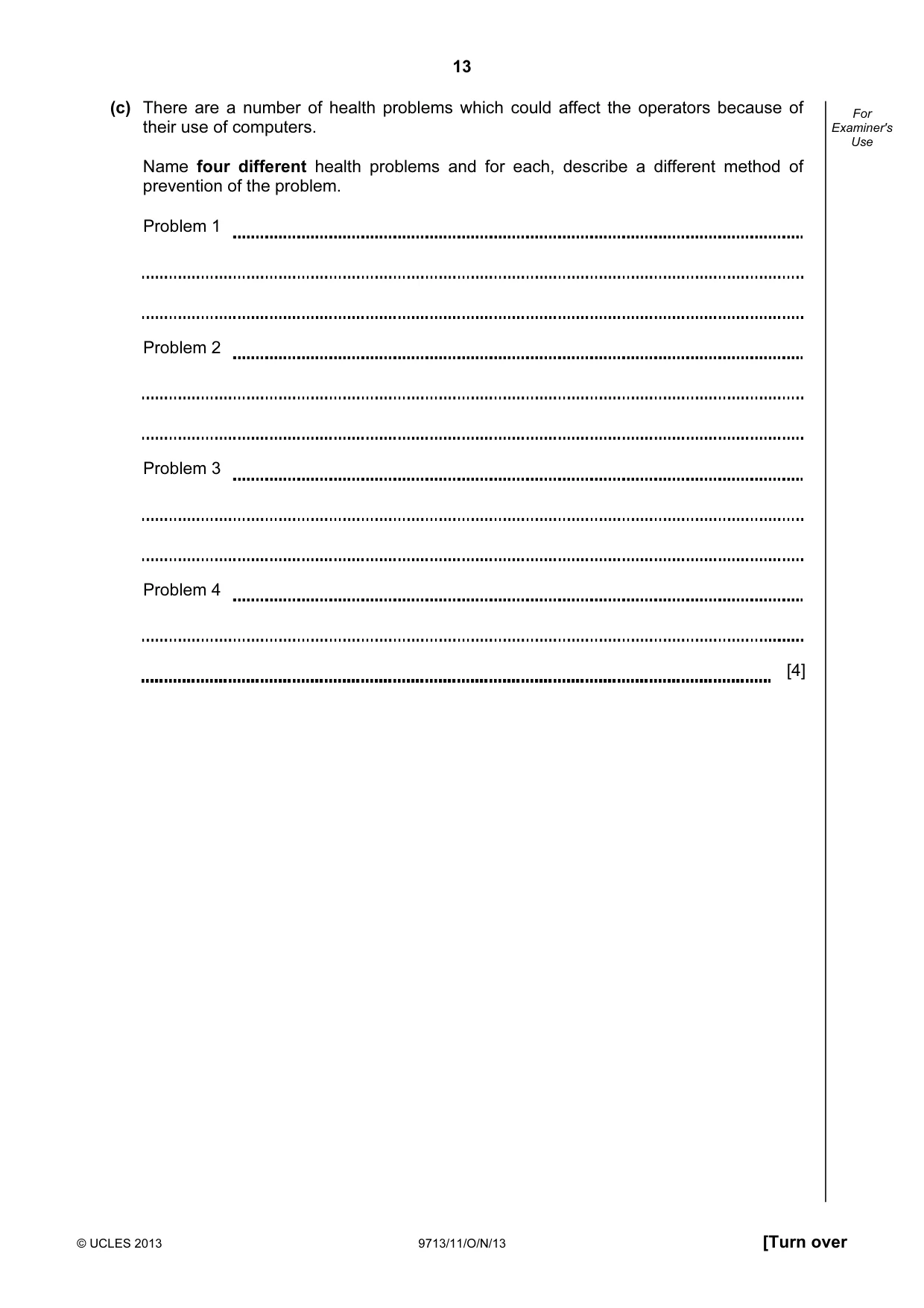
13 © UCLES 2013 9713/11/O/N/13 [Turn over For Examiner's Use (c) There are a number of health problems which could affect the operators because of their use of computers. Name four different health problems and for each, describe a different method of prevention of the problem. Problem 1 Problem 2 Problem 3 Problem 4 [4]
Question paper, page 14
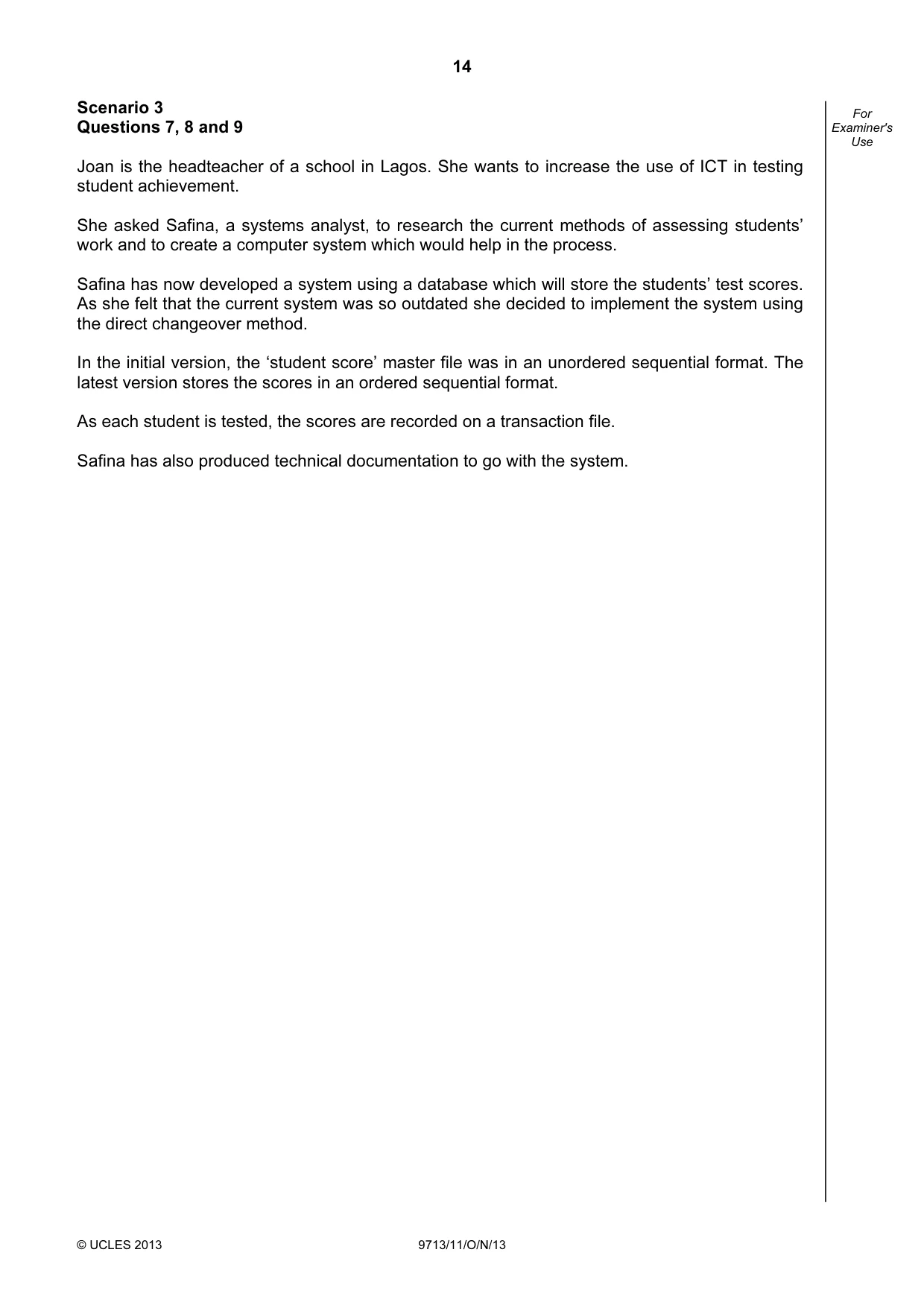
14 © UCLES 2013 9713/11/O/N/13 For Examiner's Use Scenario 3 Questions 7, 8 and 9 Joan is the headteacher of a school in Lagos. She wants to increase the use of ICT in testing student achievement. She asked Safina, a systems analyst, to research the current methods of assessing students’ work and to create a computer system which would help in the process. Safina has now developed a system using a database which will store the students’ test scores. As she felt that the current system was so outdated she decided to implement the system using the direct changeover method. In the initial version, the ‘student score’ master file was in an unordered sequential format. The latest version stores the scores in an ordered sequential format. As each student is tested, the scores are recorded on a transaction file. Safina has also produced technical documentation to go with the system.
Question paper, page 15
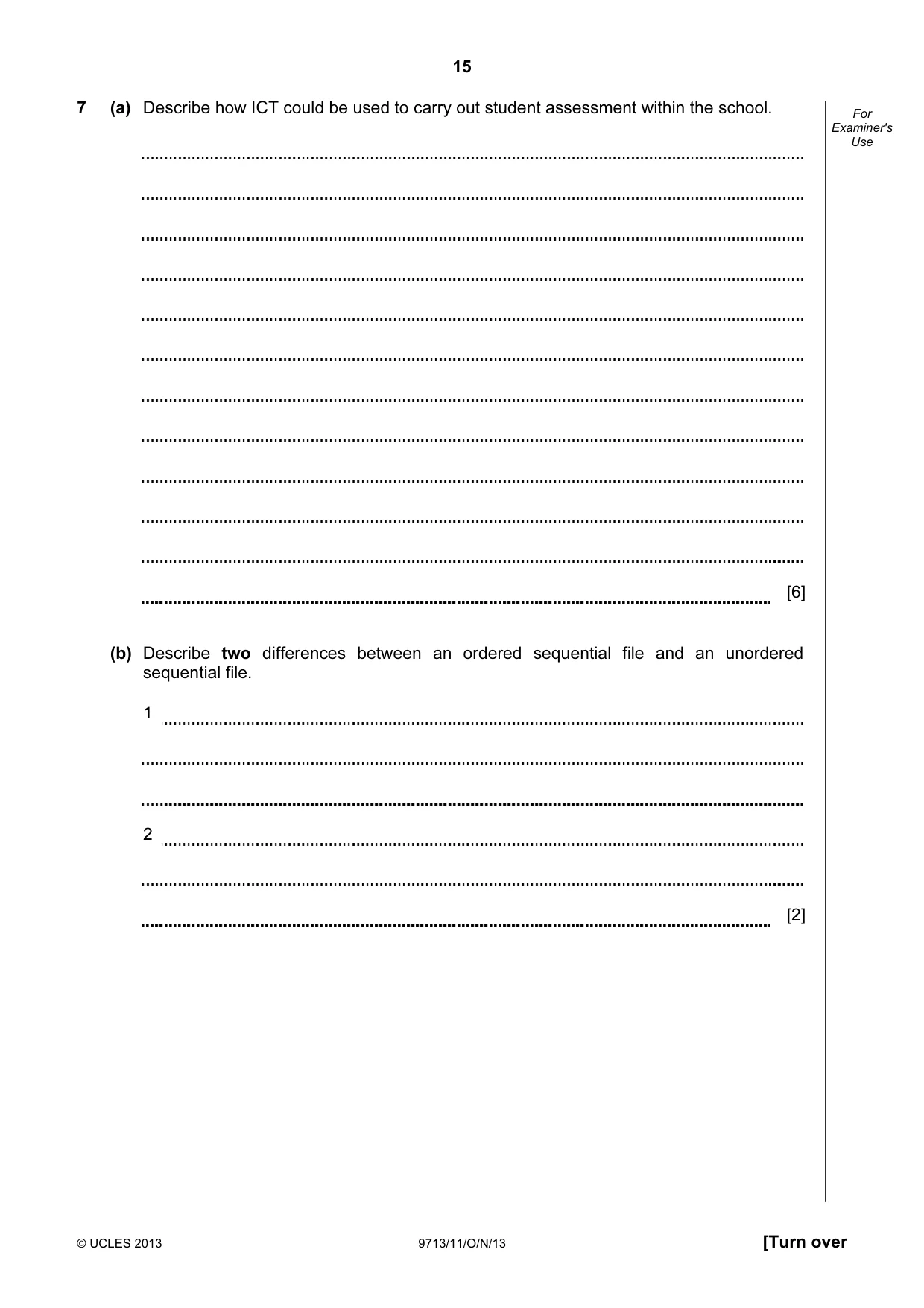
15 © UCLES 2013 9713/11/O/N/13 [Turn over For Examiner's Use 7 (a) Describe how ICT could be used to carry out student assessment within the school. [6] (b) Describe two differences between an ordered sequential file and an unordered sequential file. 1 2 [2]
Question paper, page 16
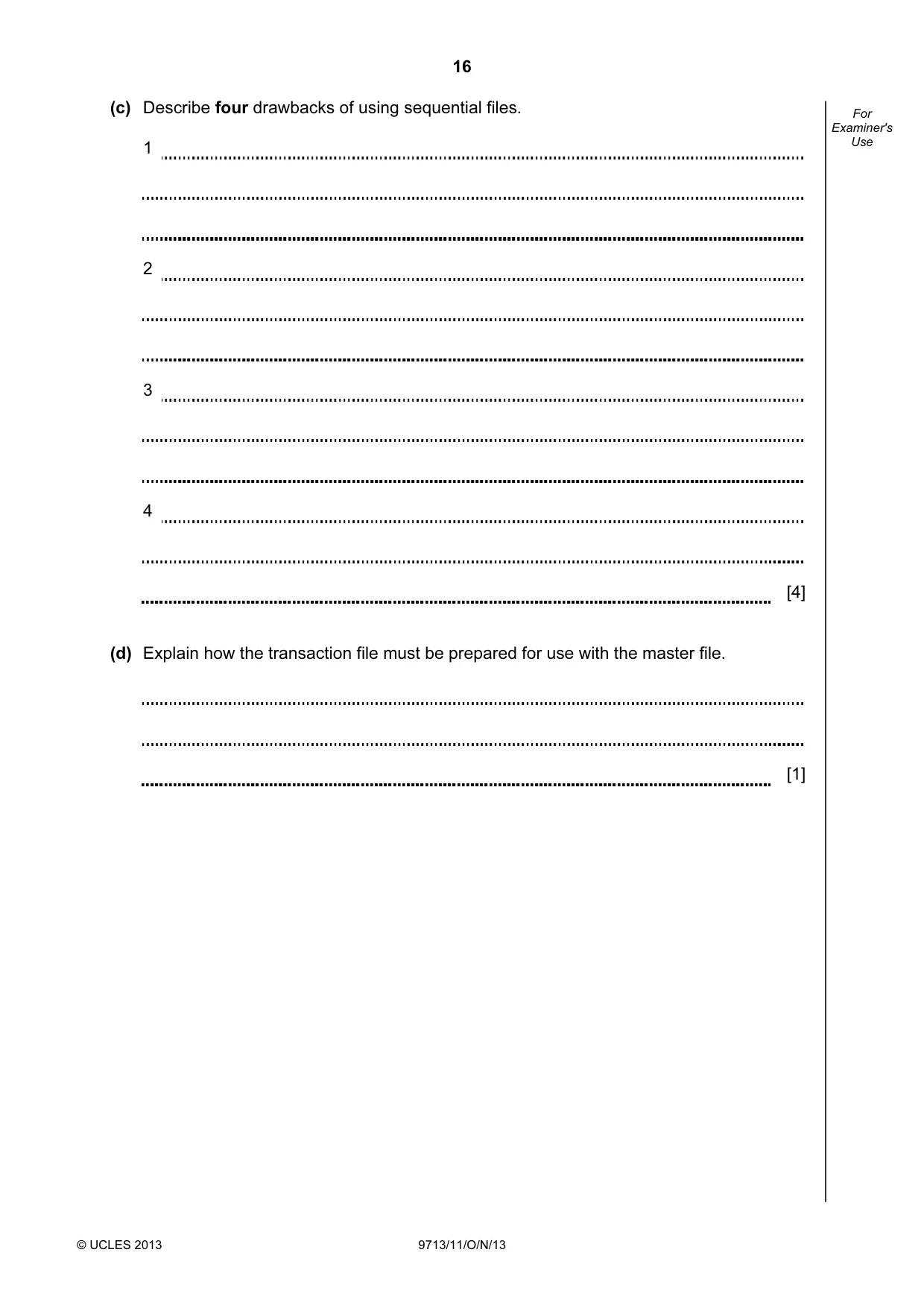
16 © UCLES 2013 9713/11/O/N/13 For Examiner's Use (c) Describe four drawbacks of using sequential files. 1 2 3 4 [4] (d) Explain how the transaction file must be prepared for use with the master file. [1]
Question paper, page 17
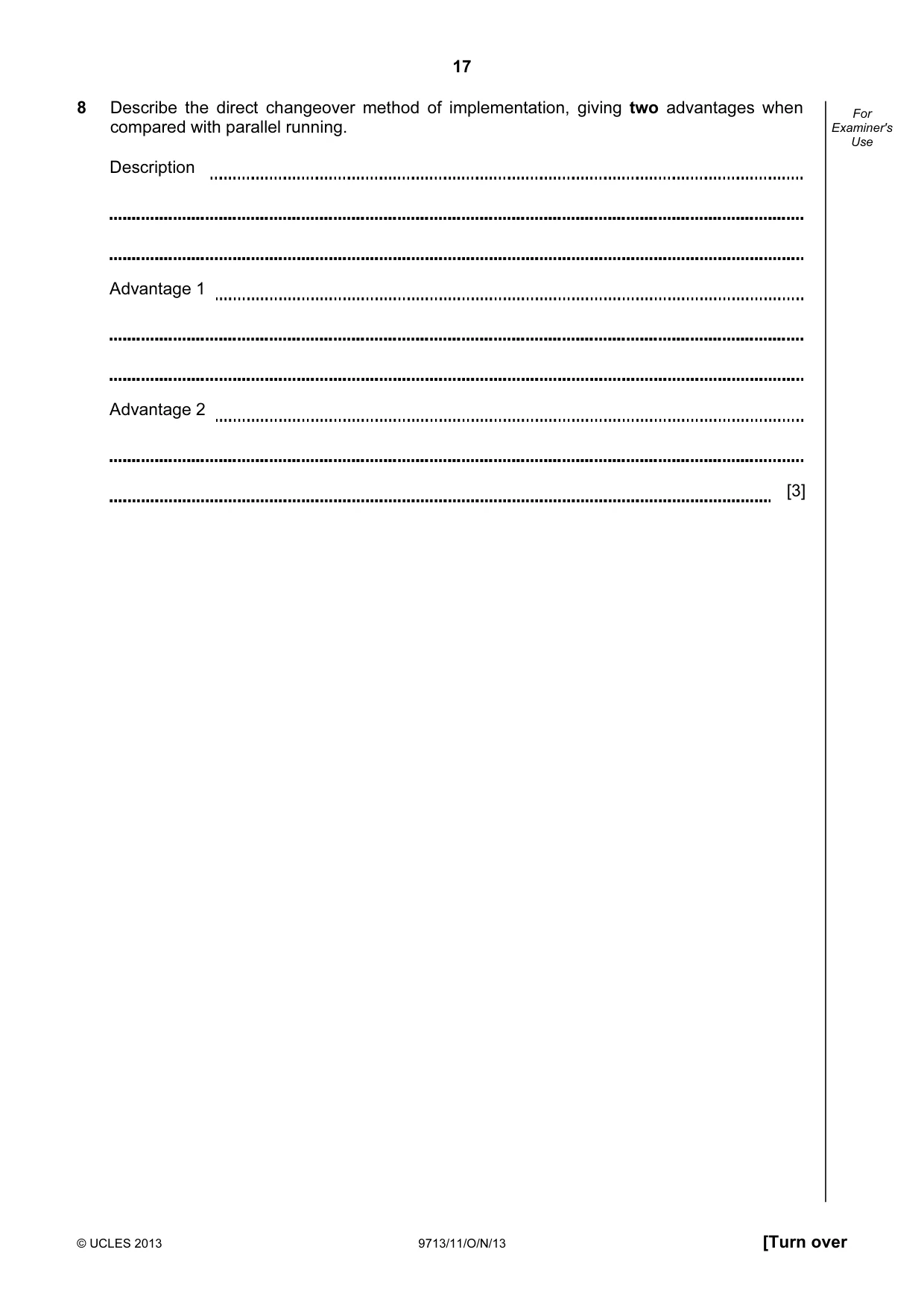
17 © UCLES 2013 9713/11/O/N/13 [Turn over For Examiner's Use 8 Describe the direct changeover method of implementation, giving two advantages when compared with parallel running. Description Advantage 1 Advantage 2 [3]
Question paper, page 18
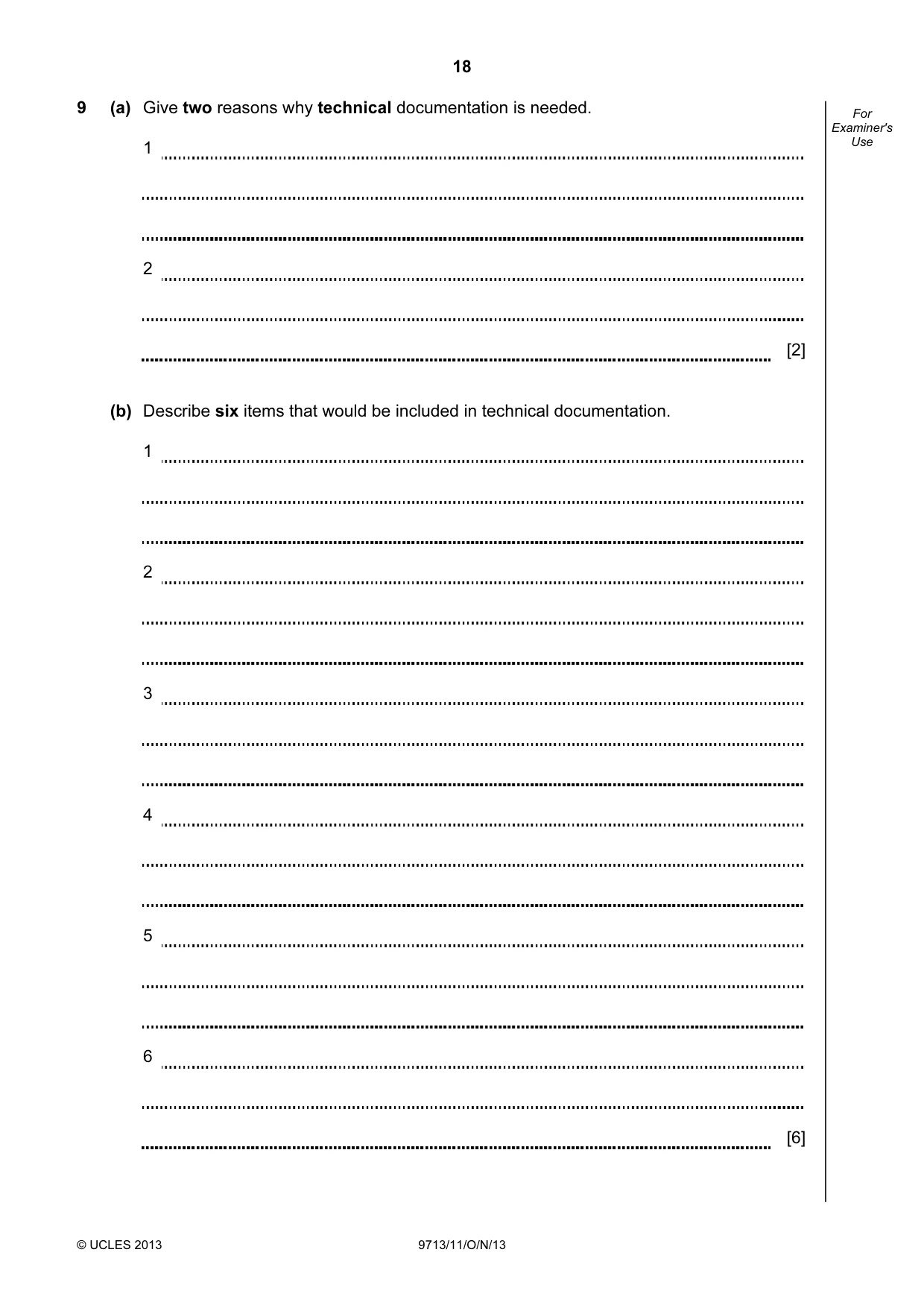
18 © UCLES 2013 9713/11/O/N/13 For Examiner's Use 9 (a) Give two reasons why technical documentation is needed. 1 2 [2] (b) Describe six items that would be included in technical documentation. 1 2 3 4 5 6 [6]
Question paper, page 19
19 © UCLES 2013 9713/11/O/N/13 BLANK PAGE
Question paper, page 20
20 Permission to reproduce items where third-party owned material protected by copyright is included has been sought and cleared where possible. Every reasonable effort has been made by the publisher (UCLES) to trace copyright holders, but if any items requiring clearance have unwittingly been included, the publisher will be pleased to make amends at the earliest possible opportunity. University of Cambridge International Examinations is part of the Cambridge Assessment Group. Cambridge Assessment is the brand name of University of Cambridge Local Examinations Syndicate (UCLES), which is itself a department of the University of Cambridge. © UCLES 2013 9713/11/O/N/13 BLANK PAGE
Mark scheme, page 1
CAMBRIDGE INTERNATIONAL EXAMINATIONS GCE Advanced Subsidiary Level and GCE Advanced Level MARK SCHEME for the October/November 2013 series 9713 APPLIED INFORMATION AND COMMUNICATION TECHNOLOGY 9713/11 Paper 1 (Written A), maximum raw mark 80 This mark scheme is published as an aid to teachers and candidates, to indicate the requirements of the examination. It shows the basis on which Examiners were instructed to award marks. It does not indicate the details of the discussions that took place at an Examiners’ meeting before marking began, which would have considered the acceptability of alternative answers. Mark schemes should be read in conjunction with the question paper and the Principal Examiner Report for Teachers. Cambridge will not enter into discussions about these mark schemes. Cambridge is publishing the mark schemes for the October/November 2013 series for most IGCSE, GCE Advanced Level and Advanced Subsidiary Level components and some Ordinary Level components.
Mark scheme, page 2
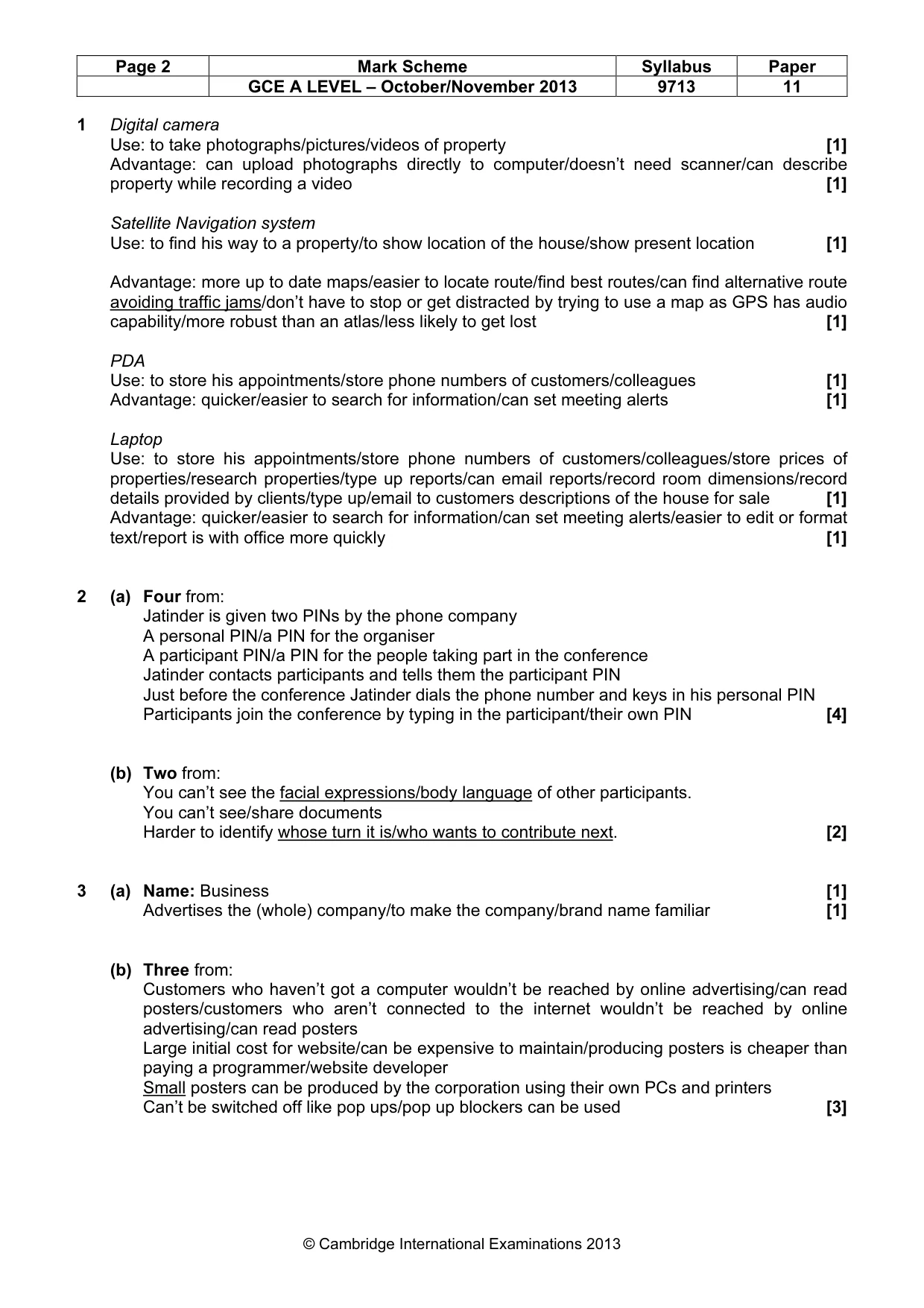
Page 2 Mark Scheme Syllabus Paper GCE A LEVEL – October/November 2013 9713 11 © Cambridge International Examinations 2013 1 Digital camera Use: to take photographs/pictures/videos of property [1] Advantage: can upload photographs directly to computer/doesn’t need scanner/can describe property while recording a video [1] Satellite Navigation system Use: to find his way to a property/to show location of the house/show present location [1] Advantage: more up to date maps/easier to locate route/find best routes/can find alternative route avoiding traffic jams/don’t have to stop or get distracted by trying to use a map as GPS has audio capability/more robust than an atlas/less likely to get lost [1] PDA Use: to store his appointments/store phone numbers of customers/colleagues [1] Advantage: quicker/easier to search for information/can set meeting alerts [1] Laptop Use: to store his appointments/store phone numbers of customers/colleagues/store prices of properties/research properties/type up reports/can email reports/record room dimensions/record details provided by clients/type up/email to customers descriptions of the house for sale [1] Advantage: quicker/easier to search for information/can set meeting alerts/easier to edit or format text/report is with office more quickly [1] 2 (a) Four from: Jatinder is given two PINs by the phone company A personal PIN/a PIN for the organiser A participant PIN/a PIN for the people taking part in the conference Jatinder contacts participants and tells them the participant PIN Just before the conference Jatinder dials the phone number and keys in his personal PIN Participants join the conference by typing in the participant/their own PIN [4] (b) Two from: You can’t see the facial expressions/body language of other participants. You can’t see/share documents Harder to identify whose turn it is/who wants to contribute next. [2] 3 (a) Name: Business [1] Advertises the (whole) company/to make the company/brand name familiar [1] (b) Three from: Customers who haven’t got a computer wouldn’t be reached by online advertising/can read posters/customers who aren’t connected to the internet wouldn’t be reached by online advertising/can read posters Large initial cost for website/can be expensive to maintain/producing posters is cheaper than paying a programmer/website developer Small posters can be produced by the corporation using their own PCs and printers Can’t be switched off like pop ups/pop up blockers can be used [3]
Mark scheme, page 3
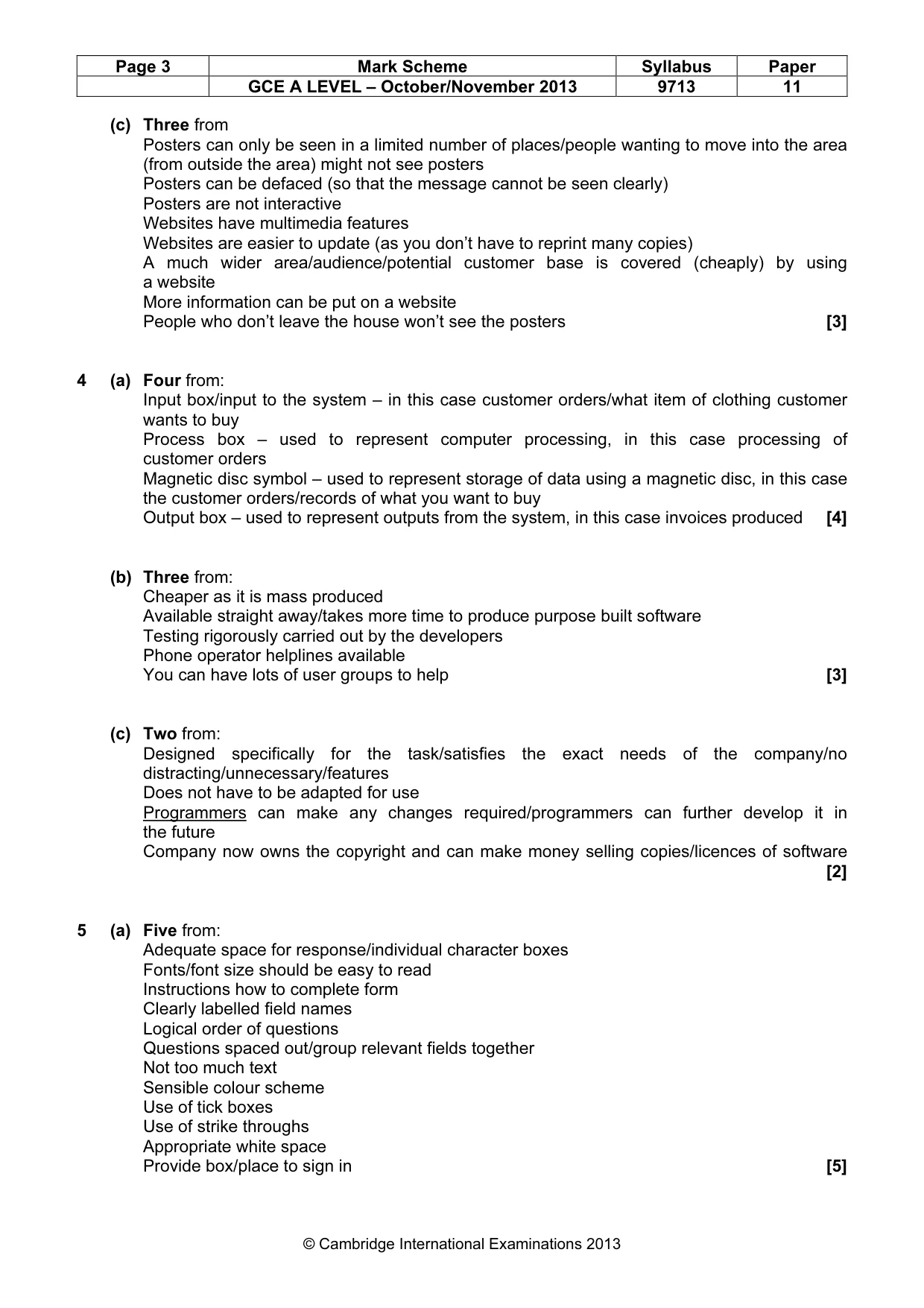
Page 3 Mark Scheme Syllabus Paper GCE A LEVEL – October/November 2013 9713 11 © Cambridge International Examinations 2013 (c) Three from Posters can only be seen in a limited number of places/people wanting to move into the area (from outside the area) might not see posters Posters can be defaced (so that the message cannot be seen clearly) Posters are not interactive Websites have multimedia features Websites are easier to update (as you don’t have to reprint many copies) A much wider area/audience/potential customer base is covered (cheaply) by using a website More information can be put on a website People who don’t leave the house won’t see the posters [3] 4 (a) Four from: Input box/input to the system – in this case customer orders/what item of clothing customer wants to buy Process box – used to represent computer processing, in this case processing of customer orders Magnetic disc symbol – used to represent storage of data using a magnetic disc, in this case the customer orders/records of what you want to buy Output box – used to represent outputs from the system, in this case invoices produced [4] (b) Three from: Cheaper as it is mass produced Available straight away/takes more time to produce purpose built software Testing rigorously carried out by the developers Phone operator helplines available You can have lots of user groups to help [3] (c) Two from: Designed specifically for the task/satisfies the exact needs of the company/no distracting/unnecessary/features Does not have to be adapted for use Programmers can make any changes required/programmers can further develop it in the future Company now owns the copyright and can make money selling copies/licences of software [2] 5 (a) Five from: Adequate space for response/individual character boxes Fonts/font size should be easy to read Instructions how to complete form Clearly labelled field names Logical order of questions Questions spaced out/group relevant fields together Not too much text Sensible colour scheme Use of tick boxes Use of strike throughs Appropriate white space Provide box/place to sign in [5]
Mark scheme, page 4
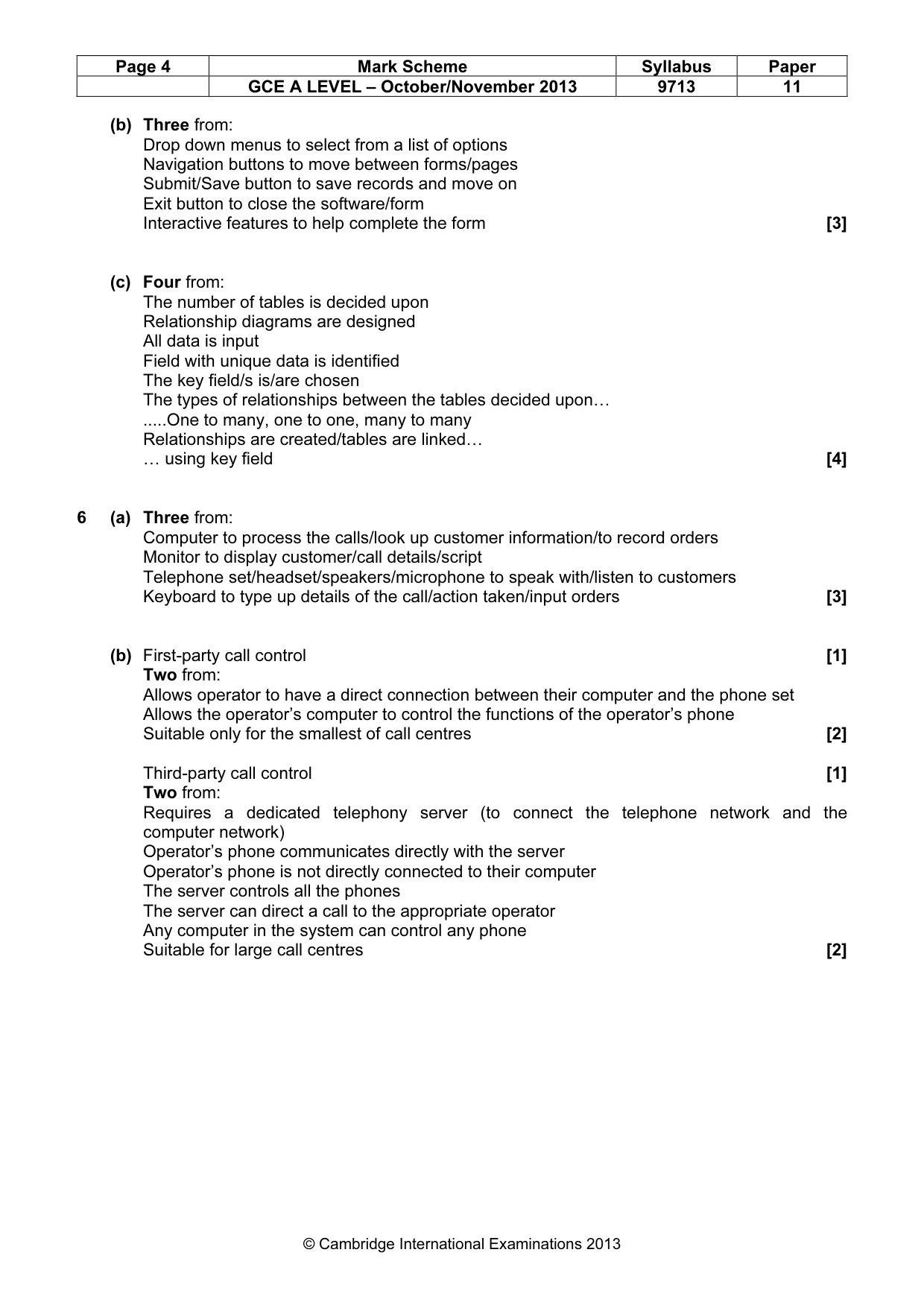
Page 4 Mark Scheme Syllabus Paper GCE A LEVEL – October/November 2013 9713 11 © Cambridge International Examinations 2013 (b) Three from: Drop down menus to select from a list of options Navigation buttons to move between forms/pages Submit/Save button to save records and move on Exit button to close the software/form Interactive features to help complete the form [3] (c) Four from: The number of tables is decided upon Relationship diagrams are designed All data is input Field with unique data is identified The key field/s is/are chosen The types of relationships between the tables decided upon… …One to many, one to one, many to many Relationships are created/tables are linked… … using key field [4] 6 (a) Three from: Computer to process the calls/look up customer information/to record orders Monitor to display customer/call details/script Telephone set/headset/speakers/microphone to speak with/listen to customers Keyboard to type up details of the call/action taken/input orders [3] (b) First-party call control [1] Two from: Allows operator to have a direct connection between their computer and the phone set Allows the operator’s computer to control the functions of the operator’s phone Suitable only for the smallest of call centres [2] Third-party call control [1] Two from: Requires a dedicated telephony server (to connect the telephone network and the computer network) Operator’s phone communicates directly with the server Operator’s phone is not directly connected to their computer The server controls all the phones The server can direct a call to the appropriate operator Any computer in the system can control any phone Suitable for large call centres [2]
Mark scheme, page 5
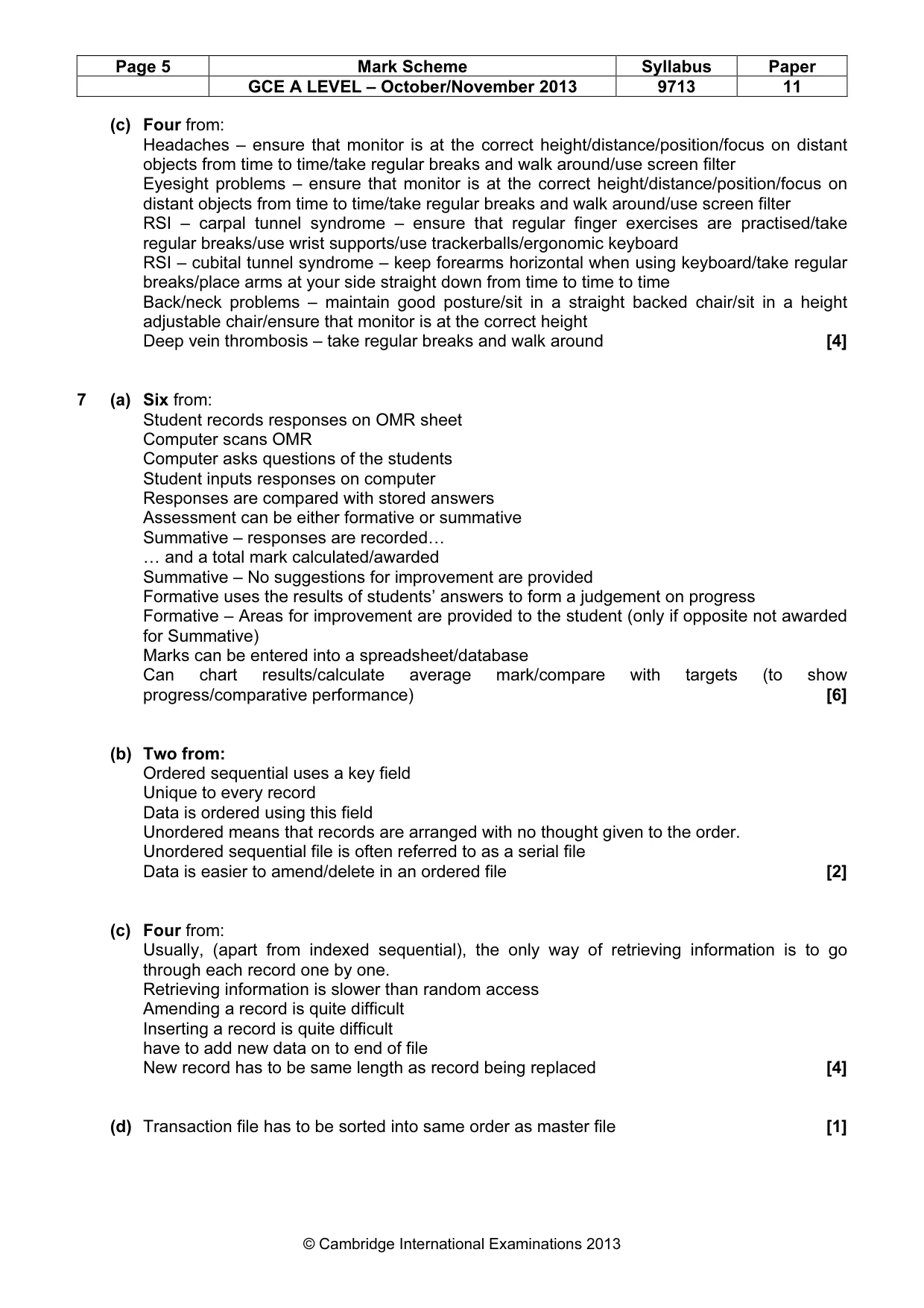
Page 5 Mark Scheme Syllabus Paper GCE A LEVEL – October/November 2013 9713 11 © Cambridge International Examinations 2013 (c) Four from: Headaches – ensure that monitor is at the correct height/distance/position/focus on distant objects from time to time/take regular breaks and walk around/use screen filter Eyesight problems – ensure that monitor is at the correct height/distance/position/focus on distant objects from time to time/take regular breaks and walk around/use screen filter RSI – carpal tunnel syndrome – ensure that regular finger exercises are practised/take regular breaks/use wrist supports/use trackerballs/ergonomic keyboard RSI – cubital tunnel syndrome – keep forearms horizontal when using keyboard/take regular breaks/place arms at your side straight down from time to time to time Back/neck problems – maintain good posture/sit in a straight backed chair/sit in a height adjustable chair/ensure that monitor is at the correct height Deep vein thrombosis – take regular breaks and walk around [4] 7 (a) Six from: Student records responses on OMR sheet Computer scans OMR Computer asks questions of the students Student inputs responses on computer Responses are compared with stored answers Assessment can be either formative or summative Summative – responses are recorded… … and a total mark calculated/awarded Summative – No suggestions for improvement are provided Formative uses the results of students’ answers to form a judgement on progress Formative – Areas for improvement are provided to the student (only if opposite not awarded for Summative) Marks can be entered into a spreadsheet/database Can chart results/calculate average mark/compare with targets (to show progress/comparative performance) [6] (b) Two from: Ordered sequential uses a key field Unique to every record Data is ordered using this field Unordered means that records are arranged with no thought given to the order. Unordered sequential file is often referred to as a serial file Data is easier to amend/delete in an ordered file [2] (c) Four from: Usually, (apart from indexed sequential), the only way of retrieving information is to go through each record one by one. Retrieving information is slower than random access Amending a record is quite difficult Inserting a record is quite difficult have to add new data on to end of file New record has to be same length as record being replaced [4] (d) Transaction file has to be sorted into same order as master file [1]
Mark scheme, page 6
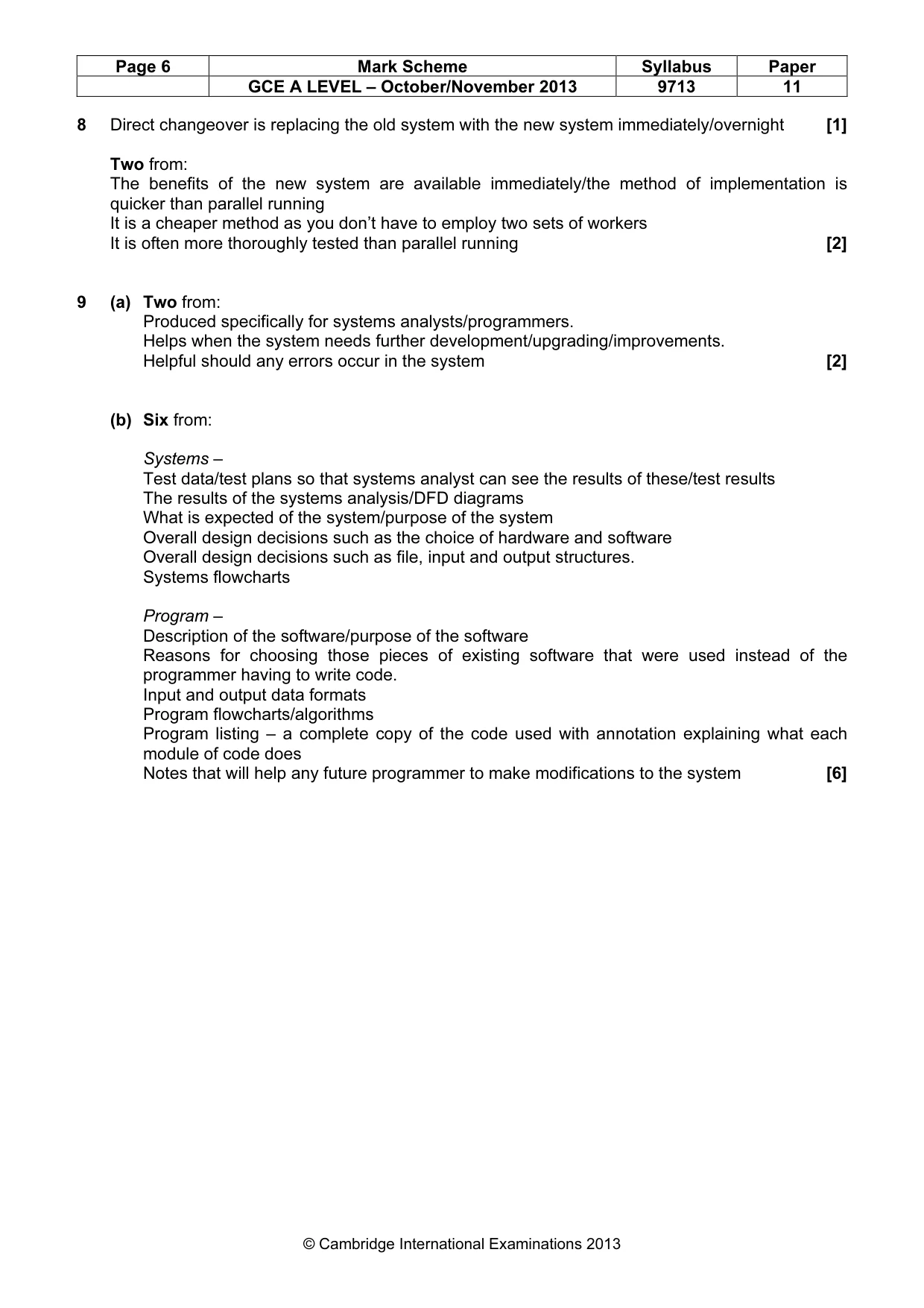
Page 6 Mark Scheme Syllabus Paper GCE A LEVEL – October/November 2013 9713 11 © Cambridge International Examinations 2013 8 Direct changeover is replacing the old system with the new system immediately/overnight [1] Two from: The benefits of the new system are available immediately/the method of implementation is quicker than parallel running It is a cheaper method as you don’t have to employ two sets of workers It is often more thoroughly tested than parallel running [2] 9 (a) Two from: Produced specifically for systems analysts/programmers. Helps when the system needs further development/upgrading/improvements. Helpful should any errors occur in the system [2] (b) Six from: Systems – Test data/test plans so that systems analyst can see the results of these/test results The results of the systems analysis/DFD diagrams What is expected of the system/purpose of the system Overall design decisions such as the choice of hardware and software Overall design decisions such as file, input and output structures. Systems flowcharts Program – Description of the software/purpose of the software Reasons for choosing those pieces of existing software that were used instead of the programmer having to write code. Input and output data formats Program flowcharts/algorithms Program listing – a complete copy of the code used with annotation explaining what each module of code does Notes that will help any future programmer to make modifications to the system [6]
What you needed in this session
Cambridge’s own grade thresholds for 2013 Oct/Nov, Paper 1 · Variant 1. A higher threshold means an easier paper — the bar moves with how the cohort did.