Cambridge A Level Applied Information and Communication Technology 9713 — 2012 May/June Paper 1 · Variant 3
9713/13/M/J/12 · 80 marks · ≈90 min
The question paper and its mark scheme, free to read here and free to download. This is Cambridge’s own paper, exactly as it was sat.
Question paper20 pages


Mark scheme5 pages
Answers below. Sit the paper first if you are practising.
Paper as text
Question paper, page 1
This document consists of 18 printed pages and 2 blank pages. IB12 06_9713_13/2RP © UCLES 2012 [Turn over *1794547631* UNIVERSITY OF CAMBRIDGE INTERNATIONAL EXAMINATIONS General Certificate of Education Advanced Level APPLIED INFORMATION AND COMMUNICATION TECHNOLOGY 9713/13 Paper 1 May/June 2012 1 hour 15 minutes Candidates answer on the Question Paper. No additional materials are required. READ THESE INSTRUCTIONS FIRST Write your Centre number, candidate number and name on all the work you hand in. Write in dark blue or black pen. Do not use staples, paper clips, highlighters, glue or correction fluid. You may use a pencil for any diagrams, graphs or rough working. DO NOT WRITE IN ANY BARCODES. Answer all questions. The number of marks is given in brackets [ ] at the end of each question or part question. The businesses described in this paper are entirely fictitious.
Question paper, page 2
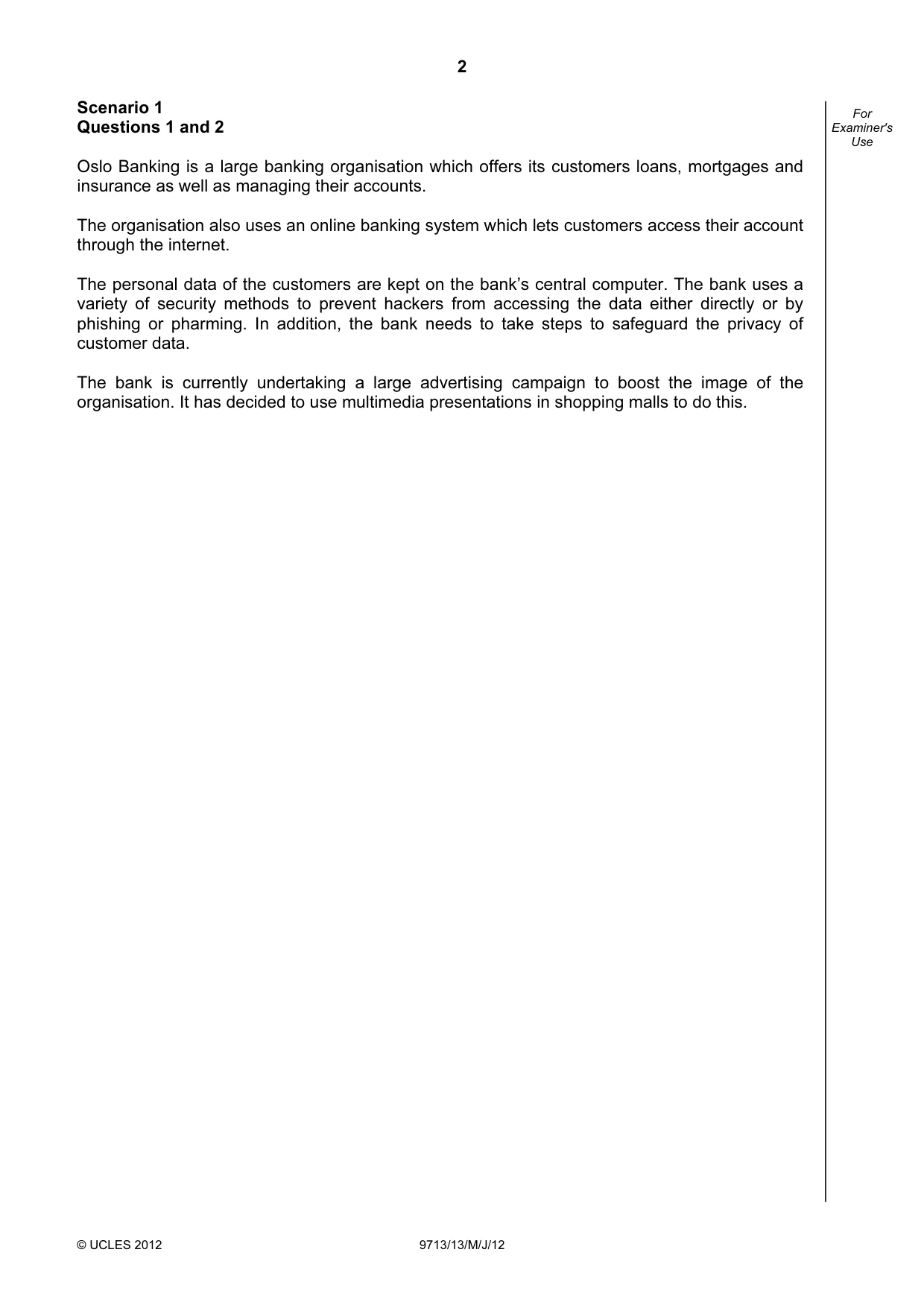
2 © UCLES 2012 9713/13/M/J/12 For Examiner's Use Scenario 1 Questions 1 and 2 Oslo Banking is a large banking organisation which offers its customers loans, mortgages and insurance as well as managing their accounts. The organisation also uses an online banking system which lets customers access their account through the internet. The personal data of the customers are kept on the bank’s central computer. The bank uses a variety of security methods to prevent hackers from accessing the data either directly or by phishing or pharming. In addition, the bank needs to take steps to safeguard the privacy of customer data. The bank is currently undertaking a large advertising campaign to boost the image of the organisation. It has decided to use multimedia presentations in shopping malls to do this.
Question paper, page 3
3 © UCLES 2012 9713/13/M/J/12 [Turn over For Examiner's Use 1 (a) Hackers use key logging software to intercept customer passwords. Describe four ways that banks attempt to prevent this from happening. 1 2 3 4 [4] (b) Describe three benefits of online banking for the bank. 1 2 3 [3]
Question paper, page 4
4 © UCLES 2012 9713/13/M/J/12 For Examiner's Use (c) Describe three drawbacks of online banking for the bank. 1 2 3 [3] (d) Other than security methods, describe four ways the bank can safeguard the privacy and confidentiality of customer data. 1 2 3 4 [4]
Question paper, page 5
5 © UCLES 2012 9713/13/M/J/12 [Turn over For Examiner's Use 2 (a) There are three types of advertising: business, product and service advertising. Name and describe the type of advertising that Oslo Banking will use. Name Description [2] (b) Describe, with reference to the scenario, four features which are found in multimedia presentations which would not be found in a hardcopy magazine. 1 2 3 4 [4]
Question paper, page 6
6 © UCLES 2012 9713/13/M/J/12 For Examiner's Use (c) Without making reference to the features of a multimedia presentation, give three advantages of using this method of advertising. 1 2 3 [3]
Question paper, page 7
7 © UCLES 2012 9713/13/M/J/12 [Turn over For Examiner's Use Scenario 2 Questions 3, 4, 5 and 6 The University of Tawara Beach (UTB) is going to have a number of purpose built computer suites which will all be networked together. This will encourage the use of ICT in teaching and learning. Sean Jones, a systems analyst, has been employed by UTB to develop the new system. He has already completed the Analysis phase and collected information from teachers about what they would like the system to do. Some teachers want a system which they can use in their existing lessons. They would still be in total control of the learning. Others would prefer a system whereby the teacher just supervises the students and the computer takes over the whole learning process. Sean will need to specify the required software and additional hardware for the system allowing for the possibility that both approaches to teaching will be used. He is assuming that basic PCs will be provided with a monitor, keyboard and mouse. Sean will need to design documentation to show the teachers how to use the system. The rooms will all need to have air conditioning systems as Tawara has a very warm climate.
Question paper, page 8
8 © UCLES 2012 9713/13/M/J/12 For Examiner's Use 3 Other than those given in the scenario, discuss the benefits of using ICT in the classroom. [6]
Question paper, page 9
9 © UCLES 2012 9713/13/M/J/12 [Turn over For Examiner's Use 4 (a) Describe four types of additional hardware and how they could be used by a student in this system. 1 2 3 4 [4] (b) Describe four types of software and how they would be used by a teacher for record keeping and preparing and delivering lessons. 1 2 3 4 [4]
Question paper, page 10
10 © UCLES 2012 9713/13/M/J/12 For Examiner's Use 5 Describe five items of user documentation, including the reasons for their inclusion. 1 2 3 4 5 [5]
Question paper, page 11
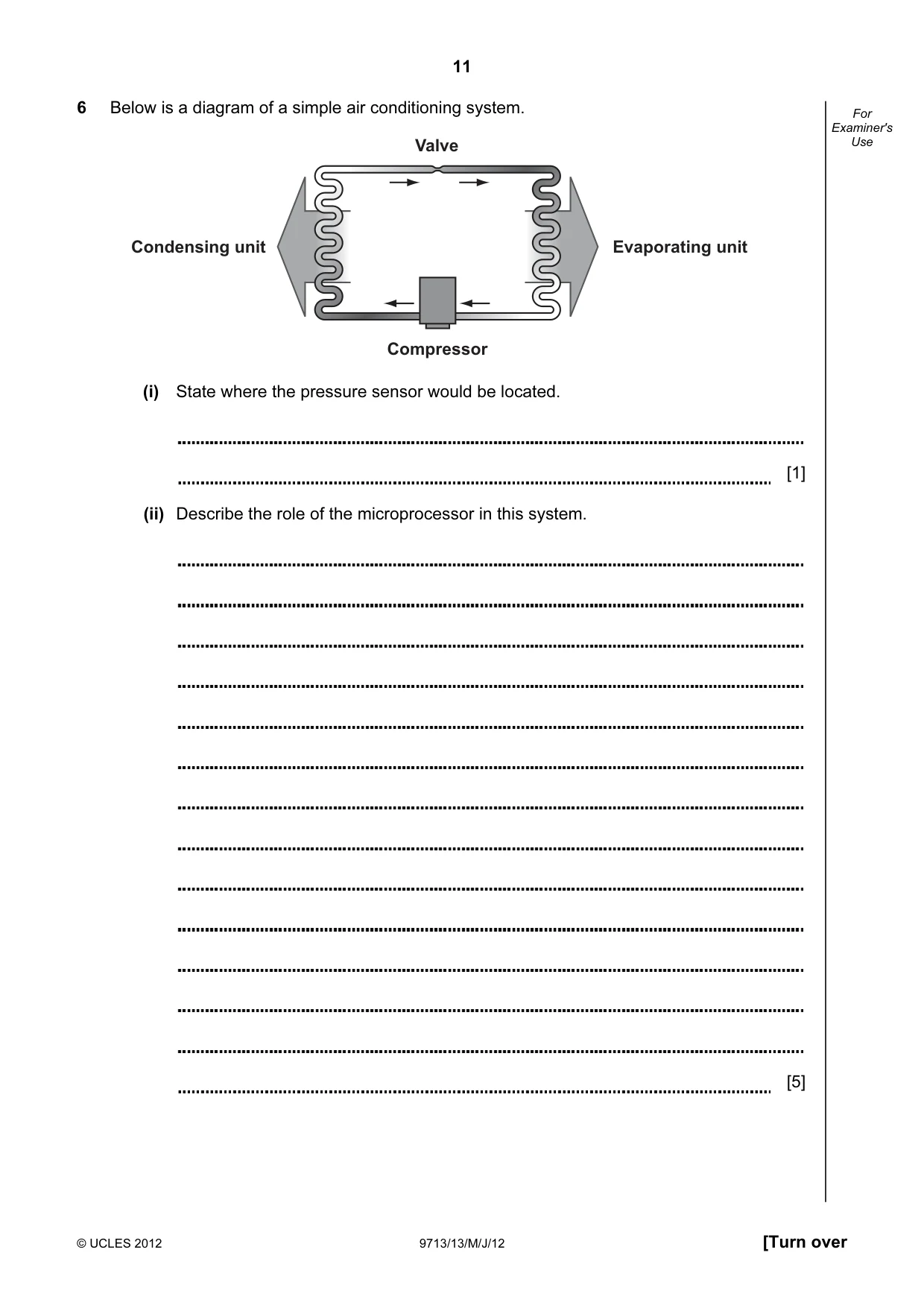
11 © UCLES 2012 9713/13/M/J/12 [Turn over For Examiner's Use 6 Below is a diagram of a simple air conditioning system. Valve Compressor Condensing unit Evaporating unit (i) State where the pressure sensor would be located. [1] (ii) Describe the role of the microprocessor in this system. [5]
Question paper, page 12
12 © UCLES 2012 9713/13/M/J/12 For Examiner's Use Scenario 3 Questions 7 and 8 North China Media Ltd (NCM), based in Tianjin, owns the China Weekly magazine. It uses the latest technology to print the magazine. It uses computerised plate making and typesetting techniques. Typesetting involves using a computer to set the layout of a page. NCM employs a number of journalists to write articles. These journalists tend to work from home.
Question paper, page 13
13 © UCLES 2012 9713/13/M/J/12 [Turn over For Examiner's Use 7 (a) Kerning and leading are two features of typesetting. Describe what is meant by these terms. Kerning Leading [2] (b) Give three reasons why setting the bodytext font size and type is important. 1 2 3 [3]
Question paper, page 14
14 © UCLES 2012 9713/13/M/J/12 For Examiner's Use 8 Describe four benefits to the journalists of working from home. 1 2 3 4 [4]
Question paper, page 15
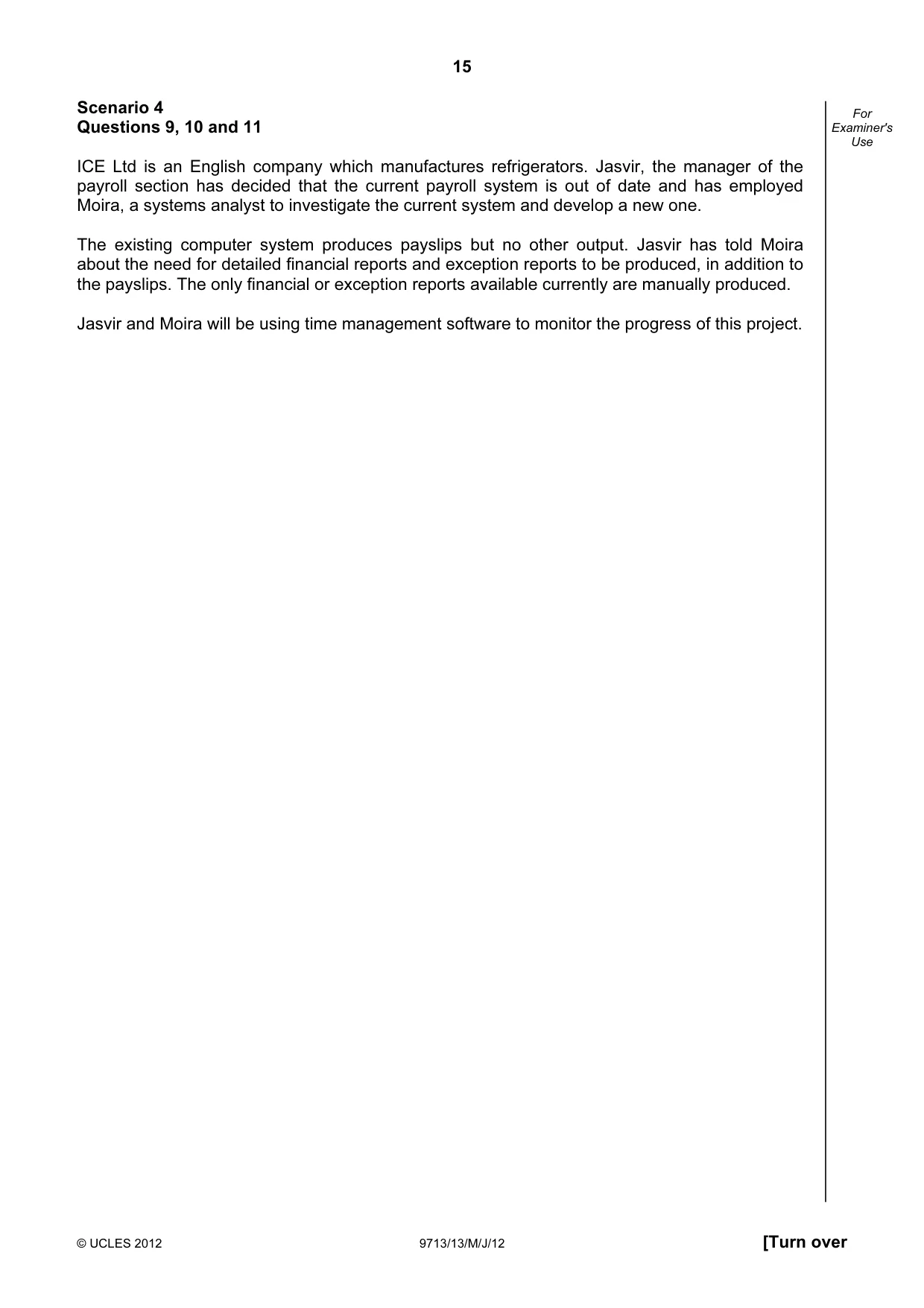
15 © UCLES 2012 9713/13/M/J/12 [Turn over For Examiner's Use Scenario 4 Questions 9, 10 and 11 ICE Ltd is an English company which manufactures refrigerators. Jasvir, the manager of the payroll section has decided that the current payroll system is out of date and has employed Moira, a systems analyst to investigate the current system and develop a new one. The existing computer system produces payslips but no other output. Jasvir has told Moira about the need for detailed financial reports and exception reports to be produced, in addition to the payslips. The only financial or exception reports available currently are manually produced. Jasvir and Moira will be using time management software to monitor the progress of this project.
Question paper, page 16
16 © UCLES 2012 9713/13/M/J/12 For Examiner's Use 9 (a) Describe two items which Jasvir would expect to be contained in the exception reports. 1 2 [2] (b) Describe six financial reports which Jasvir would expect to see produced by a computerised payroll system. 1 2 3 4 5 6 [6]
Question paper, page 17
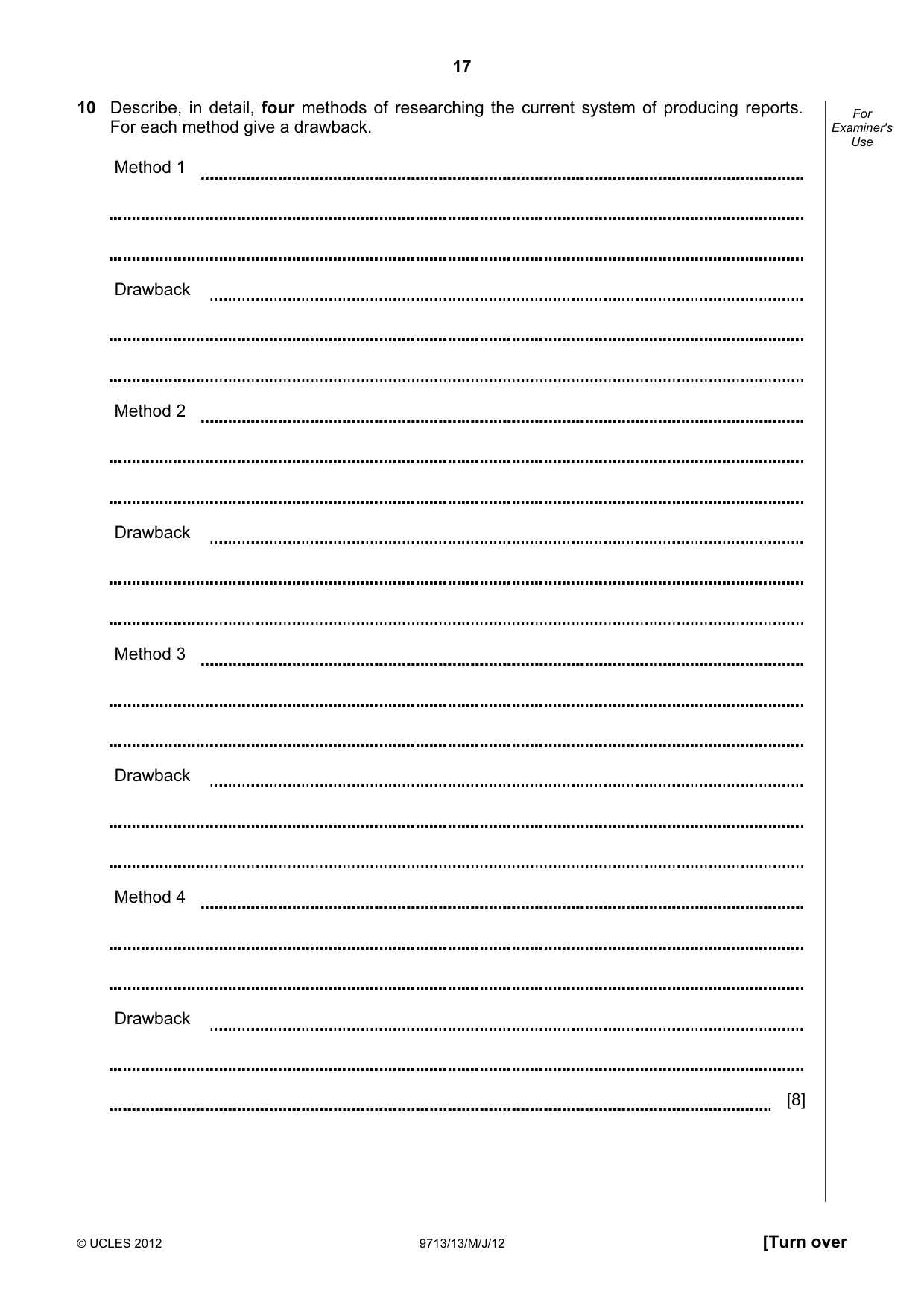
17 © UCLES 2012 9713/13/M/J/12 [Turn over For Examiner's Use 10 Describe, in detail, four methods of researching the current system of producing reports. For each method give a drawback. Method 1 Drawback Method 2 Drawback Method 3 Drawback Method 4 Drawback [8]
Question paper, page 18
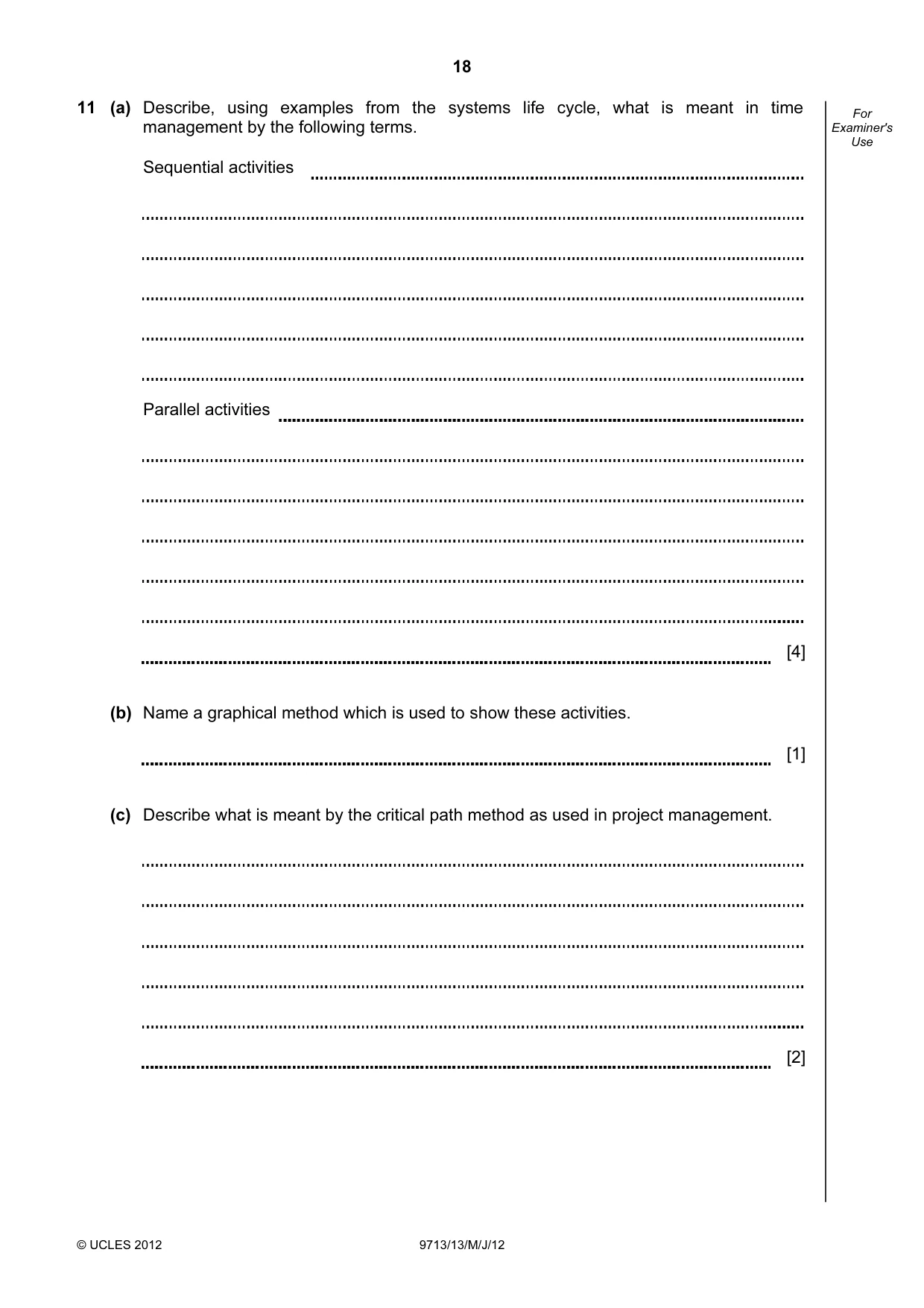
18 © UCLES 2012 9713/13/M/J/12 For Examiner's Use 11 (a) Describe, using examples from the systems life cycle, what is meant in time management by the following terms. Sequential activities Parallel activities [4] (b) Name a graphical method which is used to show these activities. [1] (c) Describe what is meant by the critical path method as used in project management. [2]
Question paper, page 19
19 © UCLES 2012 9713/13/M/J/12 BLANK PAGE
Question paper, page 20
20 Permission to reproduce items where third-party owned material protected by copyright is included has been sought and cleared where possible. Every reasonable effort has been made by the publisher (UCLES) to trace copyright holders, but if any items requiring clearance have unwittingly been included, the publisher will be pleased to make amends at the earliest possible opportunity. University of Cambridge International Examinations is part of the Cambridge Assessment Group. Cambridge Assessment is the brand name of University of Cambridge Local Examinations Syndicate (UCLES), which is itself a department of the University of Cambridge. © UCLES 2012 9713/13/M/J/12 BLANK PAGE
Mark scheme, page 1
UNIVERSITY OF CAMBRIDGE INTERNATIONAL EXAMINATIONS GCE Advanced Subsidiary Level and GCE Advanced Level MARK SCHEME for the May/June 2012 question paper for the guidance of teachers 9713 APPLIED INFORMATION AND COMMUNICATION TECHNOLOGY 9713/13 Paper 1 (Written A), maximum raw mark 80 This mark scheme is published as an aid to teachers and candidates, to indicate the requirements of the examination. It shows the basis on which Examiners were instructed to award marks. It does not indicate the details of the discussions that took place at an Examiners’ meeting before marking began, which would have considered the acceptability of alternative answers. Mark schemes must be read in conjunction with the question papers and the report on the examination. • Cambridge will not enter into discussions or correspondence in connection with these mark schemes. Cambridge is publishing the mark schemes for the May/June 2012 question papers for most IGCSE, GCE Advanced Level and Advanced Subsidiary Level syllabuses and some Ordinary Level syllabuses.
Mark scheme, page 2
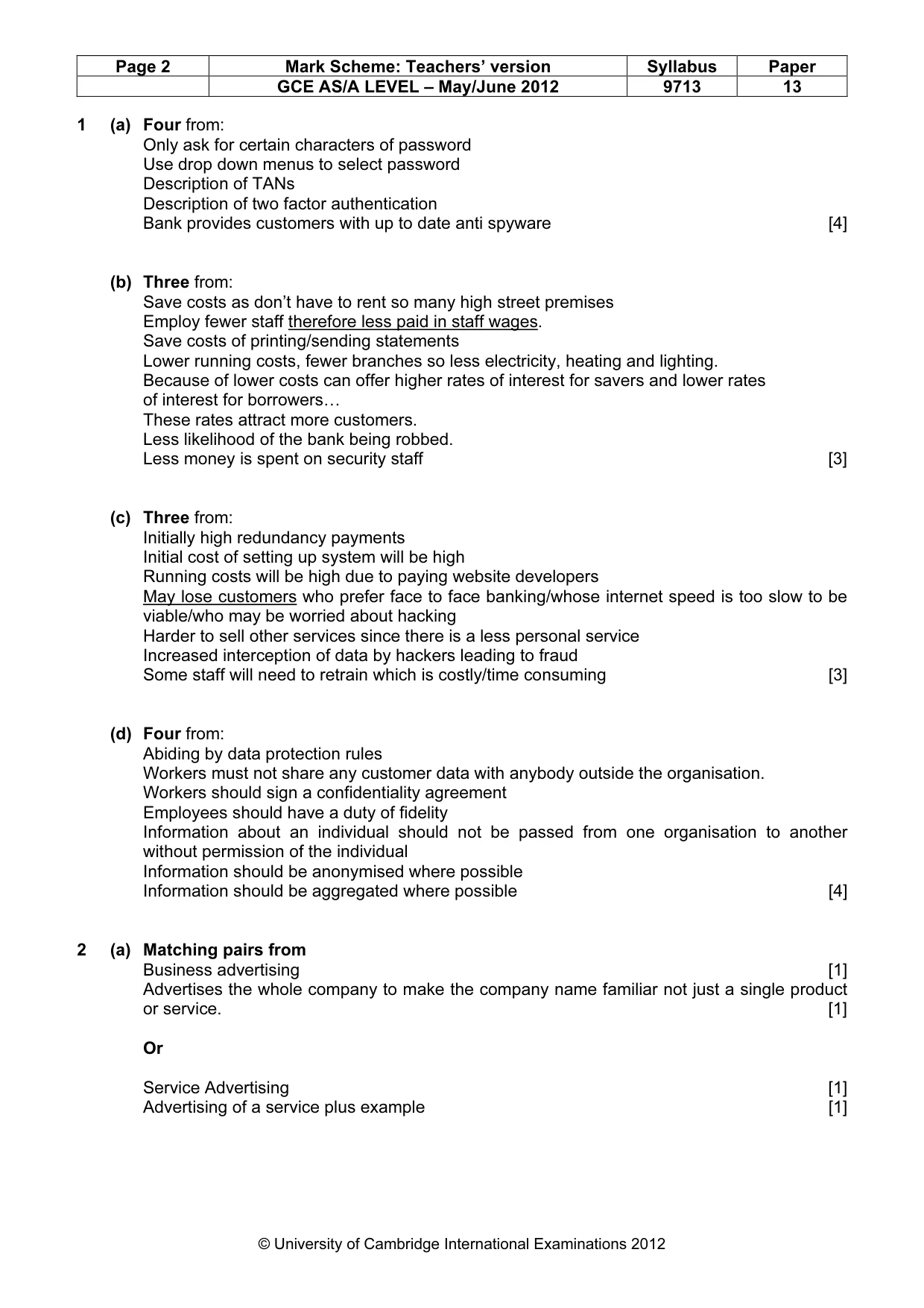
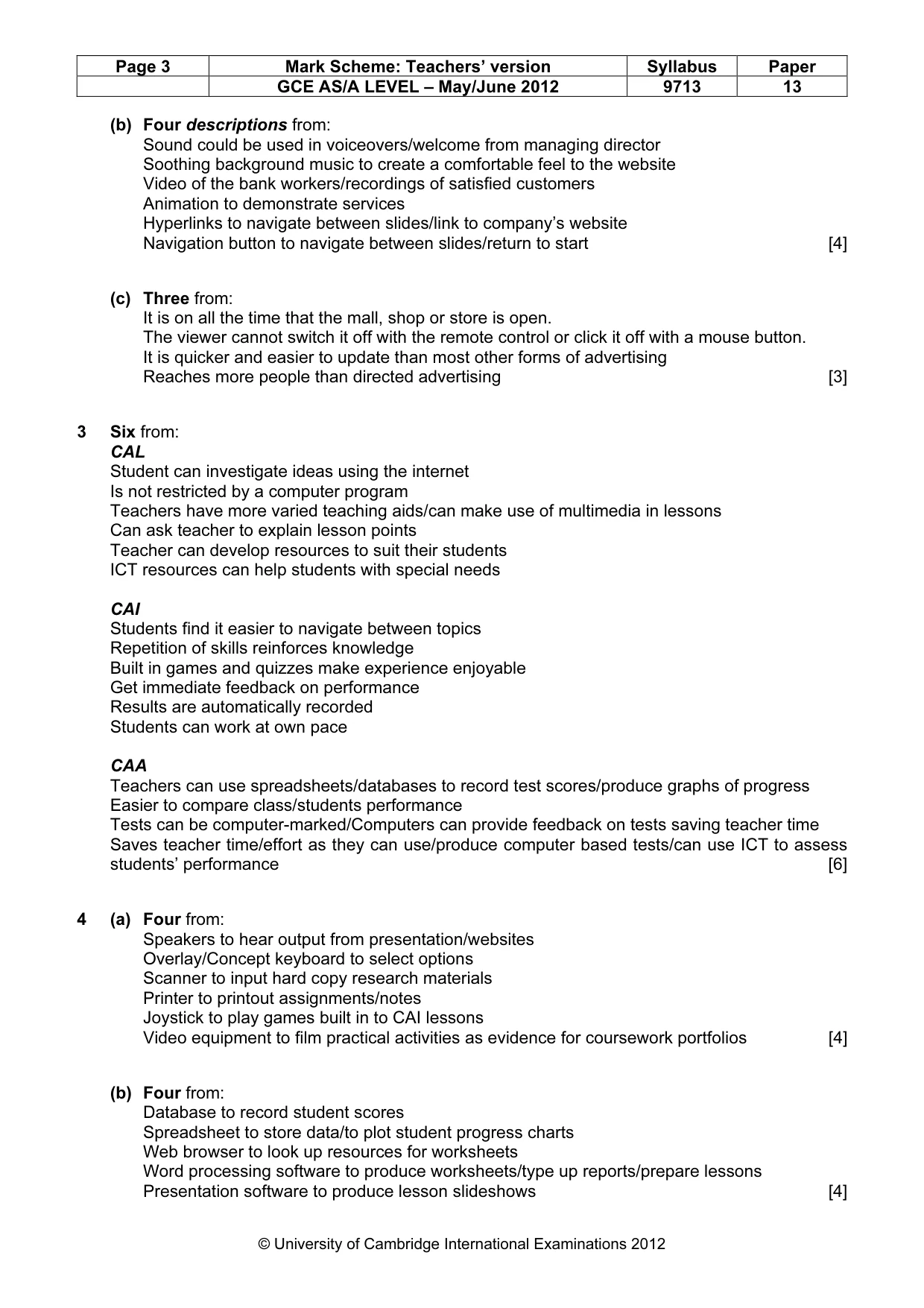
Page 2 Mark Scheme: Teachers’ version Syllabus Paper GCE AS/A LEVEL – May/June 2012 9713 13 © University of Cambridge International Examinations 2012 1 (a) Four from: Only ask for certain characters of password Use drop down menus to select password Description of TANs Description of two factor authentication Bank provides customers with up to date anti spyware [4] (b) Three from: Save costs as don’t have to rent so many high street premises Employ fewer staff therefore less paid in staff wages. Save costs of printing/sending statements Lower running costs, fewer branches so less electricity, heating and lighting. Because of lower costs can offer higher rates of interest for savers and lower rates of interest for borrowers… These rates attract more customers. Less likelihood of the bank being robbed. Less money is spent on security staff [3] (c) Three from: Initially high redundancy payments Initial cost of setting up system will be high Running costs will be high due to paying website developers May lose customers who prefer face to face banking/whose internet speed is too slow to be viable/who may be worried about hacking Harder to sell other services since there is a less personal service Increased interception of data by hackers leading to fraud Some staff will need to retrain which is costly/time consuming [3] (d) Four from: Abiding by data protection rules Workers must not share any customer data with anybody outside the organisation. Workers should sign a confidentiality agreement Employees should have a duty of fidelity Information about an individual should not be passed from one organisation to another without permission of the individual Information should be anonymised where possible Information should be aggregated where possible [4] 2 (a) Matching pairs from Business advertising [1] Advertises the whole company to make the company name familiar not just a single product or service. [1] Or Service Advertising [1] Advertising of a service plus example [1]
Mark scheme, page 3
Page 3 Mark Scheme: Teachers’ version Syllabus Paper GCE AS/A LEVEL – May/June 2012 9713 13 © University of Cambridge International Examinations 2012 (b) Four descriptions from: Sound could be used in voiceovers/welcome from managing director Soothing background music to create a comfortable feel to the website Video of the bank workers/recordings of satisfied customers Animation to demonstrate services Hyperlinks to navigate between slides/link to company’s website Navigation button to navigate between slides/return to start [4] (c) Three from: It is on all the time that the mall, shop or store is open. The viewer cannot switch it off with the remote control or click it off with a mouse button. It is quicker and easier to update than most other forms of advertising Reaches more people than directed advertising [3] 3 Six from: CAL Student can investigate ideas using the internet Is not restricted by a computer program Teachers have more varied teaching aids/can make use of multimedia in lessons Can ask teacher to explain lesson points Teacher can develop resources to suit their students ICT resources can help students with special needs CAI Students find it easier to navigate between topics Repetition of skills reinforces knowledge Built in games and quizzes make experience enjoyable Get immediate feedback on performance Results are automatically recorded Students can work at own pace CAA Teachers can use spreadsheets/databases to record test scores/produce graphs of progress Easier to compare class/students performance Tests can be computer-marked/Computers can provide feedback on tests saving teacher time Saves teacher time/effort as they can use/produce computer based tests/can use ICT to assess students’ performance [6] 4 (a) Four from: Speakers to hear output from presentation/websites Overlay/Concept keyboard to select options Scanner to input hard copy research materials Printer to printout assignments/notes Joystick to play games built in to CAI lessons Video equipment to film practical activities as evidence for coursework portfolios [4] (b) Four from: Database to record student scores Spreadsheet to store data/to plot student progress charts Web browser to look up resources for worksheets Word processing software to produce worksheets/type up reports/prepare lessons Presentation software to produce lesson slideshows [4]
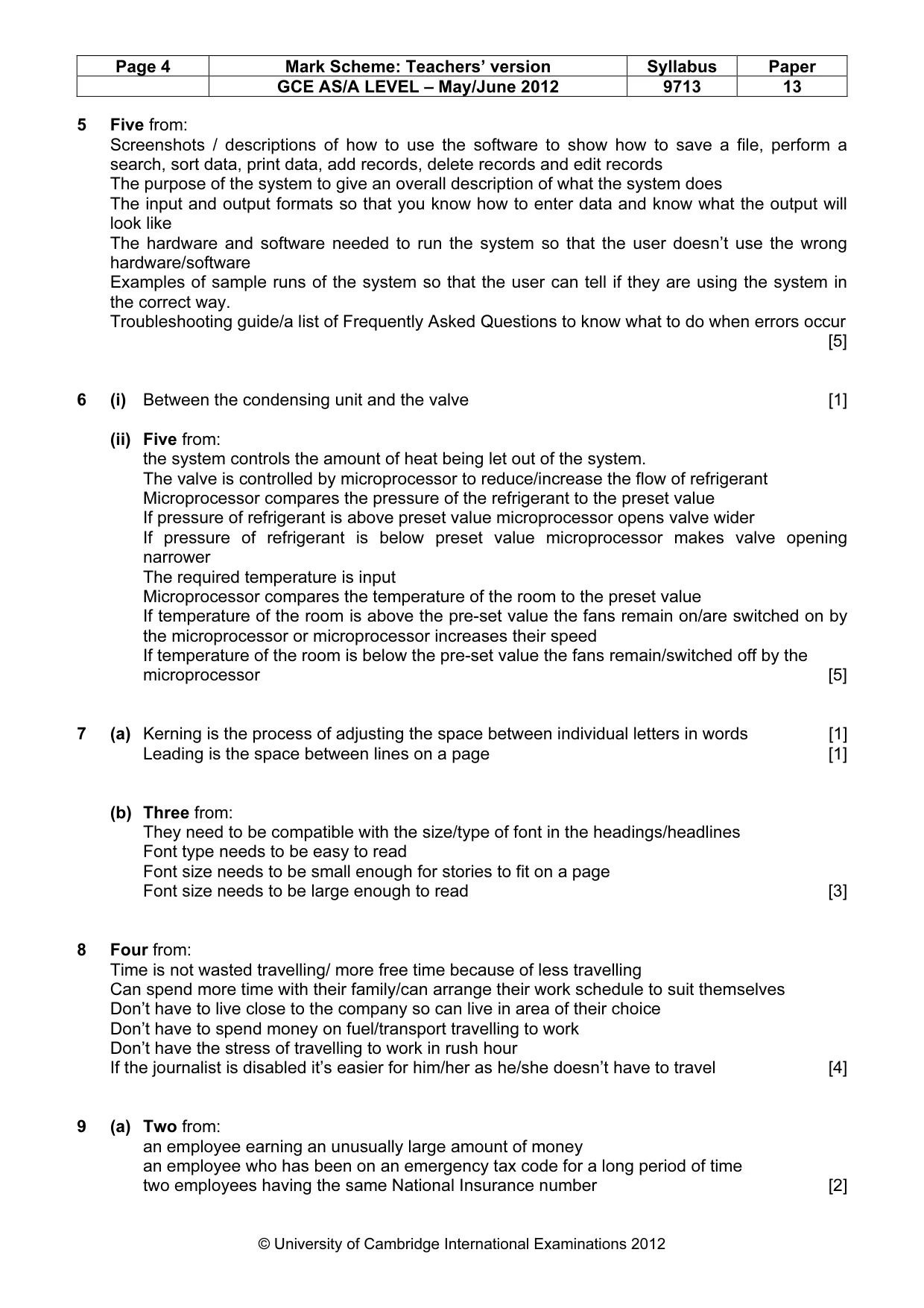
Mark scheme, page 4
Page 4 Mark Scheme: Teachers’ version Syllabus Paper GCE AS/A LEVEL – May/June 2012 9713 13 © University of Cambridge International Examinations 2012 5 Five from: Screenshots / descriptions of how to use the software to show how to save a file, perform a search, sort data, print data, add records, delete records and edit records The purpose of the system to give an overall description of what the system does The input and output formats so that you know how to enter data and know what the output will look like The hardware and software needed to run the system so that the user doesn’t use the wrong hardware/software Examples of sample runs of the system so that the user can tell if they are using the system in the correct way. Troubleshooting guide/a list of Frequently Asked Questions to know what to do when errors occur [5] 6 (i) Between the condensing unit and the valve [1] (ii) Five from: the system controls the amount of heat being let out of the system. The valve is controlled by microprocessor to reduce/increase the flow of refrigerant Microprocessor compares the pressure of the refrigerant to the preset value If pressure of refrigerant is above preset value microprocessor opens valve wider If pressure of refrigerant is below preset value microprocessor makes valve opening narrower The required temperature is input Microprocessor compares the temperature of the room to the preset value If temperature of the room is above the pre-set value the fans remain on/are switched on by the microprocessor or microprocessor increases their speed If temperature of the room is below the pre-set value the fans remain/switched off by the microprocessor [5] 7 (a) Kerning is the process of adjusting the space between individual letters in words [1] Leading is the space between lines on a page [1] (b) Three from: They need to be compatible with the size/type of font in the headings/headlines Font type needs to be easy to read Font size needs to be small enough for stories to fit on a page Font size needs to be large enough to read [3] 8 Four from: Time is not wasted travelling/ more free time because of less travelling Can spend more time with their family/can arrange their work schedule to suit themselves Don’t have to live close to the company so can live in area of their choice Don’t have to spend money on fuel/transport travelling to work Don’t have the stress of travelling to work in rush hour If the journalist is disabled it’s easier for him/her as he/she doesn’t have to travel [4] 9 (a) Two from: an employee earning an unusually large amount of money an employee who has been on an emergency tax code for a long period of time two employees having the same National Insurance number [2]
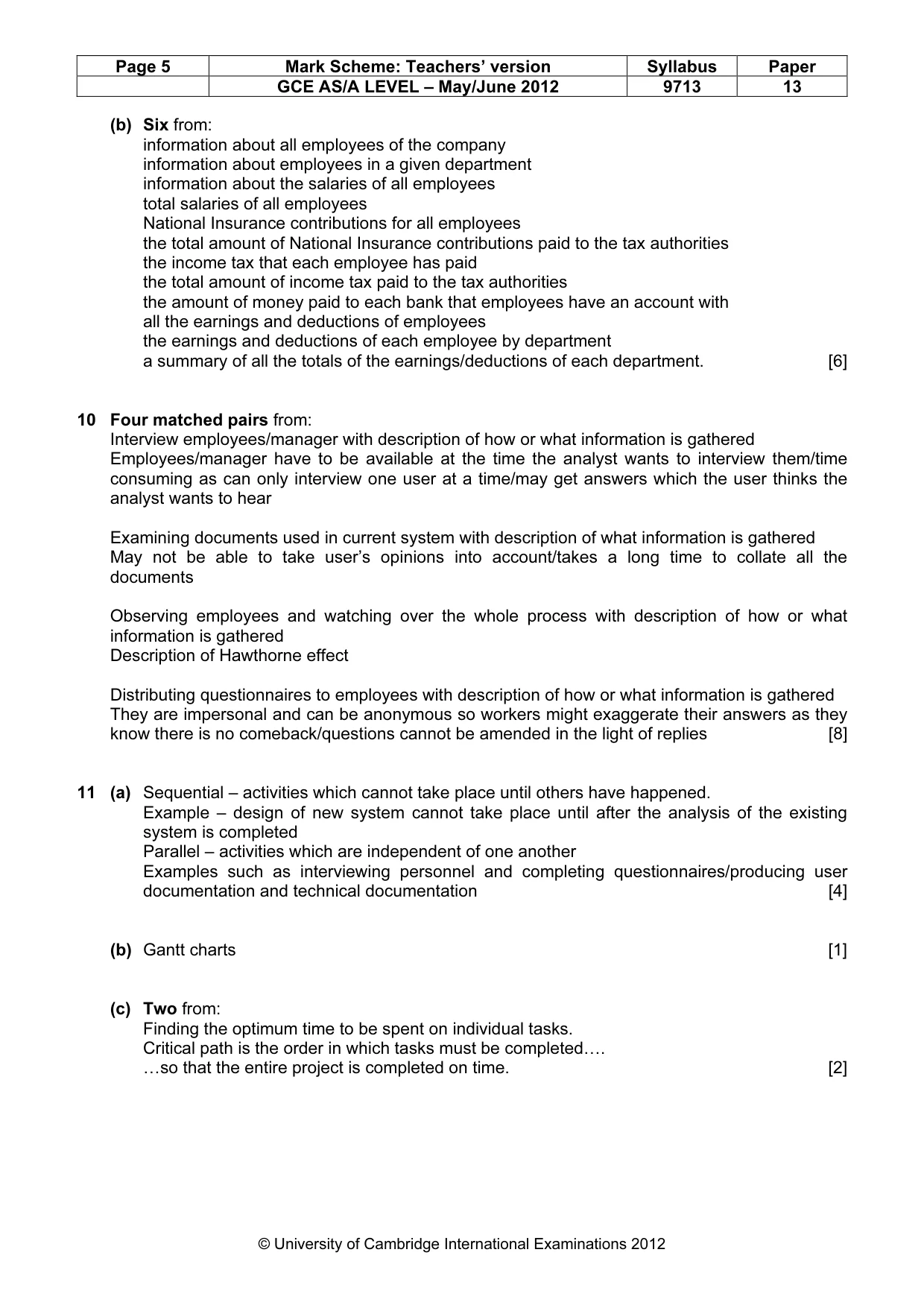
Mark scheme, page 5
Page 5 Mark Scheme: Teachers’ version Syllabus Paper GCE AS/A LEVEL – May/June 2012 9713 13 © University of Cambridge International Examinations 2012 (b) Six from: information about all employees of the company information about employees in a given department information about the salaries of all employees total salaries of all employees National Insurance contributions for all employees the total amount of National Insurance contributions paid to the tax authorities the income tax that each employee has paid the total amount of income tax paid to the tax authorities the amount of money paid to each bank that employees have an account with all the earnings and deductions of employees the earnings and deductions of each employee by department a summary of all the totals of the earnings/deductions of each department. [6] 10 Four matched pairs from: Interview employees/manager with description of how or what information is gathered Employees/manager have to be available at the time the analyst wants to interview them/time consuming as can only interview one user at a time/may get answers which the user thinks the analyst wants to hear Examining documents used in current system with description of what information is gathered May not be able to take user’s opinions into account/takes a long time to collate all the documents Observing employees and watching over the whole process with description of how or what information is gathered Description of Hawthorne effect Distributing questionnaires to employees with description of how or what information is gathered They are impersonal and can be anonymous so workers might exaggerate their answers as they know there is no comeback/questions cannot be amended in the light of replies [8] 11 (a) Sequential – activities which cannot take place until others have happened. Example – design of new system cannot take place until after the analysis of the existing system is completed Parallel – activities which are independent of one another Examples such as interviewing personnel and completing questionnaires/producing user documentation and technical documentation [4] (b) Gantt charts [1] (c) Two from: Finding the optimum time to be spent on individual tasks. Critical path is the order in which tasks must be completed…. …so that the entire project is completed on time. [2]
What you needed in this session
Cambridge’s own grade thresholds for 2012 May/June, Paper 1 · Variant 3. A higher threshold means an easier paper — the bar moves with how the cohort did.