Cambridge A Level Applied Information and Communication Technology 9713 — 2011 Oct/Nov Paper 1 · Variant 1
9713/11/O/N/11 · 80 marks · ≈90 min
The question paper and its mark scheme, free to read here and free to download. This is Cambridge’s own paper, exactly as it was sat.
Question paper16 pages



Mark scheme7 pages
Answers below. Sit the paper first if you are practising.
Paper as text
Question paper, page 1
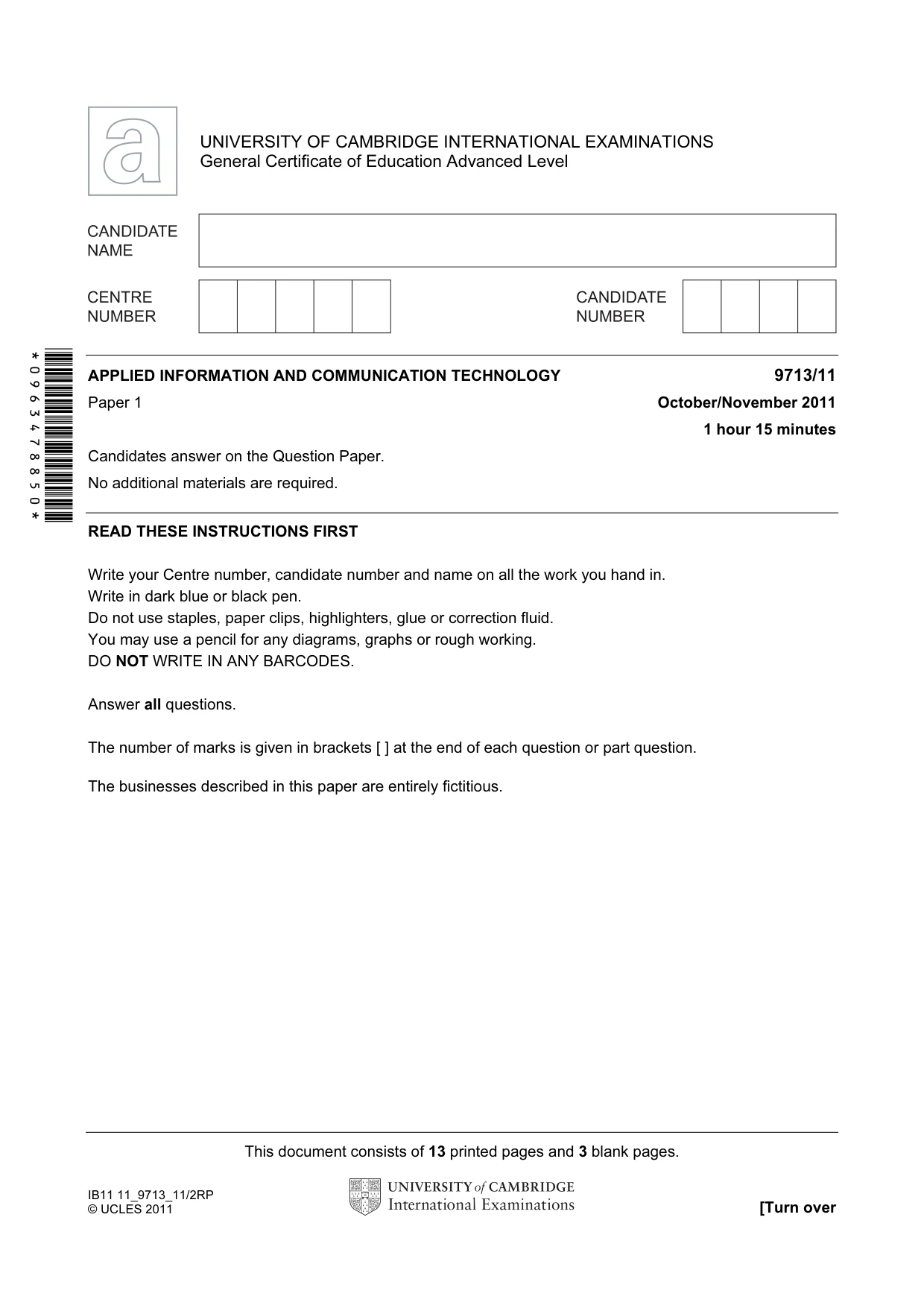
This document consists of 13 printed pages and 3 blank pages. IB11 11_9713_11/2RP © UCLES 2011 [Turn over *0963478850* UNIVERSITY OF CAMBRIDGE INTERNATIONAL EXAMINATIONS General Certificate of Education Advanced Level APPLIED INFORMATION AND COMMUNICATION TECHNOLOGY 9713/11 Paper 1 October/November 2011 1 hour 15 minutes Candidates answer on the Question Paper. No additional materials are required. READ THESE INSTRUCTIONS FIRST Write your Centre number, candidate number and name on all the work you hand in. Write in dark blue or black pen. Do not use staples, paper clips, highlighters, glue or correction fluid. You may use a pencil for any diagrams, graphs or rough working. DO NOT WRITE IN ANY BARCODES. Answer all questions. The number of marks is given in brackets [ ] at the end of each question or part question. The businesses described in this paper are entirely fictitious.
Question paper, page 2
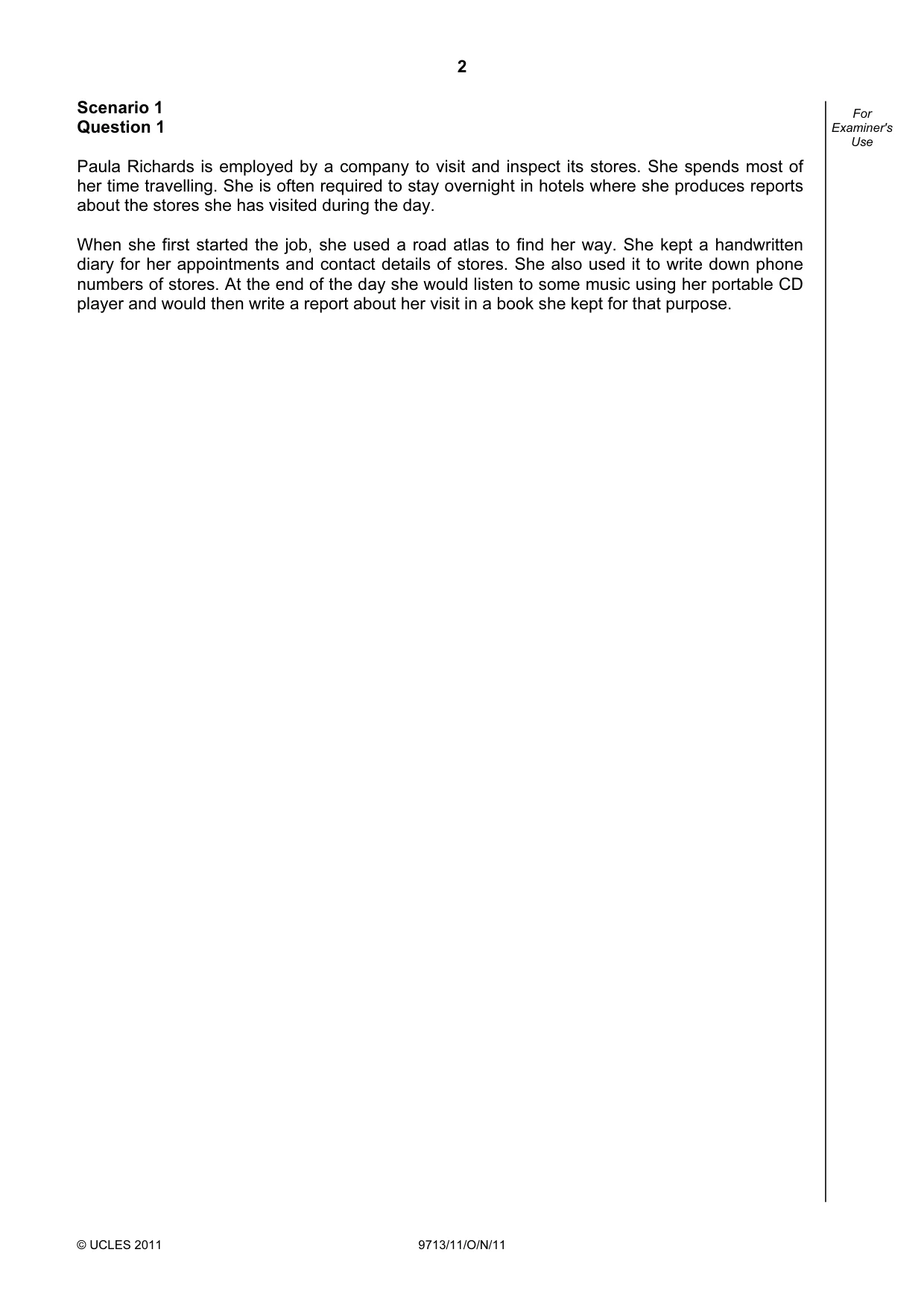
2 © UCLES 2011 9713/11/O/N/11 For Examiner's Use Scenario 1 Question 1 Paula Richards is employed by a company to visit and inspect its stores. She spends most of her time travelling. She is often required to stay overnight in hotels where she produces reports about the stores she has visited during the day. When she first started the job, she used a road atlas to find her way. She kept a handwritten diary for her appointments and contact details of stores. She also used it to write down phone numbers of stores. At the end of the day she would listen to some music using her portable CD player and would then write a report about her visit in a book she kept for that purpose.
Question paper, page 3
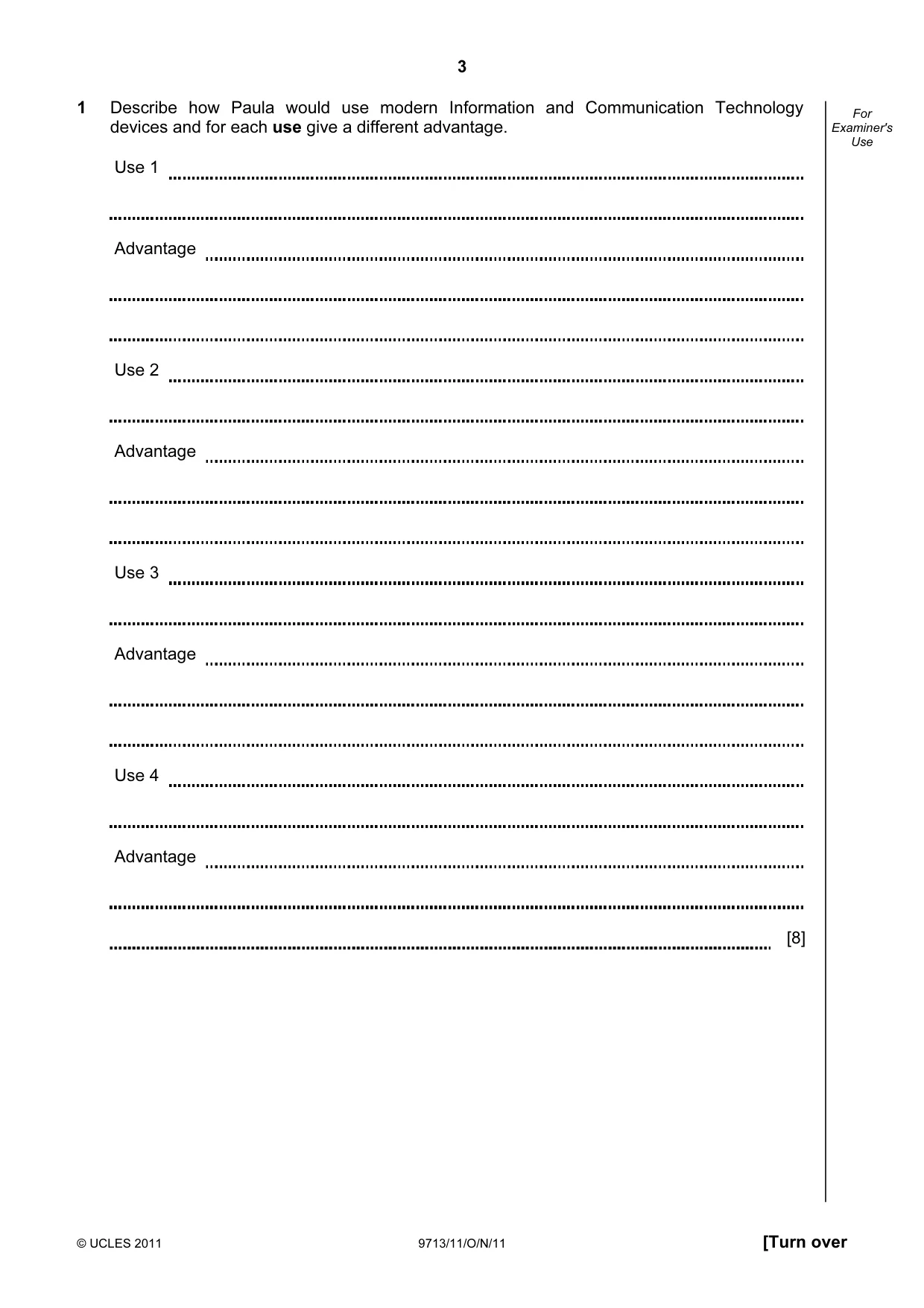
3 © UCLES 2011 9713/11/O/N/11 [Turn over For Examiner's Use 1 Describe how Paula would use modern Information and Communication Technology devices and for each use give a different advantage. Use 1 Advantage Use 2 Advantage Use 3 Advantage Use 4 Advantage [8]
Question paper, page 4
4 © UCLES 2011 9713/11/O/N/11 For Examiner's Use Scenario 2 Questions 2 and 3 The Principal of the July 23rd International School in Cairo decided that the school requires a new method of keeping records of students’ test scores. He decided to employ a computer company which has now fully implemented the system and has produced documentation for the new system.
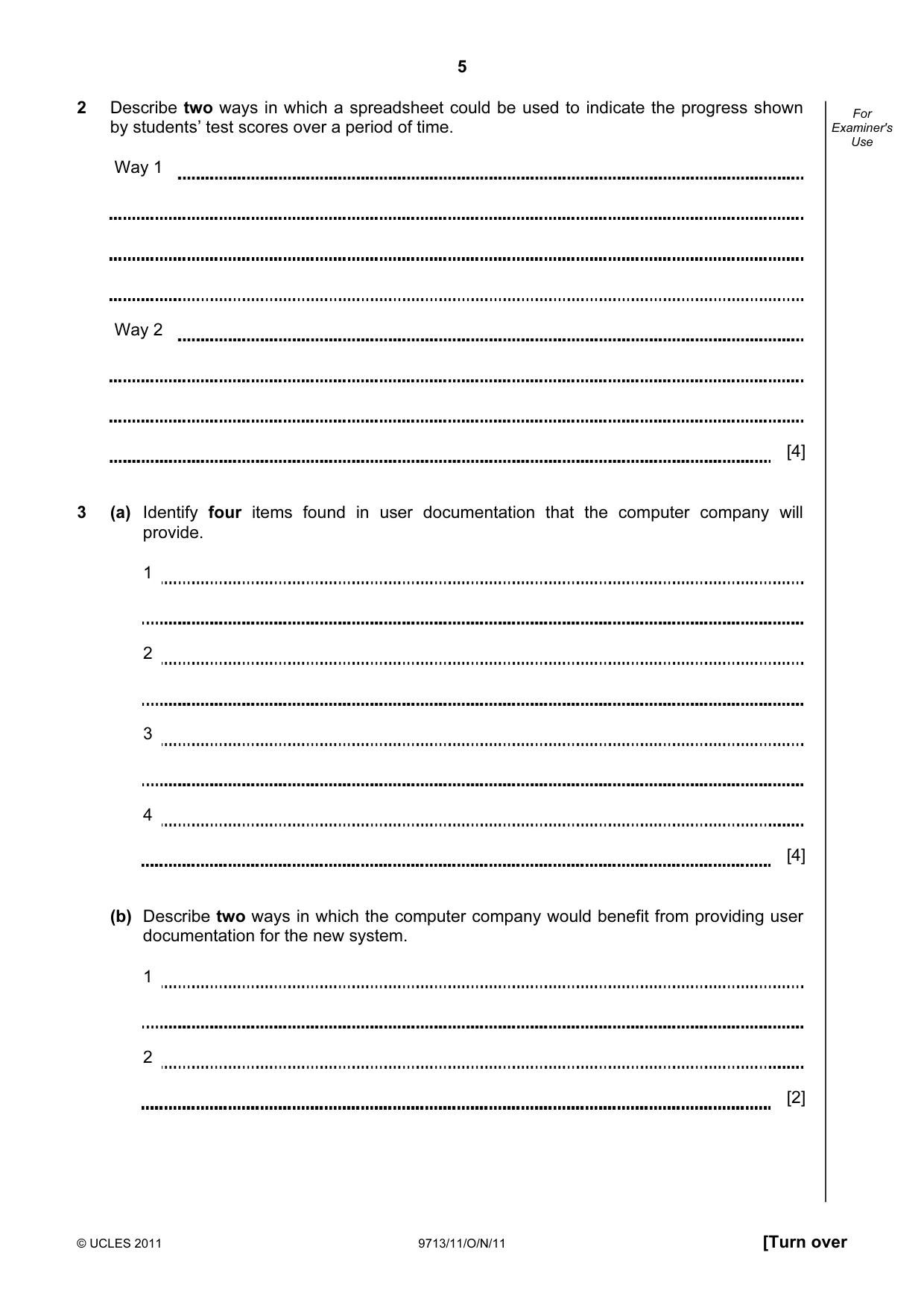
Question paper, page 5
5 © UCLES 2011 9713/11/O/N/11 [Turn over For Examiner's Use 2 Describe two ways in which a spreadsheet could be used to indicate the progress shown by students’ test scores over a period of time. Way 1 Way 2 [4] 3 (a) Identify four items found in user documentation that the computer company will provide. 1 2 3 4 [4] (b) Describe two ways in which the computer company would benefit from providing user documentation for the new system. 1 2 [2]
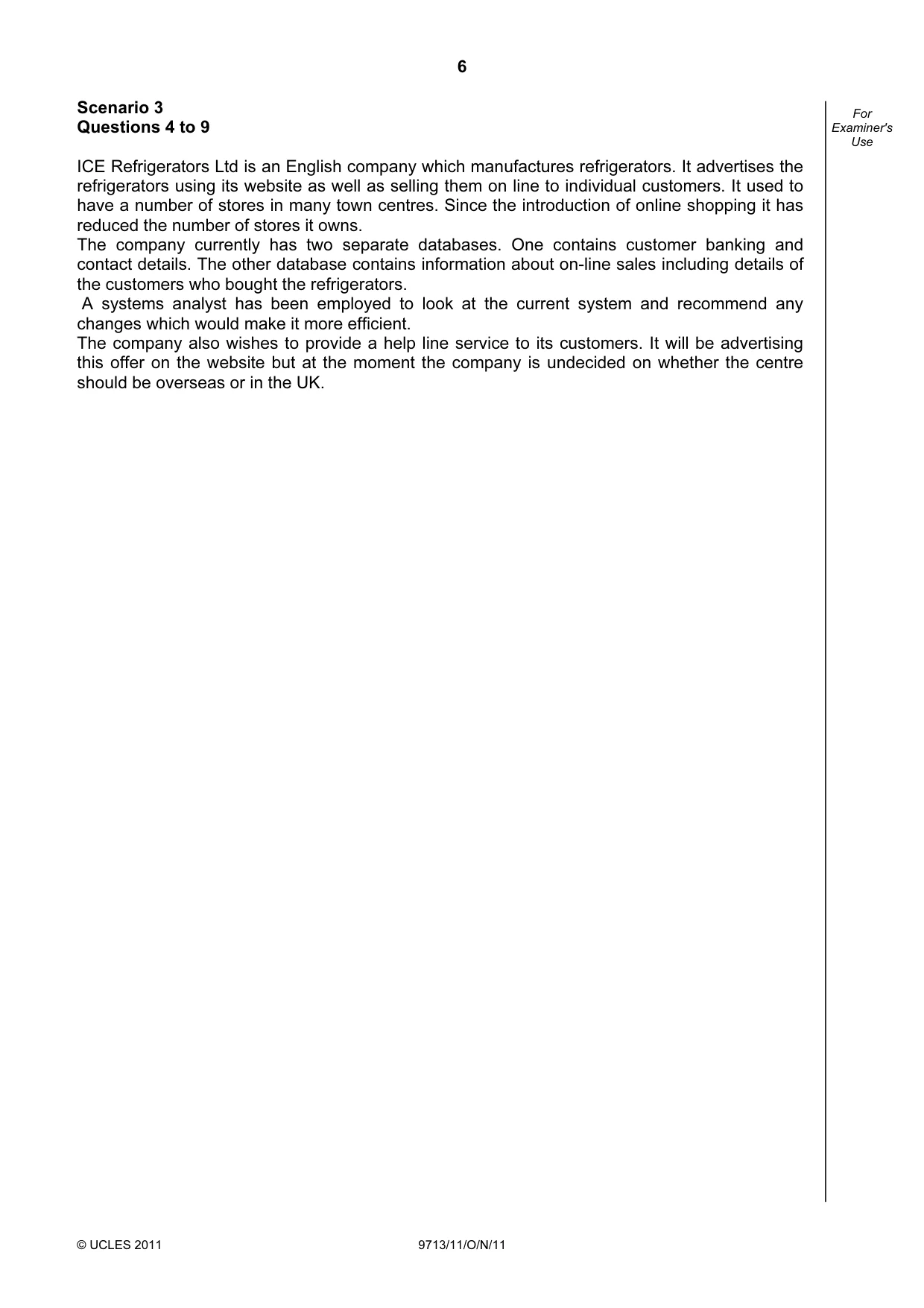
Question paper, page 6
6 © UCLES 2011 9713/11/O/N/11 For Examiner's Use Scenario 3 Questions 4 to 9 ICE Refrigerators Ltd is an English company which manufactures refrigerators. It advertises the refrigerators using its website as well as selling them on line to individual customers. It used to have a number of stores in many town centres. Since the introduction of online shopping it has reduced the number of stores it owns. The company currently has two separate databases. One contains customer banking and contact details. The other database contains information about on-line sales including details of the customers who bought the refrigerators. A systems analyst has been employed to look at the current system and recommend any changes which would make it more efficient. The company also wishes to provide a help line service to its customers. It will be advertising this offer on the website but at the moment the company is undecided on whether the centre should be overseas or in the UK.
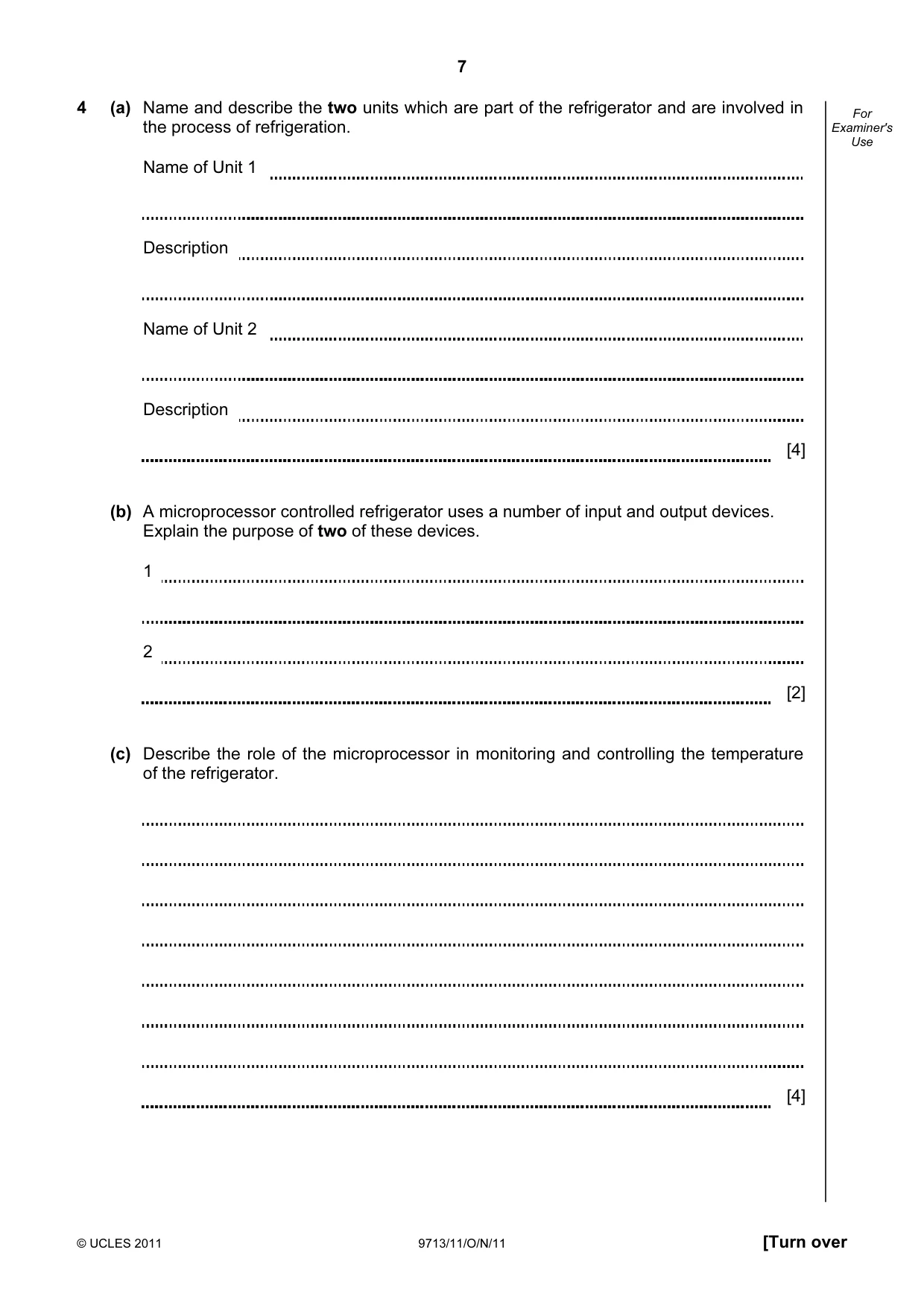
Question paper, page 7
7 © UCLES 2011 9713/11/O/N/11 [Turn over For Examiner's Use 4 (a) Name and describe the two units which are part of the refrigerator and are involved in the process of refrigeration. Name of Unit 1 Description Name of Unit 2 Description [4] (b) A microprocessor controlled refrigerator uses a number of input and output devices. Explain the purpose of two of these devices. 1 2 [2] (c) Describe the role of the microprocessor in monitoring and controlling the temperature of the refrigerator. [4]
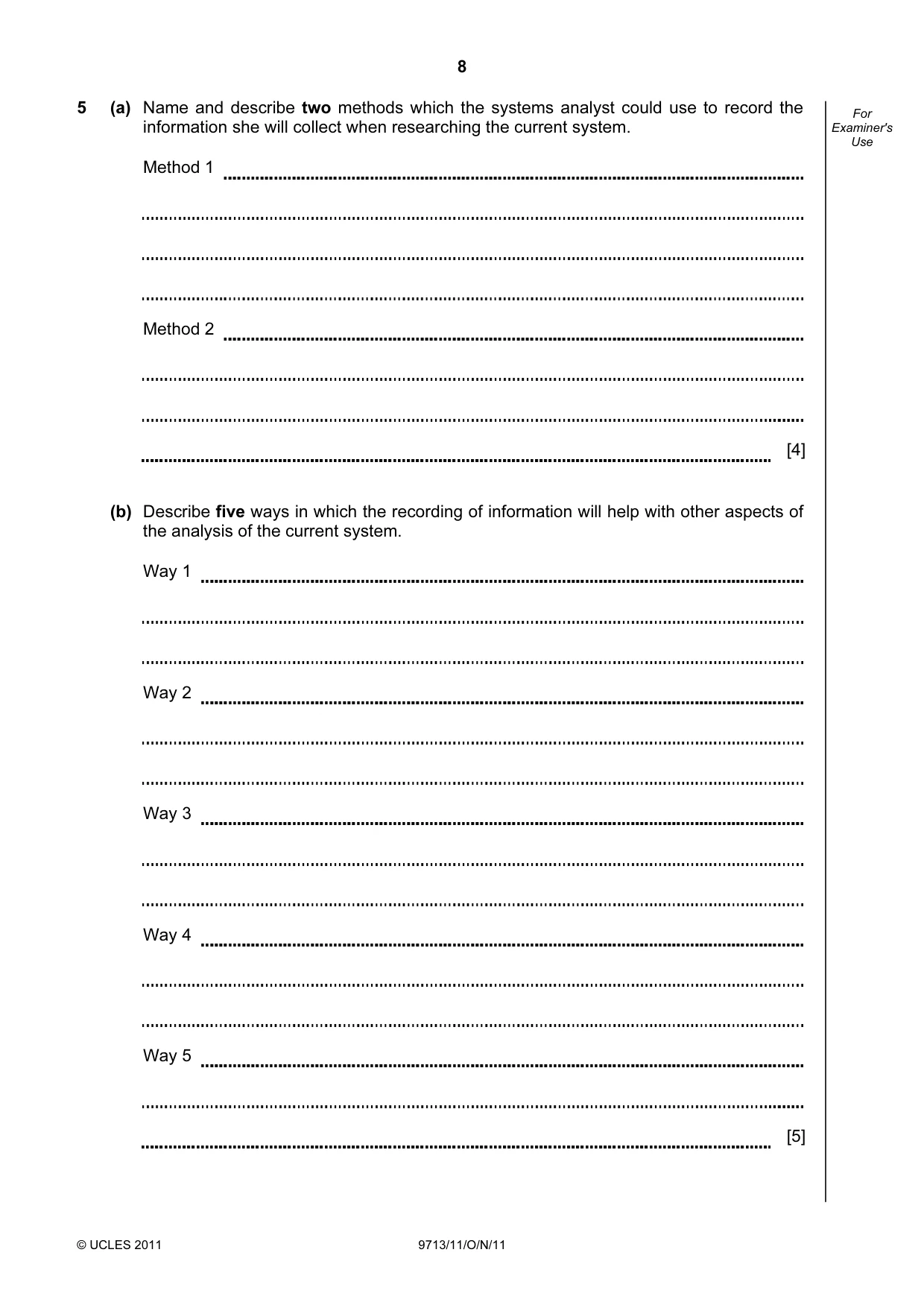
Question paper, page 8
8 © UCLES 2011 9713/11/O/N/11 For Examiner's Use 5 (a) Name and describe two methods which the systems analyst could use to record the information she will collect when researching the current system. Method 1 Method 2 [4] (b) Describe five ways in which the recording of information will help with other aspects of the analysis of the current system. Way 1 Way 2 Way 3 Way 4 Way 5 [5]
Question paper, page 9
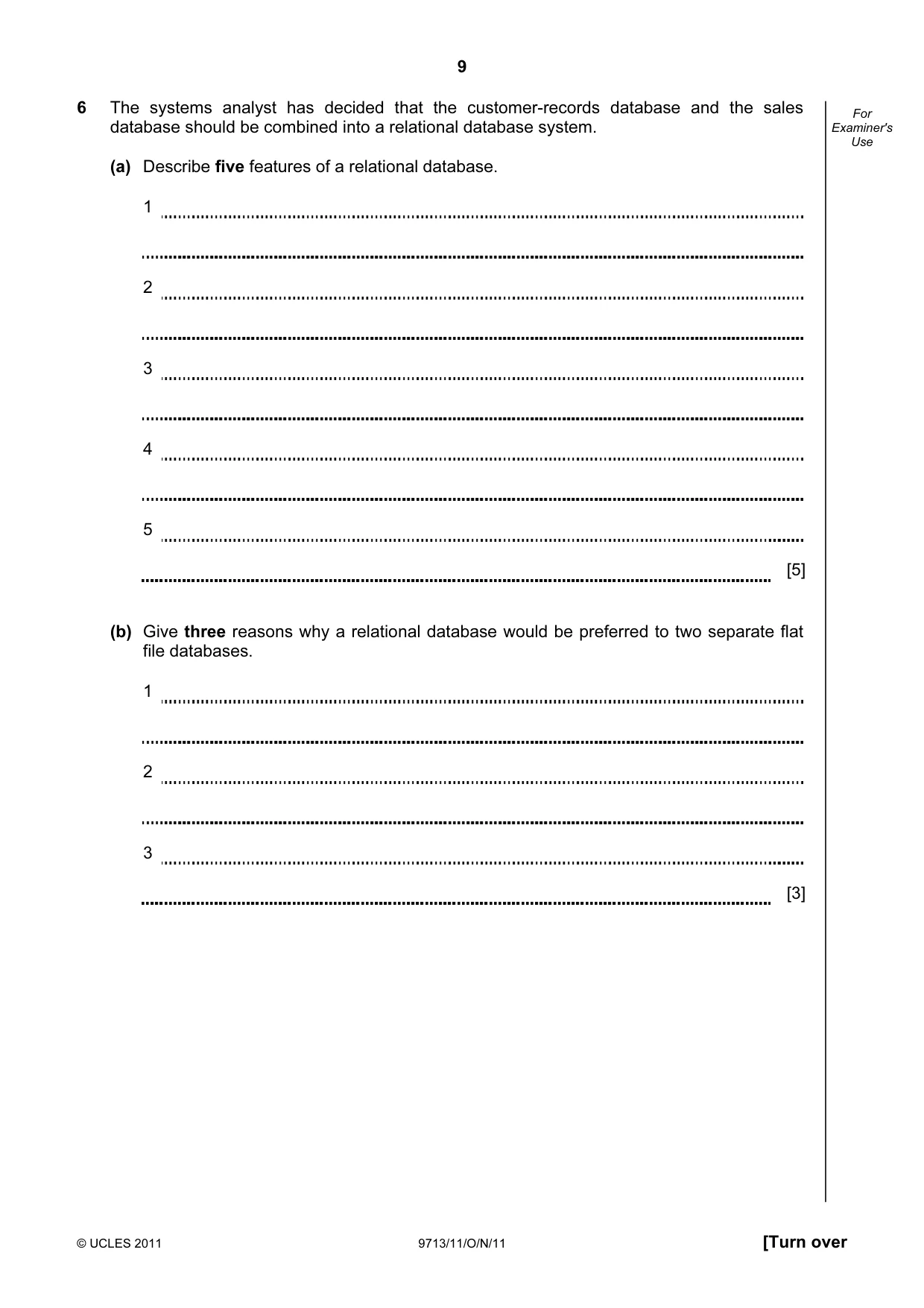
9 © UCLES 2011 9713/11/O/N/11 [Turn over For Examiner's Use 6 The systems analyst has decided that the customer-records database and the sales database should be combined into a relational database system. (a) Describe five features of a relational database. 1 2 3 4 5 [5] (b) Give three reasons why a relational database would be preferred to two separate flat file databases. 1 2 3 [3]
Question paper, page 10
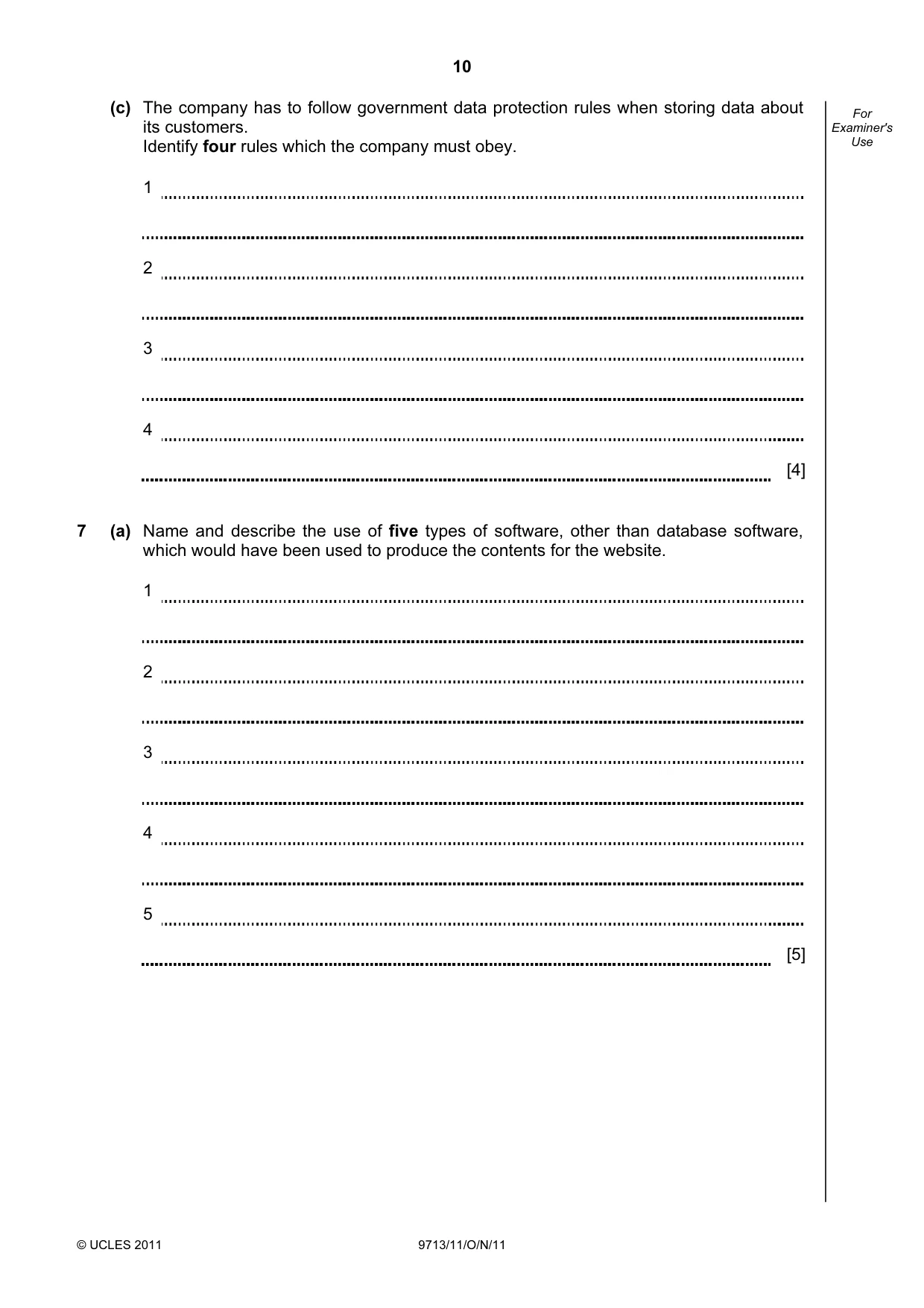
10 © UCLES 2011 9713/11/O/N/11 For Examiner's Use (c) The company has to follow government data protection rules when storing data about its customers. Identify four rules which the company must obey. 1 2 3 4 [4] 7 (a) Name and describe the use of five types of software, other than database software, which would have been used to produce the contents for the website. 1 2 3 4 5 [5]
Question paper, page 11
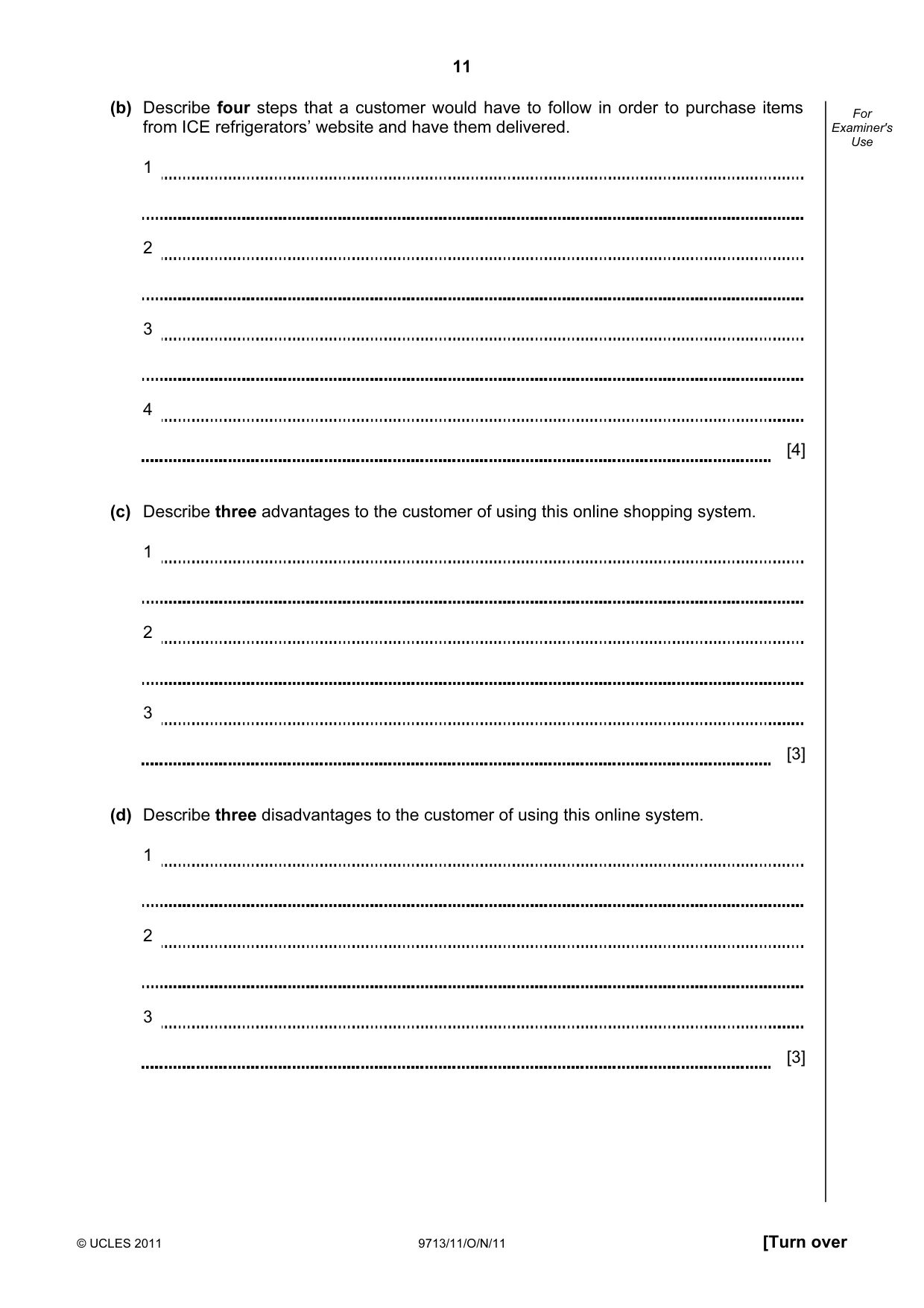
11 © UCLES 2011 9713/11/O/N/11 [Turn over For Examiner's Use (b) Describe four steps that a customer would have to follow in order to purchase items from ICE refrigerators’ website and have them delivered. 1 2 3 4 [4] (c) Describe three advantages to the customer of using this online shopping system. 1 2 3 [3] (d) Describe three disadvantages to the customer of using this online system. 1 2 3 [3]
Question paper, page 12
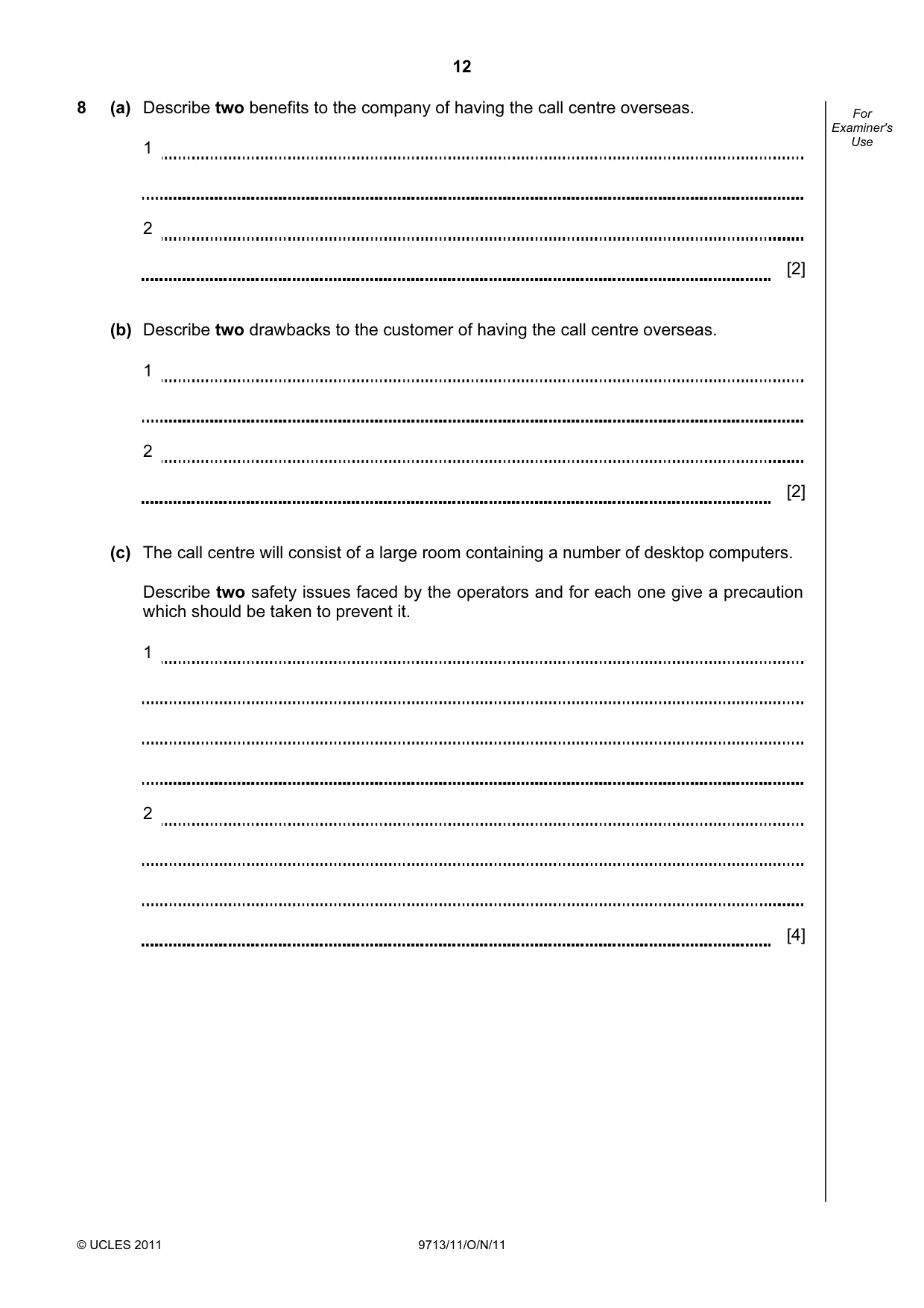
12 © UCLES 2011 9713/11/O/N/11 For Examiner's Use 8 (a) Describe two benefits to the company of having the call centre overseas. 1 2 [2] (b) Describe two drawbacks to the customer of having the call centre overseas. 1 2 [2] (c) The call centre will consist of a large room containing a number of desktop computers. Describe two safety issues faced by the operators and for each one give a precaution which should be taken to prevent it. 1 2 [4]
Question paper, page 13
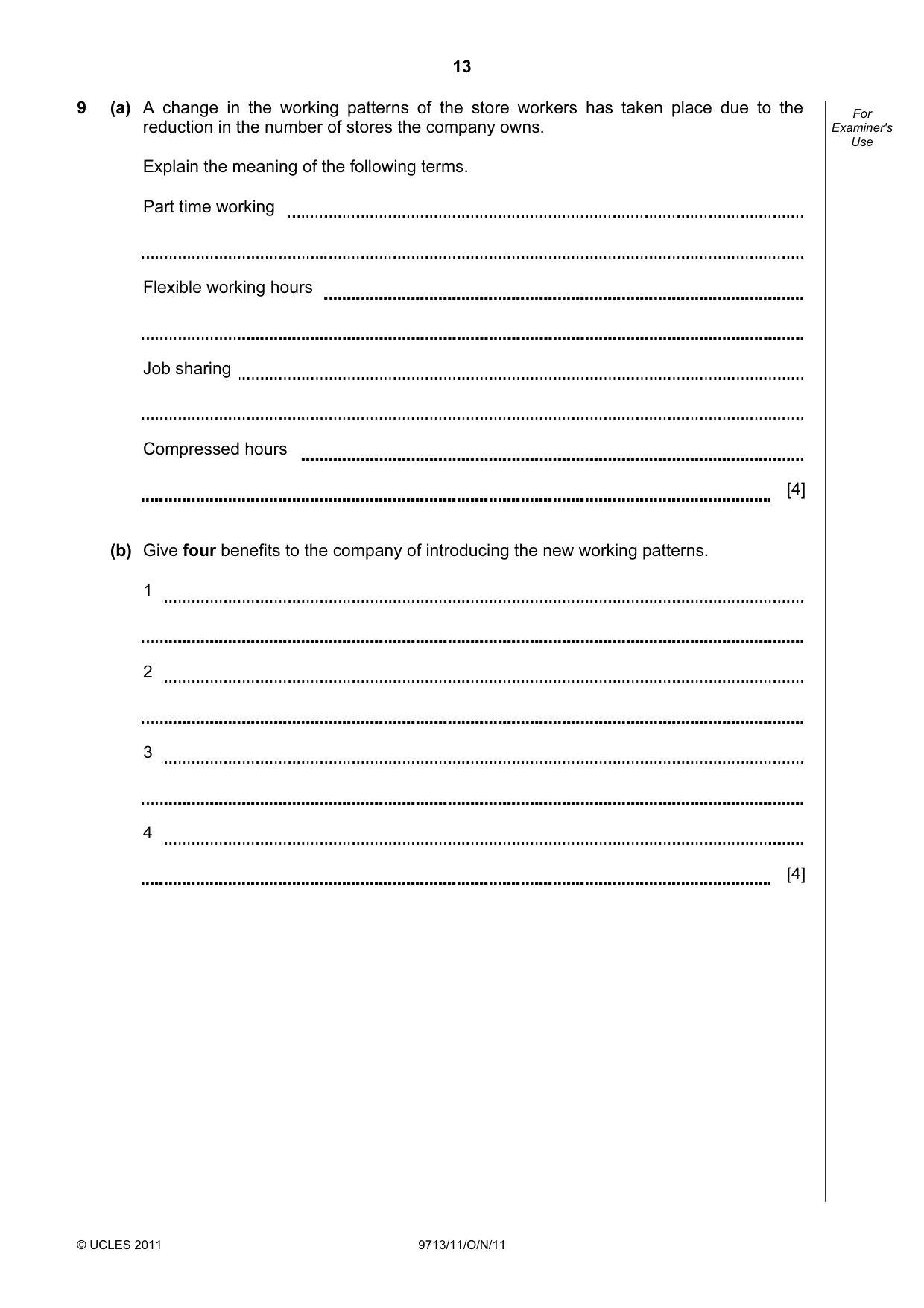
13 © UCLES 2011 9713/11/O/N/11 For Examiner's Use 9 (a) A change in the working patterns of the store workers has taken place due to the reduction in the number of stores the company owns. Explain the meaning of the following terms. Part time working Flexible working hours Job sharing Compressed hours [4] (b) Give four benefits to the company of introducing the new working patterns. 1 2 3 4 [4]
Question paper, page 14
14 © UCLES 2011 9713/11/O/N/11 BLANK PAGE
Question paper, page 15
15 © UCLES 2011 9713/11/O/N/11 BLANK PAGE
Question paper, page 16
16 Permission to reproduce items where third-party owned material protected by copyright is included has been sought and cleared where possible. Every reasonable effort has been made by the publisher (UCLES) to trace copyright holders, but if any items requiring clearance have unwittingly been included, the publisher will be pleased to make amends at the earliest possible opportunity. University of Cambridge International Examinations is part of the Cambridge Assessment Group. Cambridge Assessment is the brand name of University of Cambridge Local Examinations Syndicate (UCLES), which is itself a department of the University of Cambridge. © UCLES 2011 9713/11/O/N/11 BLANK PAGE
Mark scheme, page 1
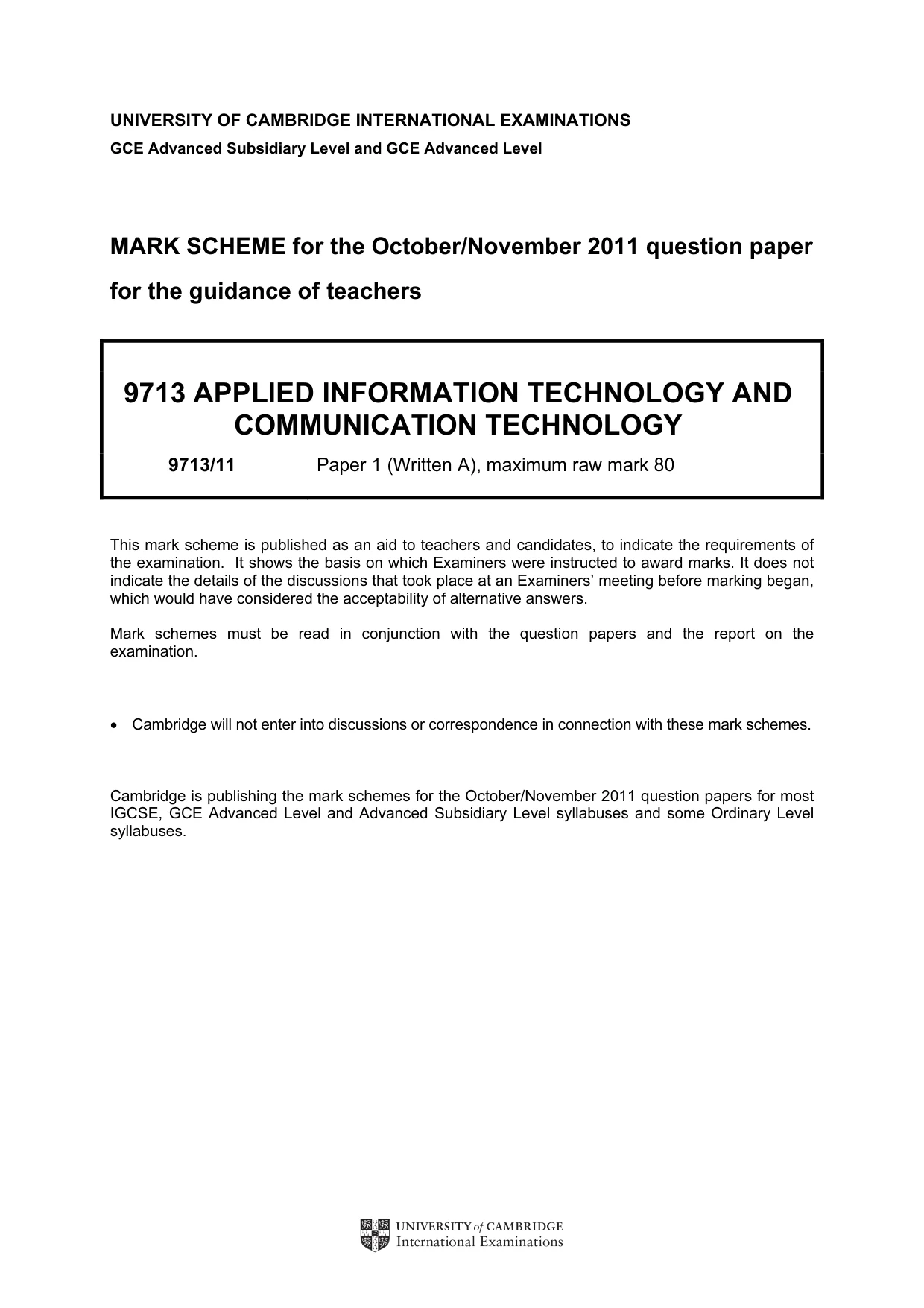
UNIVERSITY OF CAMBRIDGE INTERNATIONAL EXAMINATIONS GCE Advanced Subsidiary Level and GCE Advanced Level MARK SCHEME for the October/November 2011 question paper for the guidance of teachers 9713 APPLIED INFORMATION TECHNOLOGY AND COMMUNICATION TECHNOLOGY 9713/11 Paper 1 (Written A), maximum raw mark 80 This mark scheme is published as an aid to teachers and candidates, to indicate the requirements of the examination. It shows the basis on which Examiners were instructed to award marks. It does not indicate the details of the discussions that took place at an Examiners’ meeting before marking began, which would have considered the acceptability of alternative answers. Mark schemes must be read in conjunction with the question papers and the report on the examination. • Cambridge will not enter into discussions or correspondence in connection with these mark schemes. Cambridge is publishing the mark schemes for the October/November 2011 question papers for most IGCSE, GCE Advanced Level and Advanced Subsidiary Level syllabuses and some Ordinary Level syllabuses.
Mark scheme, page 2
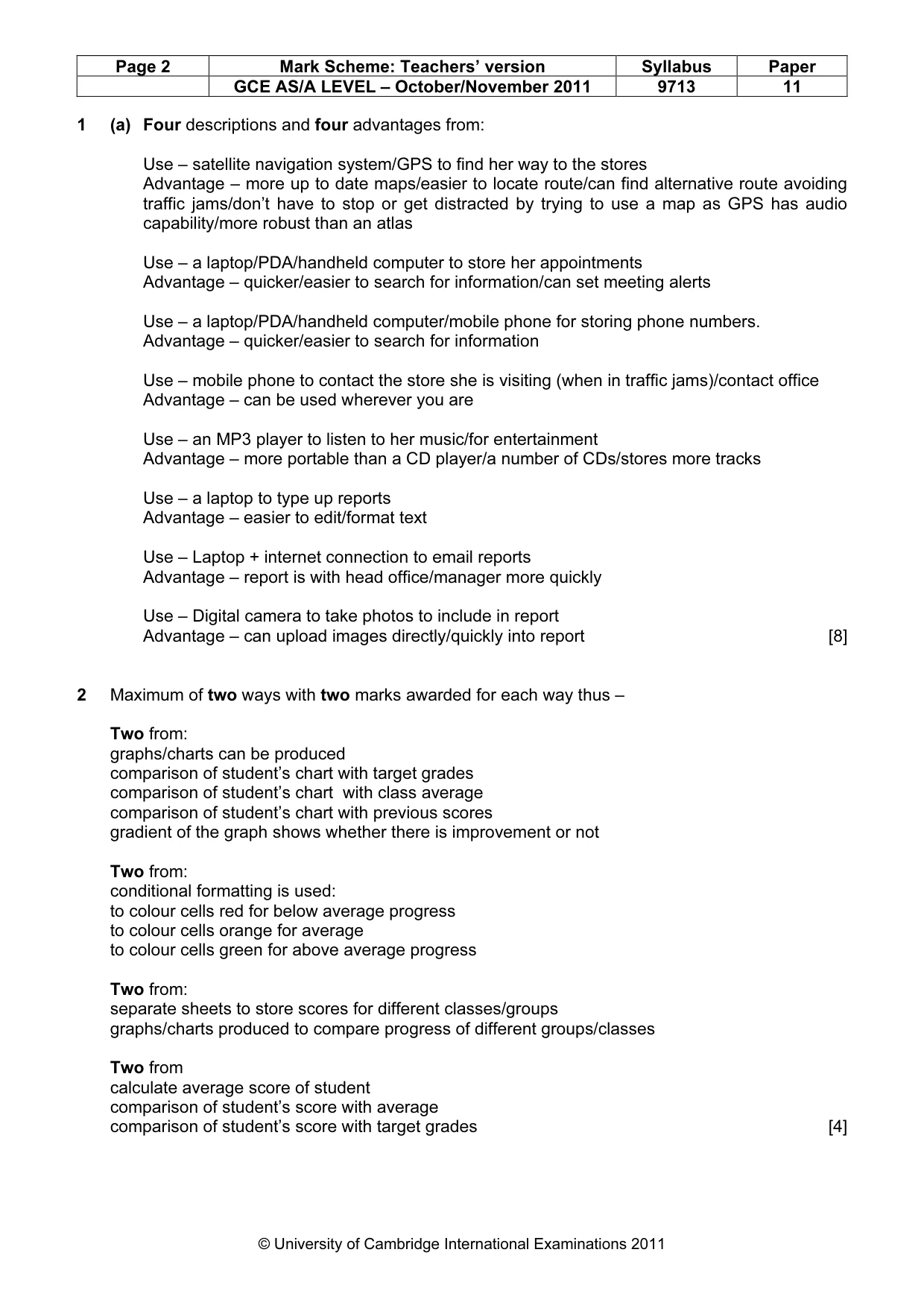
Page 2 Mark Scheme: Teachers’ version Syllabus Paper GCE AS/A LEVEL – October/November 2011 9713 11 © University of Cambridge International Examinations 2011 1 (a) Four descriptions and four advantages from: Use – satellite navigation system/GPS to find her way to the stores Advantage – more up to date maps/easier to locate route/can find alternative route avoiding traffic jams/don’t have to stop or get distracted by trying to use a map as GPS has audio capability/more robust than an atlas Use – a laptop/PDA/handheld computer to store her appointments Advantage – quicker/easier to search for information/can set meeting alerts Use – a laptop/PDA/handheld computer/mobile phone for storing phone numbers. Advantage – quicker/easier to search for information Use – mobile phone to contact the store she is visiting (when in traffic jams)/contact office Advantage – can be used wherever you are Use – an MP3 player to listen to her music/for entertainment Advantage – more portable than a CD player/a number of CDs/stores more tracks Use – a laptop to type up reports Advantage – easier to edit/format text Use – Laptop + internet connection to email reports Advantage – report is with head office/manager more quickly Use – Digital camera to take photos to include in report Advantage – can upload images directly/quickly into report [8] 2 Maximum of two ways with two marks awarded for each way thus – Two from: graphs/charts can be produced comparison of student’s chart with target grades comparison of student’s chart with class average comparison of student’s chart with previous scores gradient of the graph shows whether there is improvement or not Two from: conditional formatting is used: to colour cells red for below average progress to colour cells orange for average to colour cells green for above average progress Two from: separate sheets to store scores for different classes/groups graphs/charts produced to compare progress of different groups/classes Two from calculate average score of student comparison of student’s score with average comparison of student’s score with target grades [4]
Mark scheme, page 3
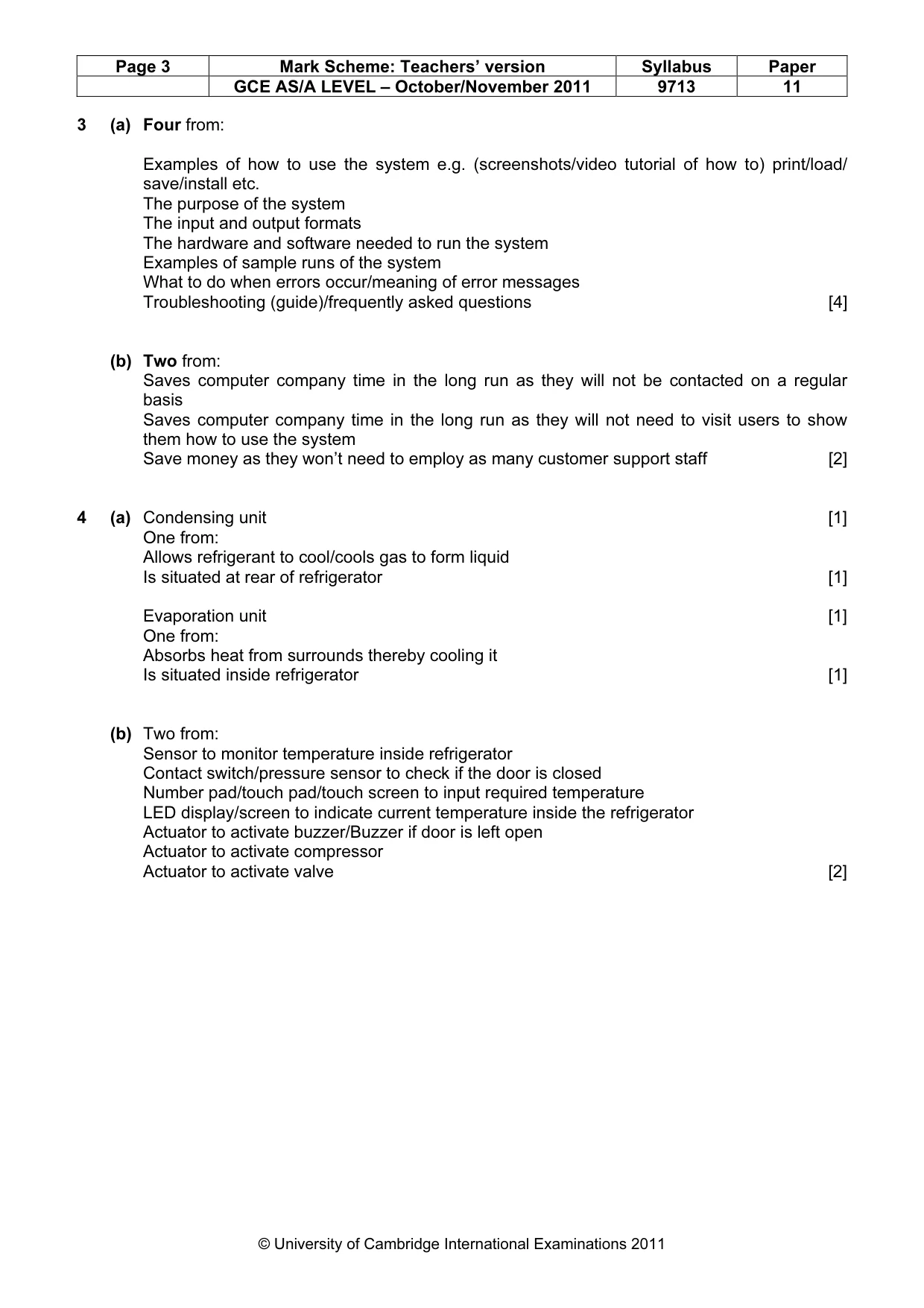
Page 3 Mark Scheme: Teachers’ version Syllabus Paper GCE AS/A LEVEL – October/November 2011 9713 11 © University of Cambridge International Examinations 2011 3 (a) Four from: Examples of how to use the system e.g. (screenshots/video tutorial of how to) print/load/ save/install etc. The purpose of the system The input and output formats The hardware and software needed to run the system Examples of sample runs of the system What to do when errors occur/meaning of error messages Troubleshooting (guide)/frequently asked questions [4] (b) Two from: Saves computer company time in the long run as they will not be contacted on a regular basis Saves computer company time in the long run as they will not need to visit users to show them how to use the system Save money as they won’t need to employ as many customer support staff [2] 4 (a) Condensing unit [1] One from: Allows refrigerant to cool/cools gas to form liquid Is situated at rear of refrigerator [1] Evaporation unit [1] One from: Absorbs heat from surrounds thereby cooling it Is situated inside refrigerator [1] (b) Two from: Sensor to monitor temperature inside refrigerator Contact switch/pressure sensor to check if the door is closed Number pad/touch pad/touch screen to input required temperature LED display/screen to indicate current temperature inside the refrigerator Actuator to activate buzzer/Buzzer if door is left open Actuator to activate compressor Actuator to activate valve [2]
Mark scheme, page 4
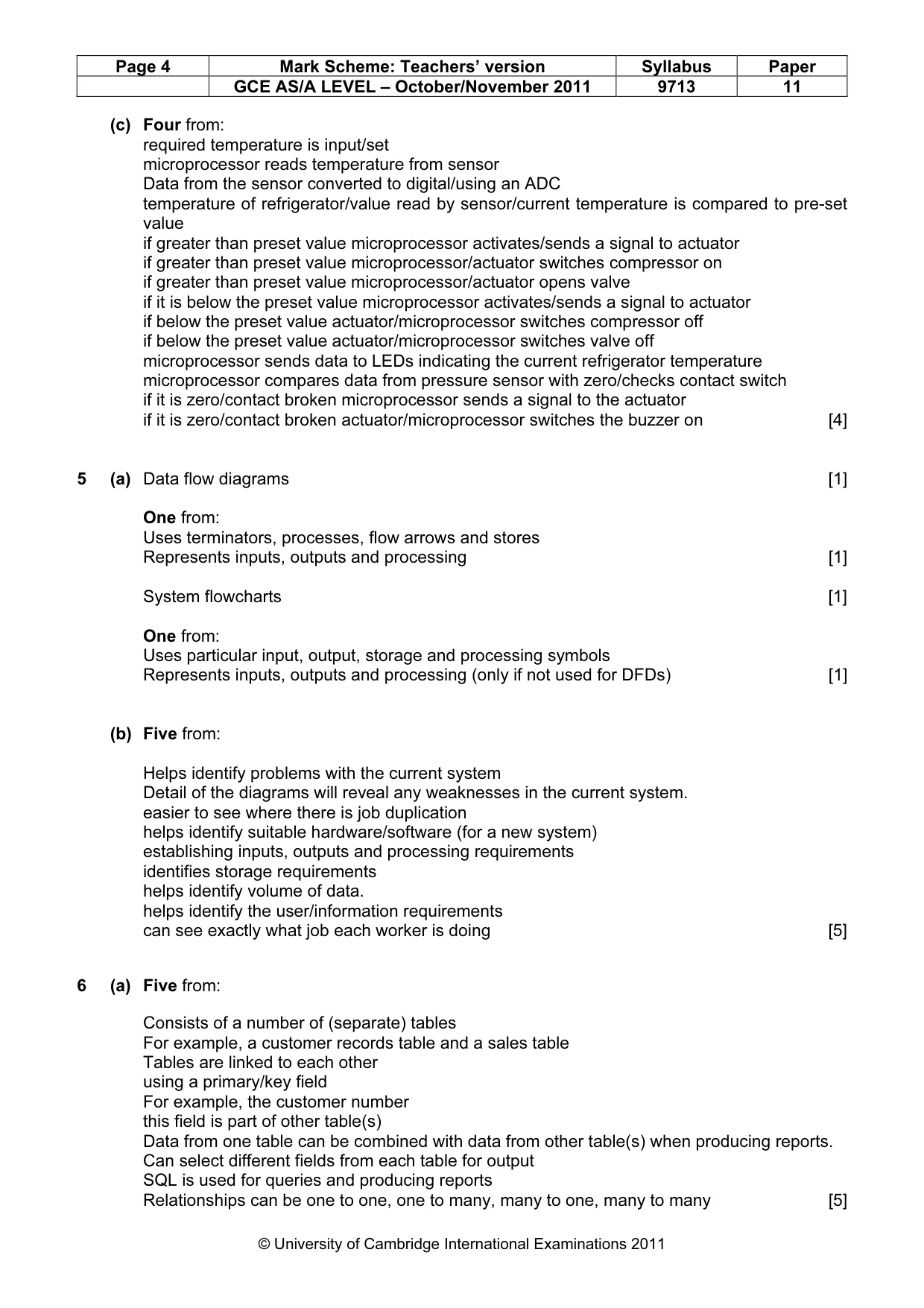
Page 4 Mark Scheme: Teachers’ version Syllabus Paper GCE AS/A LEVEL – October/November 2011 9713 11 © University of Cambridge International Examinations 2011 (c) Four from: required temperature is input/set microprocessor reads temperature from sensor Data from the sensor converted to digital/using an ADC temperature of refrigerator/value read by sensor/current temperature is compared to pre-set value if greater than preset value microprocessor activates/sends a signal to actuator if greater than preset value microprocessor/actuator switches compressor on if greater than preset value microprocessor/actuator opens valve if it is below the preset value microprocessor activates/sends a signal to actuator if below the preset value actuator/microprocessor switches compressor off if below the preset value actuator/microprocessor switches valve off microprocessor sends data to LEDs indicating the current refrigerator temperature microprocessor compares data from pressure sensor with zero/checks contact switch if it is zero/contact broken microprocessor sends a signal to the actuator if it is zero/contact broken actuator/microprocessor switches the buzzer on [4] 5 (a) Data flow diagrams [1] One from: Uses terminators, processes, flow arrows and stores Represents inputs, outputs and processing [1] System flowcharts [1] One from: Uses particular input, output, storage and processing symbols Represents inputs, outputs and processing (only if not used for DFDs) [1] (b) Five from: Helps identify problems with the current system Detail of the diagrams will reveal any weaknesses in the current system. easier to see where there is job duplication helps identify suitable hardware/software (for a new system) establishing inputs, outputs and processing requirements identifies storage requirements helps identify volume of data. helps identify the user/information requirements can see exactly what job each worker is doing [5] 6 (a) Five from: Consists of a number of (separate) tables For example, a customer records table and a sales table Tables are linked to each other using a primary/key field For example, the customer number this field is part of other table(s) Data from one table can be combined with data from other table(s) when producing reports. Can select different fields from each table for output SQL is used for queries and producing reports Relationships can be one to one, one to many, many to one, many to many [5]
Mark scheme, page 5
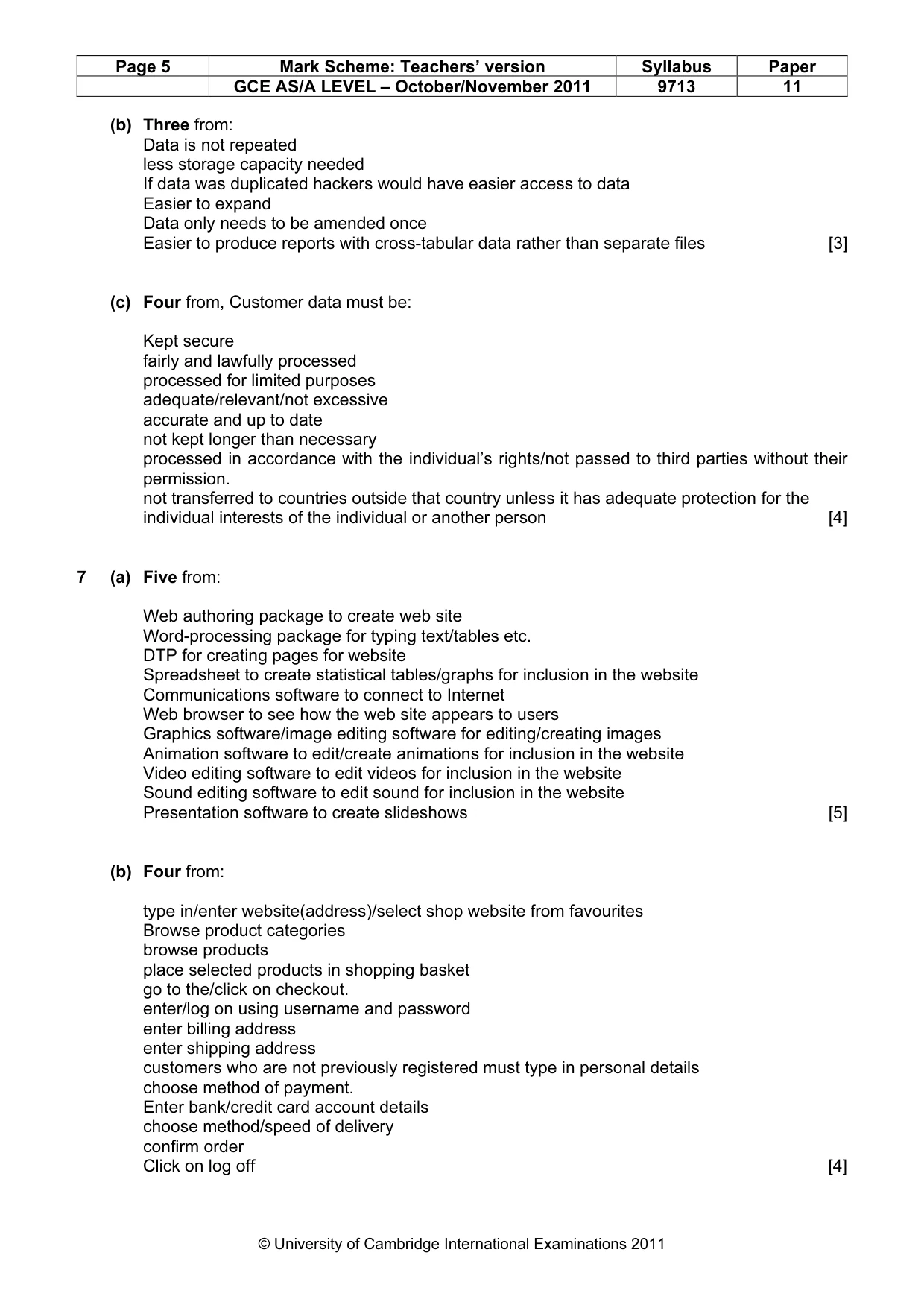
Page 5 Mark Scheme: Teachers’ version Syllabus Paper GCE AS/A LEVEL – October/November 2011 9713 11 © University of Cambridge International Examinations 2011 (b) Three from: Data is not repeated less storage capacity needed If data was duplicated hackers would have easier access to data Easier to expand Data only needs to be amended once Easier to produce reports with cross-tabular data rather than separate files [3] (c) Four from, Customer data must be: Kept secure fairly and lawfully processed processed for limited purposes adequate/relevant/not excessive accurate and up to date not kept longer than necessary processed in accordance with the individual’s rights/not passed to third parties without their permission. not transferred to countries outside that country unless it has adequate protection for the individual interests of the individual or another person [4] 7 (a) Five from: Web authoring package to create web site Word-processing package for typing text/tables etc. DTP for creating pages for website Spreadsheet to create statistical tables/graphs for inclusion in the website Communications software to connect to Internet Web browser to see how the web site appears to users Graphics software/image editing software for editing/creating images Animation software to edit/create animations for inclusion in the website Video editing software to edit videos for inclusion in the website Sound editing software to edit sound for inclusion in the website Presentation software to create slideshows [5] (b) Four from: type in/enter website(address)/select shop website from favourites Browse product categories browse products place selected products in shopping basket go to the/click on checkout. enter/log on using username and password enter billing address enter shipping address customers who are not previously registered must type in personal details choose method of payment. Enter bank/credit card account details choose method/speed of delivery confirm order Click on log off [4]
Mark scheme, page 6
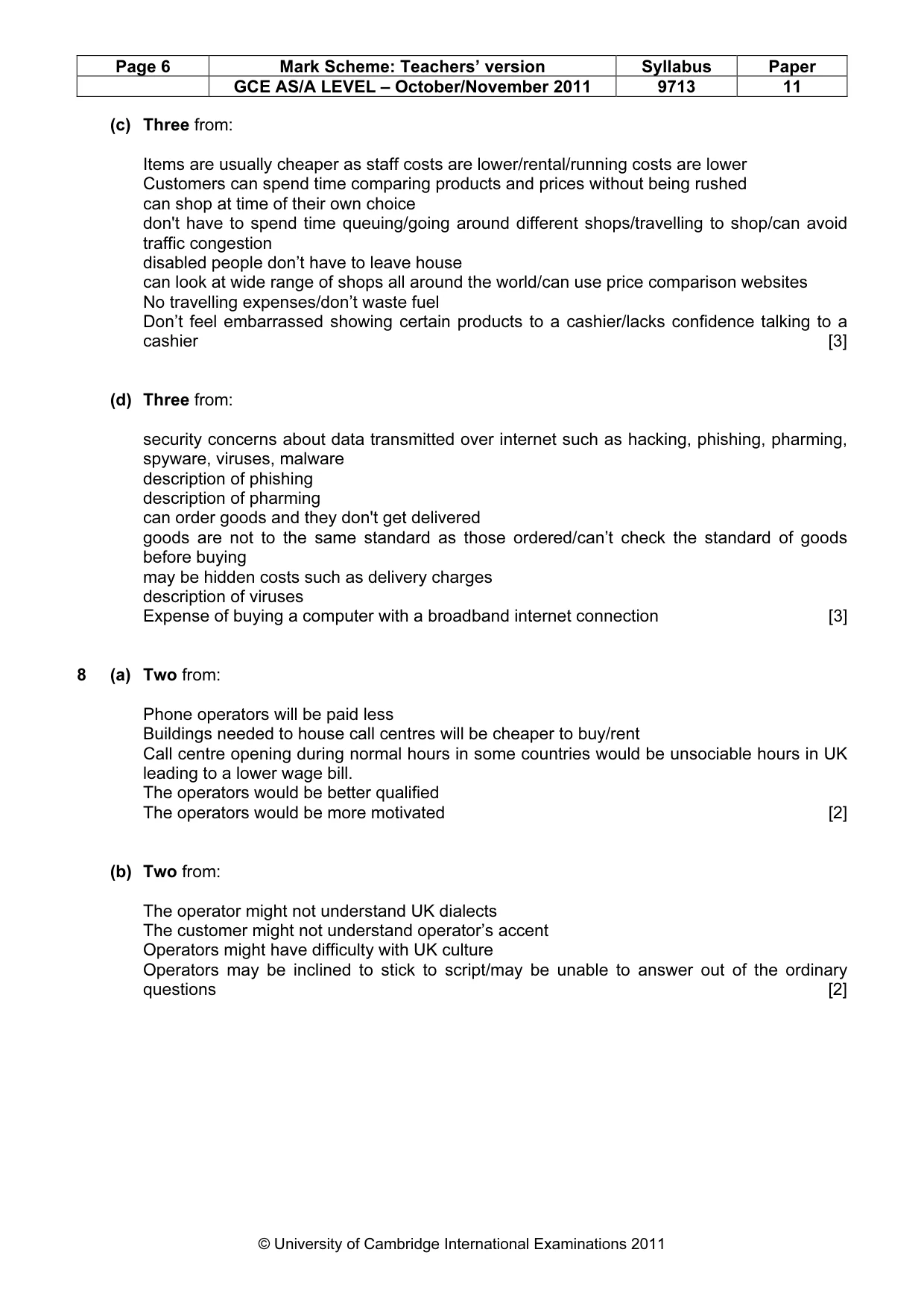
Page 6 Mark Scheme: Teachers’ version Syllabus Paper GCE AS/A LEVEL – October/November 2011 9713 11 © University of Cambridge International Examinations 2011 (c) Three from: Items are usually cheaper as staff costs are lower/rental/running costs are lower Customers can spend time comparing products and prices without being rushed can shop at time of their own choice don't have to spend time queuing/going around different shops/travelling to shop/can avoid traffic congestion disabled people don’t have to leave house can look at wide range of shops all around the world/can use price comparison websites No travelling expenses/don’t waste fuel Don’t feel embarrassed showing certain products to a cashier/lacks confidence talking to a cashier [3] (d) Three from: security concerns about data transmitted over internet such as hacking, phishing, pharming, spyware, viruses, malware description of phishing description of pharming can order goods and they don't get delivered goods are not to the same standard as those ordered/can’t check the standard of goods before buying may be hidden costs such as delivery charges description of viruses Expense of buying a computer with a broadband internet connection [3] 8 (a) Two from: Phone operators will be paid less Buildings needed to house call centres will be cheaper to buy/rent Call centre opening during normal hours in some countries would be unsociable hours in UK leading to a lower wage bill. The operators would be better qualified The operators would be more motivated [2] (b) Two from: The operator might not understand UK dialects The customer might not understand operator’s accent Operators might have difficulty with UK culture Operators may be inclined to stick to script/may be unable to answer out of the ordinary questions [2]
Mark scheme, page 7
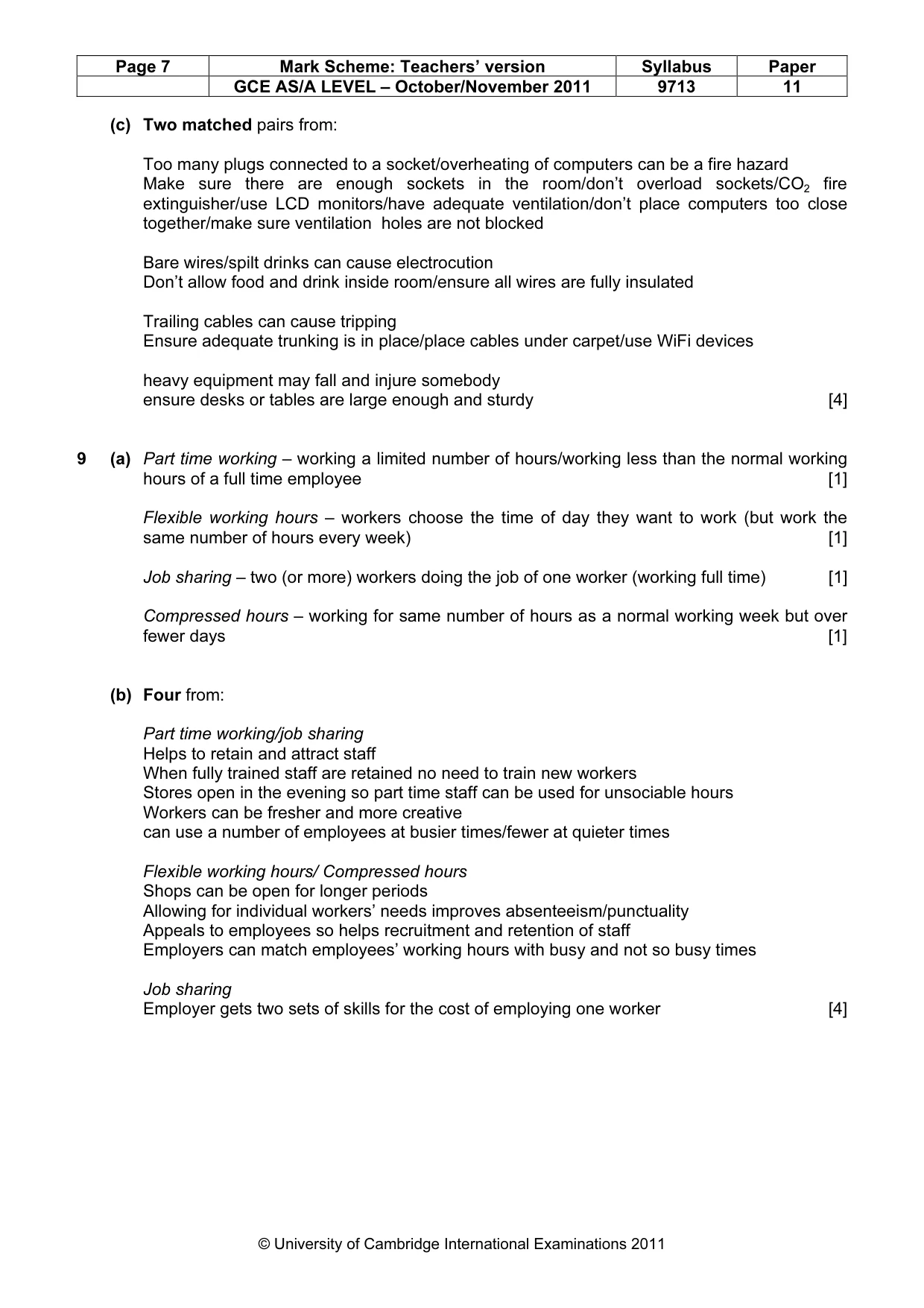
Page 7 Mark Scheme: Teachers’ version Syllabus Paper GCE AS/A LEVEL – October/November 2011 9713 11 © University of Cambridge International Examinations 2011 (c) Two matched pairs from: Too many plugs connected to a socket/overheating of computers can be a fire hazard Make sure there are enough sockets in the room/don’t overload sockets/CO2 fire extinguisher/use LCD monitors/have adequate ventilation/don’t place computers too close together/make sure ventilation holes are not blocked Bare wires/spilt drinks can cause electrocution Don’t allow food and drink inside room/ensure all wires are fully insulated Trailing cables can cause tripping Ensure adequate trunking is in place/place cables under carpet/use WiFi devices heavy equipment may fall and injure somebody ensure desks or tables are large enough and sturdy [4] 9 (a) Part time working – working a limited number of hours/working less than the normal working hours of a full time employee [1] Flexible working hours – workers choose the time of day they want to work (but work the same number of hours every week) [1] Job sharing – two (or more) workers doing the job of one worker (working full time) [1] Compressed hours – working for same number of hours as a normal working week but over fewer days [1] (b) Four from: Part time working/job sharing Helps to retain and attract staff When fully trained staff are retained no need to train new workers Stores open in the evening so part time staff can be used for unsociable hours Workers can be fresher and more creative can use a number of employees at busier times/fewer at quieter times Flexible working hours/ Compressed hours Shops can be open for longer periods Allowing for individual workers’ needs improves absenteeism/punctuality Appeals to employees so helps recruitment and retention of staff Employers can match employees’ working hours with busy and not so busy times Job sharing Employer gets two sets of skills for the cost of employing one worker [4]
What you needed in this session
Cambridge’s own grade thresholds for 2011 Oct/Nov, Paper 1 · Variant 1. A higher threshold means an easier paper — the bar moves with how the cohort did.