Cambridge A Level Applied Information and Communication Technology 9713 — 2011 May/June Paper 1 · Variant 3
9713/13/M/J/11 · 80 marks · ≈90 min
The question paper and its mark scheme, free to read here and free to download. This is Cambridge’s own paper, exactly as it was sat.
Question paper20 pages
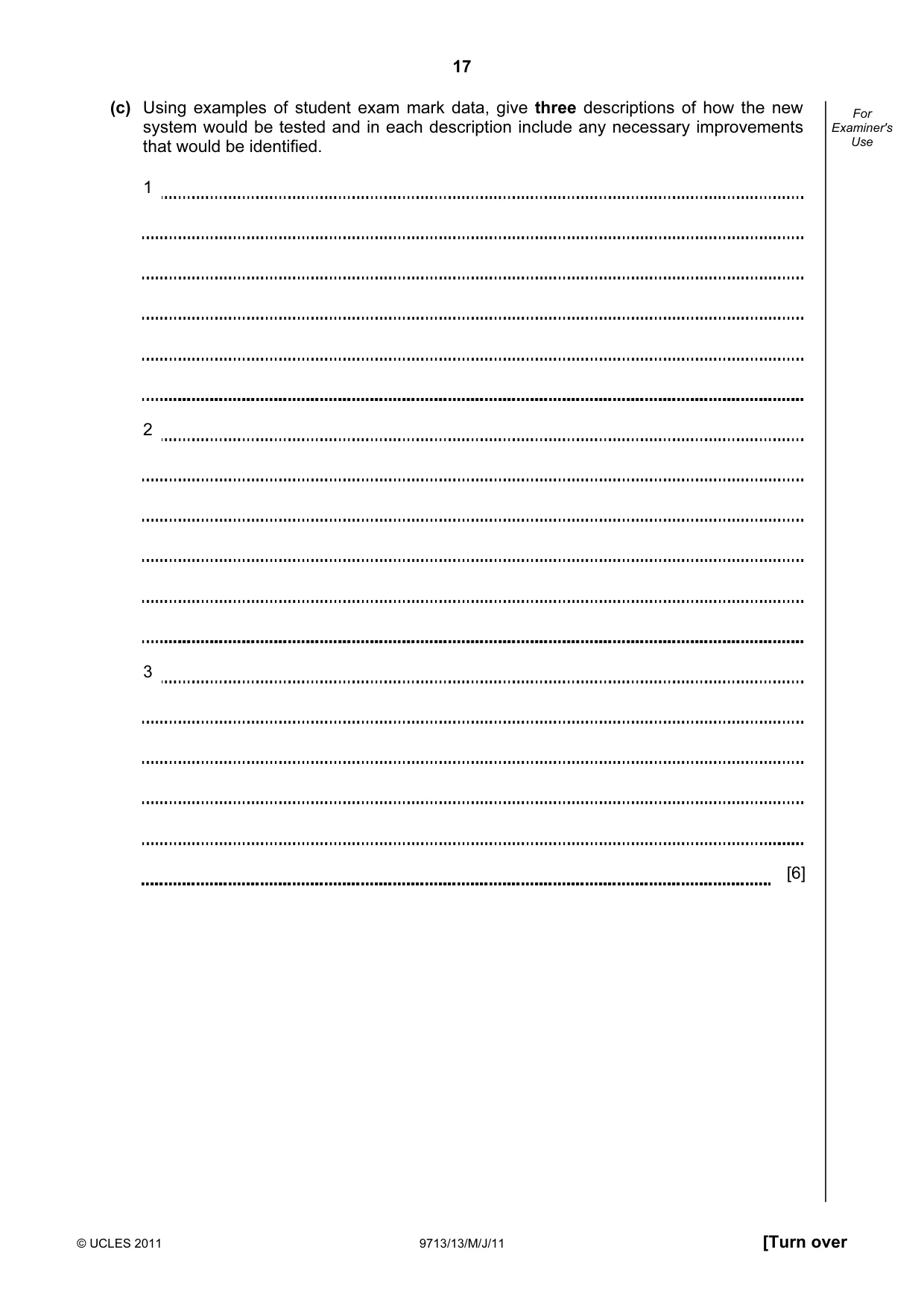
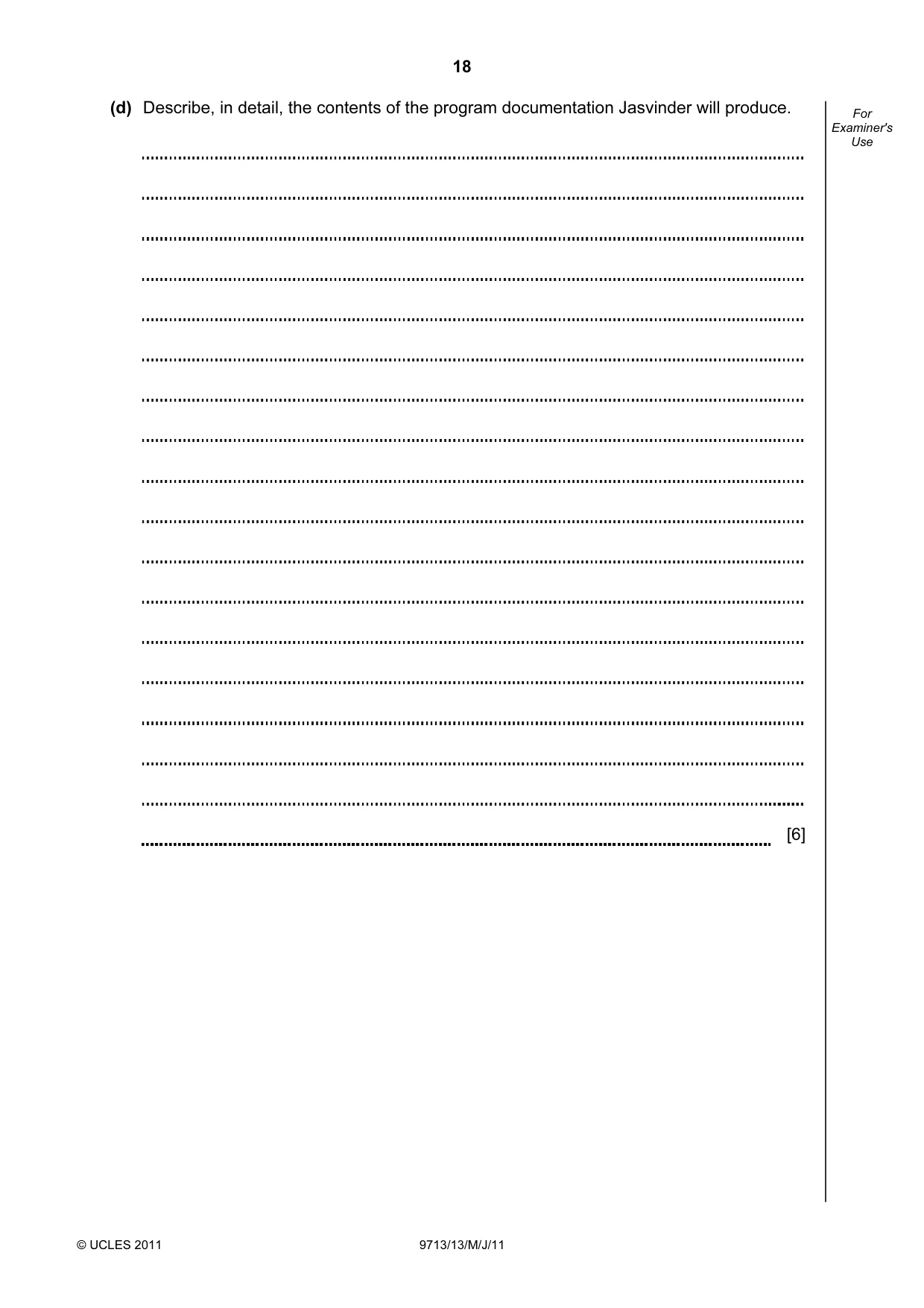


Mark scheme6 pages
Answers below. Sit the paper first if you are practising.
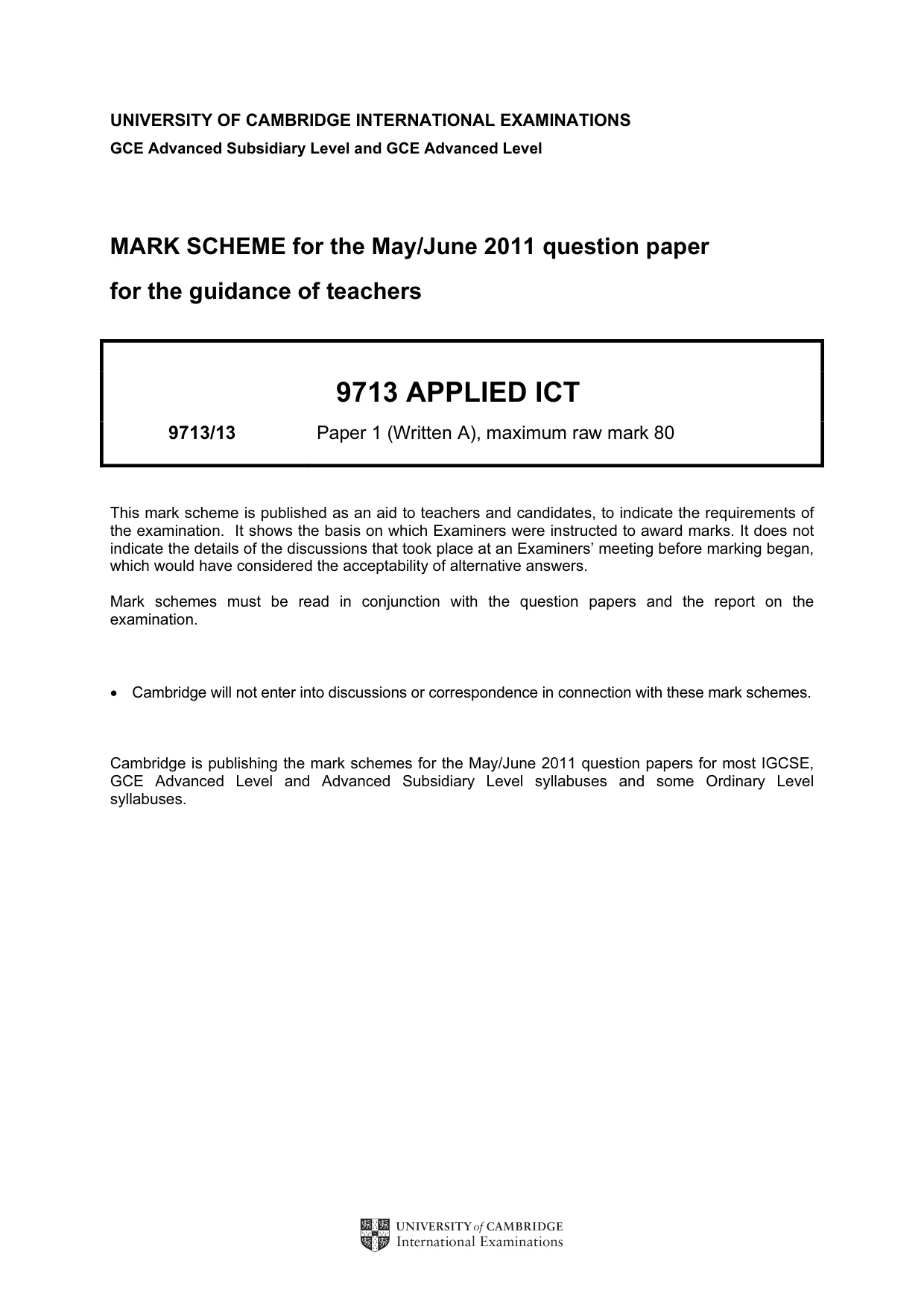
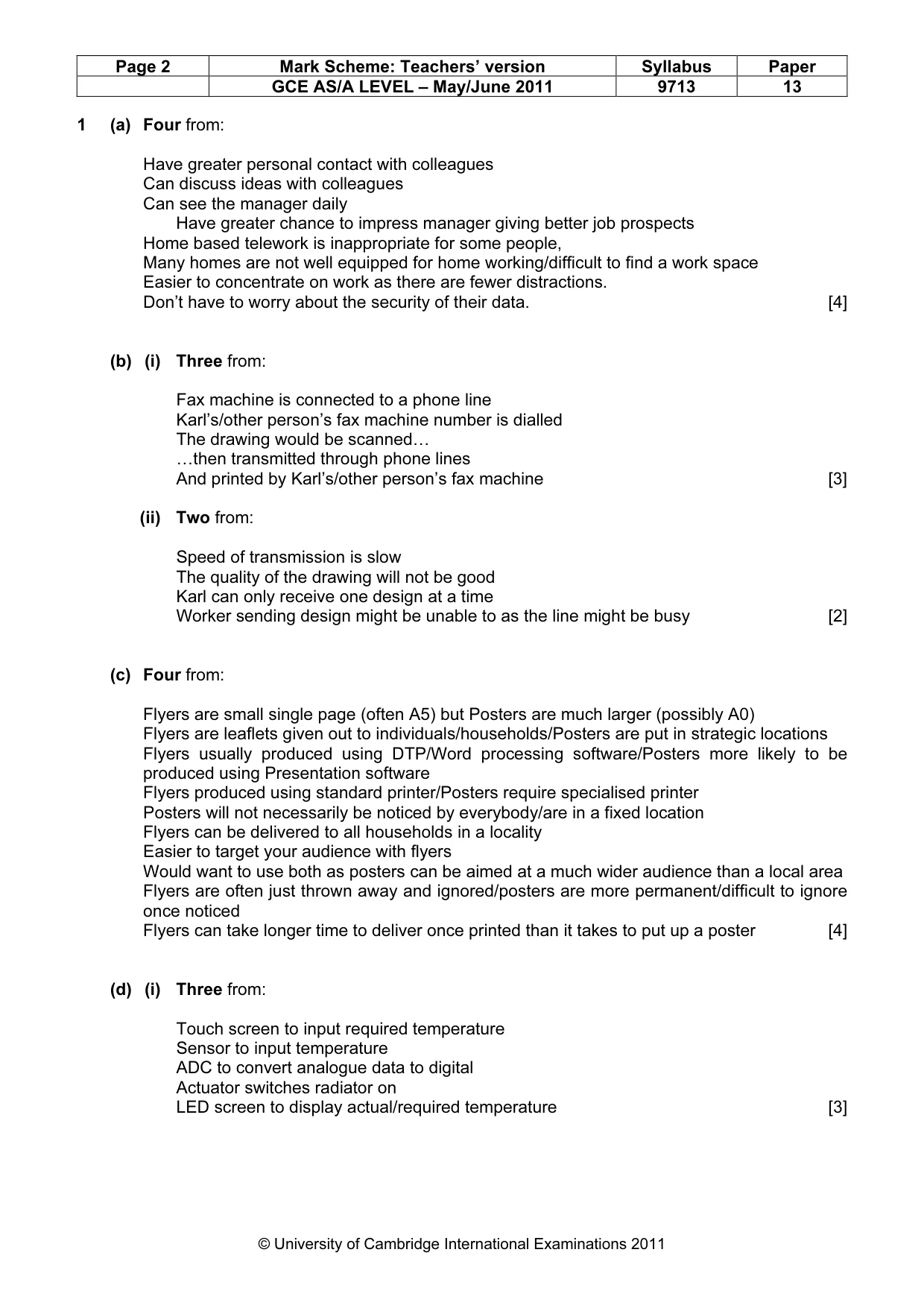
Paper as text
Question paper, page 1
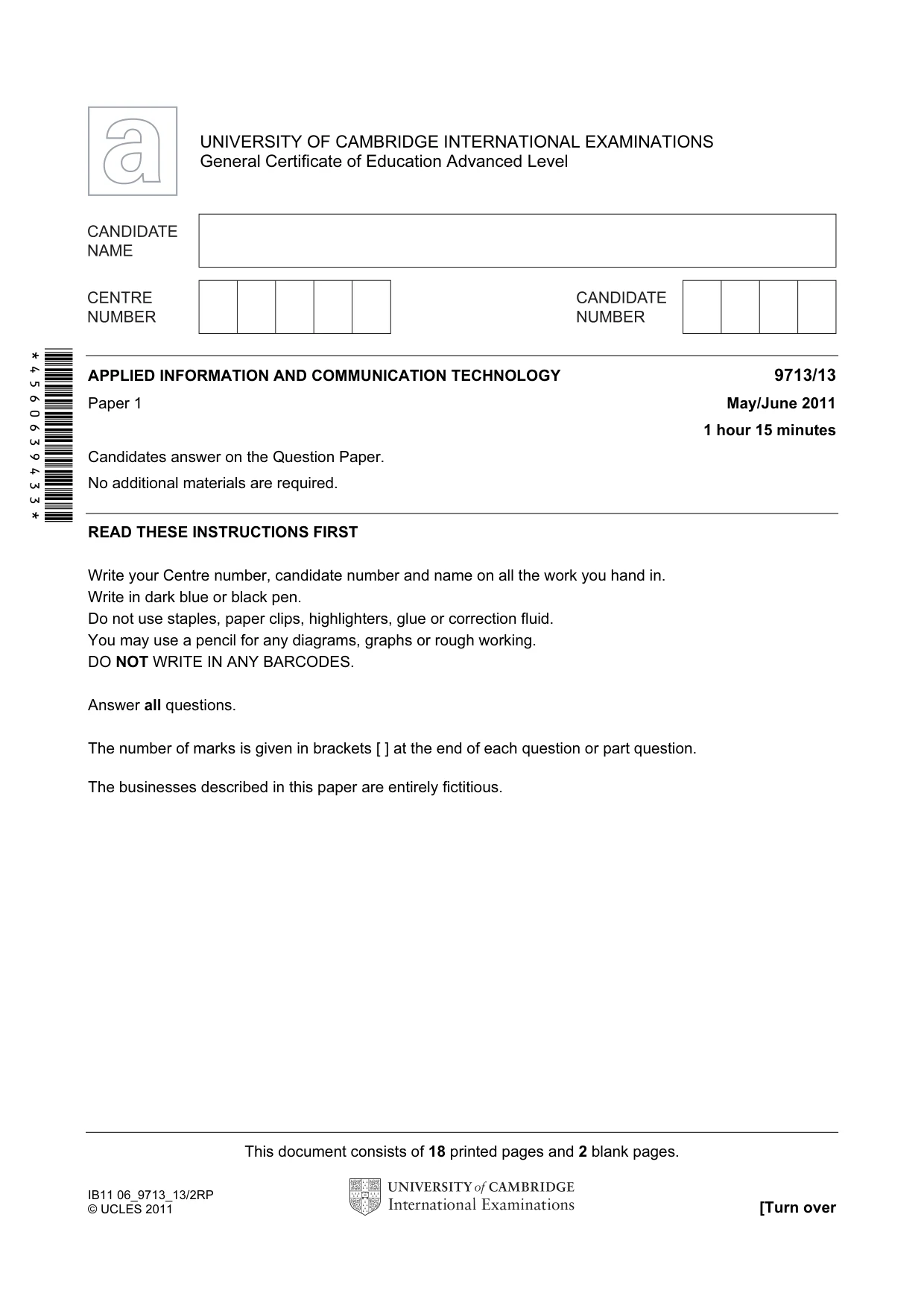
This document consists of 18 printed pages and 2 blank pages. IB11 06_9713_13/2RP © UCLES 2011 [Turn over *4560639433* UNIVERSITY OF CAMBRIDGE INTERNATIONAL EXAMINATIONS General Certificate of Education Advanced Level APPLIED INFORMATION AND COMMUNICATION TECHNOLOGY 9713/13 Paper 1 May/June 2011 1 hour 15 minutes Candidates answer on the Question Paper. No additional materials are required. READ THESE INSTRUCTIONS FIRST Write your Centre number, candidate number and name on all the work you hand in. Write in dark blue or black pen. Do not use staples, paper clips, highlighters, glue or correction fluid. You may use a pencil for any diagrams, graphs or rough working. DO NOT WRITE IN ANY BARCODES. Answer all questions. The number of marks is given in brackets [ ] at the end of each question or part question. The businesses described in this paper are entirely fictitious.
Question paper, page 2
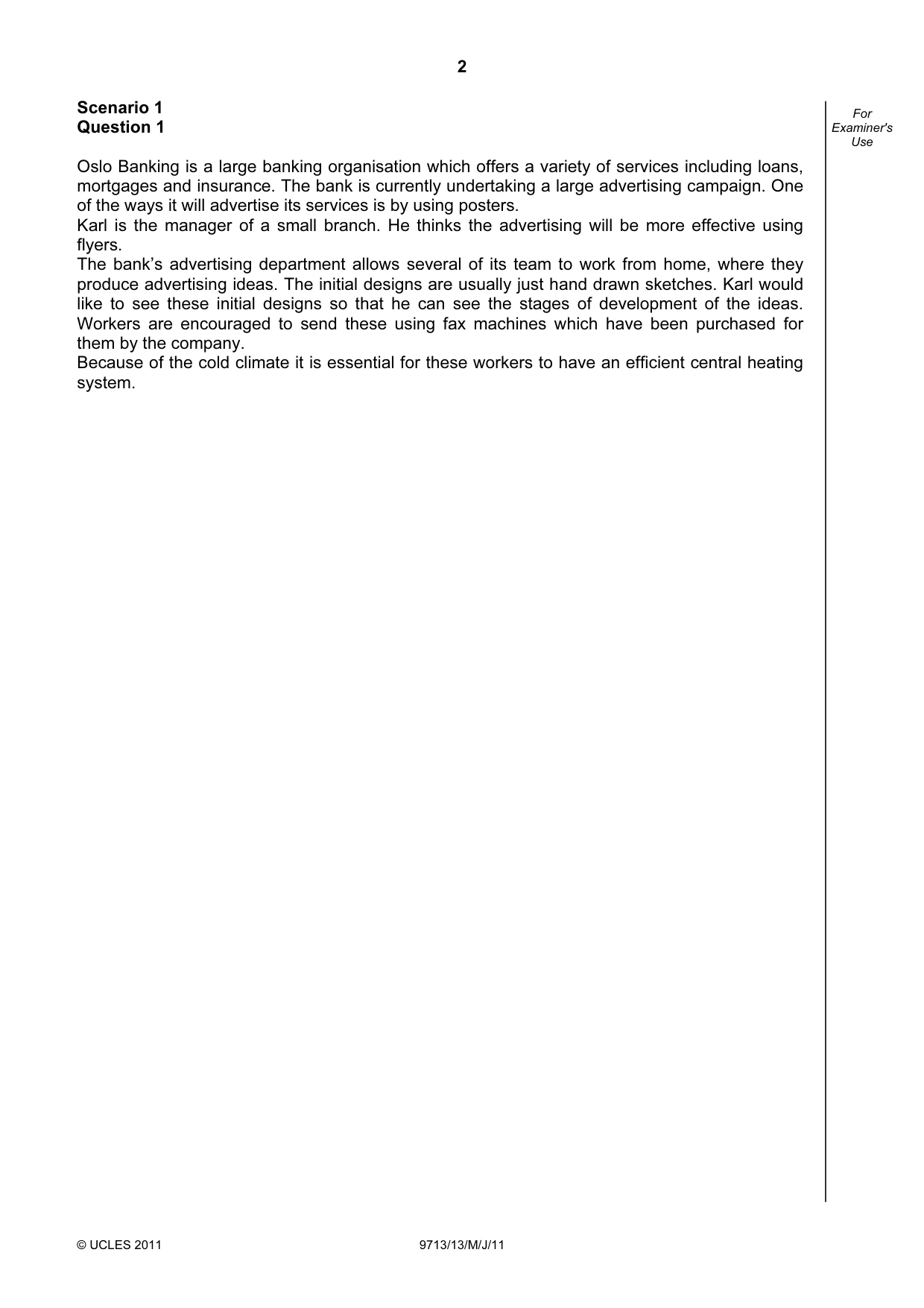
2 © UCLES 2011 9713/13/M/J/11 For Examiner's Use Scenario 1 Question 1 Oslo Banking is a large banking organisation which offers a variety of services including loans, mortgages and insurance. The bank is currently undertaking a large advertising campaign. One of the ways it will advertise its services is by using posters. Karl is the manager of a small branch. He thinks the advertising will be more effective using flyers. The bank’s advertising department allows several of its team to work from home, where they produce advertising ideas. The initial designs are usually just hand drawn sketches. Karl would like to see these initial designs so that he can see the stages of development of the ideas. Workers are encouraged to send these using fax machines which have been purchased for them by the company. Because of the cold climate it is essential for these workers to have an efficient central heating system.
Question paper, page 3
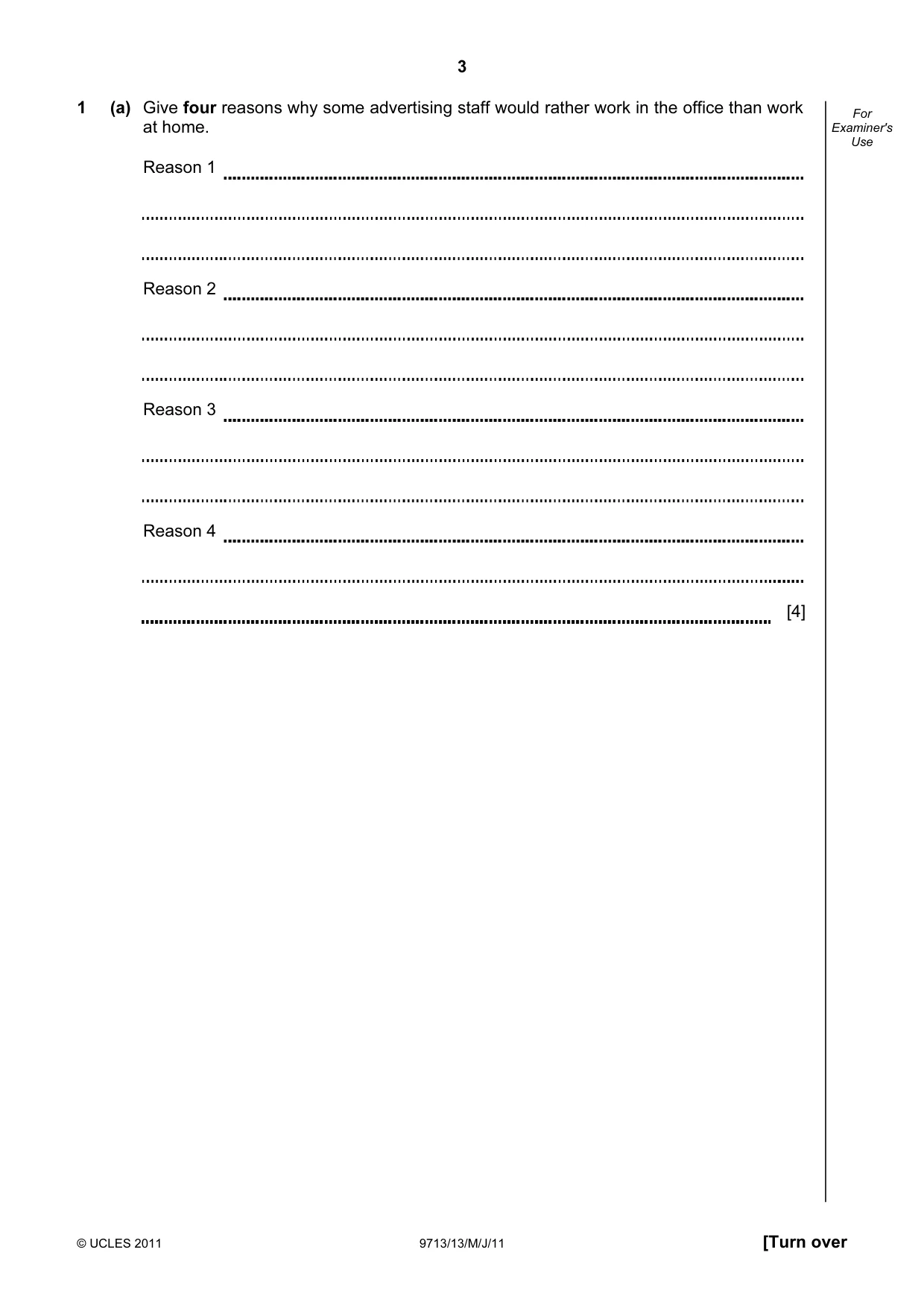
3 © UCLES 2011 9713/13/M/J/11 [Turn over For Examiner's Use 1 (a) Give four reasons why some advertising staff would rather work in the office than work at home. Reason 1 Reason 2 Reason 3 Reason 4 [4]
Question paper, page 4
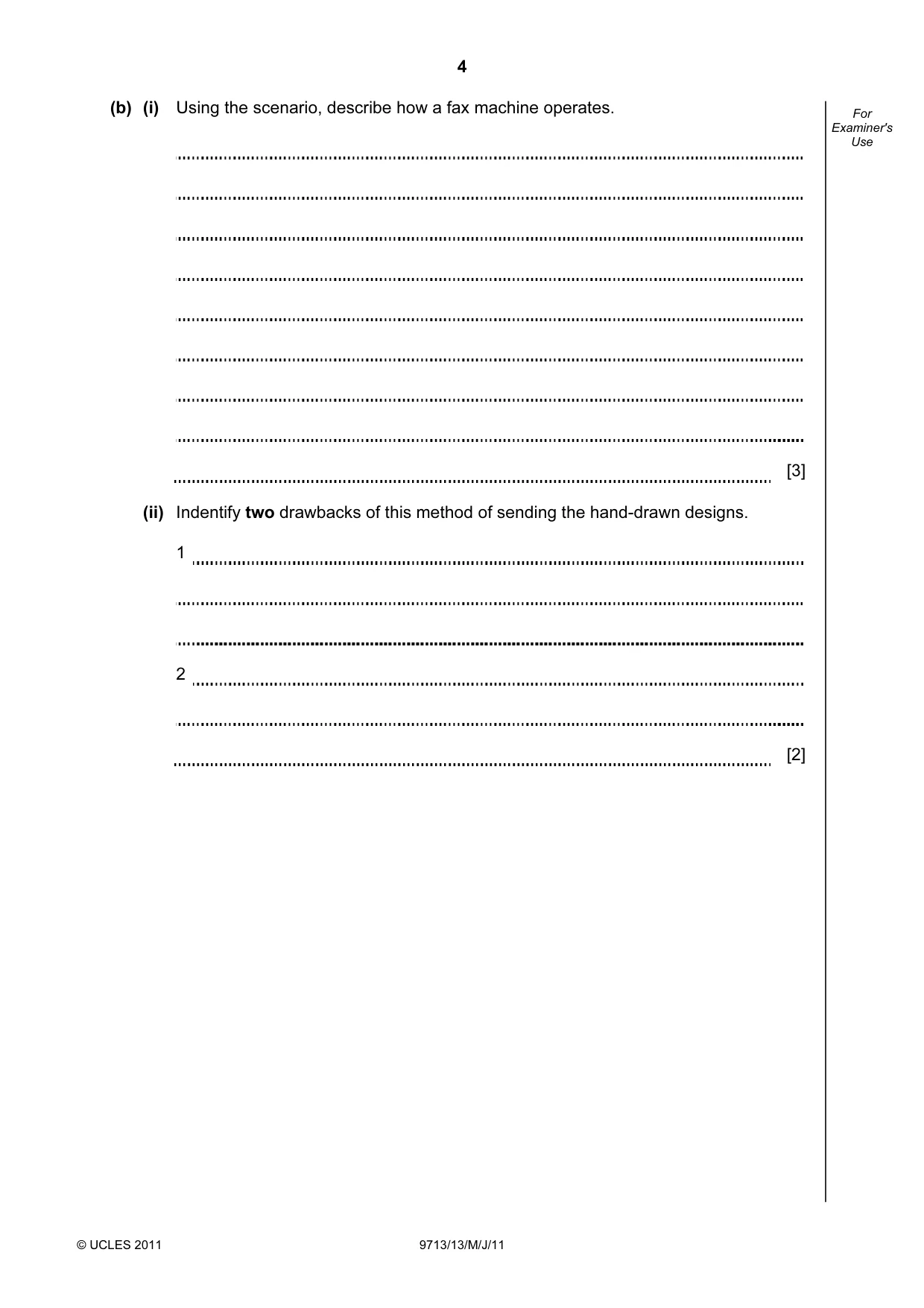
4 © UCLES 2011 9713/13/M/J/11 For Examiner's Use (b) (i) Using the scenario, describe how a fax machine operates. [3] (ii) Indentify two drawbacks of this method of sending the hand-drawn designs. 1 2 [2]
Question paper, page 5
5 © UCLES 2011 9713/13/M/J/11 [Turn over For Examiner's Use (c) Give four differences between flyers and posters. 1 2 3 4 [4]
Question paper, page 6
6 © UCLES 2011 9713/13/M/J/11 For Examiner's Use (d) Many workers have a microprocessor controlled central heating system at home. (i) Other than the microprocessor itself, identify three items of hardware connected to the microprocessor. 1 2 3 [3] (ii) Describe how such a system works. [3]
Question paper, page 7
7 © UCLES 2011 9713/13/M/J/11 [Turn over For Examiner's Use Scenario 2 Questions 2, 3 and 4 Grafton mail order catalogue company currently operates by receiving orders from its customers by phone. They have a telephone call centre in Wales. They are going to extend the way they receive orders by having an online system. The company has a database of customer orders and their personal details. Grafton has employed Oscar to supervise the development of the new system as he has excellent time management skills.
Question paper, page 8
8 © UCLES 2011 9713/13/M/J/11 For Examiner's Use 2 (a) Give two items of hardware used in the telephone call centre, including a description of the purpose of each. Hardware item 1 Hardware item 2 [2] (b) Describe how CTI software is used in a call centre. [3] (c) Describe one other type of software used by the call centre operators, including its use. [1]
Question paper, page 9
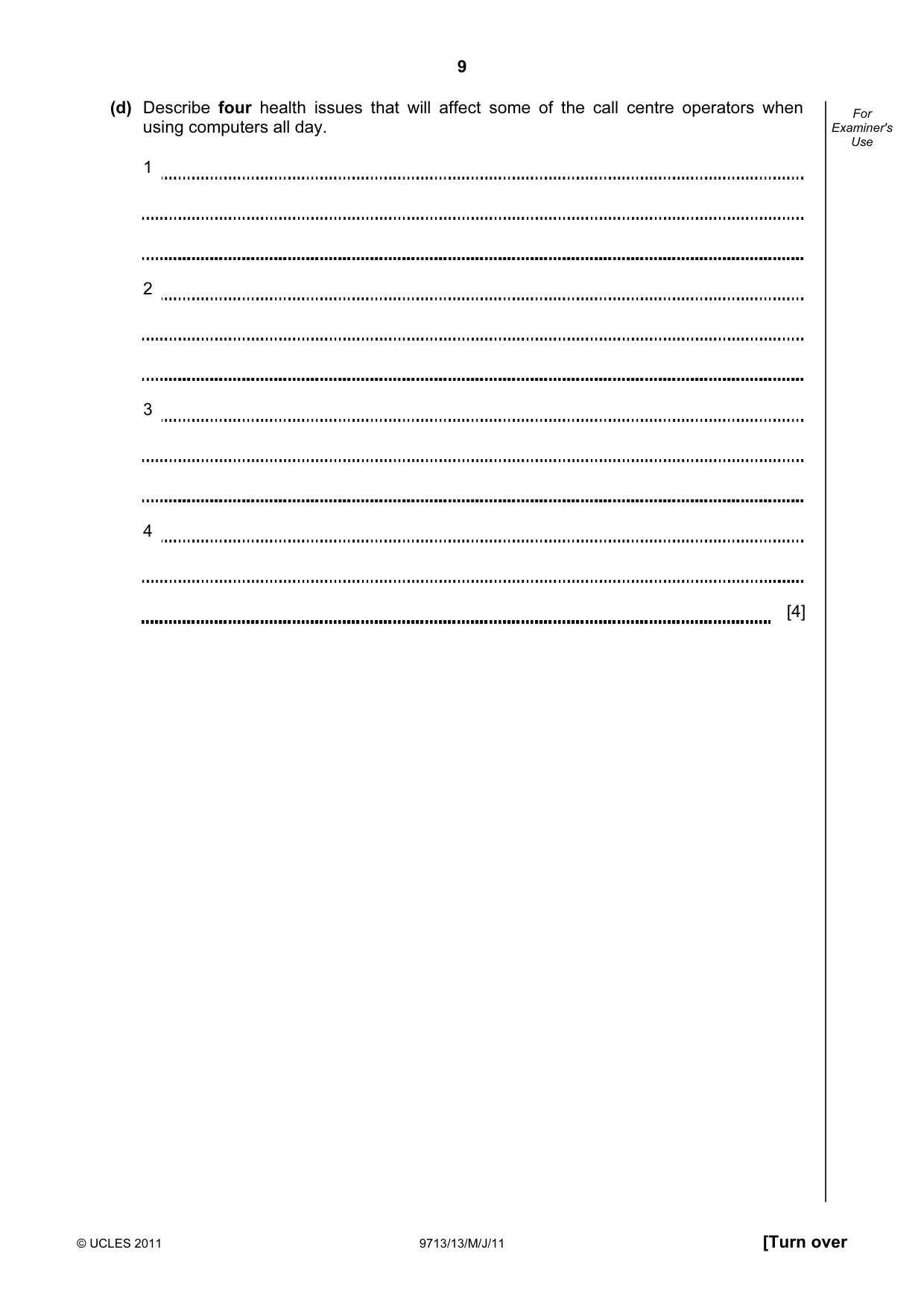
9 © UCLES 2011 9713/13/M/J/11 [Turn over For Examiner's Use (d) Describe four health issues that will affect some of the call centre operators when using computers all day. 1 2 3 4 [4]
Question paper, page 10
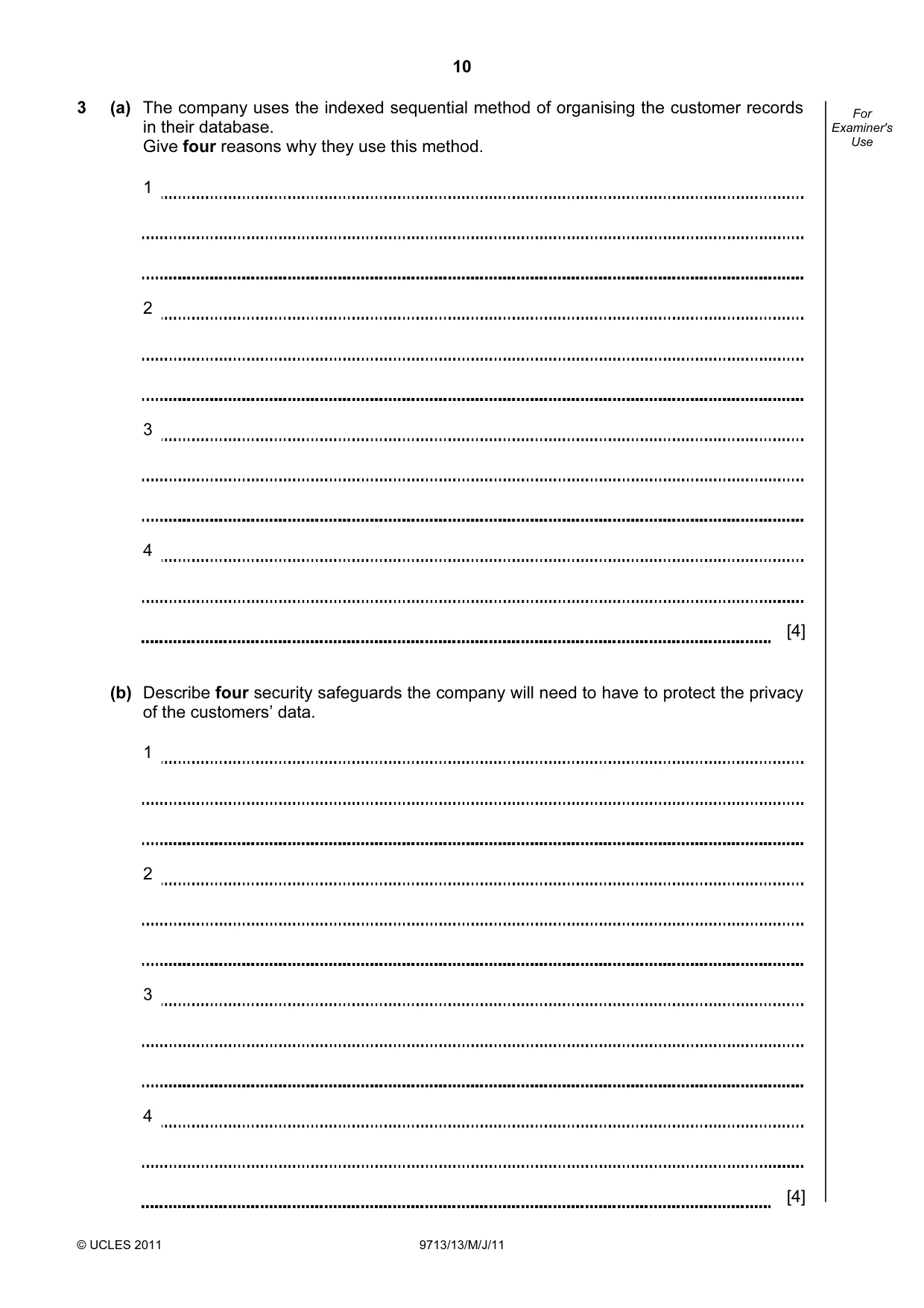
10 © UCLES 2011 9713/13/M/J/11 For Examiner's Use 3 (a) The company uses the indexed sequential method of organising the customer records in their database. Give four reasons why they use this method. 1 2 3 4 [4] (b) Describe four security safeguards the company will need to have to protect the privacy of the customers’ data. 1 2 3 4 [4]
Question paper, page 11
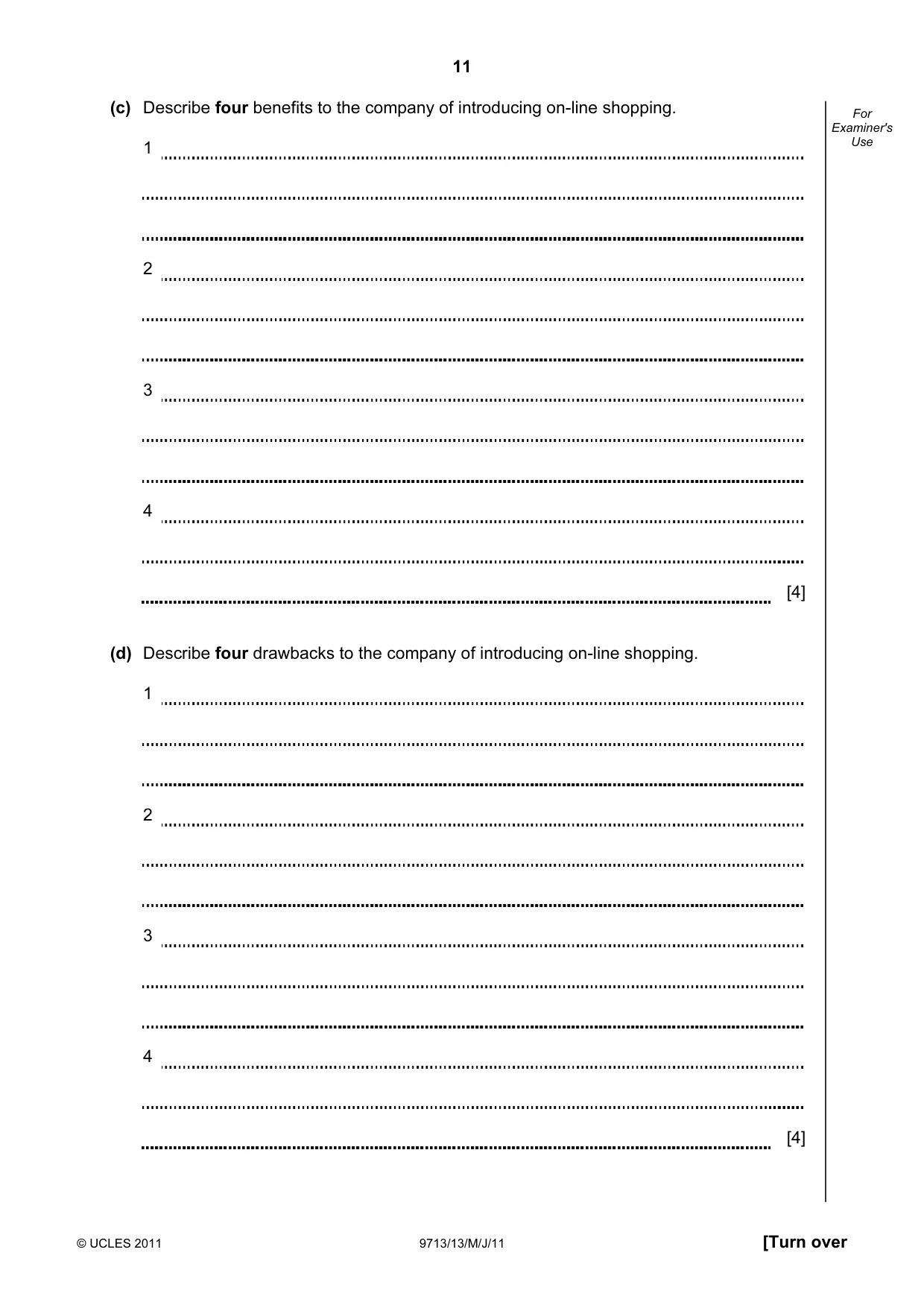
11 © UCLES 2011 9713/13/M/J/11 [Turn over For Examiner's Use (c) Describe four benefits to the company of introducing on-line shopping. 1 2 3 4 [4] (d) Describe four drawbacks to the company of introducing on-line shopping. 1 2 3 4 [4]
Question paper, page 12
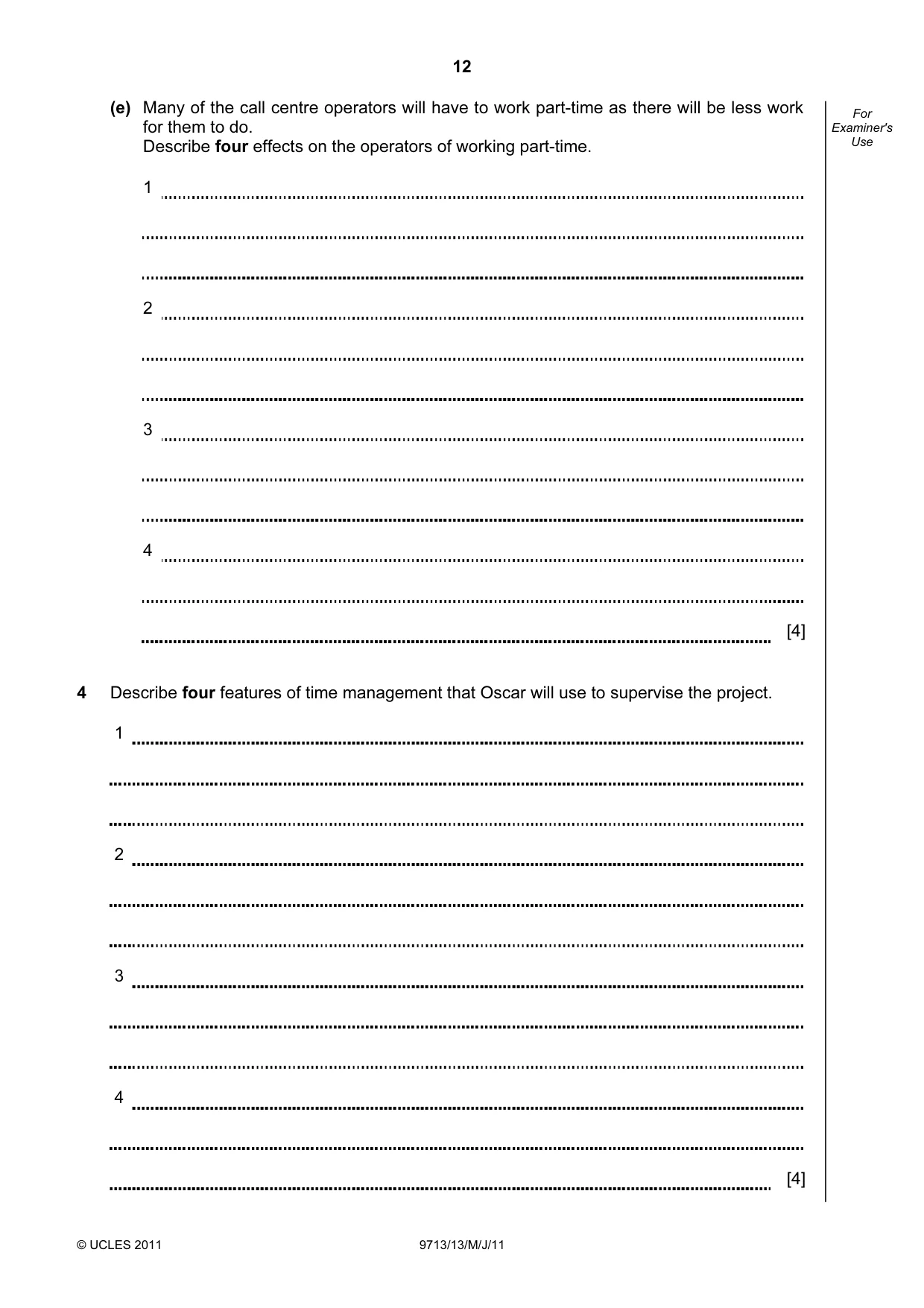
12 © UCLES 2011 9713/13/M/J/11 For Examiner's Use (e) Many of the call centre operators will have to work part-time as there will be less work for them to do. Describe four effects on the operators of working part-time. 1 2 3 4 [4] 4 Describe four features of time management that Oscar will use to supervise the project. 1 2 3 4 [4]
Question paper, page 13
13 © UCLES 2011 9713/13/M/J/11 [Turn over For Examiner's Use Scenario 3 Questions 5, 6 Mrs Sharif is the head teacher of a large school. She has recently decided to upgrade the school’s computer system so that all teachers use ICT in their lessons. In addition, the system will enable student records, including test scores, calculated as percentages, to be stored efficiently. She has employed Jasvinder Sidhu to develop the new system. Jasvinder will examine all the existing documents which are used with the current student record system. He will need to interview Mrs Sharif as well as examine the way the current system works. He will then design the new system before developing it. After the new system has been created it will need to be tested. When the system has been implemented, Jasvinder will need to produce some program documentation.
Question paper, page 14
14 © UCLES 2011 9713/13/M/J/11 For Examiner's Use 5 Describe six benefits of using ICT in the classroom. 1 2 3 4 5 6 [6]
Question paper, page 15
15 © UCLES 2011 9713/13/M/J/11 [Turn over For Examiner's Use 6 (a) Using examples from the scenario, describe how examining documents will help Jasvinder to identify the inputs, outputs and processing in the existing system. [4]
Question paper, page 16
16 © UCLES 2011 9713/13/M/J/11 For Examiner's Use (b) Describe five factors that Jasvinder will need to take into account when designing the input screens for the new system. 1 2 3 4 5 [5]
Question paper, page 17
17 © UCLES 2011 9713/13/M/J/11 [Turn over For Examiner's Use (c) Using examples of student exam mark data, give three descriptions of how the new system would be tested and in each description include any necessary improvements that would be identified. 1 2 3 [6]
Question paper, page 18
18 © UCLES 2011 9713/13/M/J/11 For Examiner's Use (d) Describe, in detail, the contents of the program documentation Jasvinder will produce. [6]
Question paper, page 19
19 © UCLES 2011 9713/13/M/J/11 BLANK PAGE
Question paper, page 20
20 Permission to reproduce items where third-party owned material protected by copyright is included has been sought and cleared where possible. Every reasonable effort has been made by the publisher (UCLES) to trace copyright holders, but if any items requiring clearance have unwittingly been included, the publisher will be pleased to make amends at the earliest possible opportunity. University of Cambridge International Examinations is part of the Cambridge Assessment Group. Cambridge Assessment is the brand name of University of Cambridge Local Examinations Syndicate (UCLES), which is itself a department of the University of Cambridge. © UCLES 2011 9713/13/M/J/11 BLANK PAGE
Mark scheme, page 1
UNIVERSITY OF CAMBRIDGE INTERNATIONAL EXAMINATIONS GCE Advanced Subsidiary Level and GCE Advanced Level MARK SCHEME for the May/June 2011 question paper for the guidance of teachers 9713 APPLIED ICT 9713/13 Paper 1 (Written A), maximum raw mark 80 This mark scheme is published as an aid to teachers and candidates, to indicate the requirements of the examination. It shows the basis on which Examiners were instructed to award marks. It does not indicate the details of the discussions that took place at an Examiners’ meeting before marking began, which would have considered the acceptability of alternative answers. Mark schemes must be read in conjunction with the question papers and the report on the examination. • Cambridge will not enter into discussions or correspondence in connection with these mark schemes. Cambridge is publishing the mark schemes for the May/June 2011 question papers for most IGCSE, GCE Advanced Level and Advanced Subsidiary Level syllabuses and some Ordinary Level syllabuses.
Mark scheme, page 2
Page 2 Mark Scheme: Teachers’ version Syllabus Paper GCE AS/A LEVEL – May/June 2011 9713 13 © University of Cambridge International Examinations 2011 1 (a) Four from: Have greater personal contact with colleagues Can discuss ideas with colleagues Can see the manager daily Have greater chance to impress manager giving better job prospects Home based telework is inappropriate for some people, Many homes are not well equipped for home working/difficult to find a work space Easier to concentrate on work as there are fewer distractions. Don’t have to worry about the security of their data. [4] (b) (i) Three from: Fax machine is connected to a phone line Karl’s/other person’s fax machine number is dialled The drawing would be scanned… …then transmitted through phone lines And printed by Karl’s/other person’s fax machine [3] (ii) Two from: Speed of transmission is slow The quality of the drawing will not be good Karl can only receive one design at a time Worker sending design might be unable to as the line might be busy [2] (c) Four from: Flyers are small single page (often A5) but Posters are much larger (possibly A0) Flyers are leaflets given out to individuals/households/Posters are put in strategic locations Flyers usually produced using DTP/Word processing software/Posters more likely to be produced using Presentation software Flyers produced using standard printer/Posters require specialised printer Posters will not necessarily be noticed by everybody/are in a fixed location Flyers can be delivered to all households in a locality Easier to target your audience with flyers Would want to use both as posters can be aimed at a much wider audience than a local area Flyers are often just thrown away and ignored/posters are more permanent/difficult to ignore once noticed Flyers can take longer time to deliver once printed than it takes to put up a poster [4] (d) (i) Three from: Touch screen to input required temperature Sensor to input temperature ADC to convert analogue data to digital Actuator switches radiator on LED screen to display actual/required temperature [3]
Mark scheme, page 3
Page 3 Mark Scheme: Teachers’ version Syllabus Paper GCE AS/A LEVEL – May/June 2011 9713 13 © University of Cambridge International Examinations 2011 (ii) Three from: User inputs required temperature using touch screen Temperature sensor is continually monitored by microprocessor ADC converts temperature reading to a digital value Microprocessor compares this reading with the preset value If the value is lower than preset value microprocessor sends a signal to an actuator Actuator switches radiator on If the value is higher then no signal is sent [3] 2 (a) Two from: Computer to process the calls/look up customer information/to record orders Monitor to display customer/call details Telephone set/headset to speak with/listen to customers Telecom switch to connect individual computers to the server Keyboard to type up details of the call/action taken [2] (b) Three from: Used to combine the data and voice input to the system. Calling-line information display caller's number, number dialled Customer account information can be displayed On-screen phone control. Answer, hang up, hold, conference Software sends commands from a user's computer to a telephony server Software directs phone call to appropriate operator [3] (c) One from: Database to hold records of calls/to provide link to stock/orders database Database software to enable customer orders to be input to the main computer database [1] (d) Four from: Staring at a computer screen continuously can cause problems with one’s sight Typing at a keyboard continuously can cause RSI Gripping a mouse and repetitive clicking can cause carpal tunnel syndrome/RSI Sitting in the same position/with wrong posture all day can cause lower back pain Staring at a computer screen all day can cause eye strain/headaches Poor positioning of screen can cause upper back/neck/shoulder pain/eyestrain/headaches Glare from screen can cause eye strain/headaches [4]
Mark scheme, page 4
Page 4 Mark Scheme: Teachers’ version Syllabus Paper GCE AS/A LEVEL – May/June 2011 9713 13 © University of Cambridge International Examinations 2011 3 (a) Four from: They may need to send out monthly statements Statements may be batch processed Orders may be on a transaction file for a short time Transaction file will be sorted in customer number order Master file will need to be in sequential order for batch processing For ease of updating using transaction file Customer may phone to enquire about progress of an order Fast access to data will be required Indexes will make sequential file faster to search [4] (b) Four from: Description of use of two of: passwords, user ids and memorable words description of encryption Description of SSL or TLS Use of drop down menus to prevent access by keyloggers Description of anti-spyware software Description of firewall [4] (c) Four from: Don’t have to rent/build large call centres so save money They can employ fewer staff and pay less in staff wages Don’t have to pay as much in running costs such as electricity, heating/air conditioning and lighting at call centres. Because of their lower costs, they can offer cheaper goods thus attracting more customers. Shoppers can shop 24/7 so company could gain increased profits Internet more likely to attract customers worldwide increasing profits [4] (d) Four from: Less personal touch so it is harder to sell other services Potential for fraud so company loses money Interception of account information by hackers so company loses money Running costs/initial cost such as having to pay website developers. Initial costs such as buying the hardware when starting up. May need to retrain staff which is costly/time consuming [4] (e) Four from: Lower wages due to fewer hours worked Lower wages as part time workers tend to be on lower rates of pay May have to find another job to supplement income Less likely to receive in job training Very difficult to become part of company’s pension scheme May have to work unsociable hours/shifts More free time/more leisure time/more time to spend with family due to fewer hours worked [4]
Mark scheme, page 5
Page 5 Mark Scheme: Teachers’ version Syllabus Paper GCE AS/A LEVEL – May/June 2011 9713 13 © University of Cambridge International Examinations 2011 4 Four from: Identifying short- and long-term targets Set deadlines for the completion of each task Short-term targets are very motivational when achieved Decide on the relative importance of each target Devoting appropriate resources/workers (to achieving that target) Planning the steps needed (to produce an item)… …using Gantt charts… …to represent parallel and sequential tasks… …to help ensure sequential tasks are completed in time for the next one …to help ensure parallel tasks finish at the same time Making correct decisions will affect the time taken at each stage Use of ICT – faxes, telephones, computers Use of time management software… …to organise meeting times/appointments …to arrange workload …monitoring progress by seeing how long a task has taken so far/see how long tasks should take [4] 5 Six from: ICT make lessons more interesting/entertaining ICT make lessons more varied Internet allows students to investigate ideas Internet allows students to carry out research Neatness of students work makes it easier for teacher to mark ICT provides more interactive learning environment ICT resources can help students with special needs Teachers have more varied teaching aids/can make use of multimedia in lessons Teachers can use/produce computer based tests/can use ICT to assess students’ performance Teachers can use spreadsheets/databases to record test scores/produce graphs of progress Easier to compare class/students performance Tests can be computer-marked Computers can provide feedback on tests [6] 6 (a) Four from: Can see which documents relate to input information and output information This enables the analyst to produce documentation of the system This can be done whilst producing a data flow diagram The volume of data could be determined…. The format of the input and output can be determined… Each part of the system needs to be examined to see what specific inputs, outputs and processing are required For example: the input would be the details of the students the processing would be the calculation of the test scores/percentages the output would be lists of students and their test scores. [4]
Mark scheme, page 6
Page 6 Mark Scheme: Teachers’ version Syllabus Paper GCE AS/A LEVEL – May/June 2011 9713 13 © University of Cambridge International Examinations 2011 (b) Five from: Must meet user requirements Will need to be set out so that it is easy to use Will need to be attractive to look at Will need to limit the possibility of inaccurate data being entered Teachers should not be distracted by an over-elaborate screen design Must contain guidelines to the worker on how to fill in any data entry forms Must allowing them to navigate from one screen to another without any difficulty Elements of file structure such as field length will affect the field spacing Elements of file structure such as number of fields will affect the font size/number of screens [5] (c) Three matched pairs from: Testing (each module) with normal data including appropriate example If error produced – description of improvement required Testing (each module) with live data including description and examples If difference between live and actual results – description of improvement required Testing (each module) with abnormal data including appropriate example If error not produced – description of improvement required Testing (each module) with extreme data including appropriate example If error produced – description of improvement required Testing whole system including examples of data Description of improvements required [6] (d) Six from: A description and purpose of the software what the software does and its features the reasons for choosing those pieces of existing software modules that were used instead of the programmer having to write code. Input and output data formats that have been used Program flowcharts that were produced at the design stage Program listing a complete copy of the code used annotation explaining what each module of code does Notes that will help any future programmer to make modifications to the system. [6]
What you needed in this session
Cambridge’s own grade thresholds for 2011 May/June, Paper 1 · Variant 3. A higher threshold means an easier paper — the bar moves with how the cohort did.