Cambridge A Level Applied Information and Communication Technology 9713 — 2016 Feb/March Paper 2 · Variant 0
9713/20/F/M/16
The question paper and its mark scheme, free to read here and free to download. This is Cambridge’s own paper, exactly as it was sat.
Question paper8 pages



Mark scheme
No mark scheme is in the library for this paper.
Paper as text
Question paper, page 1
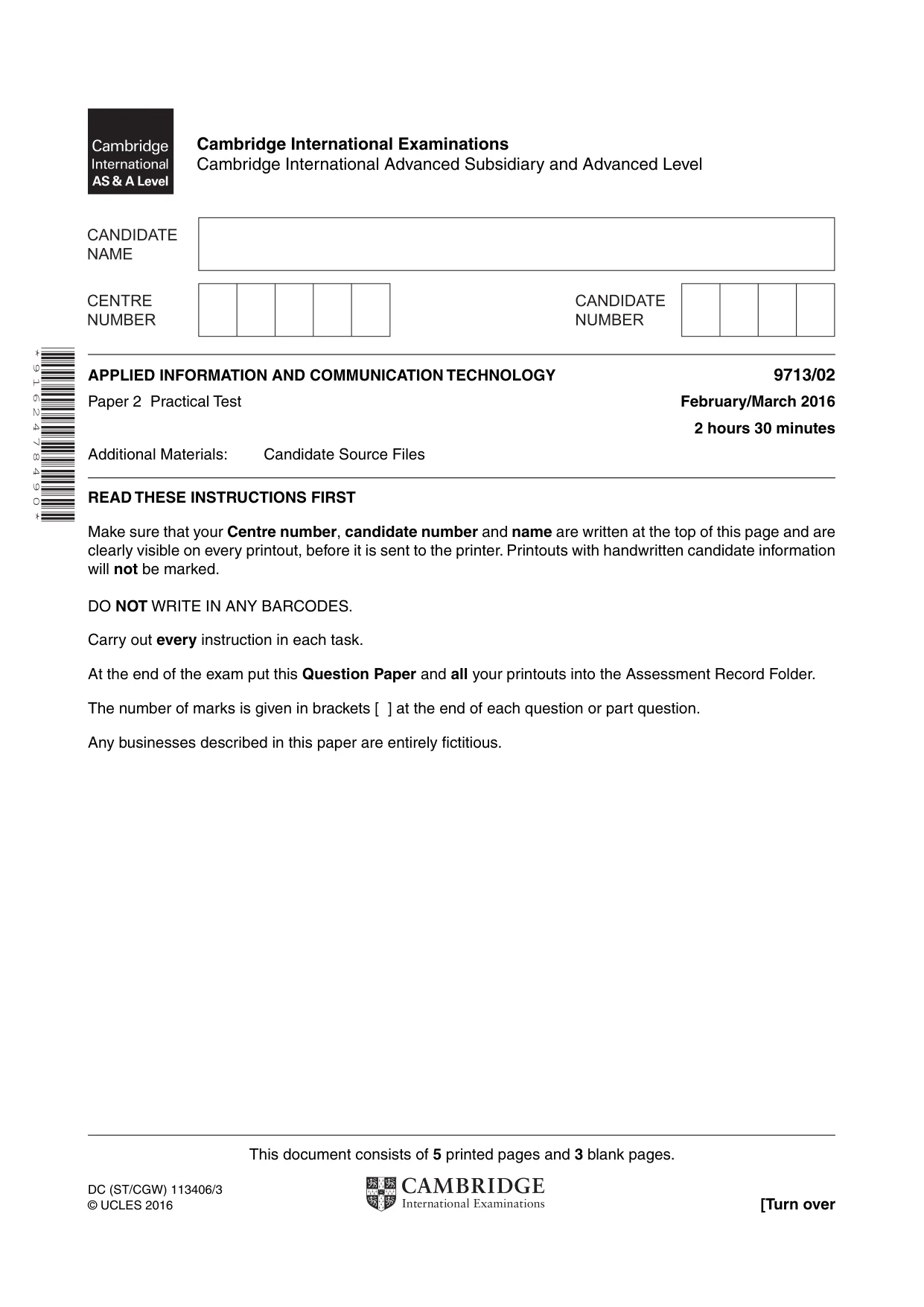
This document consists of 5 printed pages and 3 blank pages. DC (ST/CGW) 113406/3 © UCLES 2016 [Turn over Cambridge International Examinations Cambridge International Advanced Subsidiary and Advanced Level * 9 1 6 2 4 7 8 4 9 0 * APPLIED INFORMATION AND COMMUNICATION TECHNOLOGY 9713/02 Paper 2 Practical Test February/March 2016 2 hours 30 minutes Additional Materials: Candidate Source Files READ THESE INSTRUCTIONS FIRST Make sure that your Centre number, candidate number and name are written at the top of this page and are clearly visible on every printout, before it is sent to the printer. Printouts with handwritten candidate information will not be marked. DO NOT WRITE IN ANY BARCODES. Carry out every instruction in each task. At the end of the exam put this Question Paper and all your printouts into the Assessment Record Folder. The number of marks is given in brackets [ ] at the end of each question or part question. Any businesses described in this paper are entirely fictitious.
Question paper, page 2
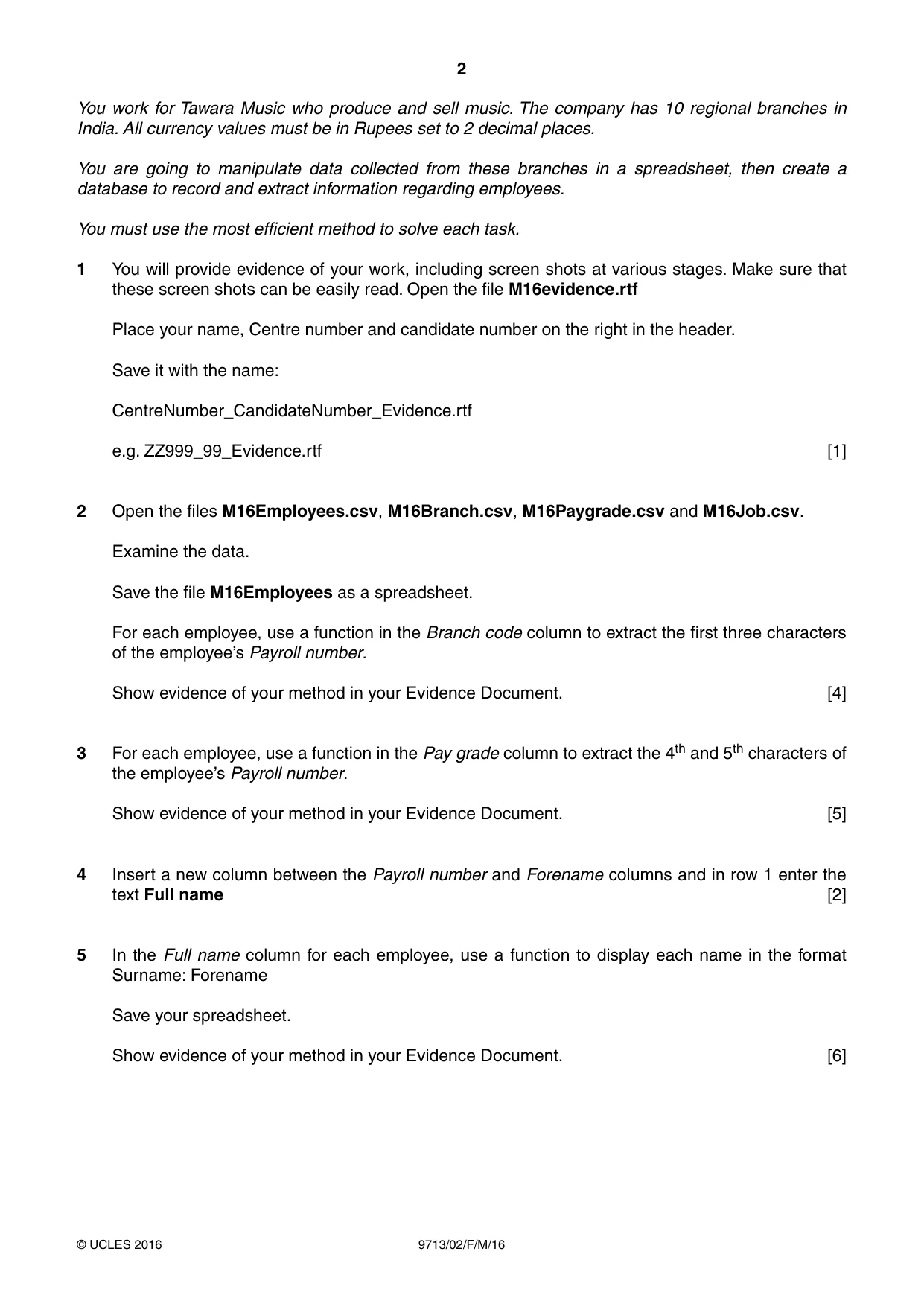
2 9713/02/F/M/16 © UCLES 2016 You work for Tawara Music who produce and sell music. The company has 10 regional branches in India. All currency values must be in Rupees set to 2 decimal places. You are going to manipulate data collected from these branches in a spreadsheet, then create a database to record and extract information regarding employees. You must use the most efficient method to solve each task. 1 You will provide evidence of your work, including screen shots at various stages. Make sure that these screen shots can be easily read. Open the file M16evidence.rtf Place your name, Centre number and candidate number on the right in the header. Save it with the name: CentreNumber_CandidateNumber_Evidence.rtf e.g. ZZ999_99_Evidence.rtf [1] 2 Open the files M16Employees.csv, M16Branch.csv, M16Paygrade.csv and M16Job.csv. Examine the data. Save the file M16Employees as a spreadsheet. For each employee, use a function in the Branch code column to extract the first three characters of the employee’s Payroll number. Show evidence of your method in your Evidence Document. [4] 3 For each employee, use a function in the Pay grade column to extract the 4th and 5th characters of the employee’s Payroll number. Show evidence of your method in your Evidence Document. [5] 4 Insert a new column between the Payroll number and Forename columns and in row 1 enter the text Full name [2] 5 In the Full name column for each employee, use a function to display each name in the format Surname: Forename Save your spreadsheet. Show evidence of your method in your Evidence Document. [6]
Question paper, page 3
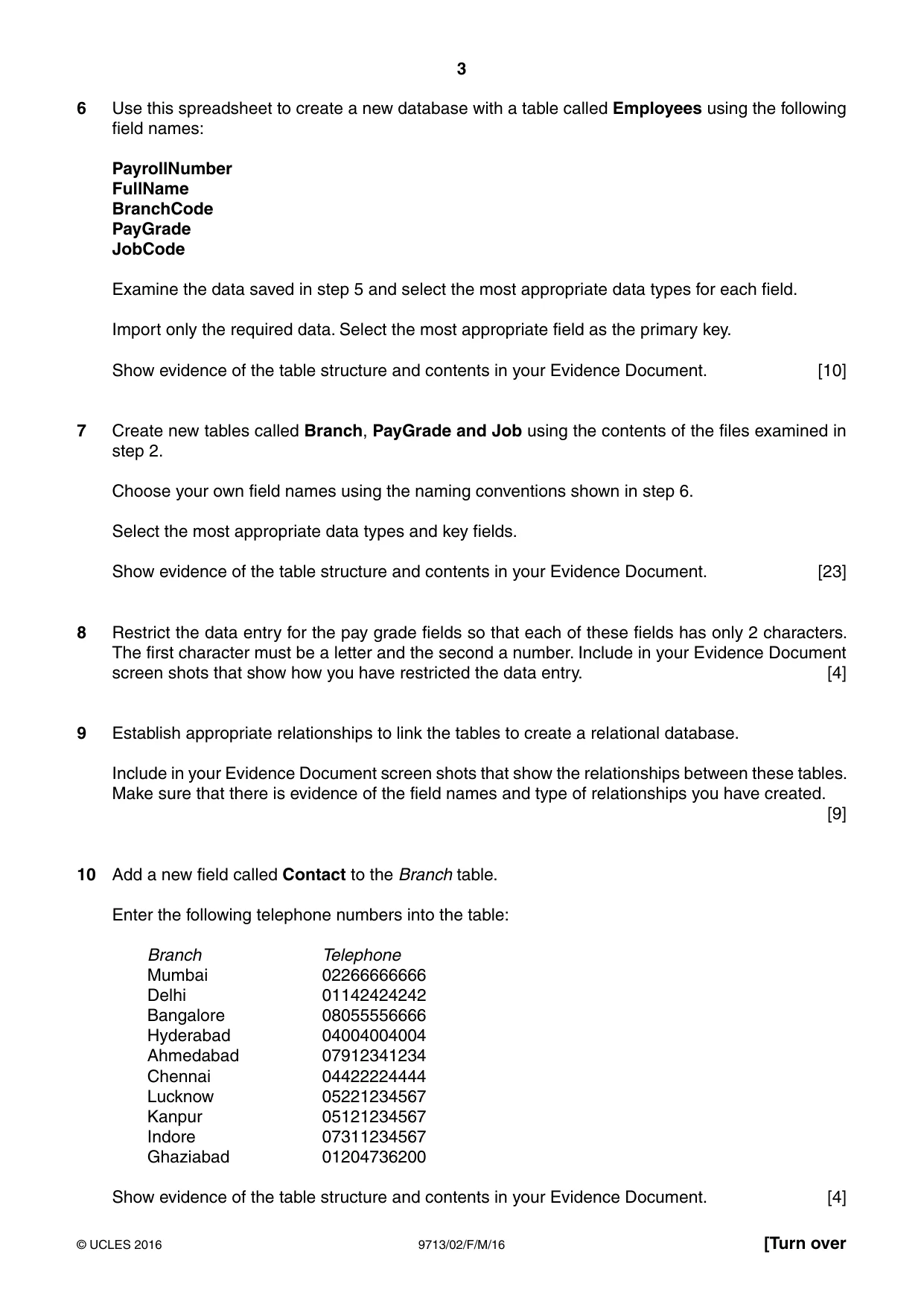
3 9713/02/F/M/16 © UCLES 2016 [Turn over 6 Use this spreadsheet to create a new database with a table called Employees using the following field names: PayrollNumber FullName BranchCode PayGrade JobCode Examine the data saved in step 5 and select the most appropriate data types for each field. Import only the required data. Select the most appropriate field as the primary key. Show evidence of the table structure and contents in your Evidence Document. [10] 7 Create new tables called Branch, PayGrade and Job using the contents of the files examined in step 2. Choose your own field names using the naming conventions shown in step 6. Select the most appropriate data types and key fields. Show evidence of the table structure and contents in your Evidence Document. [23] 8 Restrict the data entry for the pay grade fields so that each of these fields has only 2 characters. The first character must be a letter and the second a number. Include in your Evidence Document screen shots that show how you have restricted the data entry. [4] 9 Establish appropriate relationships to link the tables to create a relational database. Include in your Evidence Document screen shots that show the relationships between these tables. Make sure that there is evidence of the field names and type of relationships you have created. [9] 10 Add a new field called Contact to the Branch table. Enter the following telephone numbers into the table: Branch Telephone Mumbai 02266666666 Delhi 01142424242 Bangalore 08055556666 Hyderabad 04004004004 Ahmedabad 07912341234 Chennai 04422224444 Lucknow 05221234567 Kanpur 05121234567 Indore 07311234567 Ghaziabad 01204736200 Show evidence of the table structure and contents in your Evidence Document. [4]
Question paper, page 4
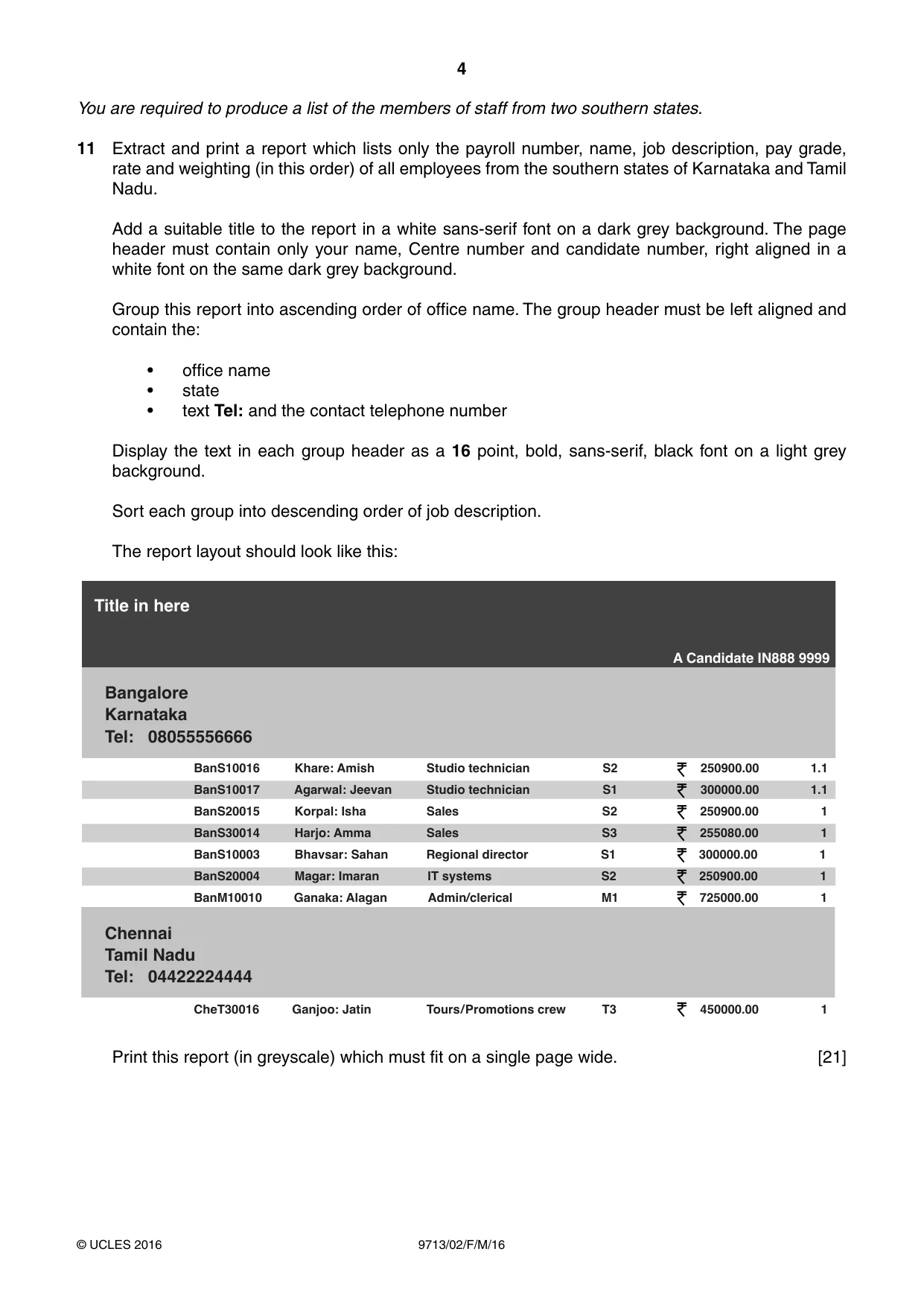
4 9713/02/F/M/16 © UCLES 2016 You are required to produce a list of the members of staff from two southern states. 11 Extract and print a report which lists only the payroll number, name, job description, pay grade, rate and weighting (in this order) of all employees from the southern states of Karnataka and Tamil Nadu. Add a suitable title to the report in a white sans-serif font on a dark grey background. The page header must contain only your name, Centre number and candidate number, right aligned in a white font on the same dark grey background. Group this report into ascending order of office name. The group header must be left aligned and contain the: • office name • state • text Tel: and the contact telephone number Display the text in each group header as a 16 point, bold, sans-serif, black font on a light grey background. Sort each group into descending order of job description. The report layout should look like this: Title in here Bangalore Karnataka Tel: 08055556666 Chennai Tamil Nadu Tel: 04422224444 BanS10016 Khare: Amish Studio technician S2 250900.00 1.1 BanS10017 Agarwal: Jeevan Studio technician S1 300000.00 1.1 BanS20015 Korpal: Isha Sales S2 250900.00 1 BanS30014 Harjo: Amma Sales S3 255080.00 1 BanS10003 Bhavsar: Sahan Regional director S1 300000.00 1 BanS20004 Magar: Imaran IT systems S2 250900.00 1 BanM10010 Ganaka: Alagan Admin/clerical M1 725000.00 1 CheT30016 Ganjoo: Jatin Tours / Promotions crew T3 450000.00 1 A Candidate IN888 9999 Print this report (in greyscale) which must fit on a single page wide. [21]
Question paper, page 5
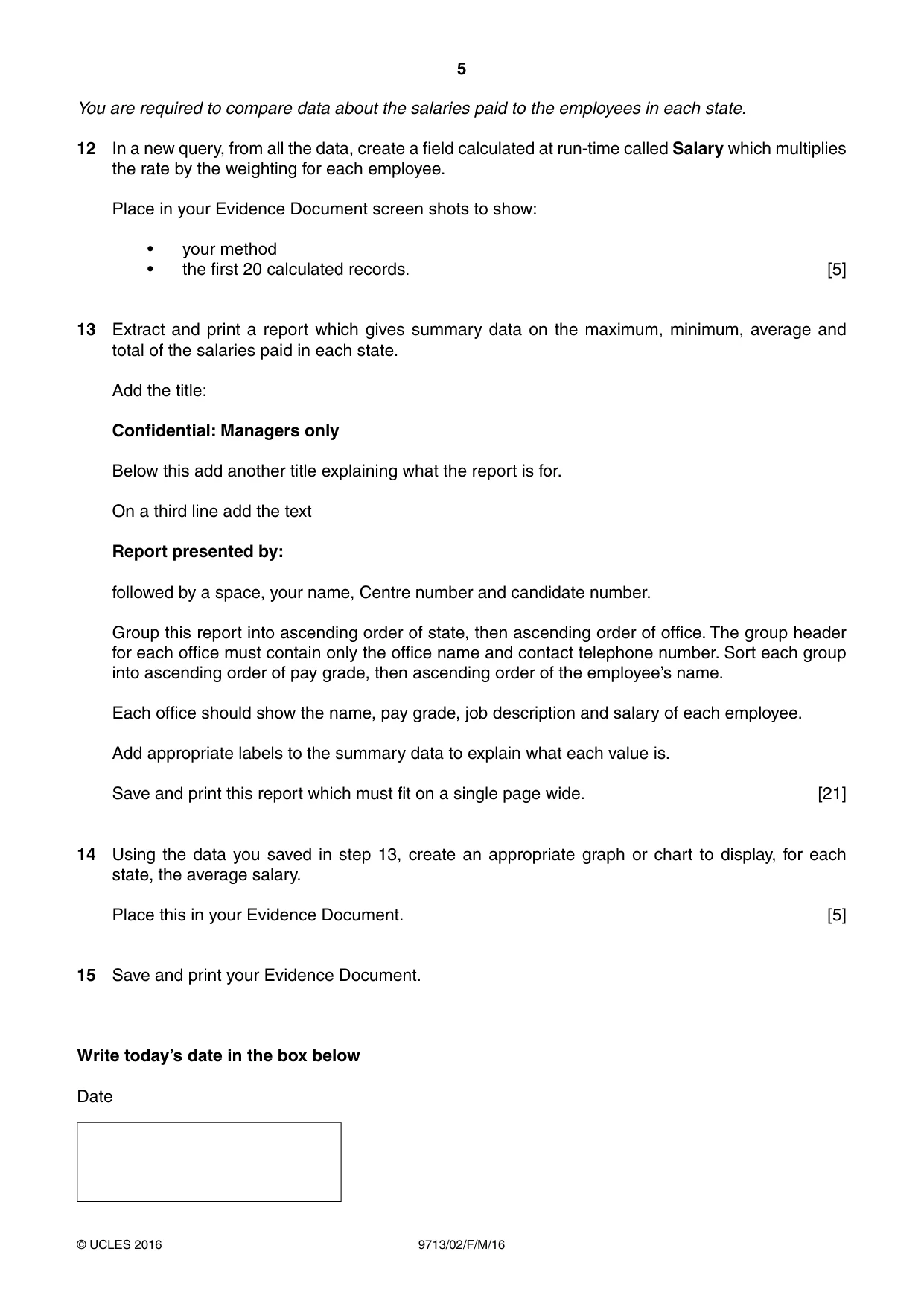
5 9713/02/F/M/16 © UCLES 2016 You are required to compare data about the salaries paid to the employees in each state. 12 In a new query, from all the data, create a field calculated at run-time called Salary which multiplies the rate by the weighting for each employee. Place in your Evidence Document screen shots to show: • your method • the first 20 calculated records. [5] 13 Extract and print a report which gives summary data on the maximum, minimum, average and total of the salaries paid in each state. Add the title: Confidential: Managers only Below this add another title explaining what the report is for. On a third line add the text Report presented by: followed by a space, your name, Centre number and candidate number. Group this report into ascending order of state, then ascending order of office. The group header for each office must contain only the office name and contact telephone number. Sort each group into ascending order of pay grade, then ascending order of the employee’s name. Each office should show the name, pay grade, job description and salary of each employee. Add appropriate labels to the summary data to explain what each value is. Save and print this report which must fit on a single page wide. [21] 14 Using the data you saved in step 13, create an appropriate graph or chart to display, for each state, the average salary. Place this in your Evidence Document. [5] 15 Save and print your Evidence Document. Write today’s date in the box below Date
Question paper, page 6
6 9713/02/F/M/16 © UCLES 2016 BLANK PAGE
Question paper, page 7
7 9713/02/F/M/16 © UCLES 2016 BLANK PAGE
Question paper, page 8
8 9713/02/F/M/16 © UCLES 2016 Permission to reproduce items where third-party owned material protected by copyright is included has been sought and cleared where possible. Every reasonable effort has been made by the publisher (UCLES) to trace copyright holders, but if any items requiring clearance have unwittingly been included, the publisher will be pleased to make amends at the earliest possible opportunity. To avoid the issue of disclosure of answer-related information to candidates, all copyright acknowledgements are reproduced online in the Cambridge International Examinations Copyright Acknowledgements Booklet. This is produced for each series of examinations and is freely available to download at www.cie.org.uk after the live examination series. Cambridge International Examinations is part of the Cambridge Assessment Group. Cambridge Assessment is the brand name of University of Cambridge Local Examinations Syndicate (UCLES), which is itself a department of the University of Cambridge. BLANK PAGE