Cambridge A Level Applied Information and Communication Technology 9713 — 2008 May/June Paper 1 · Variant 1
9713/11/M/J/08 · 80 marks · ≈90 min
The question paper and its mark scheme, free to read here and free to download. This is Cambridge’s own paper, exactly as it was sat.
Question paper12 pages

Mark scheme7 pages
Answers below. Sit the paper first if you are practising.
Paper as text
Question paper, page 1
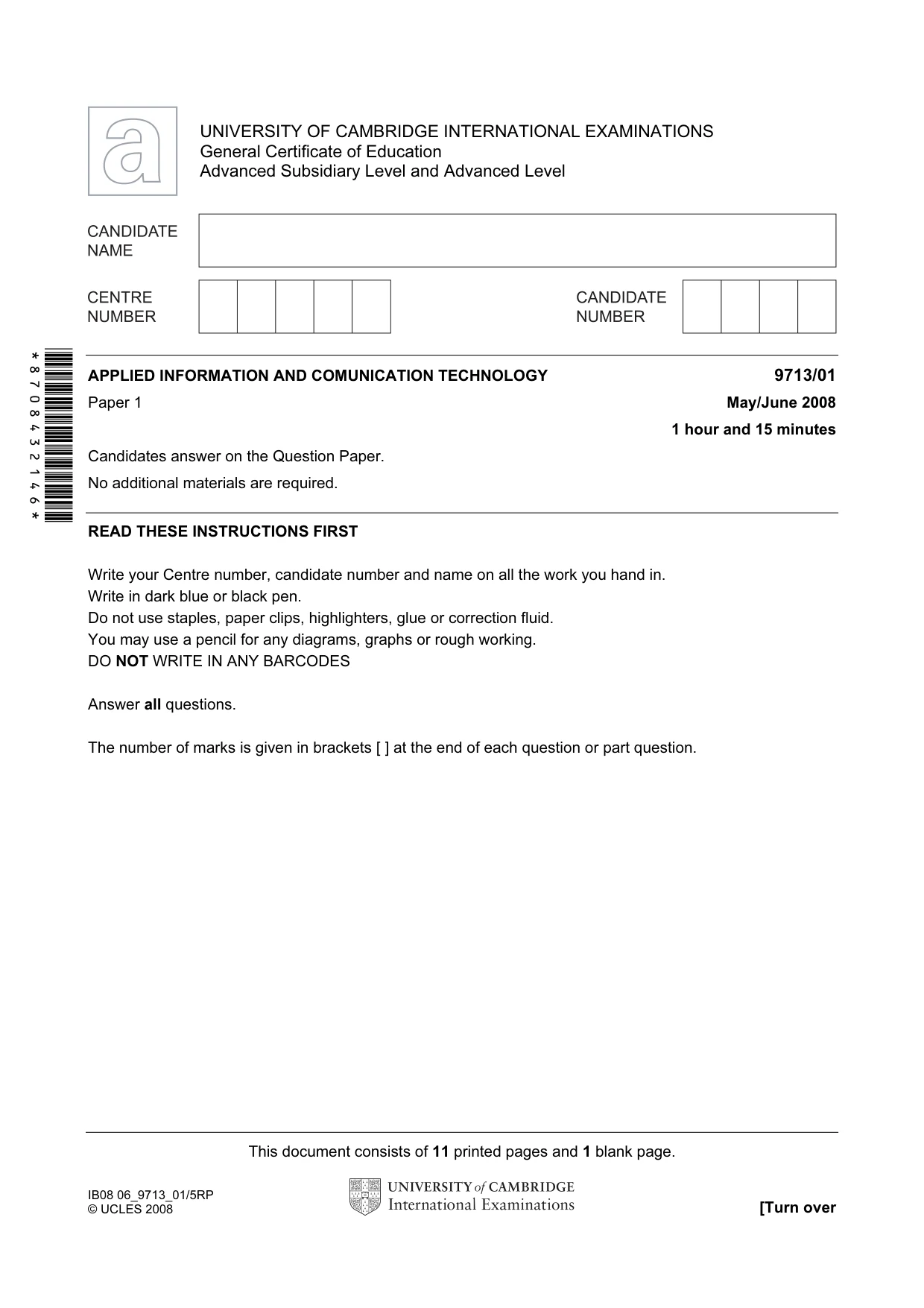
This document consists of 11 printed pages and 1 blank page. IB08 06_9713_01/5RP © UCLES 2008 [Turn over *8708432146* UNIVERSITY OF CAMBRIDGE INTERNATIONAL EXAMINATIONS General Certificate of Education Advanced Subsidiary Level and Advanced Level APPLIED INFORMATION AND COMUNICATION TECHNOLOGY 9713/01 Paper 1 May/June 2008 1 hour and 15 minutes Candidates answer on the Question Paper. No additional materials are required. READ THESE INSTRUCTIONS FIRST Write your Centre number, candidate number and name on all the work you hand in. Write in dark blue or black pen. Do not use staples, paper clips, highlighters, glue or correction fluid. You may use a pencil for any diagrams, graphs or rough working. DO NOT WRITE IN ANY BARCODES Answer all questions. The number of marks is given in brackets [ ] at the end of each question or part question.
Question paper, page 2
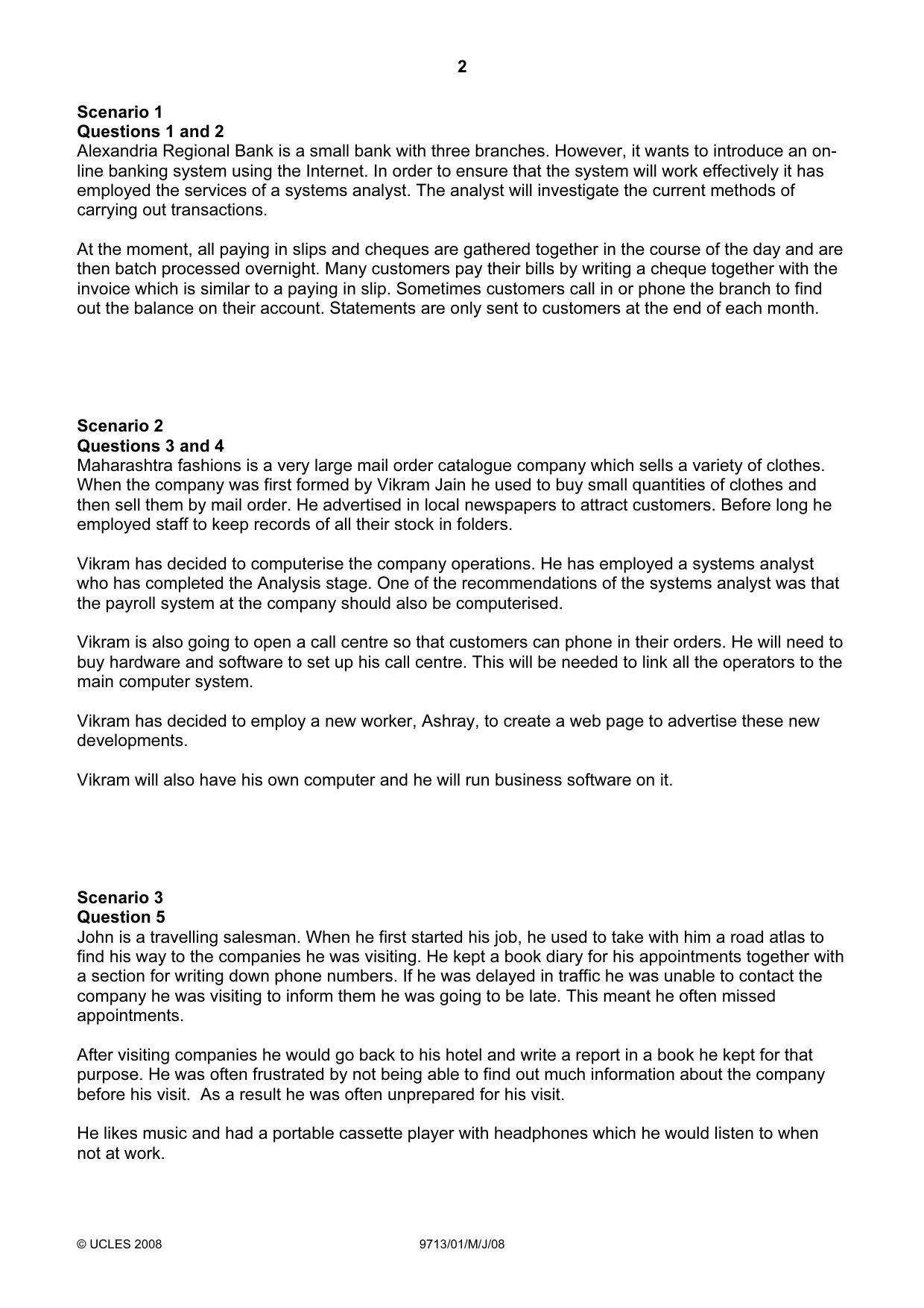
2 © UCLES 2008 9713/01/M/J/08 Scenario 1 Questions 1 and 2 Alexandria Regional Bank is a small bank with three branches. However, it wants to introduce an on- line banking system using the Internet. In order to ensure that the system will work effectively it has employed the services of a systems analyst. The analyst will investigate the current methods of carrying out transactions. At the moment, all paying in slips and cheques are gathered together in the course of the day and are then batch processed overnight. Many customers pay their bills by writing a cheque together with the invoice which is similar to a paying in slip. Sometimes customers call in or phone the branch to find out the balance on their account. Statements are only sent to customers at the end of each month. Scenario 2 Questions 3 and 4 Maharashtra fashions is a very large mail order catalogue company which sells a variety of clothes. When the company was first formed by Vikram Jain he used to buy small quantities of clothes and then sell them by mail order. He advertised in local newspapers to attract customers. Before long he employed staff to keep records of all their stock in folders. Vikram has decided to computerise the company operations. He has employed a systems analyst who has completed the Analysis stage. One of the recommendations of the systems analyst was that the payroll system at the company should also be computerised. Vikram is also going to open a call centre so that customers can phone in their orders. He will need to buy hardware and software to set up his call centre. This will be needed to link all the operators to the main computer system. Vikram has decided to employ a new worker, Ashray, to create a web page to advertise these new developments. Vikram will also have his own computer and he will run business software on it. Scenario 3 Question 5 John is a travelling salesman. When he first started his job, he used to take with him a road atlas to find his way to the companies he was visiting. He kept a book diary for his appointments together with a section for writing down phone numbers. If he was delayed in traffic he was unable to contact the company he was visiting to inform them he was going to be late. This meant he often missed appointments. After visiting companies he would go back to his hotel and write a report in a book he kept for that purpose. He was often frustrated by not being able to find out much information about the company before his visit. As a result he was often unprepared for his visit. He likes music and had a portable cassette player with headphones which he would listen to when not at work.
Question paper, page 3
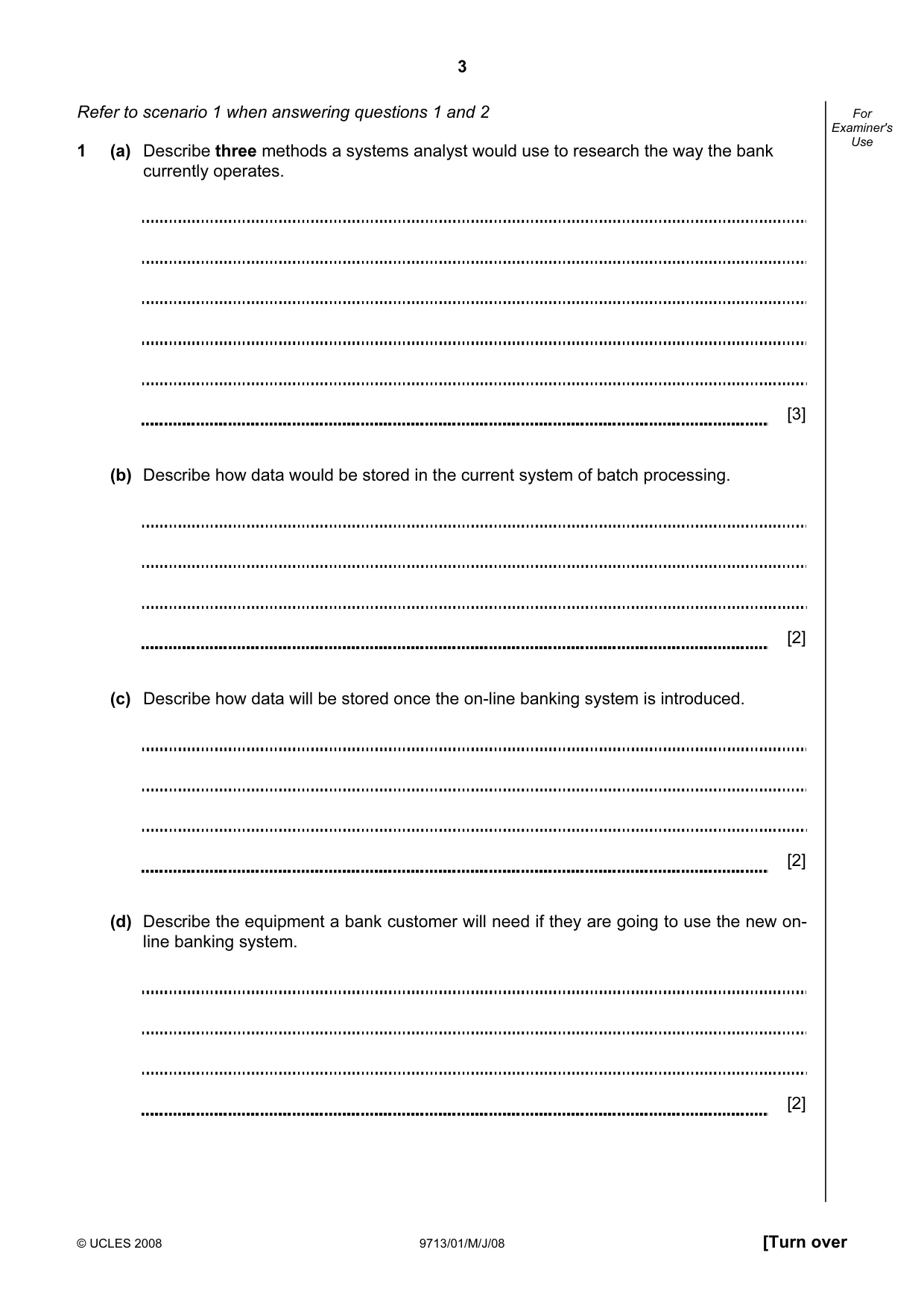
3 © UCLES 2008 9713/01/M/J/08 [Turn over For Examiner's Use Refer to scenario 1 when answering questions 1 and 2 1 (a) Describe three methods a systems analyst would use to research the way the bank currently operates. [3] (b) Describe how data would be stored in the current system of batch processing. [2] (c) Describe how data will be stored once the on-line banking system is introduced. [2] (d) Describe the equipment a bank customer will need if they are going to use the new on- line banking system. [2]
Question paper, page 4
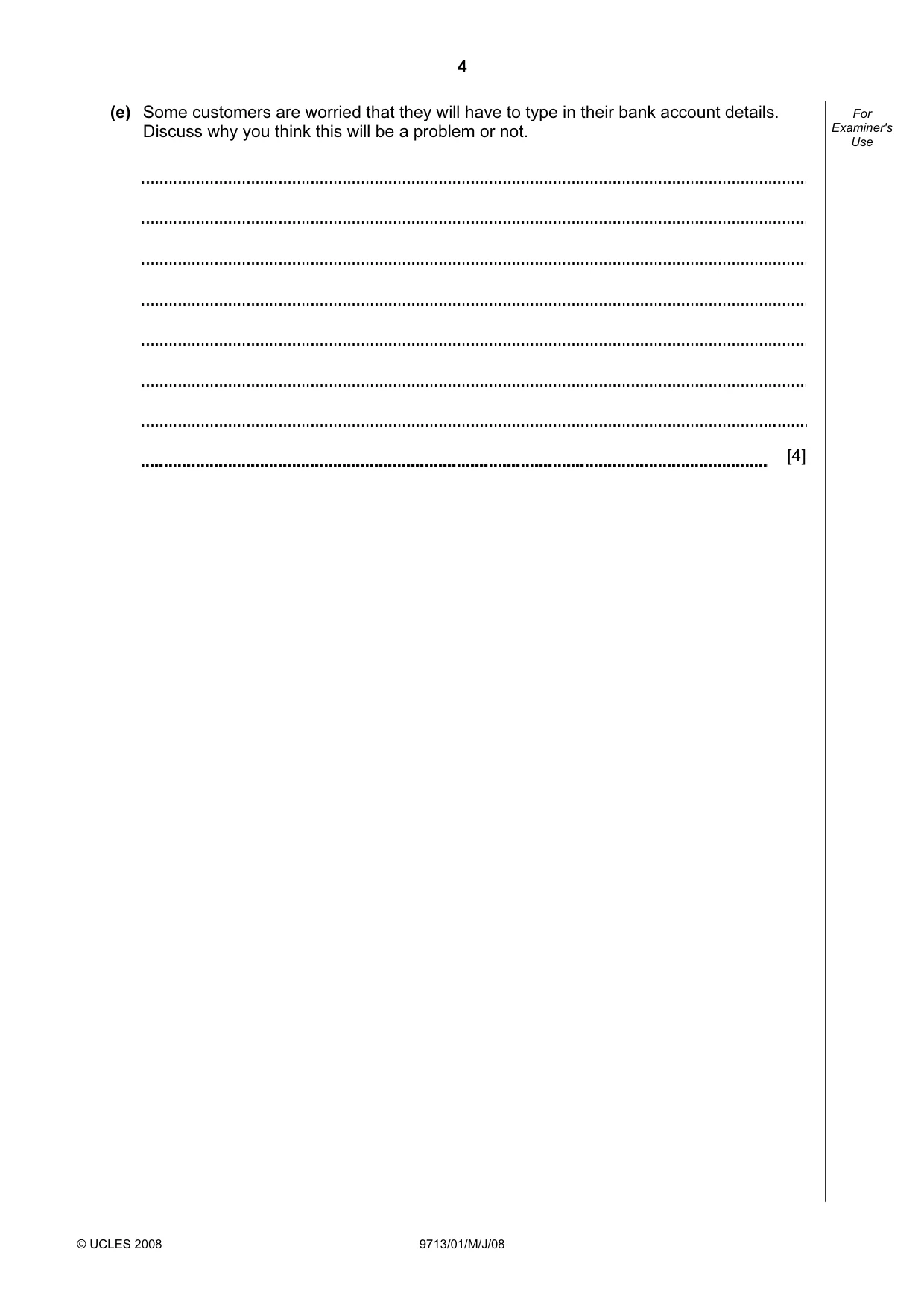
4 © UCLES 2008 9713/01/M/J/08 For Examiner's Use (e) Some customers are worried that they will have to type in their bank account details. Discuss why you think this will be a problem or not. [4]
Question paper, page 5
5 © UCLES 2008 9713/01/M/J/08 [Turn over For Examiner's Use 2 (a) Describe the effects that the introduction of the new system will have on the people who work at the bank in terms of employment and working patterns. [4] (b) Explain what responsibilities the bank has with regard to its customers and the data they will store about them. Discuss the types of security measure it will need to introduce. [6]
Question paper, page 6
6 © UCLES 2008 9713/01/M/J/08 For Examiner's Use Refer to scenario 2 when answering questions 3 and 4 3 (a) Describe the different items that the systems analyst will need to include at the Design stage and explain the factors that will influence the choice of item. [8] (b) Computerising the payroll will require the creation of a master file and a transaction file. Describe the information that will need to be stored about each worker on each file. [3]
Question paper, page 7
7 © UCLES 2008 9713/01/M/J/08 [Turn over For Examiner's Use (c) Describe the outputs of the payroll system. [4] (d) The new system will need to be implemented. Compare and contrast the different methods of implementation that the company could use. [6]
Question paper, page 8
8 © UCLES 2008 9713/01/M/J/08 For Examiner's Use (e) After the system has been implemented it will need to be evaluated. Describe how the new system will be evaluated and how the results of this evaluation will be used. [4]
Question paper, page 9
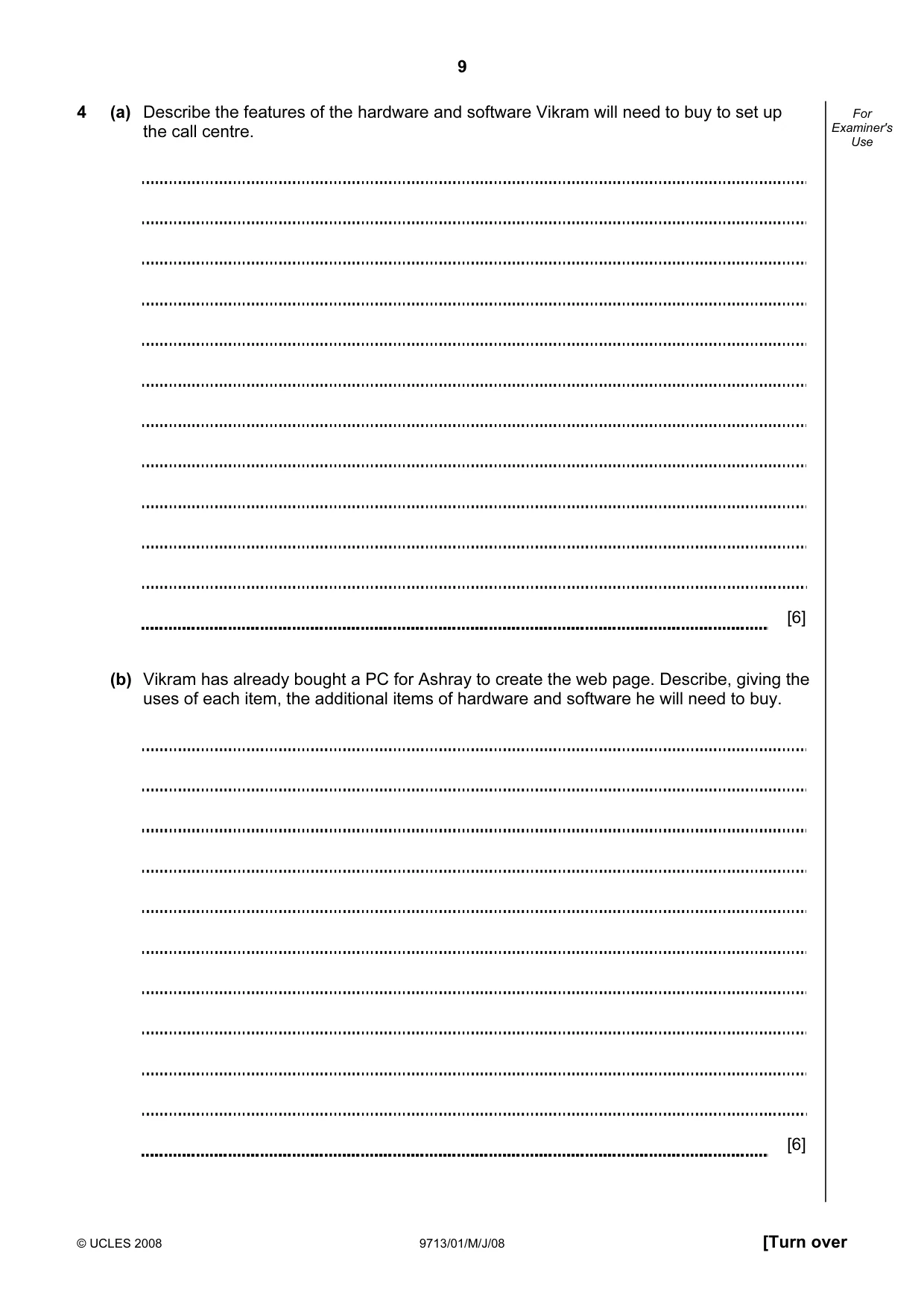
9 © UCLES 2008 9713/01/M/J/08 [Turn over For Examiner's Use 4 (a) Describe the features of the hardware and software Vikram will need to buy to set up the call centre. [6] (b) Vikram has already bought a PC for Ashray to create the web page. Describe, giving the uses of each item, the additional items of hardware and software he will need to buy. [6]
Question paper, page 10
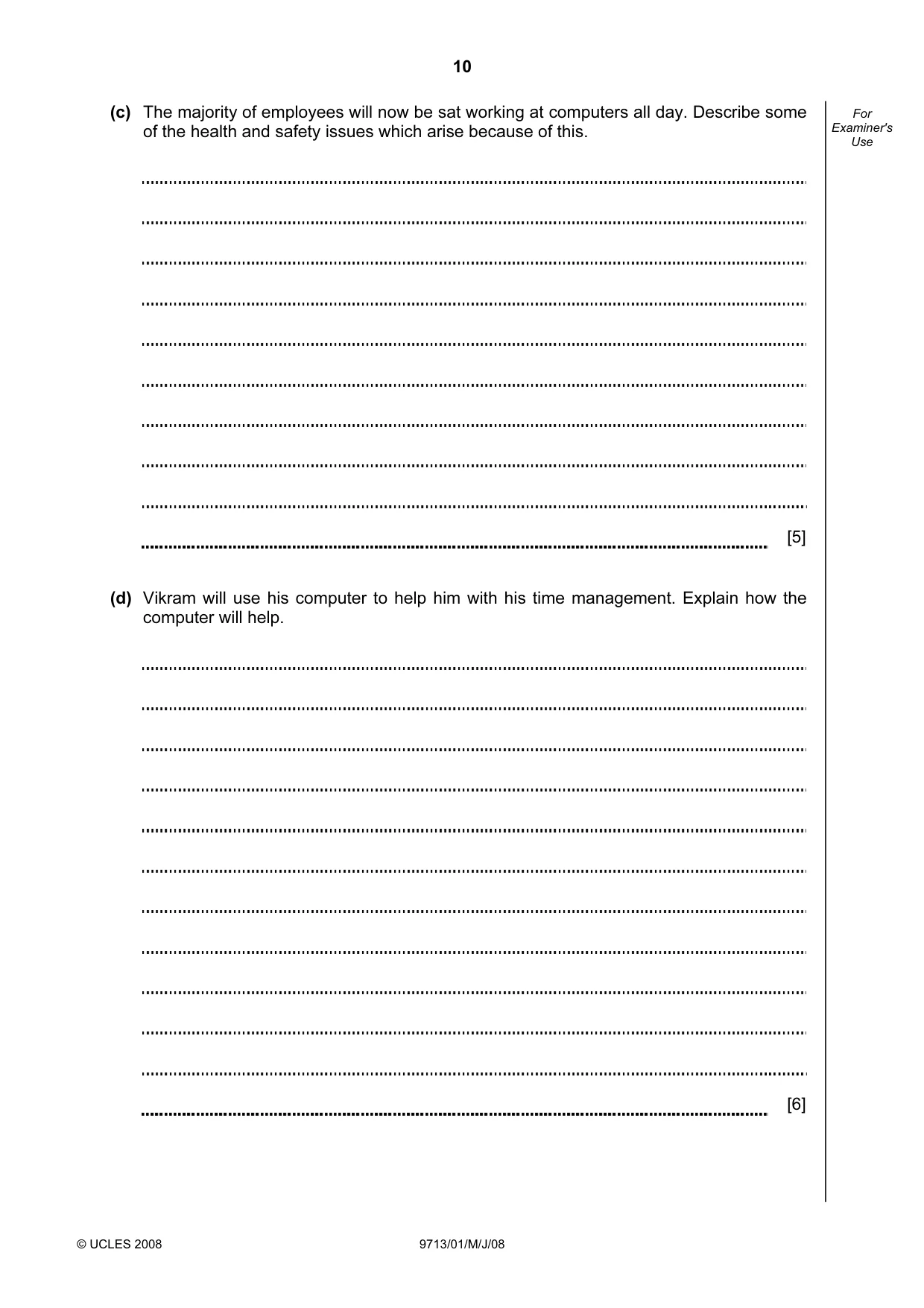
10 © UCLES 2008 9713/01/M/J/08 For Examiner's Use (c) The majority of employees will now be sat working at computers all day. Describe some of the health and safety issues which arise because of this. [5] (d) Vikram will use his computer to help him with his time management. Explain how the computer will help. [6]
Question paper, page 11
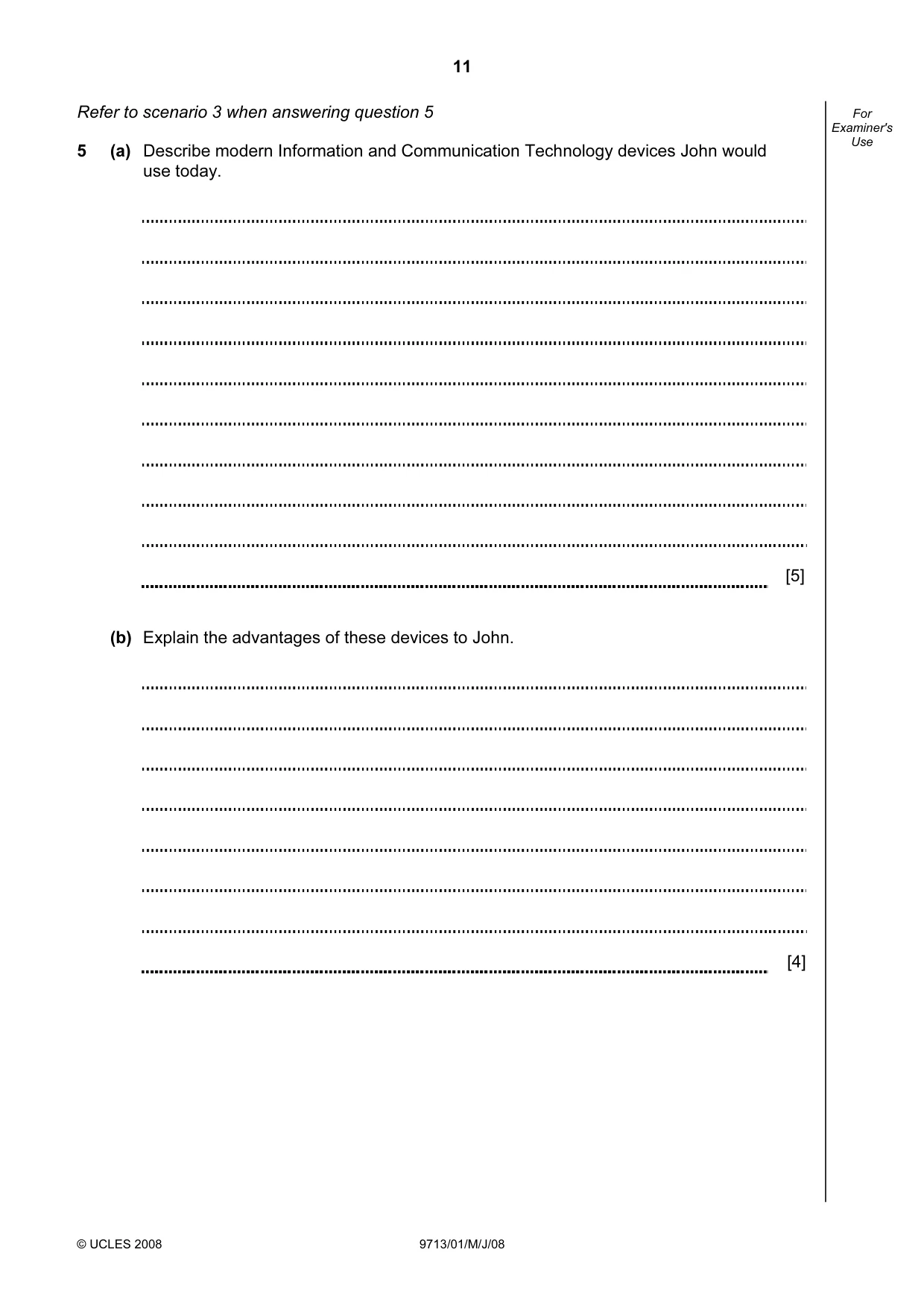
11 © UCLES 2008 9713/01/M/J/08 For Examiner's Use Refer to scenario 3 when answering question 5 5 (a) Describe modern Information and Communication Technology devices John would use today. [5] (b) Explain the advantages of these devices to John. [4]
Question paper, page 12
12 Permission to reproduce items where third-party owned material protected by copyright is included has been sought and cleared where possible. Every reasonable effort has been made by the publisher (UCLES) to trace copyright holders, but if any items requiring clearance have unwittingly been included, the publisher will be pleased to make amends at the earliest possible opportunity. University of Cambridge International Examinations is part of the Cambridge Assessment Group. Cambridge Assessment is the brand name of University of Cambridge Local Examinations Syndicate (UCLES), which is itself a department of the University of Cambridge. 9713/01/M/J/08 BLANK PAGE
Mark scheme, page 1
UNIVERSITY OF CAMBRIDGE INTERNATIONAL EXAMINATIONS GCE Advanced Subsidiary Level and GCE Advanced Level MARK SCHEME for the May/June 2008 question paper 9713 APPLIED INFORMATION AND COMMUNICATION TECHNOLOGY 9713/01 Paper 1 (Written A), maximum raw mark 80 This mark scheme is published as an aid to teachers and candidates, to indicate the requirements of the examination. It shows the basis on which Examiners were instructed to award marks. It does not indicate the details of the discussions that took place at an Examiners’ meeting before marking began. All Examiners are instructed that alternative correct answers and unexpected approaches in candidates’ scripts must be given marks that fairly reflect the relevant knowledge and skills demonstrated. Mark schemes must be read in conjunction with the question papers and the report on the examination. • CIE will not enter into discussions or correspondence in connection with these mark schemes. CIE is publishing the mark schemes for the May/June 2008 question papers for most IGCSE, GCE Advanced Level and Advanced Subsidiary Level syllabuses and some Ordinary Level syllabuses.
Mark scheme, page 2
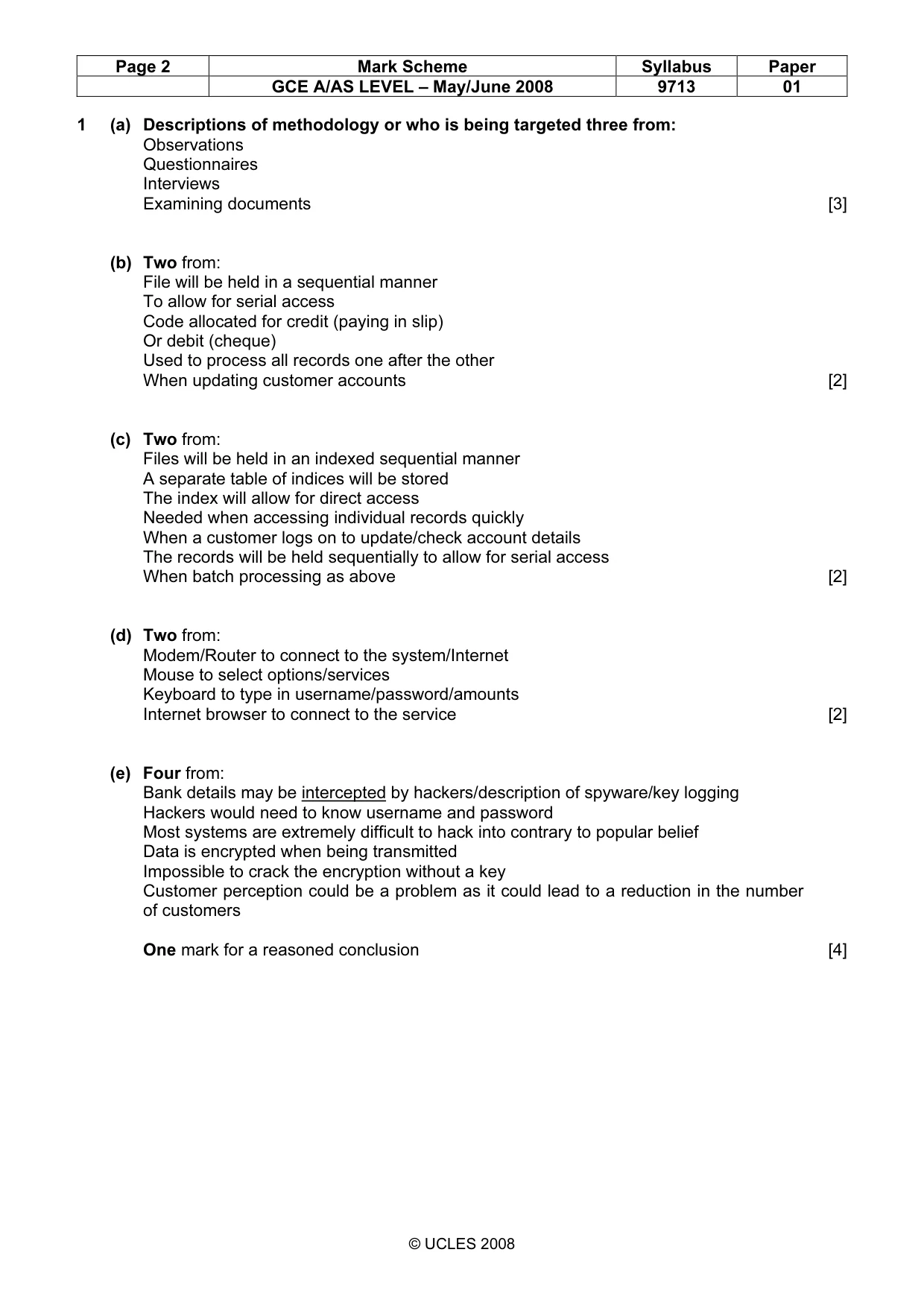
Page 2 Mark Scheme Syllabus Paper GCE A/AS LEVEL – May/June 2008 9713 01 © UCLES 2008 1 (a) Descriptions of methodology or who is being targeted three from: Observations Questionnaires Interviews Examining documents [3] (b) Two from: File will be held in a sequential manner To allow for serial access Code allocated for credit (paying in slip) Or debit (cheque) Used to process all records one after the other When updating customer accounts [2] (c) Two from: Files will be held in an indexed sequential manner A separate table of indices will be stored The index will allow for direct access Needed when accessing individual records quickly When a customer logs on to update/check account details The records will be held sequentially to allow for serial access When batch processing as above [2] (d) Two from: Modem/Router to connect to the system/Internet Mouse to select options/services Keyboard to type in username/password/amounts Internet browser to connect to the service [2] (e) Four from: Bank details may be intercepted by hackers/description of spyware/key logging Hackers would need to know username and password Most systems are extremely difficult to hack into contrary to popular belief Data is encrypted when being transmitted Impossible to crack the encryption without a key Customer perception could be a problem as it could lead to a reduction in the number of customers One mark for a reasoned conclusion [4]
Mark scheme, page 3
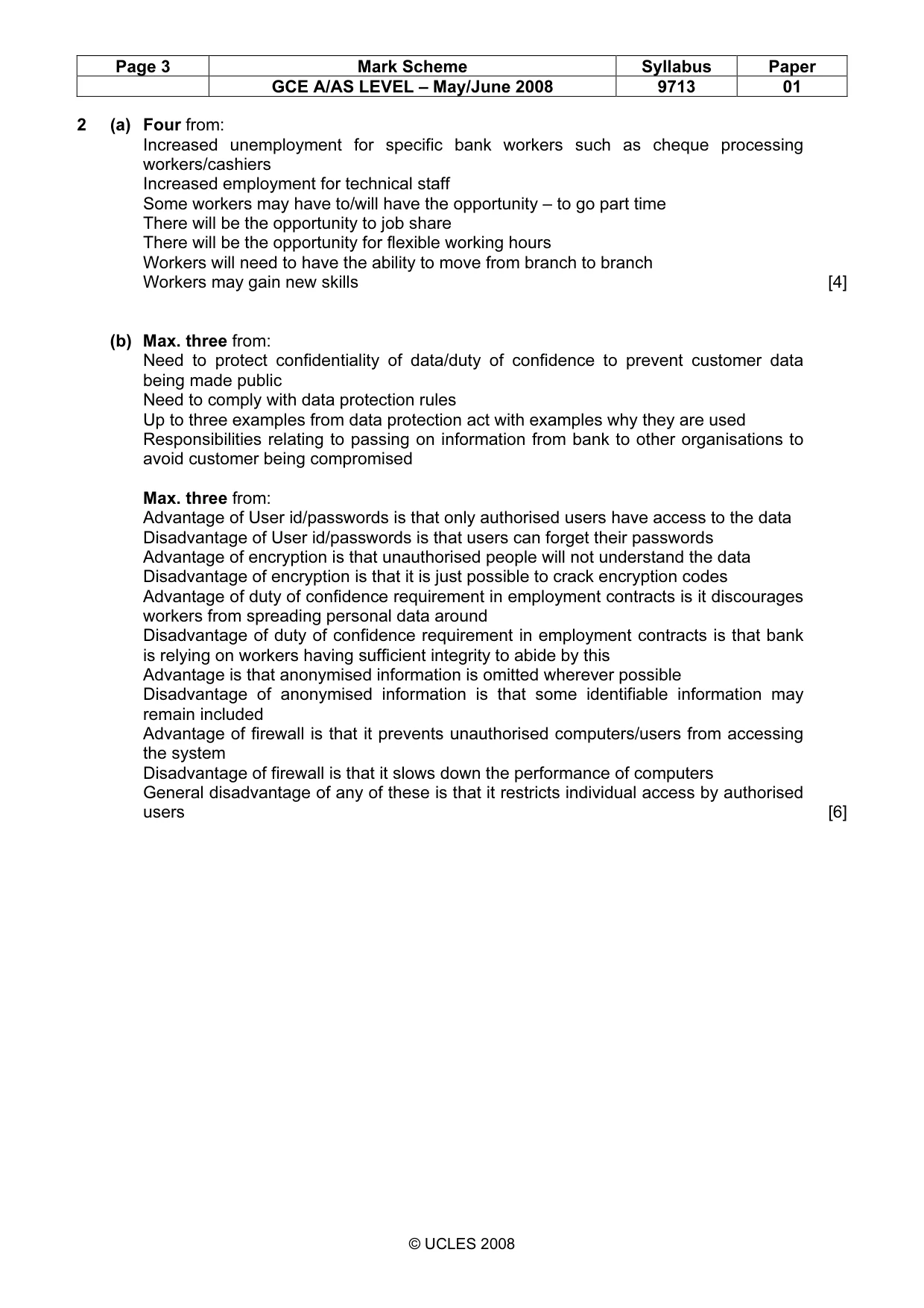
Page 3 Mark Scheme Syllabus Paper GCE A/AS LEVEL – May/June 2008 9713 01 © UCLES 2008 2 (a) Four from: Increased unemployment for specific bank workers such as cheque processing workers/cashiers Increased employment for technical staff Some workers may have to/will have the opportunity – to go part time There will be the opportunity to job share There will be the opportunity for flexible working hours Workers will need to have the ability to move from branch to branch Workers may gain new skills [4] (b) Max. three from: Need to protect confidentiality of data/duty of confidence to prevent customer data being made public Need to comply with data protection rules Up to three examples from data protection act with examples why they are used Responsibilities relating to passing on information from bank to other organisations to avoid customer being compromised Max. three from: Advantage of User id/passwords is that only authorised users have access to the data Disadvantage of User id/passwords is that users can forget their passwords Advantage of encryption is that unauthorised people will not understand the data Disadvantage of encryption is that it is just possible to crack encryption codes Advantage of duty of confidence requirement in employment contracts is it discourages workers from spreading personal data around Disadvantage of duty of confidence requirement in employment contracts is that bank is relying on workers having sufficient integrity to abide by this Advantage is that anonymised information is omitted wherever possible Disadvantage of anonymised information is that some identifiable information may remain included Advantage of firewall is that it prevents unauthorised computers/users from accessing the system Disadvantage of firewall is that it slows down the performance of computers General disadvantage of any of these is that it restricts individual access by authorised users [6]
Mark scheme, page 4
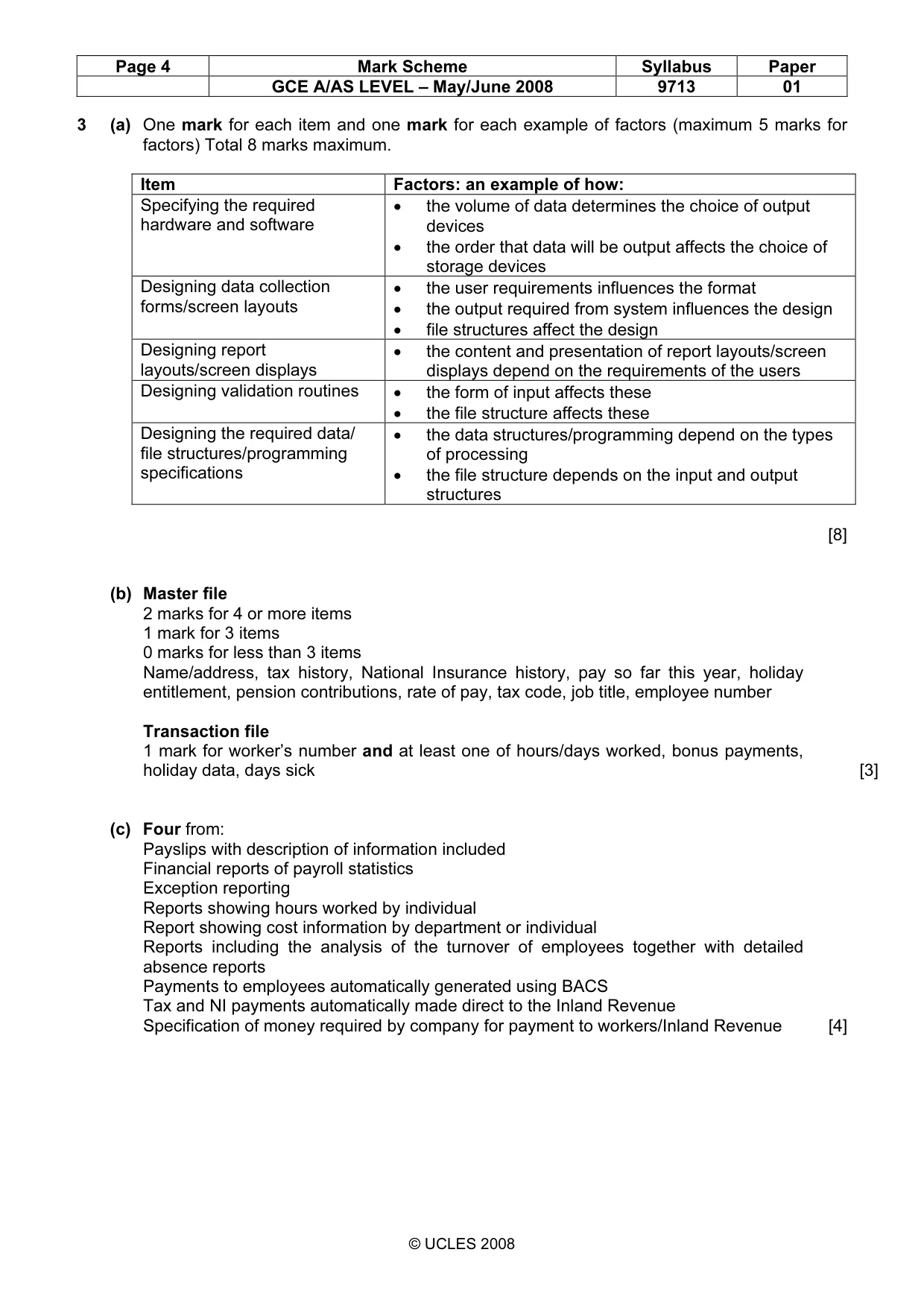
Page 4 Mark Scheme Syllabus Paper GCE A/AS LEVEL – May/June 2008 9713 01 © UCLES 2008 3 (a) One mark for each item and one mark for each example of factors (maximum 5 marks for factors) Total 8 marks maximum. Item Factors: an example of how: Specifying the required hardware and software • the volume of data determines the choice of output devices • the order that data will be output affects the choice of storage devices Designing data collection forms/screen layouts • the user requirements influences the format • the output required from system influences the design • file structures affect the design Designing report layouts/screen displays • the content and presentation of report layouts/screen displays depend on the requirements of the users Designing validation routines • the form of input affects these • the file structure affects these Designing the required data/ file structures/programming specifications • the data structures/programming depend on the types of processing • the file structure depends on the input and output structures [8] (b) Master file 2 marks for 4 or more items 1 mark for 3 items 0 marks for less than 3 items Name/address, tax history, National Insurance history, pay so far this year, holiday entitlement, pension contributions, rate of pay, tax code, job title, employee number Transaction file 1 mark for worker’s number and at least one of hours/days worked, bonus payments, holiday data, days sick [3] (c) Four from: Payslips with description of information included Financial reports of payroll statistics Exception reporting Reports showing hours worked by individual Report showing cost information by department or individual Reports including the analysis of the turnover of employees together with detailed absence reports Payments to employees automatically generated using BACS Tax and NI payments automatically made direct to the Inland Revenue Specification of money required by company for payment to workers/Inland Revenue [4]
Mark scheme, page 5
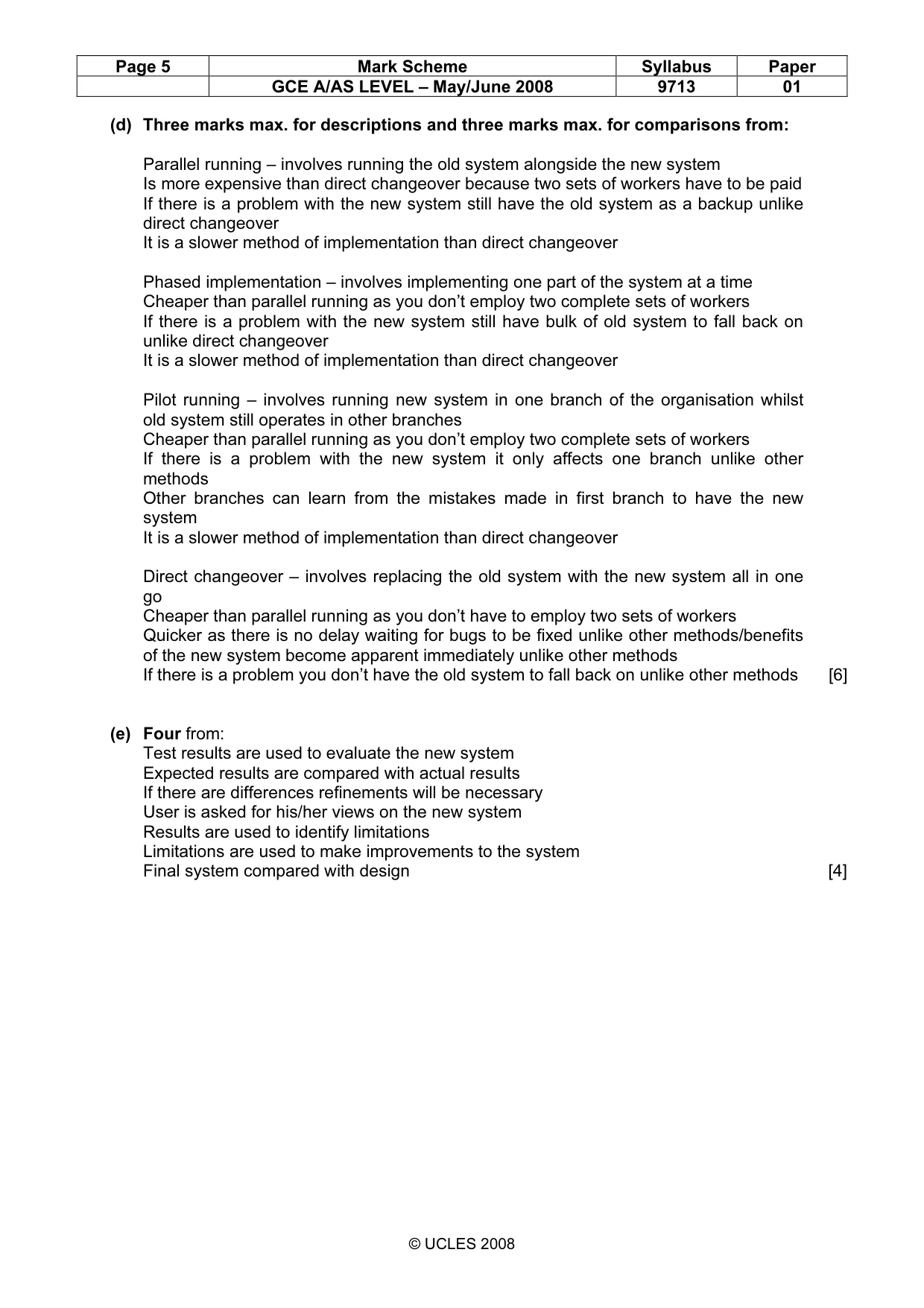
Page 5 Mark Scheme Syllabus Paper GCE A/AS LEVEL – May/June 2008 9713 01 © UCLES 2008 (d) Three marks max. for descriptions and three marks max. for comparisons from: Parallel running – involves running the old system alongside the new system Is more expensive than direct changeover because two sets of workers have to be paid If there is a problem with the new system still have the old system as a backup unlike direct changeover It is a slower method of implementation than direct changeover Phased implementation – involves implementing one part of the system at a time Cheaper than parallel running as you don’t employ two complete sets of workers If there is a problem with the new system still have bulk of old system to fall back on unlike direct changeover It is a slower method of implementation than direct changeover Pilot running – involves running new system in one branch of the organisation whilst old system still operates in other branches Cheaper than parallel running as you don’t employ two complete sets of workers If there is a problem with the new system it only affects one branch unlike other methods Other branches can learn from the mistakes made in first branch to have the new system It is a slower method of implementation than direct changeover Direct changeover – involves replacing the old system with the new system all in one go Cheaper than parallel running as you don’t have to employ two sets of workers Quicker as there is no delay waiting for bugs to be fixed unlike other methods/benefits of the new system become apparent immediately unlike other methods If there is a problem you don’t have the old system to fall back on unlike other methods [6] (e) Four from: Test results are used to evaluate the new system Expected results are compared with actual results If there are differences refinements will be necessary User is asked for his/her views on the new system Results are used to identify limitations Limitations are used to make improvements to the system Final system compared with design [4]
Mark scheme, page 6
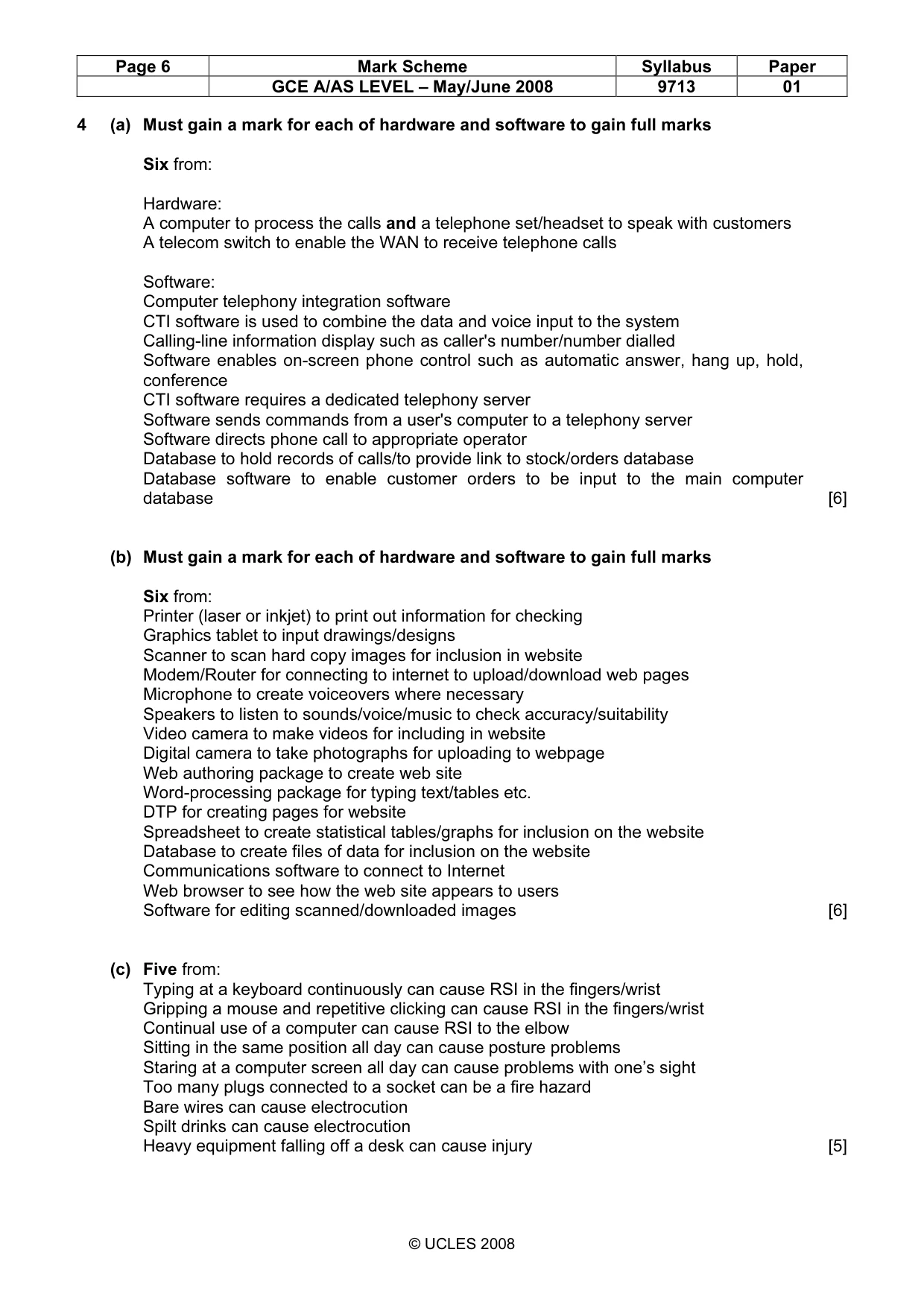
Page 6 Mark Scheme Syllabus Paper GCE A/AS LEVEL – May/June 2008 9713 01 © UCLES 2008 4 (a) Must gain a mark for each of hardware and software to gain full marks Six from: Hardware: A computer to process the calls and a telephone set/headset to speak with customers A telecom switch to enable the WAN to receive telephone calls Software: Computer telephony integration software CTI software is used to combine the data and voice input to the system Calling-line information display such as caller's number/number dialled Software enables on-screen phone control such as automatic answer, hang up, hold, conference CTI software requires a dedicated telephony server Software sends commands from a user's computer to a telephony server Software directs phone call to appropriate operator Database to hold records of calls/to provide link to stock/orders database Database software to enable customer orders to be input to the main computer database [6] (b) Must gain a mark for each of hardware and software to gain full marks Six from: Printer (laser or inkjet) to print out information for checking Graphics tablet to input drawings/designs Scanner to scan hard copy images for inclusion in website Modem/Router for connecting to internet to upload/download web pages Microphone to create voiceovers where necessary Speakers to listen to sounds/voice/music to check accuracy/suitability Video camera to make videos for including in website Digital camera to take photographs for uploading to webpage Web authoring package to create web site Word-processing package for typing text/tables etc. DTP for creating pages for website Spreadsheet to create statistical tables/graphs for inclusion on the website Database to create files of data for inclusion on the website Communications software to connect to Internet Web browser to see how the web site appears to users Software for editing scanned/downloaded images [6] (c) Five from: Typing at a keyboard continuously can cause RSI in the fingers/wrist Gripping a mouse and repetitive clicking can cause RSI in the fingers/wrist Continual use of a computer can cause RSI to the elbow Sitting in the same position all day can cause posture problems Staring at a computer screen all day can cause problems with one’s sight Too many plugs connected to a socket can be a fire hazard Bare wires can cause electrocution Spilt drinks can cause electrocution Heavy equipment falling off a desk can cause injury [5]
Mark scheme, page 7
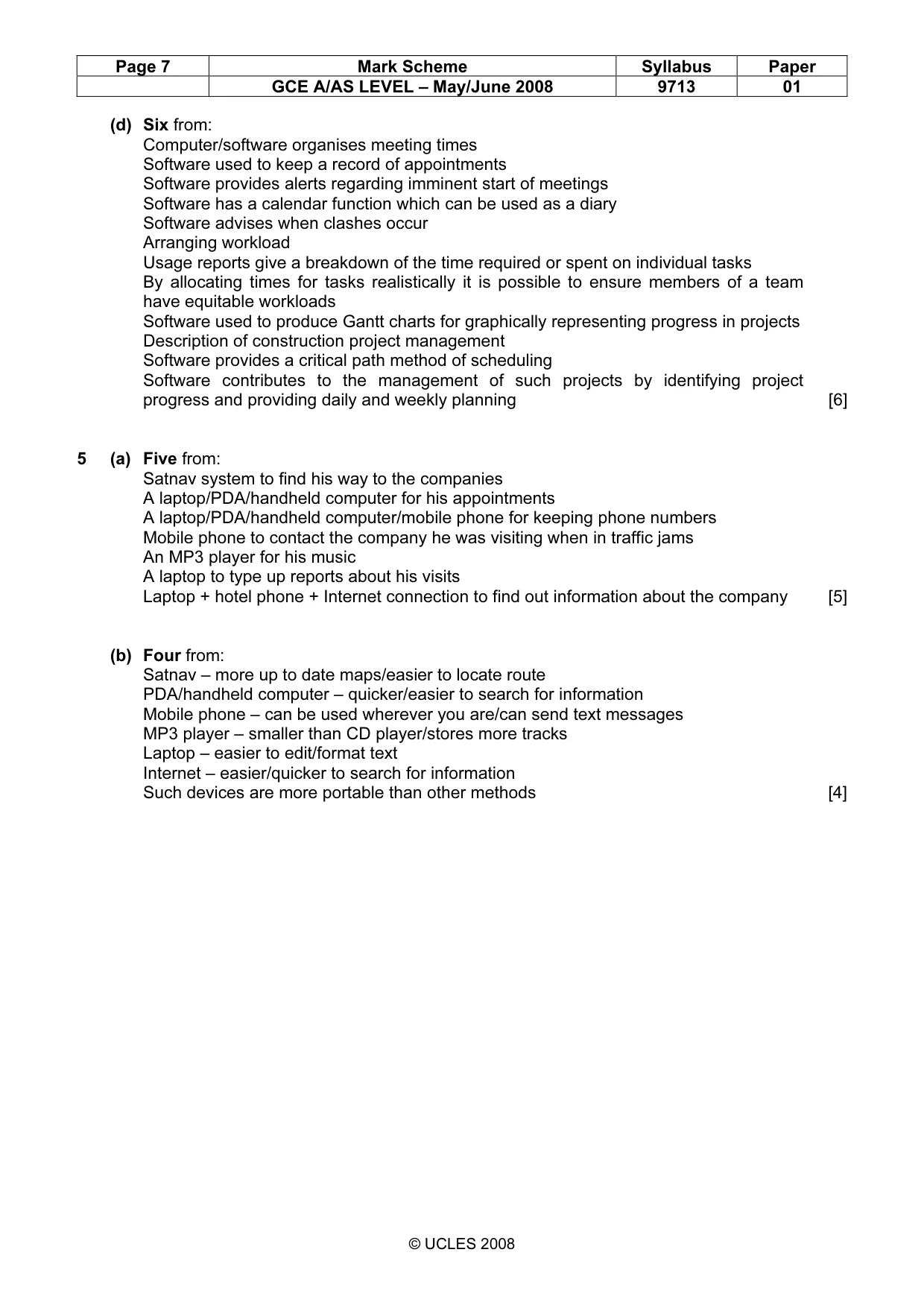
Page 7 Mark Scheme Syllabus Paper GCE A/AS LEVEL – May/June 2008 9713 01 © UCLES 2008 (d) Six from: Computer/software organises meeting times Software used to keep a record of appointments Software provides alerts regarding imminent start of meetings Software has a calendar function which can be used as a diary Software advises when clashes occur Arranging workload Usage reports give a breakdown of the time required or spent on individual tasks By allocating times for tasks realistically it is possible to ensure members of a team have equitable workloads Software used to produce Gantt charts for graphically representing progress in projects Description of construction project management Software provides a critical path method of scheduling Software contributes to the management of such projects by identifying project progress and providing daily and weekly planning [6] 5 (a) Five from: Satnav system to find his way to the companies A laptop/PDA/handheld computer for his appointments A laptop/PDA/handheld computer/mobile phone for keeping phone numbers Mobile phone to contact the company he was visiting when in traffic jams An MP3 player for his music A laptop to type up reports about his visits Laptop + hotel phone + Internet connection to find out information about the company [5] (b) Four from: Satnav – more up to date maps/easier to locate route PDA/handheld computer – quicker/easier to search for information Mobile phone – can be used wherever you are/can send text messages MP3 player – smaller than CD player/stores more tracks Laptop – easier to edit/format text Internet – easier/quicker to search for information Such devices are more portable than other methods [4]
What you needed in this session
Cambridge’s own grade thresholds for 2008 May/June, Paper 1 · Variant 1. A higher threshold means an easier paper — the bar moves with how the cohort did.