Cambridge IGCSE Computer Studies 0420 — 2011 Oct/Nov Paper 3 · Variant 3
0420/33/O/N/11 · 1 question · 60 marks · ≈68 min
The question paper and its mark scheme, free to read here and free to download. This is Cambridge’s own paper, exactly as it was sat.
Question paper12 pages

Mark scheme7 pages
Answers below. Sit the paper first if you are practising.
Questions as text
Q1 · In this question you are asked to read about: • an existing manual, paper-based ordering…
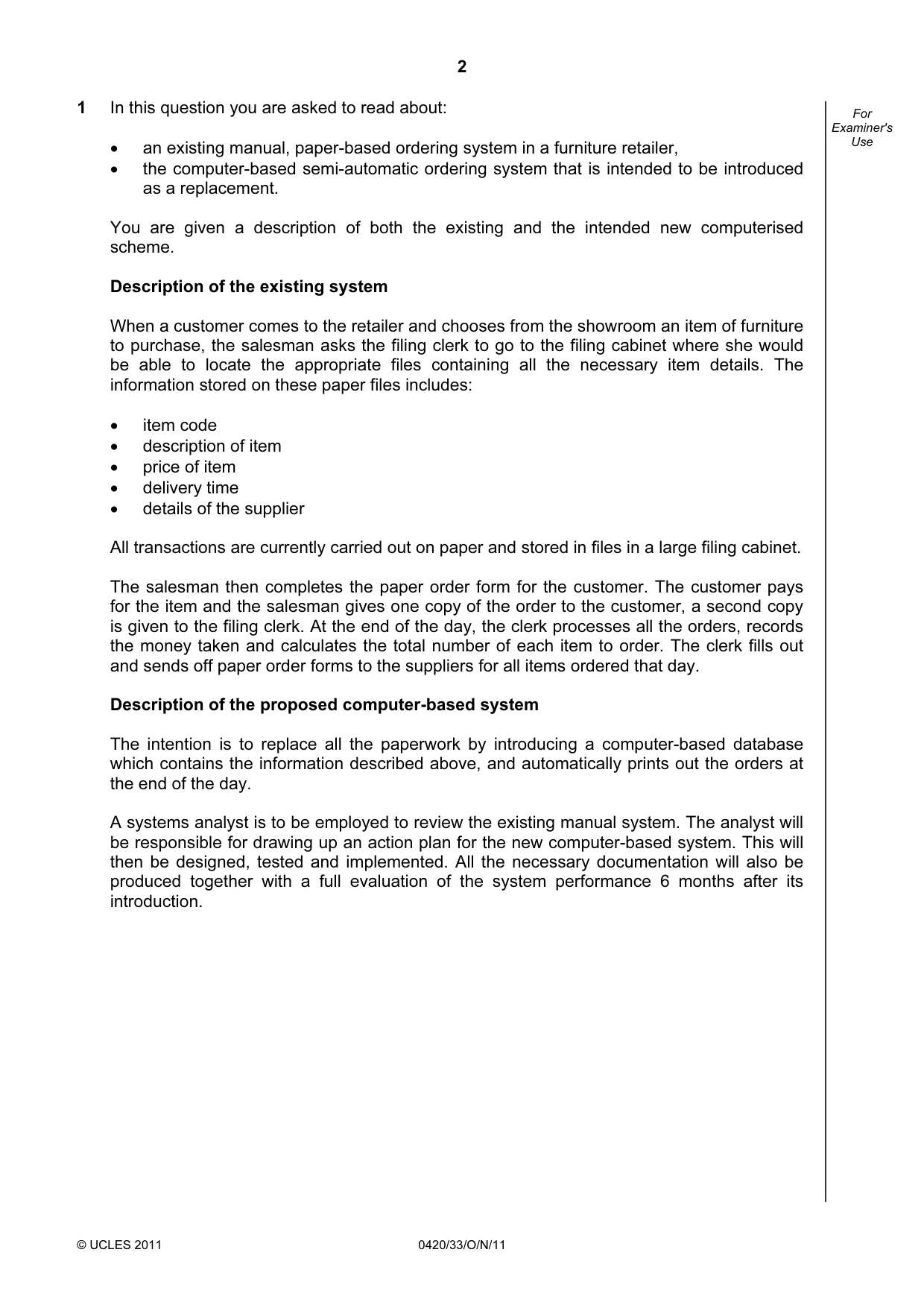
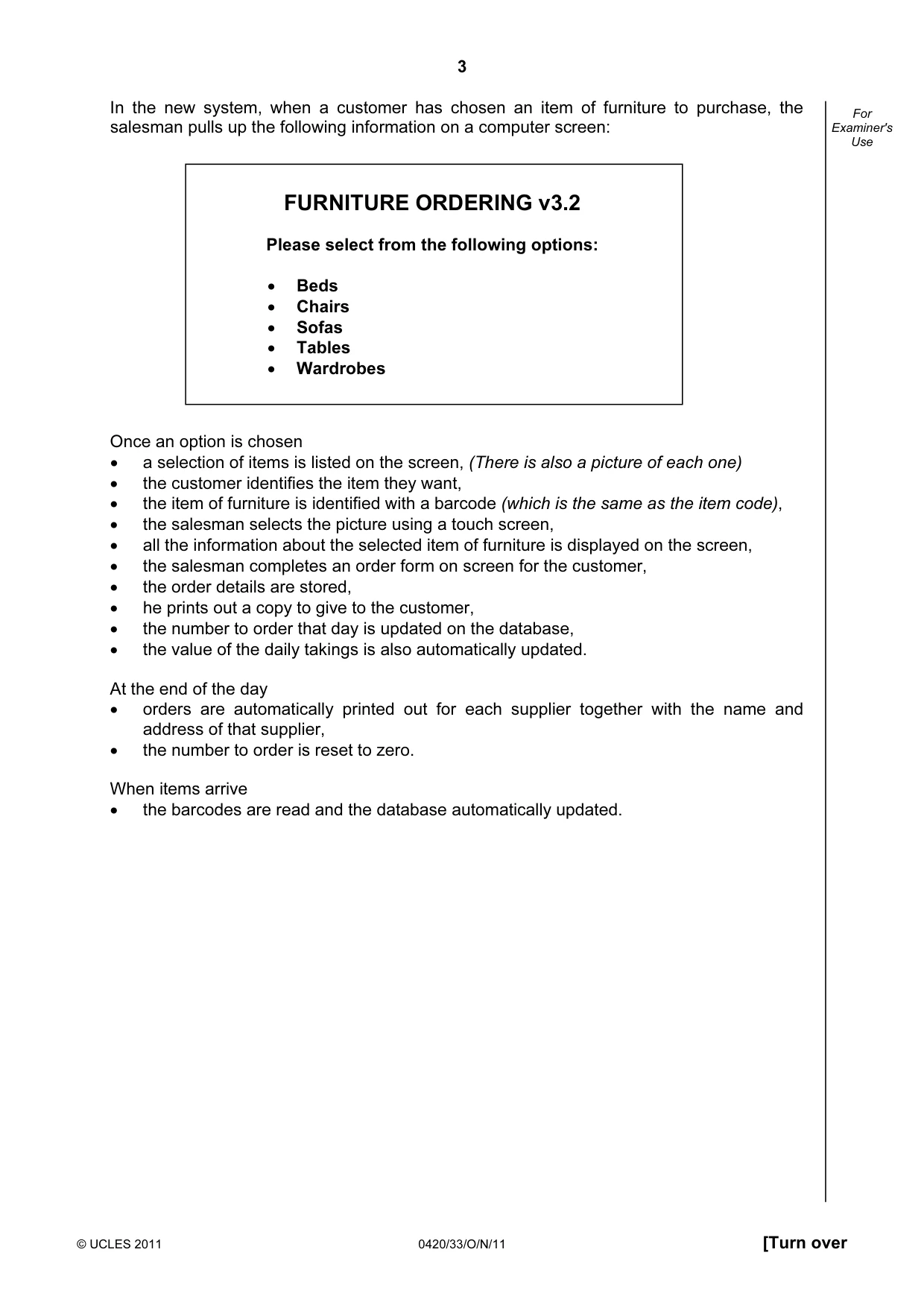
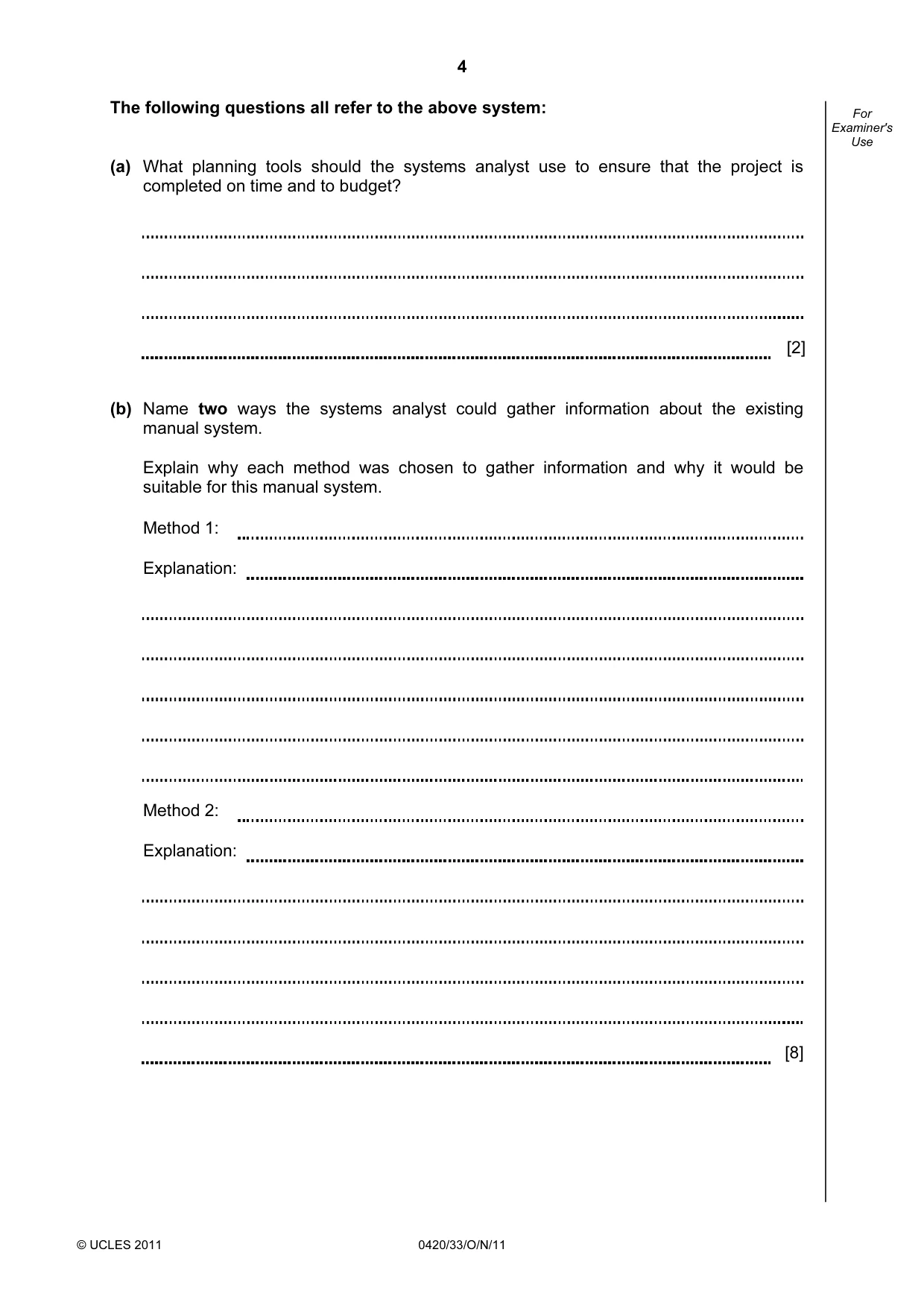
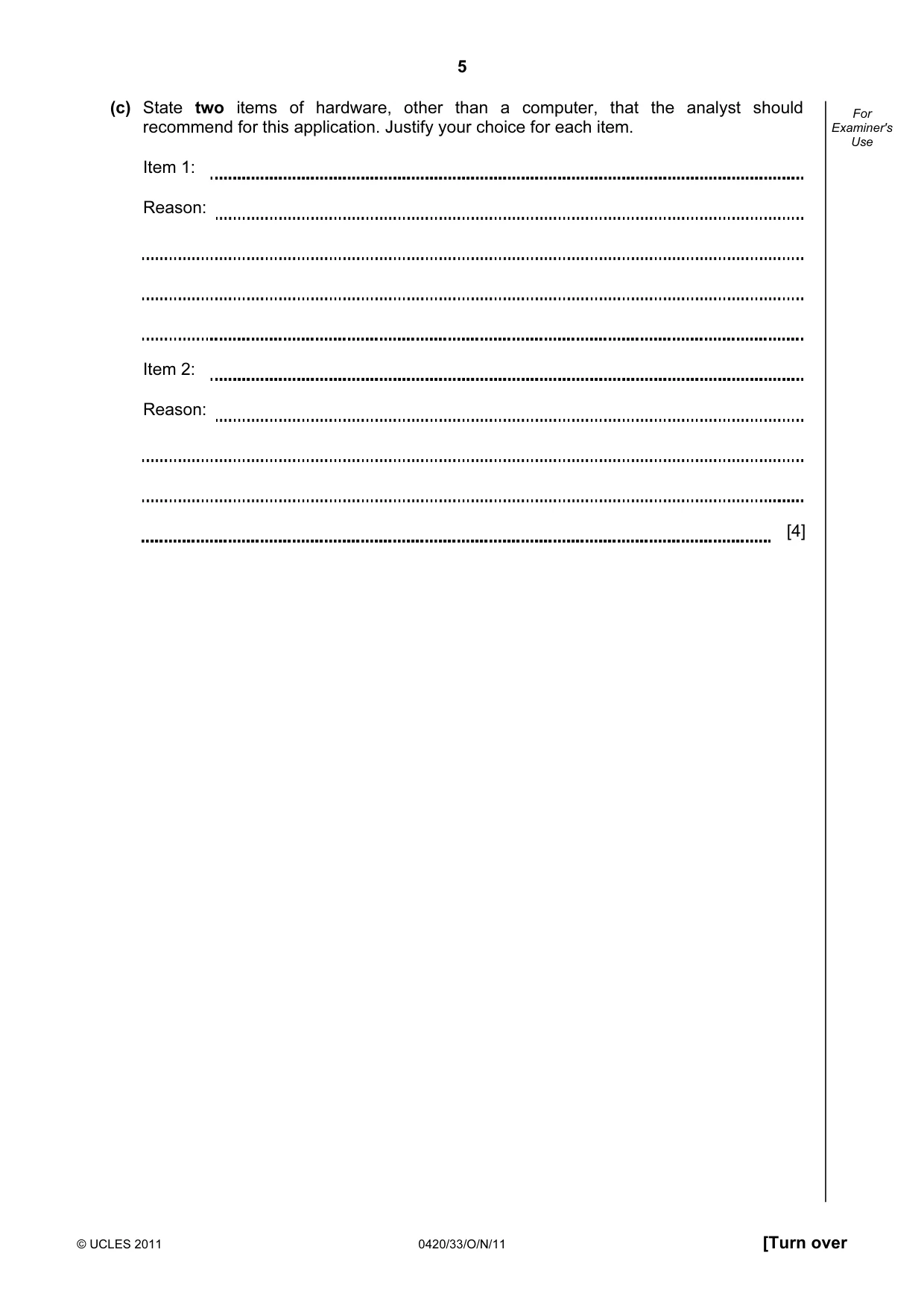
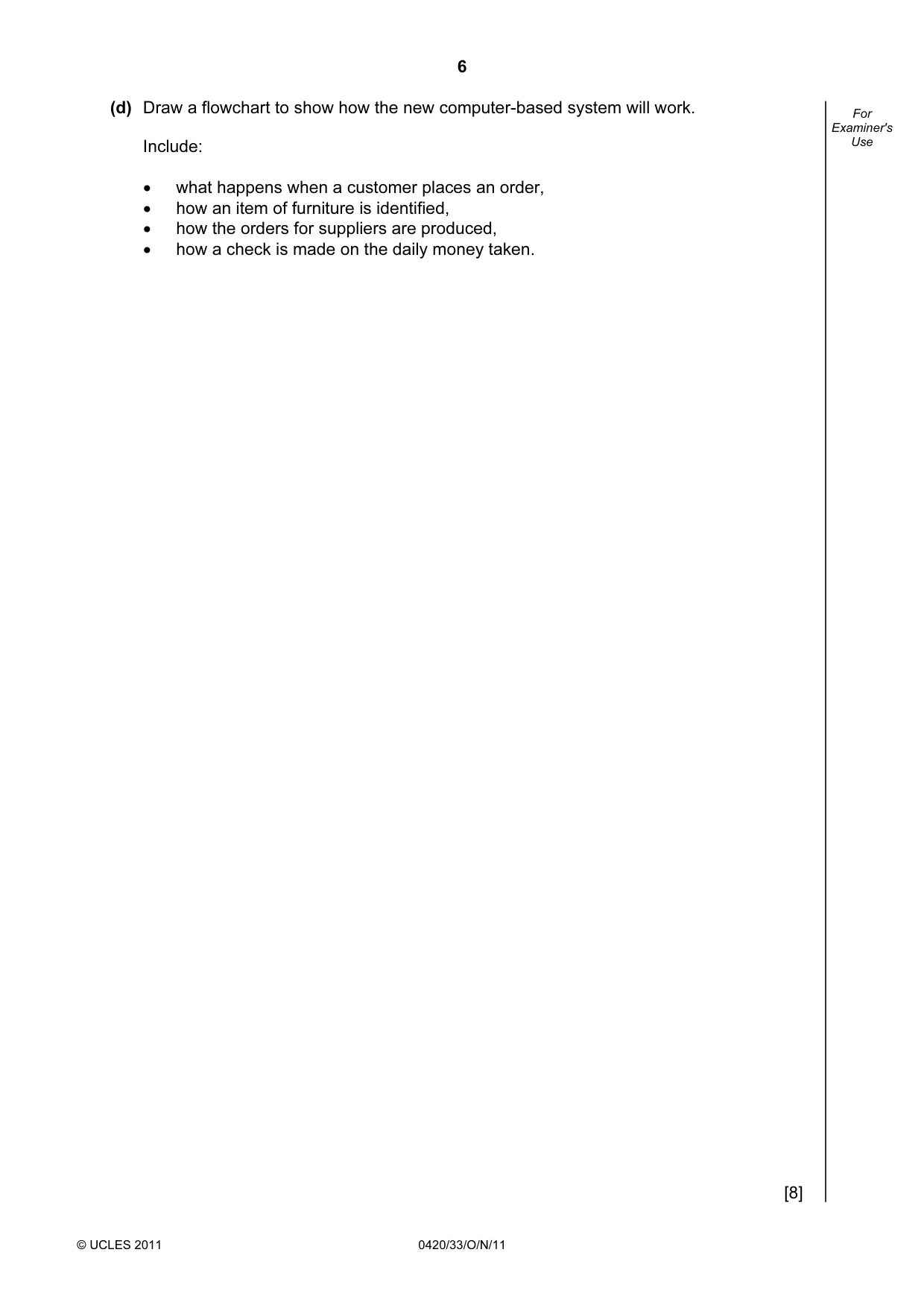
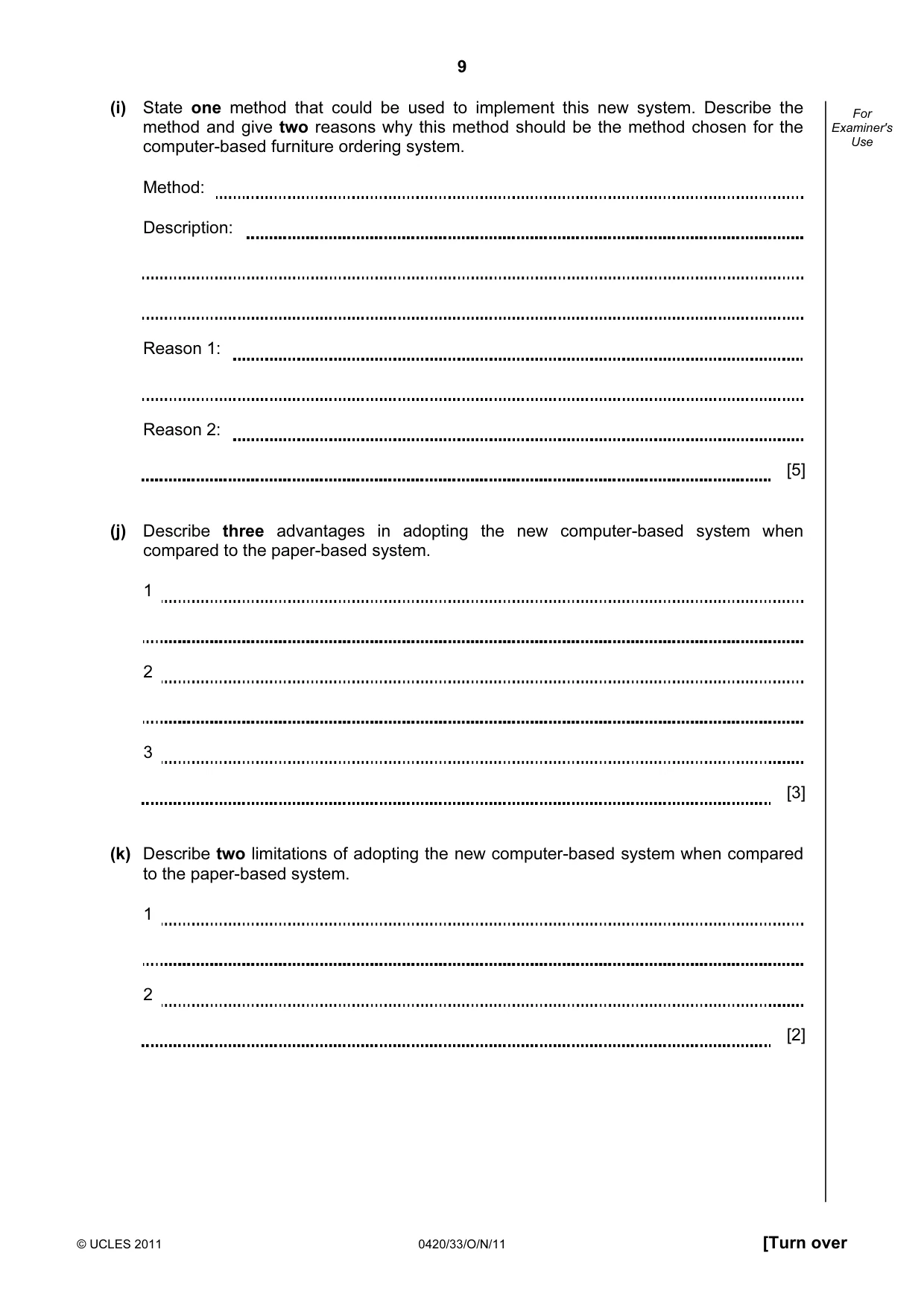
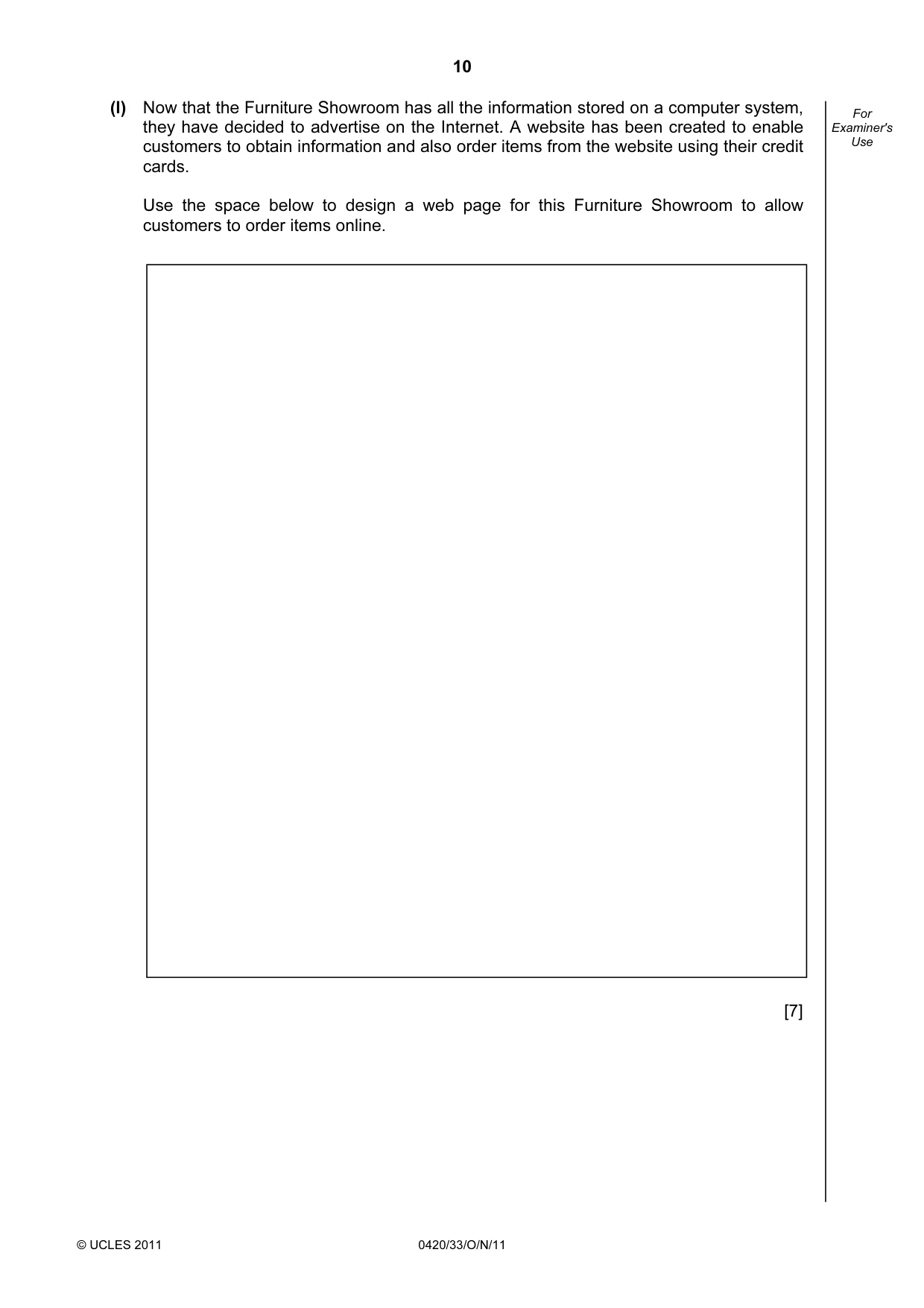
1 In this question you are asked to read about: • an existing manual, paper-based ordering system in a furniture retailer, • the computer-based semi-automatic ordering system that is intended to be introduced as a replacement. You are given a description of both the existing and the intended new computerised scheme. Description of the existing system When a customer comes to the retailer and chooses from the showroom an item of furniture to purchase, the salesman asks the filing clerk to go to the filing cabinet where she would be able to locate the appropriate files containing all the necessary item details. The information stored on these paper files includes: • item code • description of item • price of item • delivery time • details of the supplier All transactions are currently carried out on paper and stored in files in a large filing cabinet. The salesman then completes the paper order form for the customer. The customer pays for the item and the salesman gives one copy of the order to the customer, a second copy is given to the filing clerk. At the end of the day, the clerk processes all the orders, records the money taken and calculates the total number of each item to order. The clerk fills out and sends off paper order forms to the suppliers for all items ordered that day. Description of the proposed computer-based system The intention is to replace all the paperwork by introducing a computer-based database which contains the information described above, and automatically prints out the orders at the end of the day. A systems analyst is to be employed to review the existing manual system. The analyst will be responsible for drawing up an action plan for the new computer-based system. This will then be designed, tested and implemented. All the necessary documentation will also be produced together with a full evaluation of the system performance 6 months after its introduction. In the new system, when a customer has chosen an item of furniture to purchase, the salesman pulls up the following information on a computer screen: FURNITURE ORDERING v3.2 Please select from the following options: • Beds • Chairs • Sofas • Tables • Wardrobes Once an option is chosen • a selection of items is listed on the screen, (There is also a picture of each one) • the customer identifies the item they want, • the item of furniture is identified with a barcode (which is the same as the item code), • the salesman selects the picture using a touch screen, • all the information about the selected item of furniture is displayed on the screen, • the salesman completes an order form on screen for the customer, • the order details are stored, • he prints out a copy to give to the customer, • the number to order that day is updated on the database, • the value of the daily takings is also automatically updated. At the end of the day • orders are automatically printed out for each supplier together with the name and address of that supplier, • the number to order is reset to zero. When items arrive • the barcodes are read and the database automatically updated. The following questions all refer to the above system: (a) What planning tools should the systems analyst use to ensure that the project is completed on time and to budget? [2] (b) Name two ways the systems analyst could gather information about the existing manual system. Explain why each method was chosen to gather information and why it would be suitable for this manual system. Method 1: Explanation: Method 2: Explanation: [8]
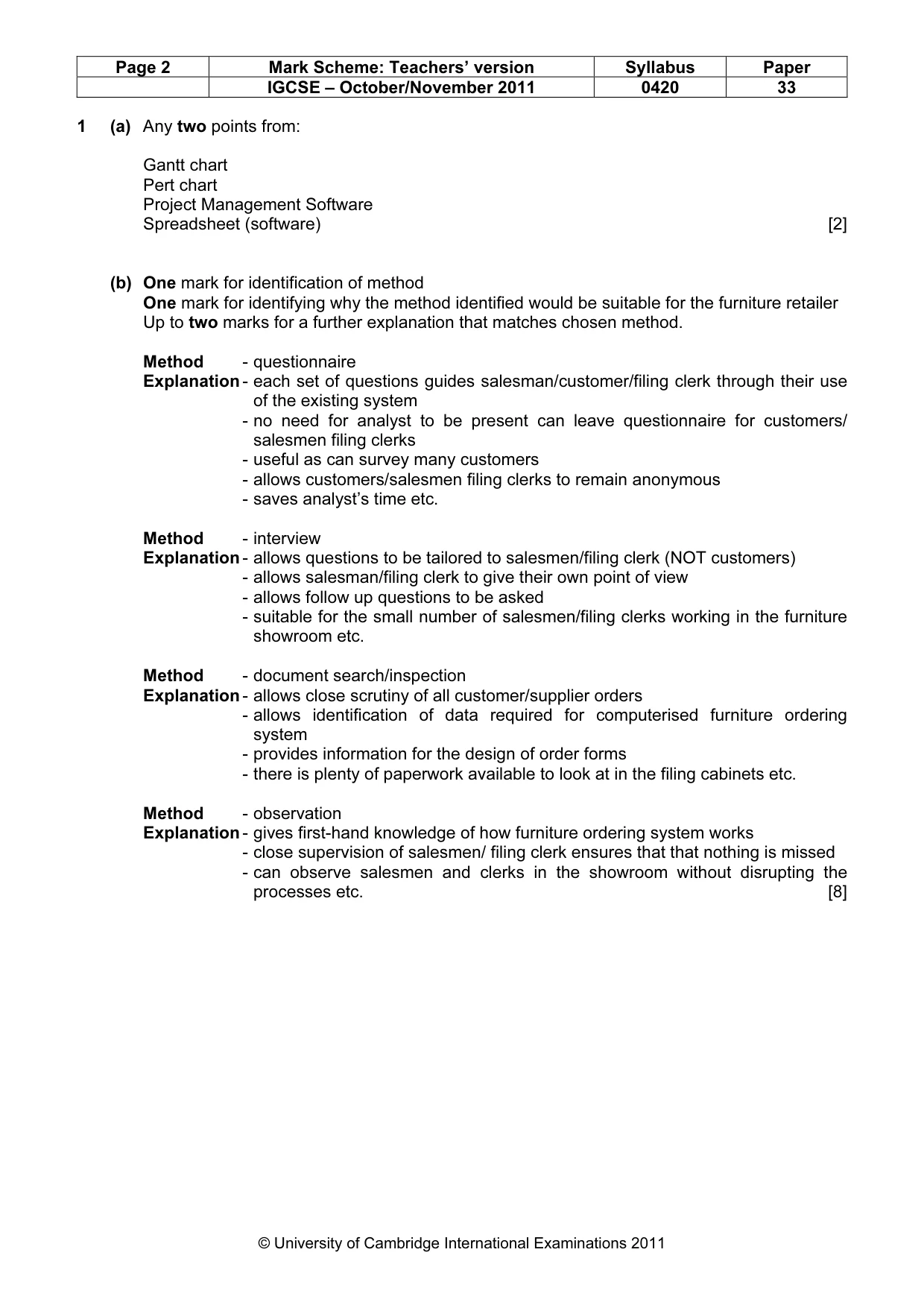
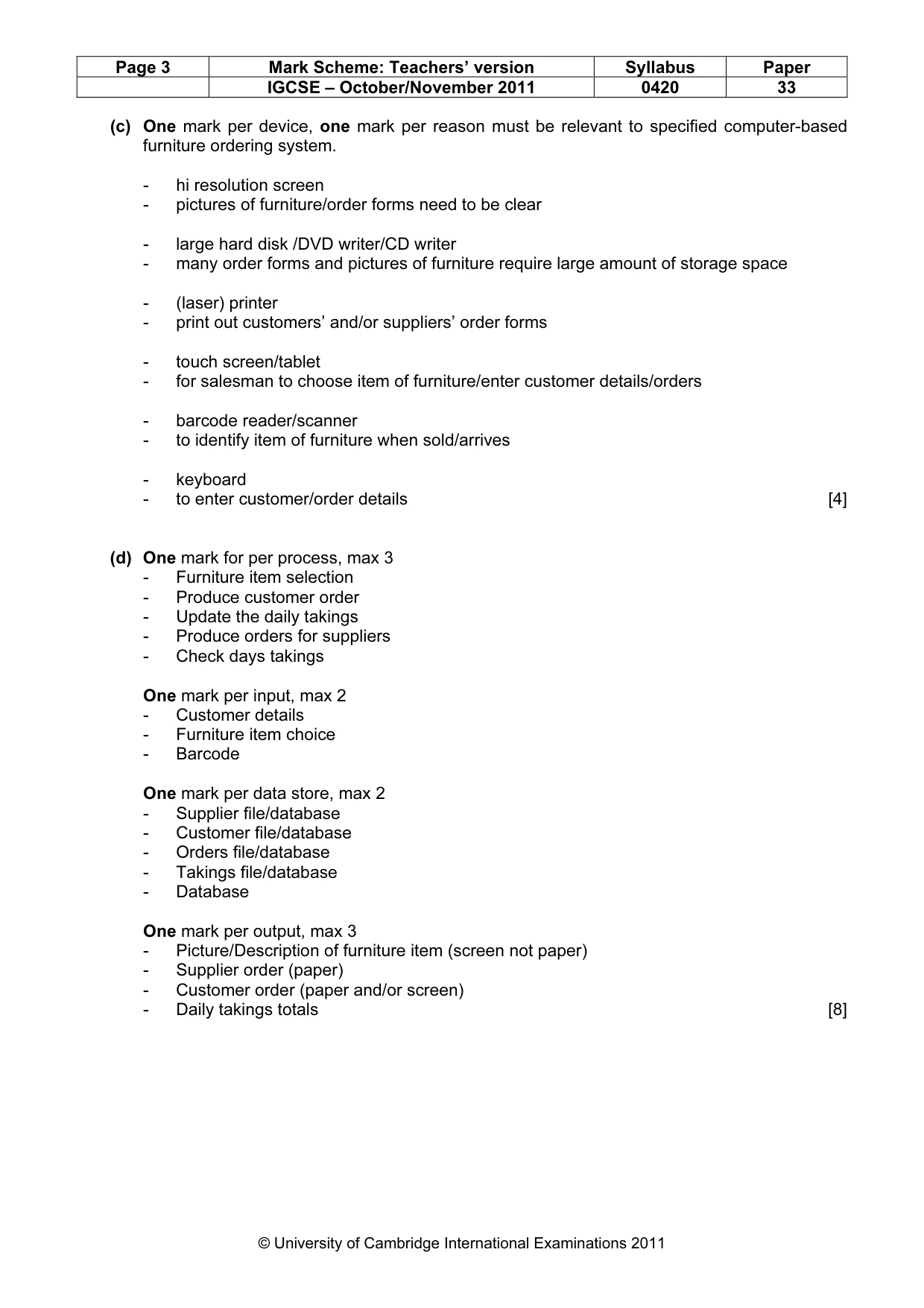
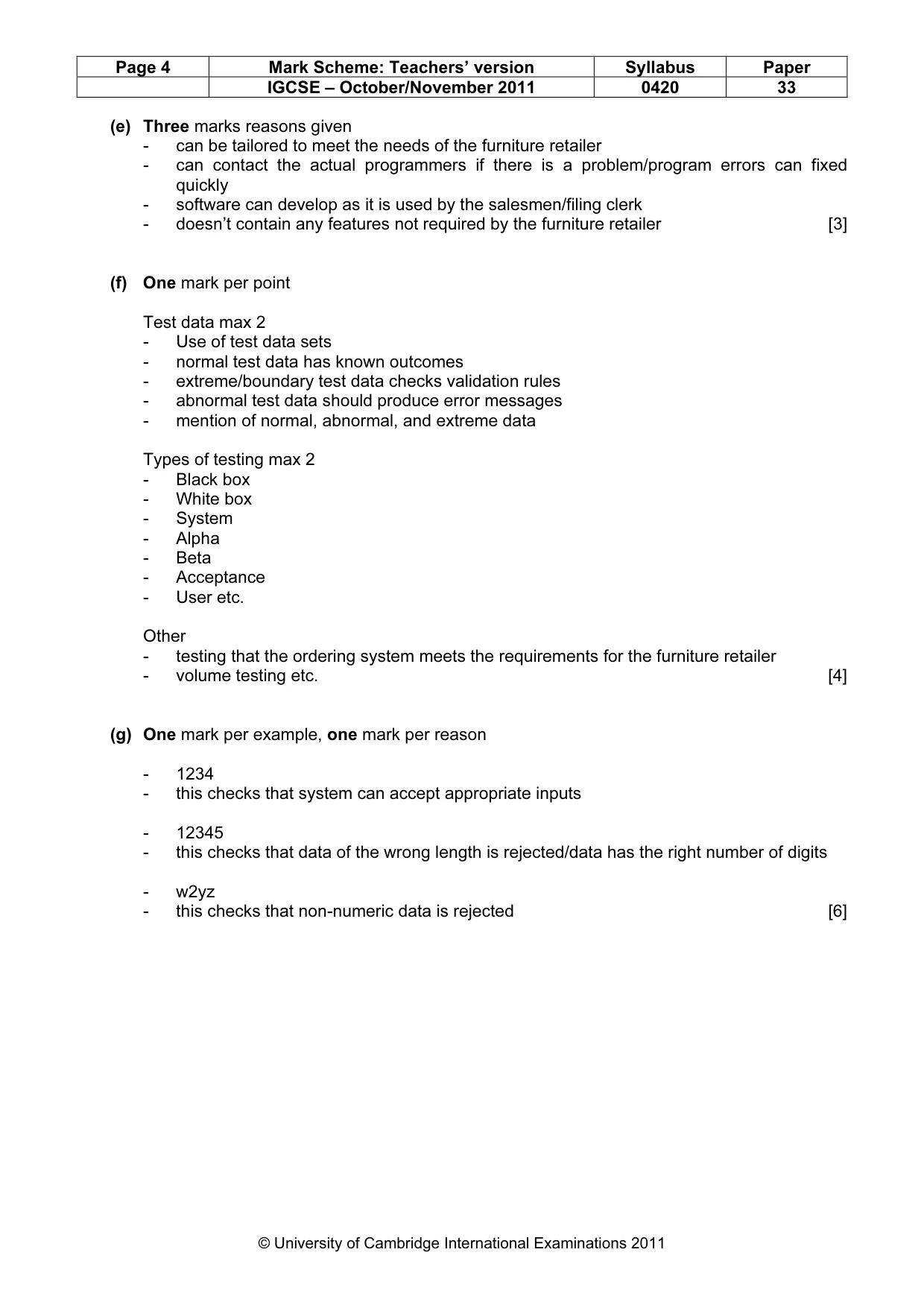
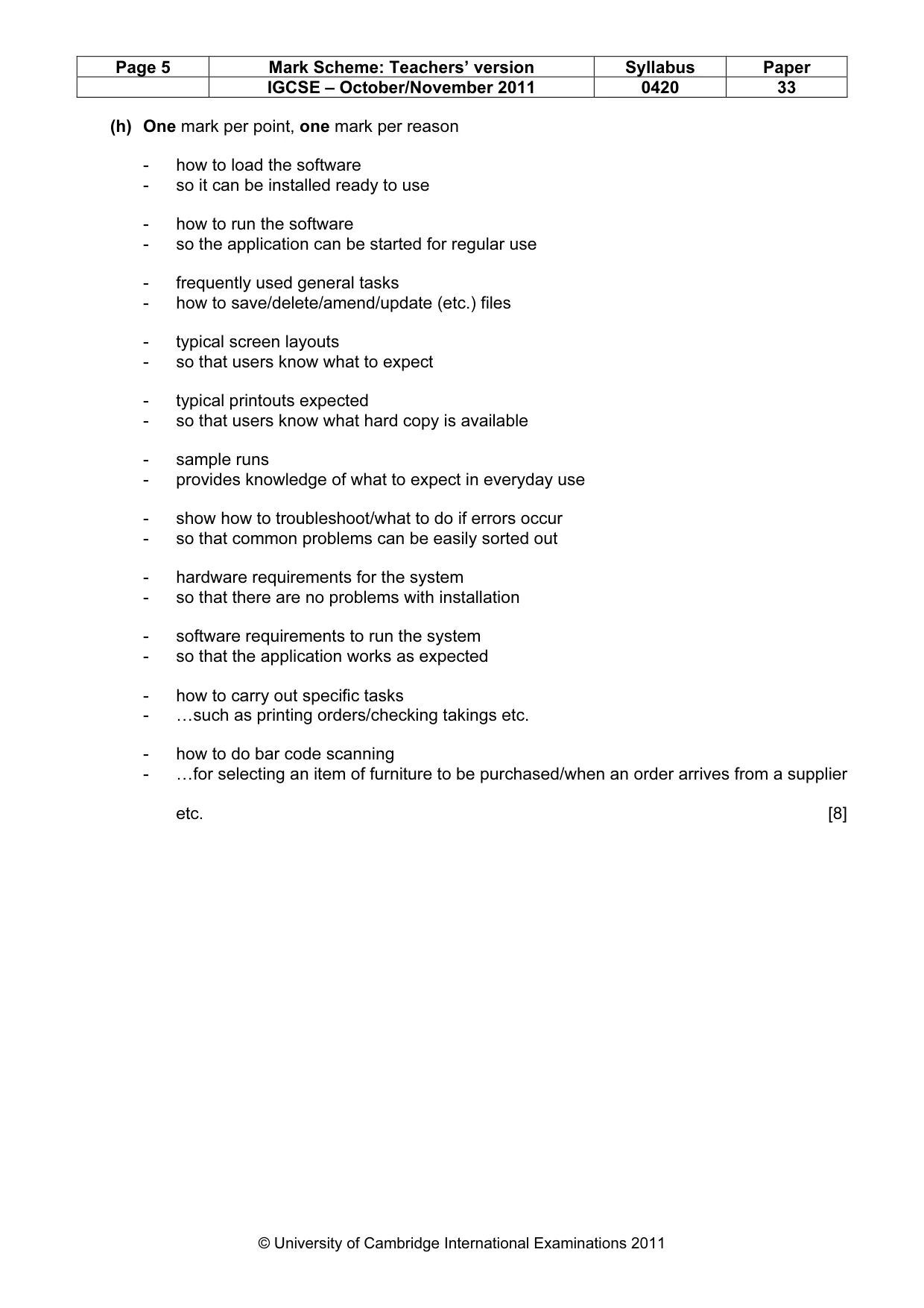
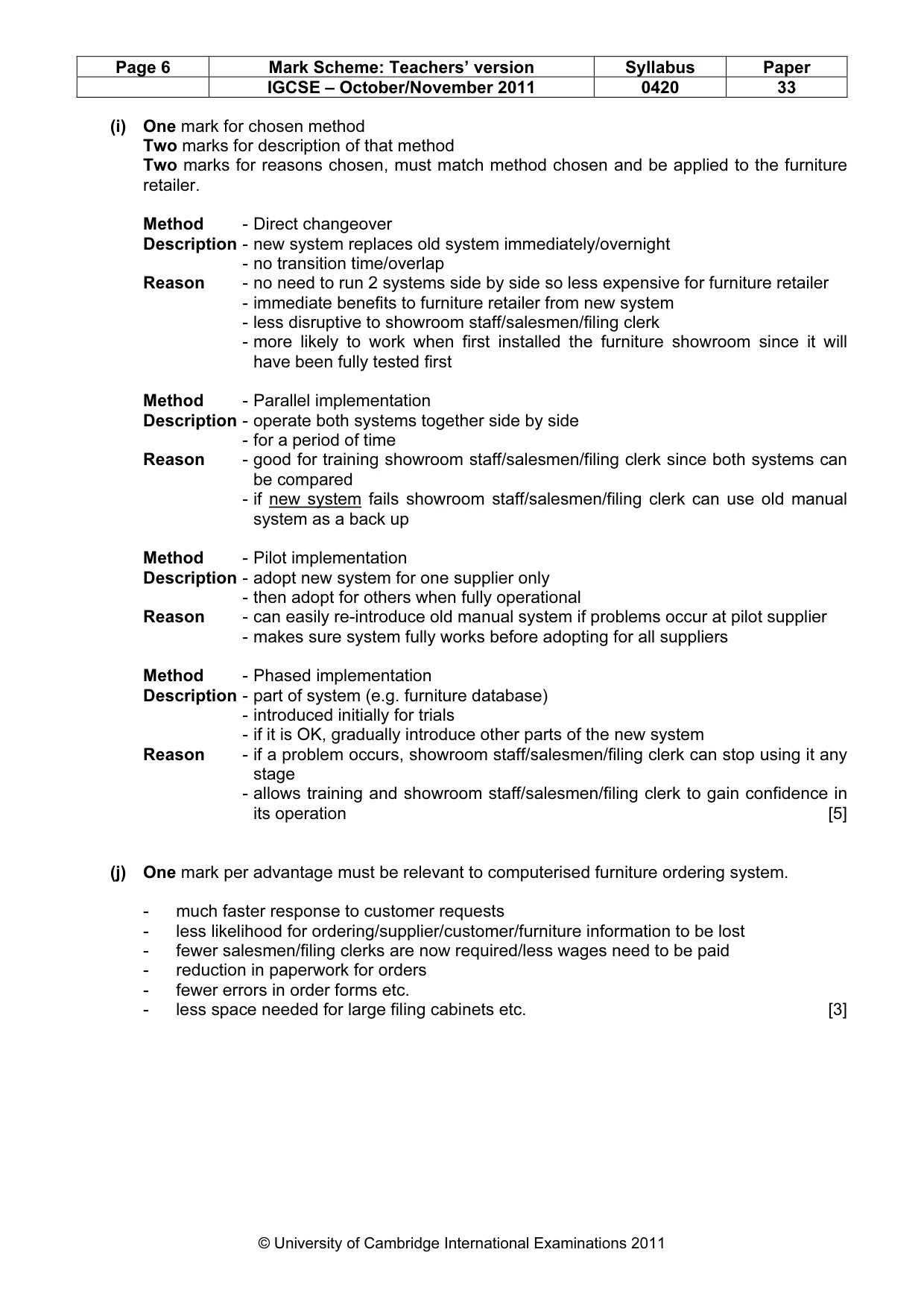
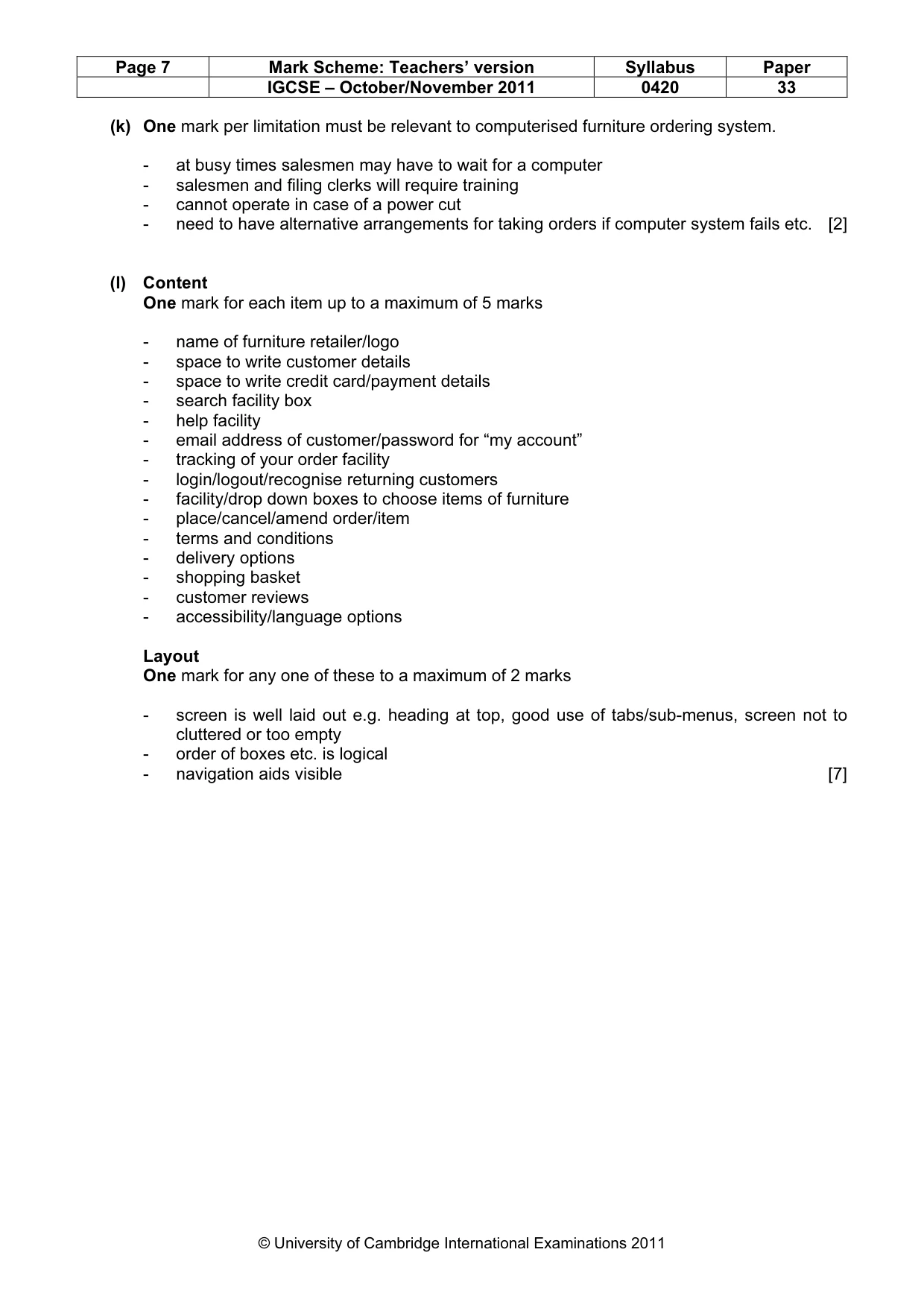
Mark scheme: 1 (a) Any two points from: Gantt chart Pert chart Project Management Software Spreadsheet (software) [2] (b) One mark for identification of method One mark for identifying why the method identified would be suitable for the furniture retailer Up to two marks for a further explanation that matches chosen method. Method - questionnaire Explanation - each set of questions guides salesman/customer/filing clerk through their use of the existing system - no need for analyst to be present can leave questionnaire for customers/ salesmen filing clerks - useful as can survey many customers - allows customers/salesmen filing clerks to remain anonymous - saves analyst’s time etc. Method - interview Explanation - allows questions to be tailored to salesmen/filing clerk (NOT customers) - allows salesman/filing clerk to give their own point of view - allows follow up questions to be asked - suitable for the small number of salesmen/filing clerks working in the furniture showroom etc. Method - document search/inspection Explanation - allows close scrutiny of all customer/supplier orders - allows identification of data required for computerised furniture ordering system - provides information for the design of order forms - there is plenty of paperwork available to look at in the filing cabinets etc. Method - observation Explanation - gives first-hand knowledge of how furniture ordering system works - close supervision of salesmen/ filing clerk ensures that that nothing is missed - can observe salesmen and clerks in the showroom without disrupting the processes etc. [8] IGCSE – October/November 2011 0420 33 (c) One mark per device, one mark per reason must be relevant to specified computer-based furniture ordering system. - hi resolution screen - pictures of furniture/order forms need to be clear - large hard disk /DVD writer/CD writer - many order forms and pictures of furniture require large amount of storage space - (laser) printer - print out customers’ and/or suppliers’ order forms - touch screen/tablet - for salesman to choose item of furniture/enter customer details/orders - barcode reader/scanner - to identify item of furniture when sold/arrives - keyboard - to enter customer/order details [4] (d) One mark for per process, max 3 - Furniture item selection - Produce customer order - Update the daily takings - Produce orders for suppliers - Check days takings One mark per input, max 2 - Customer details - Furniture item choice - Barcode One mark per data store, max 2 - Supplier file/database - Customer file/database - Orders file/database - Takings file/database - Database One mark per output, max 3 - Picture/Description of furniture item (screen not paper) - Supplier order (paper) - Customer order (paper and/or screen) - Daily takings totals [8] IGCSE – October/November 2011 0420 33 (e) Three marks reasons given - can be tailored to meet the needs of the furniture retailer - can contact the actual programmers if there is a problem/program errors can fixed quickly - software can develop as it is used by the salesmen/filing clerk - doesn’t contain any features not required by the furniture retailer [3] (f) One mark per point Test data max 2 - Use of test data sets - normal test data has known outcomes - extreme/boundary test data checks validation rules - abnormal test data should produce error messages - mention of normal, abnormal, and extreme data Types of testing max 2 - Black box - White box - System - Alpha - Beta - Acceptance - User etc. Other - testing that the ordering system meets the requirements for the furniture retailer - volume testing etc. [4] (g) One mark per example, one mark per reason - 1234 - this checks that system can accept appropriate inputs - 12345 - this checks that data of the wrong length is rejected/data has the right number of digits - w2yz - this checks that non-numeric data is rejected [6] IGCSE – October/November 2011 0420 33 (h) One mark per point, one mark per reason - how to load the software - so it can be installed ready to use - how to run the software - so the application can be started for regular use - frequently used general tasks - how to save/delete/amend/update (etc.) files - typical screen layouts - so that users know what to expect - typical printouts expected - so that users know what hard copy is available - sample runs - provides knowledge of what to expect in everyday use - show how to troubleshoot/what to do if errors occur - so that common problems can be easily sorted out - hardware requirements for the system - so that there are no problems with installation - software requirements to run the system - so that the application works as expected - how to carry out specific tasks - …such as printing orders/checking takings etc. - how to do bar code scanning - …for selecting an item of furniture to be purchased/when an order arrives from a supplier etc. [8] IGCSE – October/November 2011 0420 33 (i) One mark for chosen method Two marks for description of that method Two marks for reasons chosen, must match method chosen and be applied to the furniture retailer. Method - Direct changeover Description - new system replaces old system immediately/overnight - no transition time/overlap Reason - no need to run 2 systems side by side so less expensive for furniture retailer - immediate benefits to furniture retailer from new system - less disruptive to showroom staff/salesmen/filing clerk - more likely to work when first installed the furniture showroom since it will have been fully tested first Method - Parallel implementation Description - operate both systems together side by side - for a period of time Reason - good for training showroom staff/salesmen/filing clerk since both systems can be compared - if new system fails showroom staff/salesmen/filing clerk can use old manual system as a back up Method - Pilot implementation Description - adopt new system for one supplier only - then adopt for others when fully operational Reason - can easily re-introduce old manual system if problems occur at pilot supplier - makes sure system fully works before adopting for all suppliers Method - Phased implementation Description - part of system (e.g. furniture database) - introduced initially for trials - if it is OK, gradually introduce other parts of the new system Reason - if a problem occurs, showroom staff/salesmen/filing clerk can stop using it any stage - allows training and showroom staff/salesmen/filing clerk to gain confidence in its operation [5] (j) One mark per advantage must be relevant to computerised furniture ordering system. - much faster response to customer requests - less likelihood for ordering/supplier/customer/furniture information to be lost - fewer salesmen/filing clerks are now required/less wages need to be paid - reduction in paperwork for orders - fewer errors in order forms etc. - less space needed for large filing cabinets etc. [3] IGCSE – October/November 2011 0420 33 (k) One mark per limitation must be relevant to computerised furniture ordering system. - at busy times salesmen may have to wait for a computer - salesmen and filing clerks will require training - cannot operate in case of a power cut - need to have alternative arrangements for taking orders if computer system fails etc. [2] (l) Content One mark for each item up to a maximum of 5 marks - name of furniture retailer/logo - space to write customer details - space to write credit card/payment details - search facility box - help facility - email address of customer/password for “my account” - tracking of your order facility - login/logout/recognise returning customers - facility/drop down boxes to choose items of furniture - place/cancel/amend order/item - terms and conditions - delivery options - shopping basket - customer reviews - accessibility/language options Layout One mark for any one of these to a maximum of 2 marks - screen is well laid out e.g. heading at top, good use of tabs/sub-menus, screen not to cluttered or too empty - order of boxes etc. is logical - navigation aids visible [7]
What you needed in this session
Cambridge’s own grade thresholds for 2011 Oct/Nov, Paper 3 · Variant 3. A higher threshold means an easier paper — the bar moves with how the cohort did.