Cambridge IGCSE Geography 0460 — 2008 Oct/Nov Paper 5 · Variant 0
0460/50/O/N/08
The question paper and its mark scheme, free to read here and free to download. This is Cambridge’s own paper, exactly as it was sat.
Question paper1 pages
Mark scheme
No mark scheme is in the library for this paper.
Paper as text
Question paper, page 1
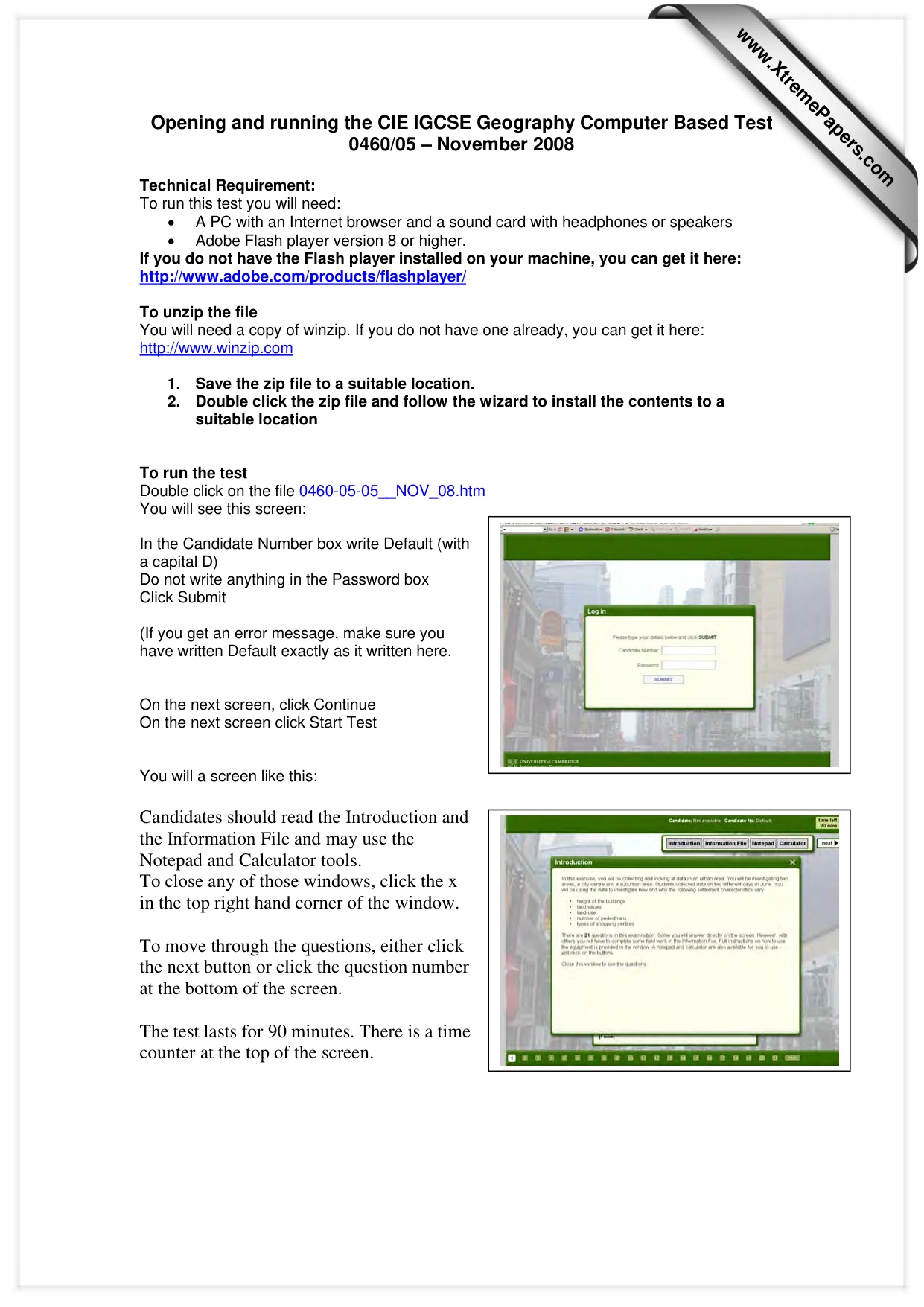
Opening and running the CIE IGCSE Geography Computer Based Test 0460/05 – November 2008 Technical Requirement: To run this test you will need: • A PC with an Internet browser and a sound card with headphones or speakers • Adobe Flash player version 8 or higher. If you do not have the Flash player installed on your machine, you can get it here: http://www.adobe.com/products/flashplayer/ To unzip the file You will need a copy of winzip. If you do not have one already, you can get it here: http://www.winzip.com 1. Save the zip file to a suitable location. 2. Double click the zip file and follow the wizard to install the contents to a suitable location To run the test Double click on the file 0460-05-05__NOV_08.htm You will see this screen: In the Candidate Number box write Default (with a capital D) Do not write anything in the Password box Click Submit (If you get an error message, make sure you have written Default exactly as it written here. On the next screen, click Continue On the next screen click Start Test You will a screen like this: Candidates should read the Introduction and the Information File and may use the Notepad and Calculator tools. To close any of those windows, click the x in the top right hand corner of the window. To move through the questions, either click the next button or click the question number at the bottom of the screen. The test lasts for 90 minutes. There is a time counter at the top of the screen. www.XtremePapers.com